What is Hermes Agent?
Hermes Agent is Nous Research’s open-source, MIT-licensed take on a personal AI agent that doesn’t live on your laptop. Instead of a chat tab you open and close, it’s a process that runs continuously on a server, keeps a persistent memory of what it’s learned about you and your projects, and reaches you wherever you already are — Telegram, Discord, Slack, WhatsApp, Signal, or a plain terminal.
Nous Research describes it as the only agent with a “built-in learning loop” — it creates skills from experience, improves them with use, and builds a deepening model of who you are across sessions, rather than starting from zero every conversation.
Key Features
- Persistent memory — a memory database under
~/.hermes/memory/that survives restarts, so the agent remembers past conversations, projects, and preferences instead of forgetting everything between sessions. - A large bundled skills library — ~160 skills ship out of the box, covering GitHub workflows (PR review, issue triage), document handling (PDF, DOCX, XLSX, PowerPoint, Notion), research (arXiv, web search), coding tasks (debugging, TDD, code review), and more. The agent can also author new skills for itself as it solves novel problems.
- Model-agnostic — 300+ models across Nous Portal, OpenAI, Anthropic, OpenRouter, and custom/self-hosted endpoints. Swap providers anytime with
hermes model, no code changes. - Messaging gateways — 20+ documented platforms, including Telegram, Discord, Slack, WhatsApp, Signal, Google Chat, Matrix, MS Teams, LINE, Feishu/Lark, and Home Assistant, so the agent is reachable from your phone, not just an SSH session. See connecting it to Discord for a full setup walkthrough.
- Configurable terminal backends — choose where the agent actually executes shell commands and code: locally, in Docker, over SSH to another machine, or in a serverless sandbox (Modal, Daytona).
- A tool pool — web search & extraction, image generation, text-to-speech, speech-to-text, and browser automation, toggled individually during setup.
- Cron-style scheduling — recurring automated tasks, delivered back to you through whichever messaging platform you’ve connected.
- MCP integration — connects to any Model Context Protocol server for extended capabilities beyond the built-in tool set.
- Credential pools — multiple API keys per provider rotate automatically, so a rate-limited or expired key never blocks the agent mid-task.
- Profiles — run multiple independent Hermes instances on the same machine, each with isolated configs, sessions, skills, and memory. Ideal for separating personal vs. team use, or testing a new model without disrupting your main agent.
Many Surfaces, One Agent
The same Hermes core drives five different interfaces, so you can chat from wherever is most convenient:
- Interactive CLI (
hermes) — the terminal-first chat experience with full streaming and tool execution. - Ink TUI (
hermes --tuiordisplay.interface: tuiinconfig.yaml) — a terminal UI with docked widget apps (system monitor, clock, kanban board) that you can extend with your own live widgets. - Native desktop app (
hermes desktop/hermes gui) — an Electron app for macOS, Linux, and Windows with streaming chat, session list, Cmd+K command palette, drag-and-drop file support, and native OS notifications. Extend it with desktop UI plugins that add custom panes and menu commands. - Web dashboard (
hermes dashboard) — a browser-based admin panel for managing messaging channels, MCP servers, webhooks, memory, and profiles, plus an embedded TUI chat. Secured behind an OAuth or token gate. - IDE integration (
hermes proxy) — a local OpenAI-compatible API backed by your OAuth provider, so you can point Cursor, Claude Code, Aider, Cline, or any compatible tool at it with no API key of its own.
How It’s Installed
Hermes ships a single-command installer for Linux, macOS, and WSL2:
curl -fsSL https://hermes-agent.nousresearch.com/install.sh | bashThe script installs its own Python 3.11 runtime, uv, Node.js, ripgrep, and ffmpeg, and drops everything into an isolated location under your home directory — no root access needed. After that, hermes setup walks through picking an LLM provider (Nous Portal’s Quick Setup needs only a device-code login, no API key), a default model, which tools to enable, a terminal backend, and optionally a messaging platform.
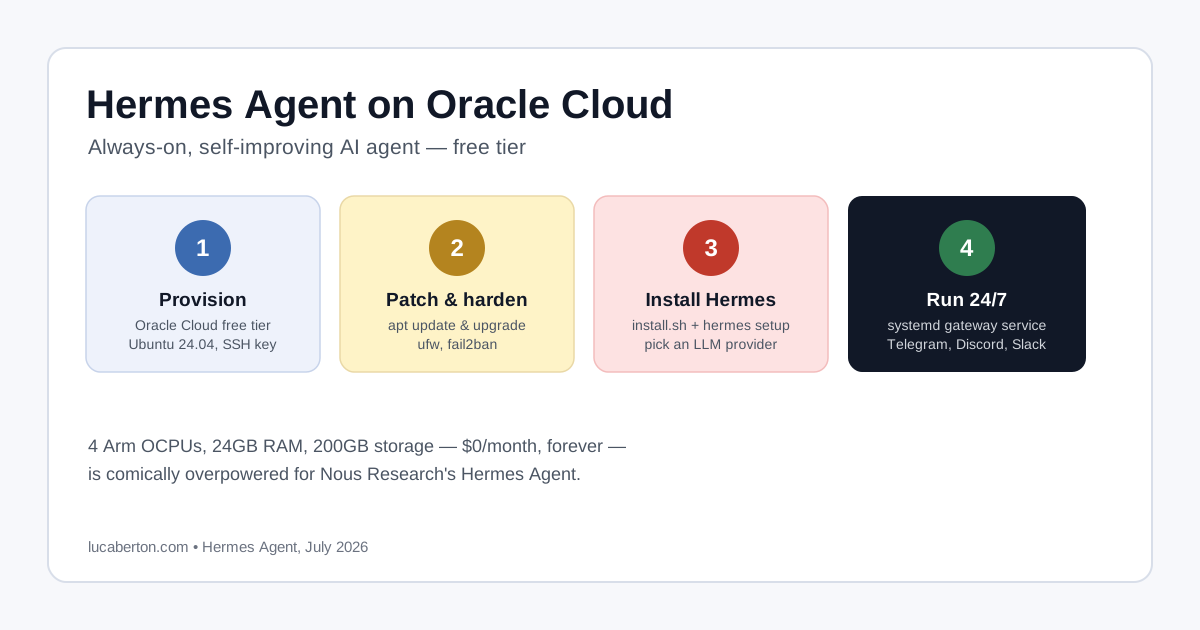
For a full walkthrough of running it on a free cloud instance, see How to Deploy Hermes Agent on Oracle Cloud’s Free Tier.
Where It Runs
Because a messaging gateway only stays reachable while its process is alive, Hermes needs somewhere to run continuously — closing your laptop shouldn’t take the agent offline. Common choices:
- A small cloud VPS — including free-tier instances, like Oracle Cloud’s Always Free Arm or Micro shapes.
- A local machine you leave on — a spare desktop, NUC, or Mac mini.
- Serverless sandboxes — Modal or Daytona, where the environment hibernates when idle and wakes on demand.
Whichever you choose, the messaging gateway is typically kept alive with a process supervisor (systemd, for instance) so it survives reboots and restarts automatically if it crashes.
Hermes Agent vs. Other Self-Hosted Agents
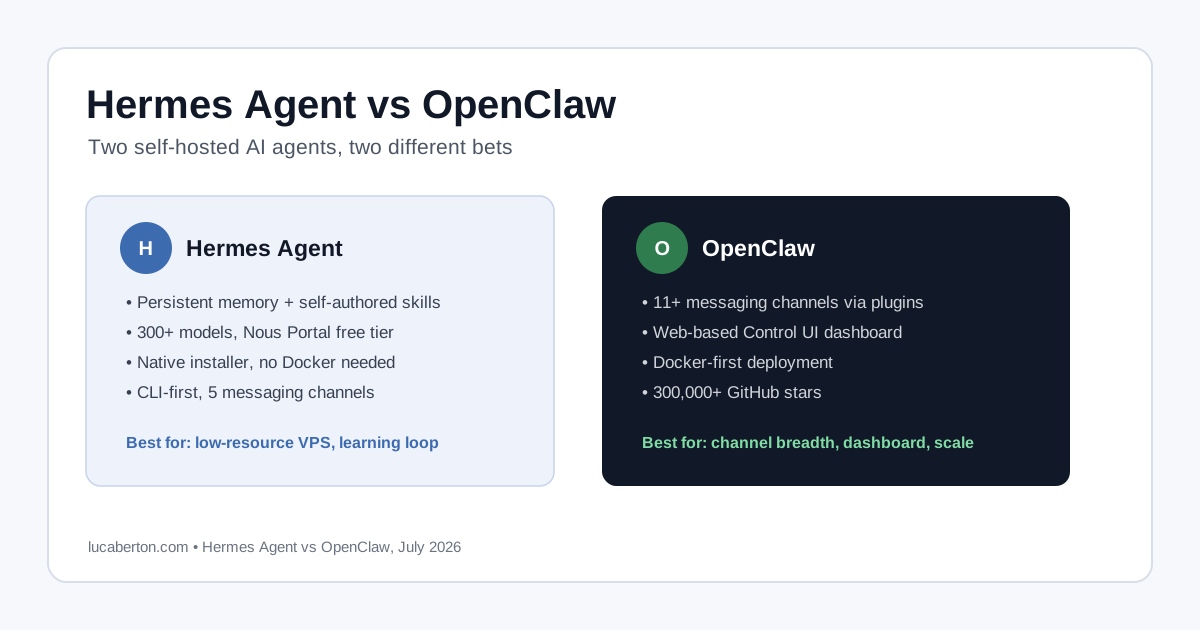
Hermes isn’t the only open-source, self-hosted personal-agent project — OpenClaw covers similar ground with a mature plugin ecosystem and a web-based Control UI dashboard. The two overlap enough that the choice mostly comes down to what you value more: Hermes’s learning loop, skills library, and wider messaging-channel list, or OpenClaw’s dashboard and plugin maturity. See Hermes Agent vs OpenClaw for a closer look.
Resources
- Website: hermes-agent.org
- Documentation: hermes-agent.nousresearch.com/docs
- GitHub: github.com/NousResearch/hermes-agent
- License: MIT (open source)
Related Articles
- Connecting Hermes Agent to GitHub: Auth Setup and Gotchas
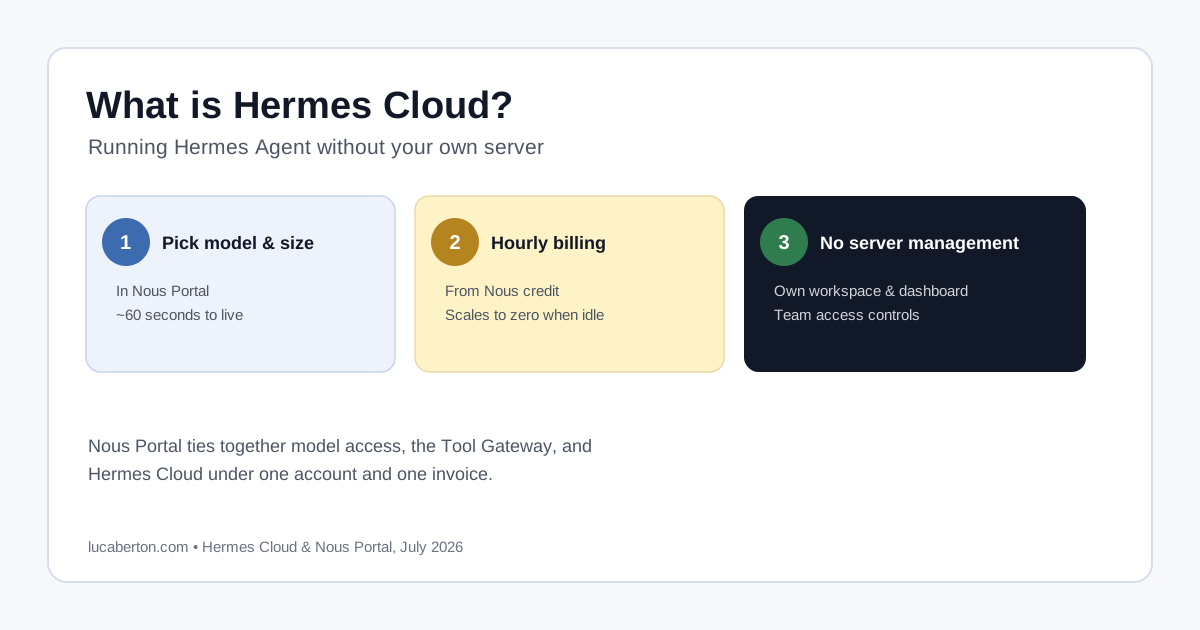
- What is Hermes Cloud? Running Hermes Agent Without a Server
- How to Deploy Hermes Agent on Oracle Cloud’s Free Tier
- Connecting Hermes Agent to Discord: Complete Setup Guide
- Hermes Agent Discord Bot Not Showing Up or Not Responding
- Fix: Hermes Agent Discord “invalid literal for int()” Error
- Hermes Agent vs OpenClaw
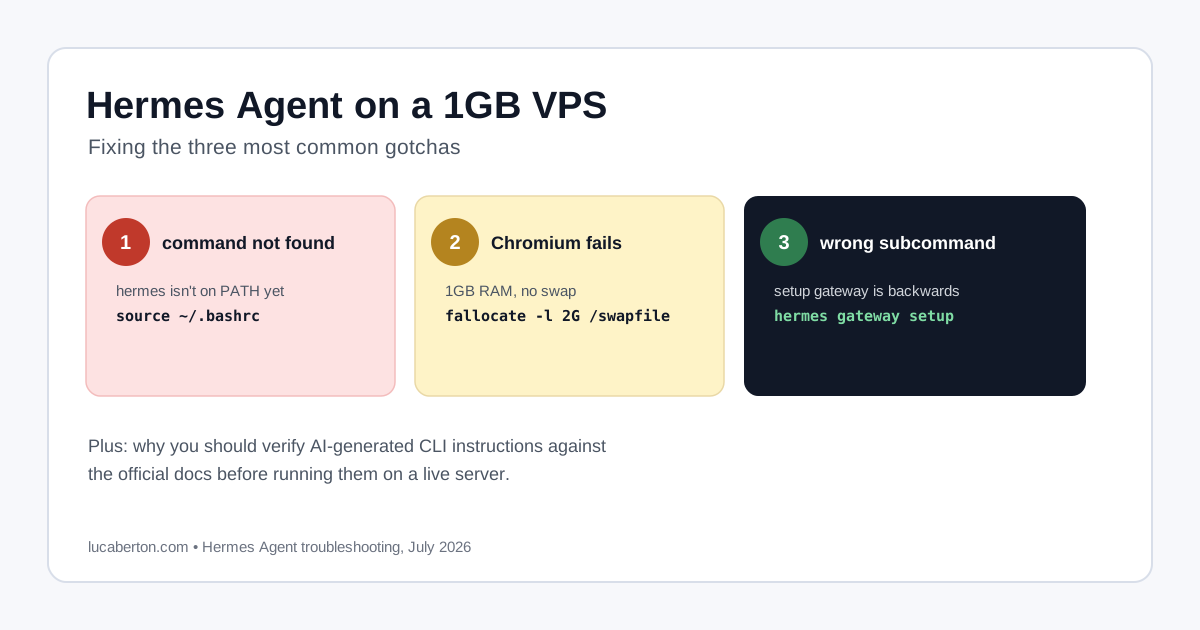
- Hermes Agent on a 1GB VPS: Fixing the Common Gotchas
- What is OpenClaw? The Open-Source AI Agent Gateway
- Gemini Spark vs OpenClaw: Who Holds Your Personal Agent?