The hardest part of self-hosting LLMs is not choosing the model — it is figuring out the exact vllm serve command that works for your specific model on your specific GPUs. Tensor parallelism degree, quantization flags, max model length, GPU memory utilization — get one wrong and you either OOM or leave performance on the table.
vLLM Recipes solves this with a community-maintained catalog of tested configurations. Pick your model, pick your GPU, copy the serve command. Done.
What Is vLLM Recipes?
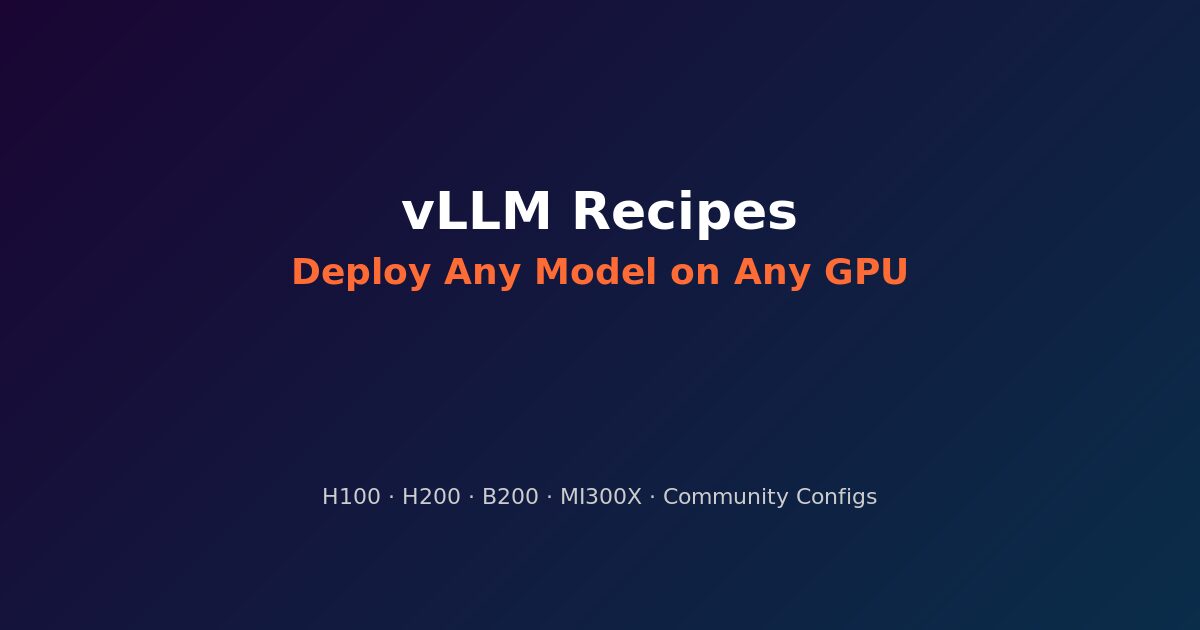
vLLM Recipes is an open-source project (github.com/vllm-project/recipes) that answers one question:
How do I run model X on hardware Y for task Z?
Each recipe is a structured YAML file containing the exact vllm serve command with all necessary parameters — tensor parallelism, quantization, context length, memory settings — validated against specific GPU configurations.
The site at recipes.vllm.ai renders these into a searchable interface: filter by model family, GPU type, or task, and get a copy-paste command.
Supported Hardware
Recipes cover the full spectrum of inference-grade GPUs:
NVIDIA:
- H100 (80GB SXM/PCIe) — the current workhorse
- H200 (141GB HBM3e) — extended memory for larger models
- B200 (192GB HBM3e) — Blackwell generation
- B300 — next-gen Blackwell
- Grace-Blackwell (GB200/NVL72) — rack-scale with NVLink domain
AMD:
- MI300X (192GB HBM3) — competitive ROCm alternative
- MI325X (256GB HBM3e) — extended memory variant
- MI355X — next-gen CDNA
Model Coverage
The recipe catalog spans every major model family. Here is what is available today:
Reasoning models:
- DeepSeek-R1, DeepSeek-V3, DeepSeek-V3.1, DeepSeek-V3.2
- Kimi-K2, Kimi-K2-Think, Kimi-K2.5
- Qwen3, Qwen3.5, Qwen3-Next
- Intern-S1
Vision-language models:
- DeepSeek-OCR
- Qwen3-VL, Qwen2.5-VL
- InternVL3.5
- GLM-4.5V, GLM-4.6V
- Nemotron-Nano-12B-v2-VL
- PaddleOCR-VL, HunyuanOCR
Code and specialized models:
- Qwen3-Coder-480B-A35B
- Qwen3-ASR (speech recognition)
- TranslateGemma
- Jina-reranker-m0
Dense and MoE models:
- Llama 4 Scout, Llama 3.3-70B, Llama 3.1
- Mistral Large 3, Ministral-3
- Phi-4
- Gemma 4
- MiniMax-M2 family
- Ring-1T-FP8 (1 trillion parameters)
- GPT-OSS (OpenAI open-source)
Anatomy of a Recipe
Each recipe YAML specifies:
model: deepseek-ai/DeepSeek-V3.1
hardware:
  - gpu: H100-80GB-SXM
    count: 8
    tensor_parallel: 8
serve_command: >
  vllm serve deepseek-ai/DeepSeek-V3.1
  --tensor-parallel-size 8
  --max-model-len 32768
  --gpu-memory-utilization 0.92
  --quantization fp8
  --trust-remote-code
The key parameters that vary per recipe:
--tensor-parallel-size— how many GPUs share the model (must match hardware)--max-model-len— context window (trades memory for capability)--gpu-memory-utilization— how aggressively to fill VRAM (0.90-0.95 typical)--quantization— fp8, awq, gptq, or none--enforce-eager— disable CUDA graphs when memory is tight--enable-prefix-caching— turn on automatic prefix caching for shared-prefix workloads
Why This Matters
Eliminating Trial and Error
Without recipes, deploying a new model means:
- Reading the model card for recommended settings
- Guessing tensor parallelism based on VRAM math
- Running into OOM, adjusting
--max-model-lendown - Discovering you need
--trust-remote-codeor a specific quantization - Repeating for each GPU type in your fleet
Recipes compress this to a single copy-paste. The community has already done the trial and error.
Multi-GPU Configurations
The most valuable recipes are for multi-GPU setups where the interaction between tensor parallelism, pipeline parallelism, and memory allocation is non-obvious:
- DeepSeek-R1 on 8x H100: TP=8, FP8 quantization, 32K context
- Llama 4 Scout on 4x H200: TP=4, native precision, 128K context (enough HBM3e)
- Ring-1T on NVL72: TP=72 across the full rack with Wide-EP
Hardware Comparison
Recipes also serve as an implicit hardware comparison tool. When DeepSeek-V3.1 needs 8x H100 at FP8 but runs on 4x H200 at FP16, that tells you more about the practical difference between H100 and H200 than any spec sheet.
Contributing
The project uses structured YAML with validation. To add a recipe:
git clone https://github.com/vllm-project/recipes
cd recipes
pnpm install
# Add your YAML to models/<hf_org>/<hf_repo>.yaml
node scripts/build-recipes-api.mjs  # validates YAML + rebuilds JSON API
pnpm dev  # preview at localhost:3000
The CONTRIBUTING.md includes the full schema, VRAM formula for calculating memory requirements, and validation steps.
From Recipes to Production
vLLM Recipes gives you the serve command. For production, you still need:
- NVIDIA Dynamo — disaggregated serving, SLA-aware autoscaling
- llm-d — KV-cache-aware routing for multi-pod deployments
- Wide Expert Parallelism — rack-scale MoE optimization on NVL72
- NIM — managed inference with model profiles and multi-node support
The recipe gets you running. The infrastructure stack gets you to production SLAs.