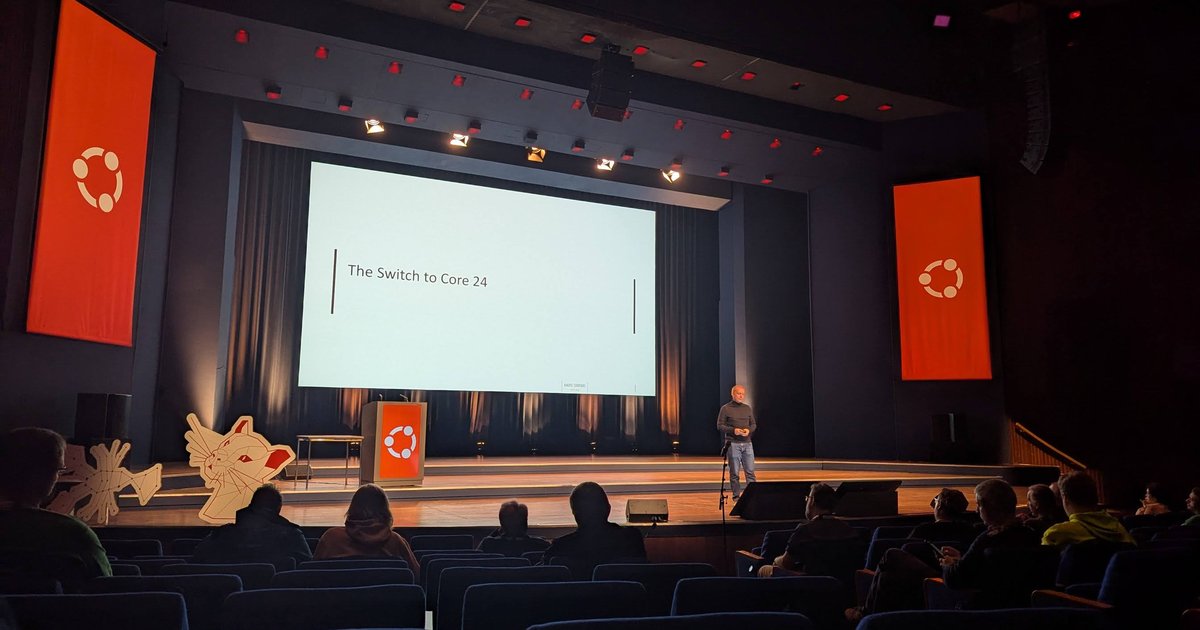
On Saturday 26 October 2024 I spent day 2 of Ubuntu Summit 2024 at the World Forum in The Hague. The summit ran from 25 to 27 October, and this edition celebrated 20 years of Ubuntu: the banners said “20 YEARS”, and a release display ran from 5.10 and 8.04 LTS up to 22.04 LTS. At the entrance I recorded a short clip: “I’m super happy to be here in Ubuntu Summit 2024, celebrating 20 years of Ubuntu”, followed by an honest admission that I couldn’t wait to eat the cake.
Most of my day was in the plenary room, where the afternoon turned out to be an unplanned AI track: enterprise RAG from Intel, GPU networking from Google and Canonical, and an AI desktop OS running on RISC-V. Talk titles and times below come from the official Ubuntu Summit 2024 timetable; everything else comes from the slides I photographed.
Intel and Canonical: OPEA and the ChatQnA blueprint
At 11:30 the plenary room had “Open Platform for Enterprise AI”. The first slides were about Intel and Canonical working together on a “Datacenter AI SW Stack”: an integrated enterprise AI stack covering the software platform, data management, AI models and frameworks, and cloud versus on-prem deployments.
The core of the talk was OPEA, the Open Platform for Enterprise AI. The slide summed it up as a way to “simplify enterprise generative AI adoption and reduce the time to production of hardened, trusted solutions”, next to a wall of partner logos that included Canonical, Red Hat, Docker, MinIO, Neo4j, Redis, SAP, VMware and Zilliz. OPEA is hosted by LF AI & Data, and a “GenAI Blueprints” slide listed the reference applications: AgentQnA, AudioQnA, ChatQnA, CodeGen, CodeTrans, DocIndexRetriever, DocSum, FaqGen, ProductivitySuite, SearchQnA, Translation and VisualQnA.
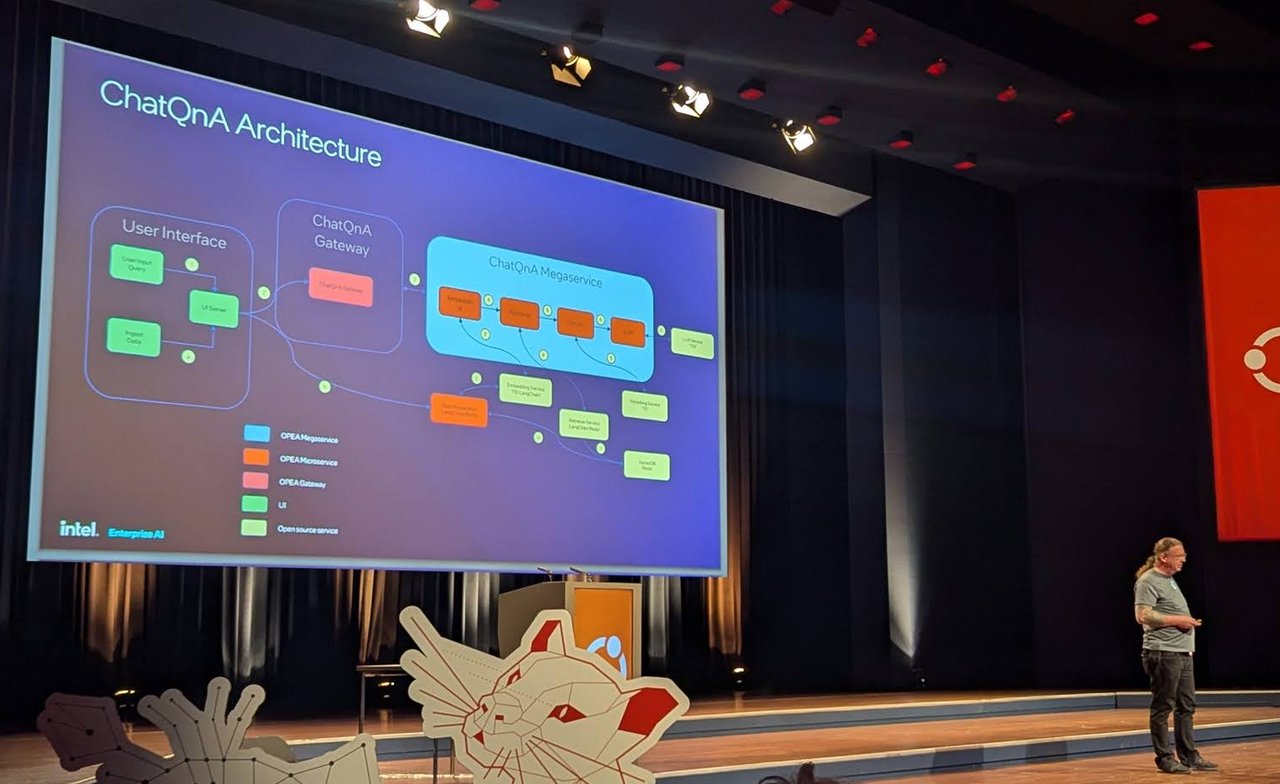
The ChatQnA architecture: a UI, a gateway and a “megaservice” chaining OPEA microservices.
The worked example was ChatQnA. The flow slide showed the usual RAG pipeline (data preparation, chunking, embedding, a vector database, then retrieval-augmented generation). The architecture slide then split it into a user interface, a ChatQnA gateway and a ChatQnA “megaservice” that chains OPEA microservices, with a colour legend separating OPEA megaservices, microservices and gateways from plain open source services. The last slide was the OPEA roadmap: end-to-end examples and ready-to-deploy reference flows, optimised compilers and toolchains, open models for OPEA integration, and standardised RAG modules.
Google and Canonical: how TCPX moves data GPU to GPU
At noon, Hassan Tasneem (Product, Google Cloud) and Hugo Huang (Product, Canonical) presented “How TCPX optimizes RDMA, and GPU-Direct performance for AI/ML, and HPC workloads”.
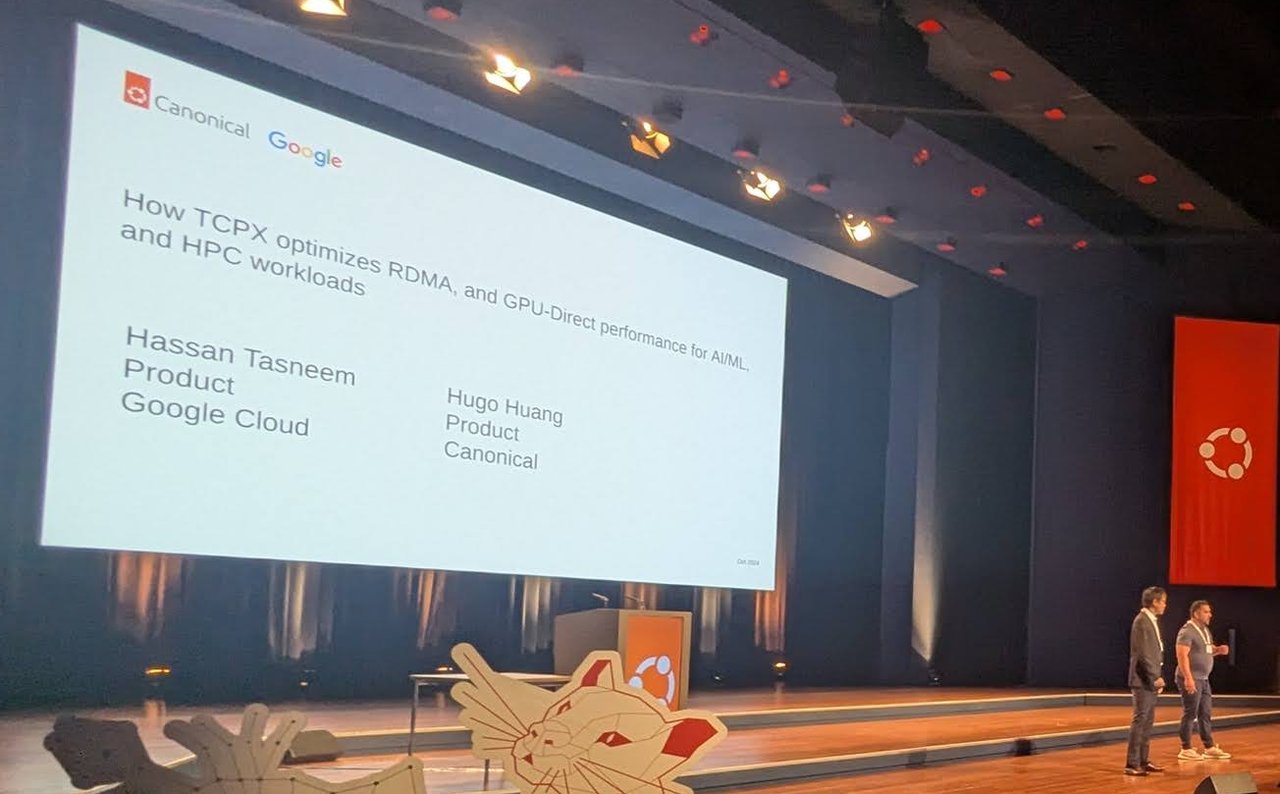
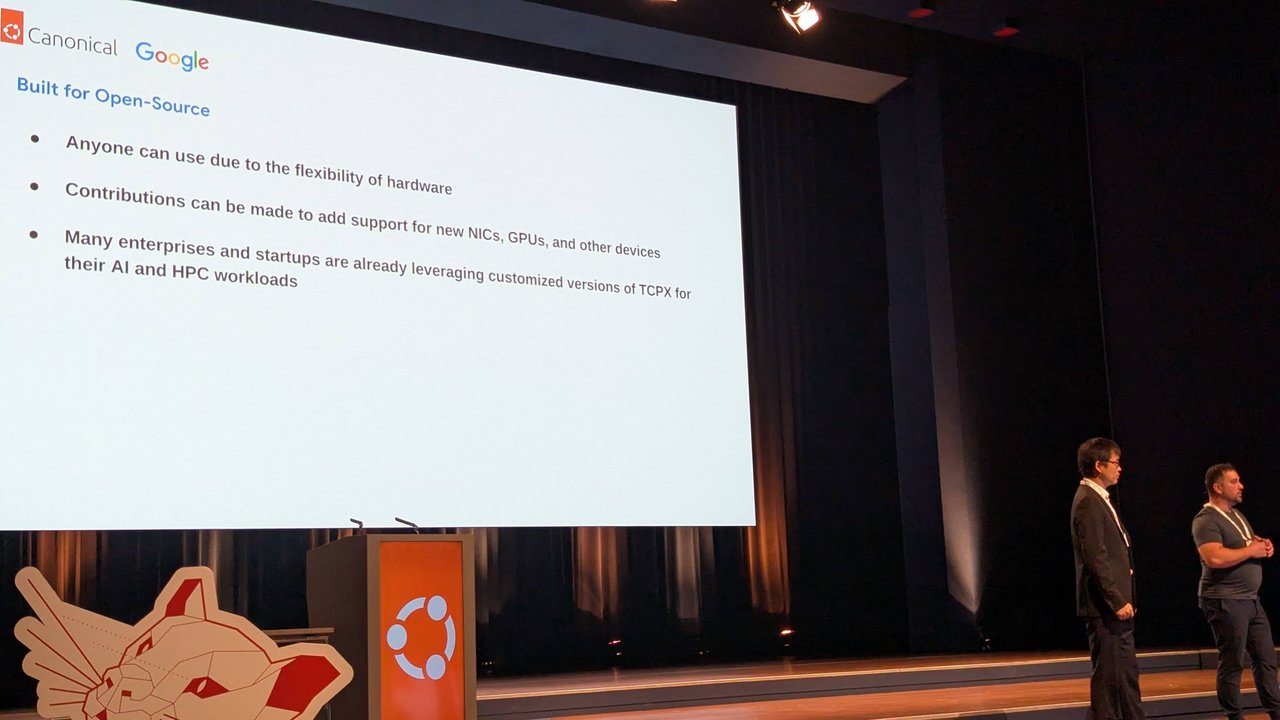
The TCPX talk: the title slide, and the “Built for Open-Source” slide near the end.
Most of the slides were diagrams of two hosts, each with host memory and device memory, connected by a separate control channel and data channel. The point of the diagrams is the one Google’s own docs make about GPUDirect-TCPX: packet payloads go straight from GPU memory to the network interface instead of being copied through the CPU and system memory. The use-case slide was multi-host distributed training over the data-centre network on A3 VMs, with “NCCL over TCPDirect for GPU to GPU Data Transfer”.
The closing slide, “Built for Open-Source”, made three claims: anyone can use it because the hardware is flexible, contributions can add support for new NICs, GPUs and other devices, and many enterprises and startups already run customised versions of TCPX for their AI and HPC workloads.
Hack Club: 40,000 teenagers and real open source
Just before lunch, Zach Latta of Hack Club gave “Hack Club: How 30K teenagers build open source software”. The title said 30K; his first content slide already said the charity serves 40K teenagers aged 13 to 18.
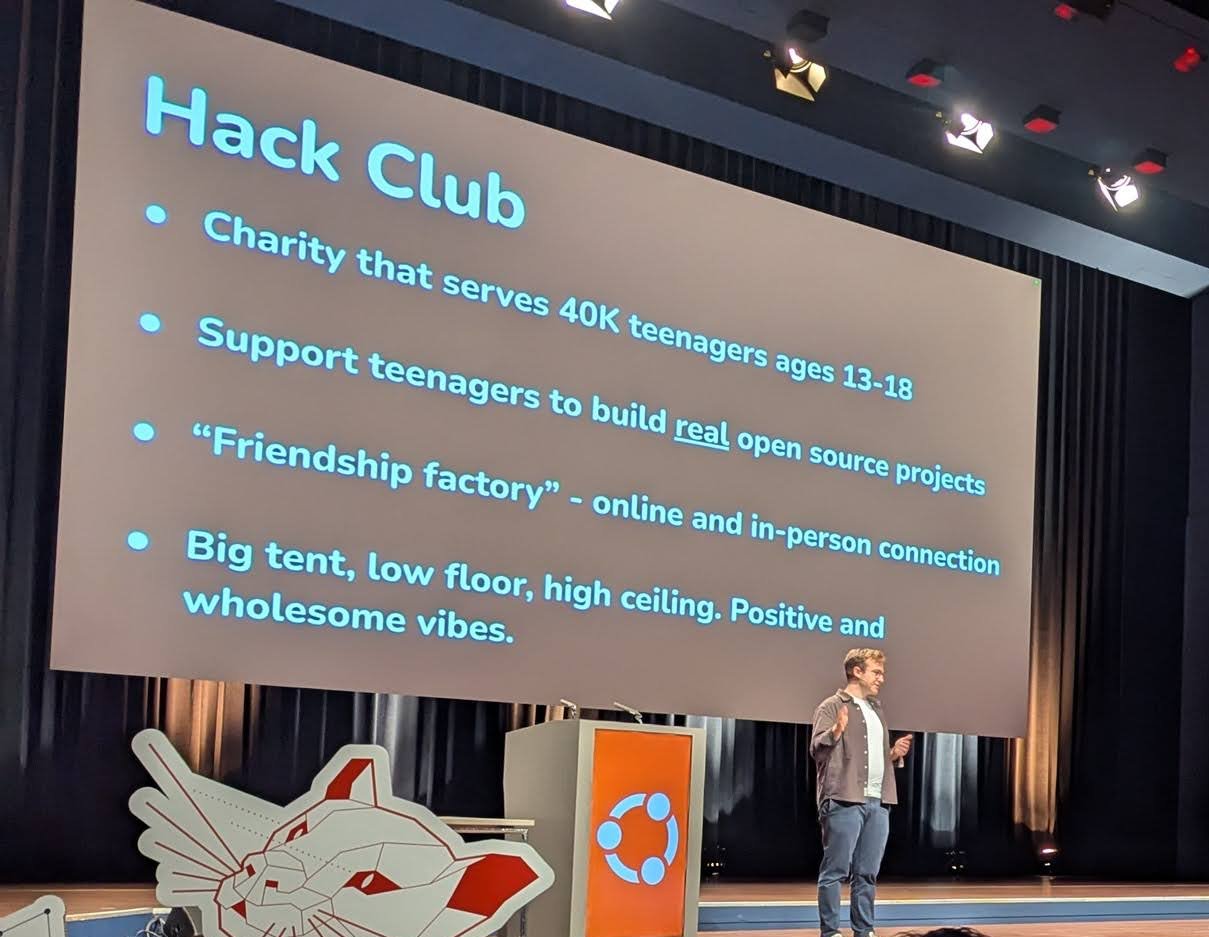
“Big tent, low floor, high ceiling”: Hack Club in four bullets.
I recorded part of this talk, and the details were more practical than the slogans. Free front-end hosting is easy for teenagers to find, but free back-end hosting isn’t, so Hack Club rents a dedicated server and runs a shared Linux machine, hackclub.app, where hundreds of members deploy their services and keep them running with systemd. The grant programmes follow the same pattern: build something, get resources. Boba Drops buys you bubble tea for a website built from scratch. OnBoard gives $100 towards manufacturing a printed circuit board you designed with open source tools; according to the talk it has funded more than 600 teenagers. Hackpad covers a macropad end to end (PCB, case and firmware), and a retro-computing challenge installs your DOS game on a bootable floppy. The slides also showed Sprig, the game console where “every player is a creator”.
He ended with three requests to the room: maintainers willing to do an hour-long session with students, companies that can lend an office as a hackathon venue, and help reaching teenagers earlier, because many only find Hack Club at 17.
KDE Plasma as snaps on Ubuntu Core Desktop
After lunch came the longest talk of my day, “The Journey of KDE Plasma on Ubuntu Core”, a 50-minute account from the enioka Haute Couture team of making a whole Plasma session run as confined snaps.
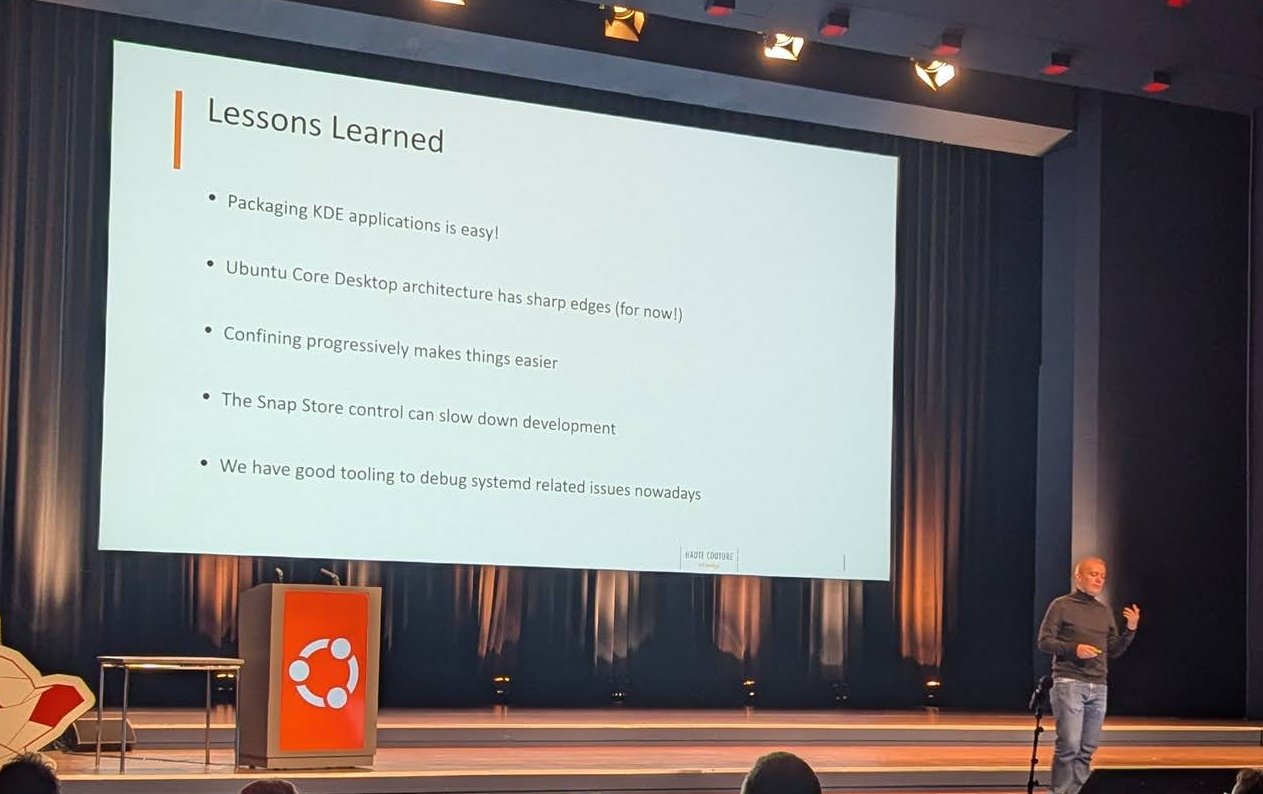
The lessons-learned slide: easy to package apps, sharp edges in the desktop architecture.
The slides walked through the problems in order:
- Unconfined startup. A deadlock between
kwin_waylandandxdg-desktop-portal-kdeproduced a black screen. The cause wasstartplasmapushing itsSNAPvariable into the systemd activation environment. - Snapd interfaces. The session couldn’t call
StartUnitorUpdateActivationEnvironmenton the user’s systemd instance, so the team submitted a newsystemd-user-controlinterface and improved several others. - Tightening confinement. Plasma’s regular systemd service files bypass snapd completely, so they had to use the snapd-generated ones to give each process its own confinement rules.
- Building blocks. Applications build against content snaps (
kde-qt6-core22-sdk,kf6-core22-sdk). Most apps worked without patches; only Discover needed some, because it sits so close to snapd. - Debugging. For apps:
snappy-debug,snap run --shell,snap run --straceandsnap run --gdbserver. For the session: not much beyondsnappy-debug, so they went down to the startup scripts, Qt debug logging andsystemd-analyze --user set-log-level debug.
Then came “The Switch to Core 24” and a more modular architecture with separate plasma-desktop-session and ubuntu-desktop-init pieces. The lessons-learned slide is worth repeating: packaging KDE applications is easy, Ubuntu Core Desktop has sharp edges “for now”, confining progressively makes things easier, and Snap Store control can slow development down.
Penpot’s tech pivot to Rust and WebAssembly
Next, Pablo Ruiz-Múzquiz presented “The Penpot tech pivot”. Penpot describes itself on the slides as “the design tool that brings designers and developers together”. The problem slide said the DOM struggles with an SVG-based infinite canvas.
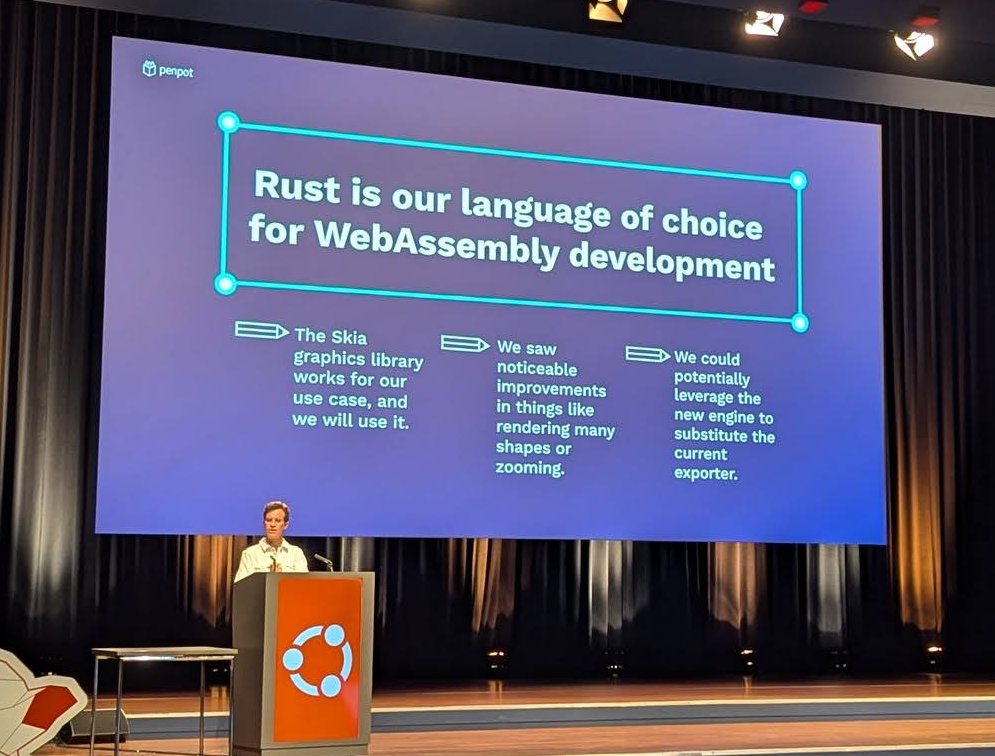
Penpot’s answer to the slow SVG canvas: Rust, WebAssembly and Skia.
The answer was on the slide above: “Rust is our language of choice for WebAssembly development”, the Skia graphics library works for their use case, they saw noticeable improvements in rendering many shapes and in zooming, and the new engine could potentially replace the current exporter. The new renderer now lives in the open as render-wasm in the Penpot repository, a Rust crate that uses Skia through rust-skia.
Ubuntu Kylin: an AI OS, with operators tuned for RISC-V
The last plenary talk I watched was “Exploring the AI OS in the Ubuntu Kylin” by Wenzhu Wang (Haihe Laboratory, openKylin RISC-V SIG owner, per his “Who am I” slide) and Jianfeng Li (KylinSoft, Ubuntu Kylin Council and release team, per his).
The background slides: Ubuntu Kylin is one of the official Ubuntu flavours, starting from 13.04, with more than 40 million downloads, 1,750+ contributors and 27 versions. Its UKUI desktop went from a Unity 7-based layout (1.0, 2013) to a MATE-based, Windows-like experience (2.0, 2017) to its own design (3.0, 2020).
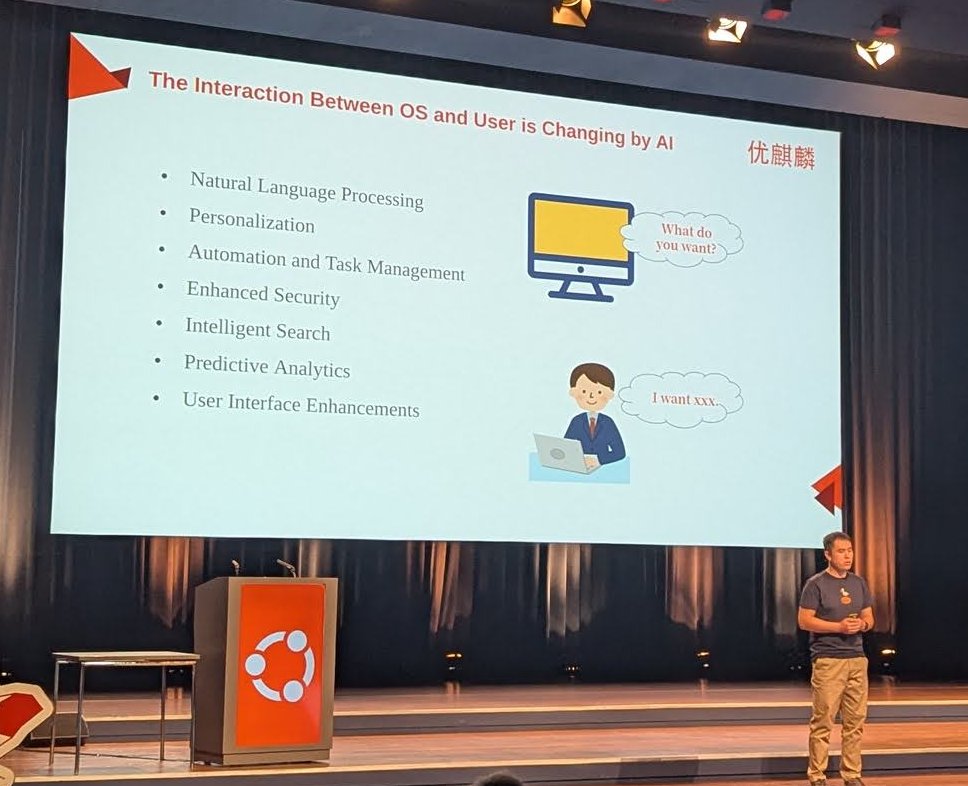
“The Interaction Between OS and User is Changing by AI”, with a nod to Copilot+ PCs, Apple Intelligence and Gemini on Android on the next slide.
The argument was architectural. Without an AI OS framework, every application has to adapt separately to different hardware, different reasoning frameworks and different models, and they all fight over the same resources. Ubuntu Kylin’s answer is an AI subsystem that decouples models from hardware and applications from models, with unified scheduling of compute and model resources and one unified reasoning framework. The user-facing features on the slides:
- an AI assistant supporting over 200 system-control commands and text-to-image generation;
- global text processing on highlighted text, plus plug-ins such as a meeting assistant;
- a “Data Manager” that records browsing content on a timeline as a memory map;
- global semantic search over images and text with a dynamically updated index.
The RISC-V part was the one I’d come for. “AI Optimizations on RISC-V” listed vector and matrix instructions, many cores for parallel computing, memory data access and accelerator integration in the SoC. The diagram mapped operator interfaces (fully connected and leaky ReLU among them) through an operator-mapping configuration onto operators optimised for RVV, the RISC-V Vector extension: loop unrolling and vectorisation, data alignment, instruction fusion and packing, with Seagull and XNNPACK named underneath.
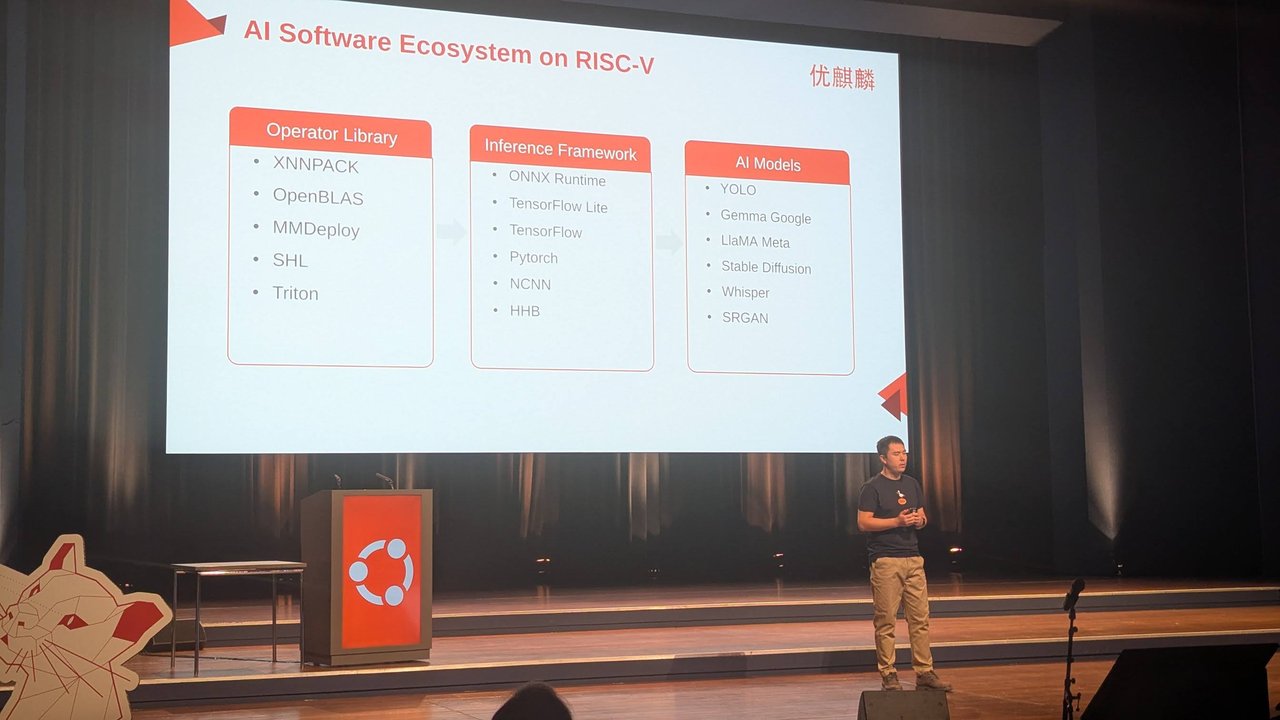
The RISC-V AI stack in three columns, from operator libraries to models.
The ecosystem slide put the stack in three columns: operator libraries (XNNPACK, OpenBLAS, MMDeploy, SHL, Triton), inference frameworks (ONNX Runtime, TensorFlow Lite, TensorFlow, PyTorch, NCNN, HHB) and AI models (YOLO, Gemma, LLaMA, Stable Diffusion, Whisper, SRGAN).
Around the plenary
The day had more than one room. In the workshop room, “Fuzzing in the open: Integrate your project in OSS-Fuzz for continuous fuzzing” started with a plain “Do you have the setup? If not, install Python 3 + Docker”. Its slides listed bugs fuzzing finds, among them assertion failures, memory leaks, race conditions and undefined behaviour; the OSS-Fuzz docs are the place to start. Elsewhere in the venue I photographed stands and screens for Fairphone, Charmed Aether SD-Core (Canonical’s private 5G core), DeepComputing’s “Turning RISC-V into reality” stand, SpacemiT, a Linux gaming corner and Canonical’s CUE exams (“Free exams today”). The lightning talks were at 17:35.
My take
Three things stayed with me.
OPEA is a reference architecture, and that’s useful. ChatQnA’s gateway, megaservice and microservices map closely to how I design enterprise RAG systems anyway. What matters is that you can swap each box (embedding, retriever, reranker, LLM serving) without rewriting the rest. I’d treat OPEA as a well-documented starting point and judge each component on its own merits.
GPU networking decides training speed. The TCPX talk made the point that moving gradients between hosts is as important as the GPUs themselves. In my experience, multi-node training problems often turn out to be network problems wearing an NCCL timeout, which is why I plan the fabric before the GPU count when I design GPU clusters.
RISC-V AI is a software-stack problem. Ubuntu Kylin’s RVV-optimised operators under XNNPACK are where the work really happens: models only run fast on new silicon once someone writes the kernels. It is the same story in my later posts on DeepComputing’s DC-ROMA running DeepSeek locally, OpenBao on RISC-V and EPIC Semi’s RISC-V AI server running Ubuntu. I’d add one caution about the AI OS idea: a “Data Manager” that records all browsing content needs to be local-first and opt-in, or it becomes a privacy problem rather than a feature.