
“Sorry, the response hit the length limit. Please rephrase your prompt.”
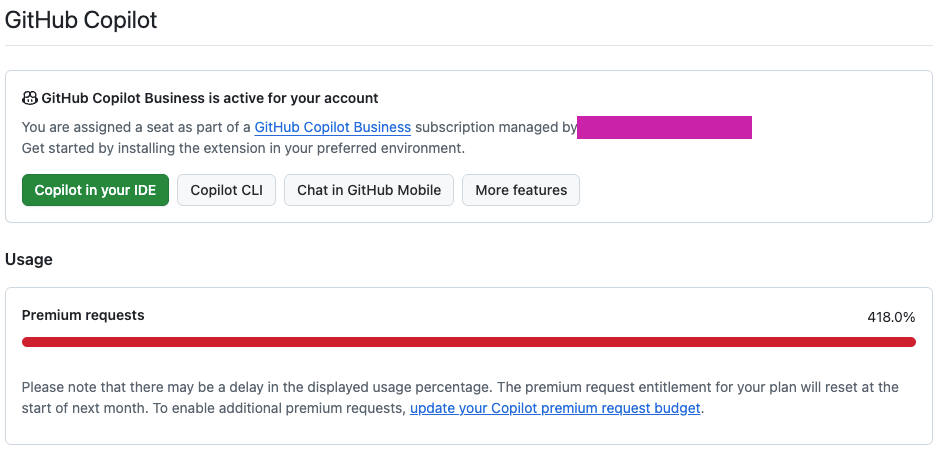
Model: Claude Opus 4.5 — 3x Copilot
If you’ve seen this message enough times, you start reading it like a weather forecast:
“Too much. Try again. Good luck.”
At first, I treated it like a bug.
Then I realized it’s closer to a design constraint:
The model is fine. My prompting shape wasn’t.
What actually happened (the unglamorous truth)
I asked for something “simple” like:
- a full blog post
- with examples
- plus code
- plus a checklist
- plus a comparison table
- plus variations
- and rewrite it in three tones
Which is basically saying:
“Please generate a small book, in one go.”
Claude Opus tries.
Copilot tries.
And then the response gets guillotined mid-sentence.
Why length limits hit harder in Copilot
In most editors, Copilot isn’t just your prompt.
It’s also:
- your open file(s)
- nearby code context
- diffs
- chat history
- system instructions
- tool wrappers
So even before the model starts answering, you might already be spending a big chunk of the context window.
Then you request a long response…
…and the model goes:
🧠 ✅ “I can do it.”
📦 ❌ “I can’t fit it.”
The fix: stop prompting for output, prompt for process
This one change eliminates 90% of my length-limit pain:
Instead of:
“Write the whole post.”
Do:
“Plan it, then write section-by-section.”
You’re not lowering quality — you’re forcing a workflow that fits the model’s constraints.
My “never hit the limit again” playbook
1) Ask for an outline with budgets
Give the model a structure and a maximum size per section.
Create an outline with 6 sections.
For each section, include:
- 1 sentence goal
- 3 bullets max
Keep the whole outline under 200 words.

## Related Articles

- [KubeCon Europe 2026 Side Events Guide](/blog/kubecon-europe-2026-side-events/)
- [OpenTelemetry on Kubernetes: The 2026 Observability Stack](/blog/opentelemetry-kubernetes-observability-2026/)
- [The Recipe Mindset: From Dev Patterns to Strategy](/blog/kubernetes-recipes-mindset-cto-platform-strategy/)