Tekton Triggers turns a Git webhook into a PipelineRun. Point every repository at one EventListener, validate and filter the events there, and start the same shared Pipeline with the repository URL and commit as parameters. This post builds that setup end to end: install, RBAC, a GitHub interceptor that checks the HMAC signature, a CEL interceptor for branch filtering, the TriggerBinding and TriggerTemplate, exposure through an Ingress, and a signed curl test you can run before you touch GitHub.
On the Thursday of KubeCon Europe 2026 in Amsterdam I sat in on a Tekton CI factory talk. One of its slides read “1 pipeline, 1 webhook”, and another drew the flow as Event Listener, Trigger and TriggerBinding, PipelineRun, TaskRun. I wanted to know what it takes to build that flow from scratch, so I did. The rest of this post is my own setup, not the speakers’.
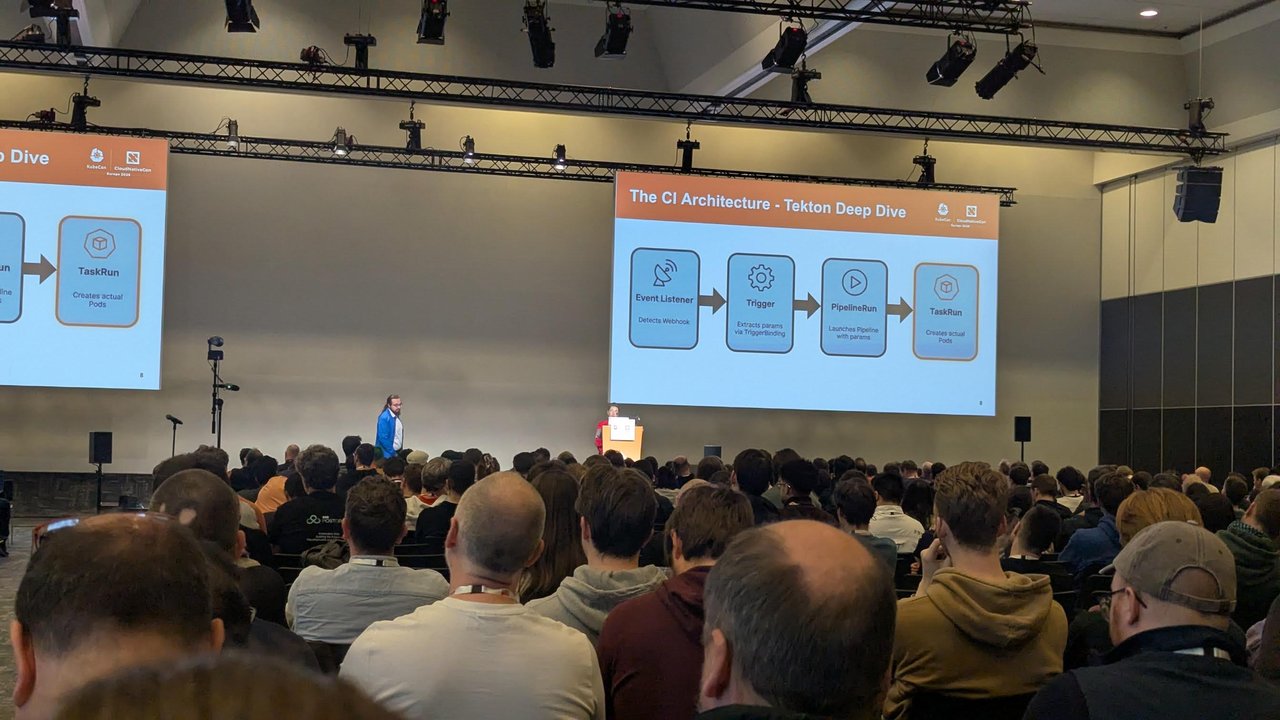
The flow from the talk. Everything below implements those four boxes.
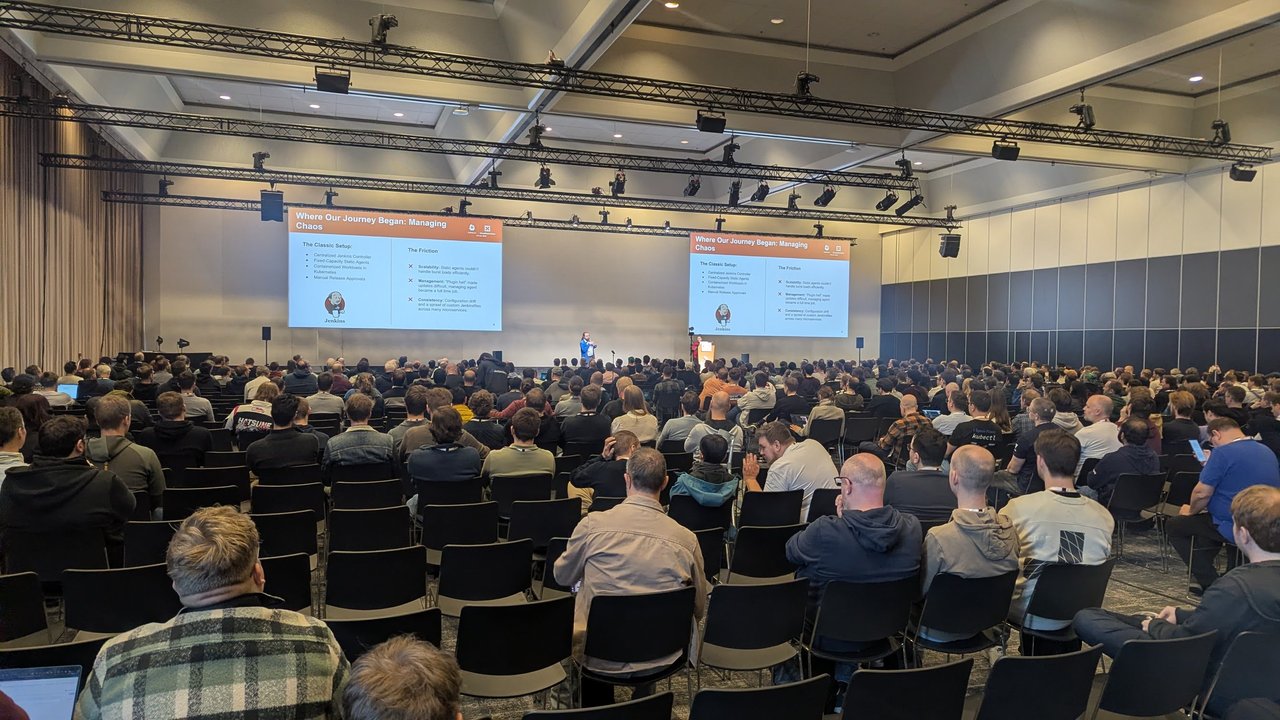
A slide from the Tekton CI factory talk at KubeCon Europe 2026: “Where Our Journey Began: Managing Chaos”, with the classic Jenkins setup on the left and its friction (burst loads, “plugin hell”, configuration drift) on the right.
If you’re new to Tekton, start with my introduction to Tekton Tasks and Pipelines. If you’re still deciding on a CI tool, read Tekton vs GitHub Actions first. This post assumes you’ve chosen Tekton and want webhooks wired up properly.
Versions. I tested everything here on a throwaway kind cluster (Kubernetes v1.37) with Tekton Pipelines v1.17.0 and Tekton Triggers v0.37.1, checked against the Triggers docs for that release. Pipelines v1.17 needs Kubernetes 1.28 or later.
How the pieces fit
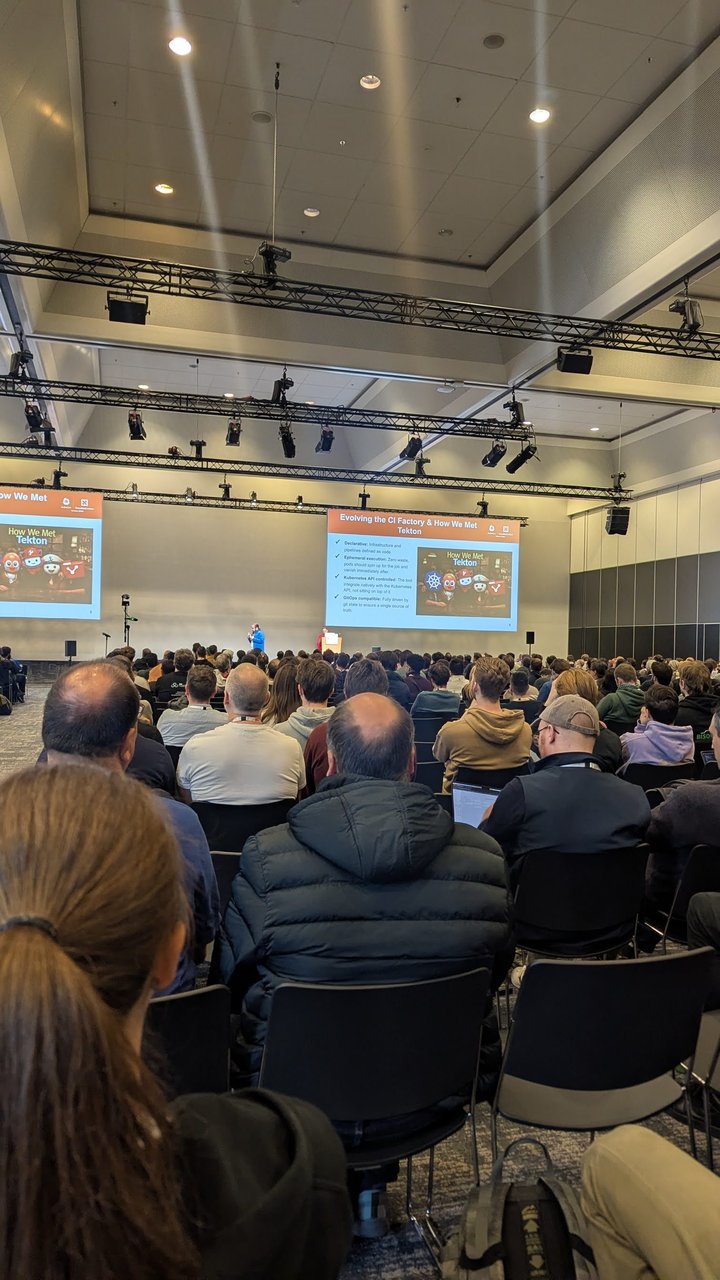
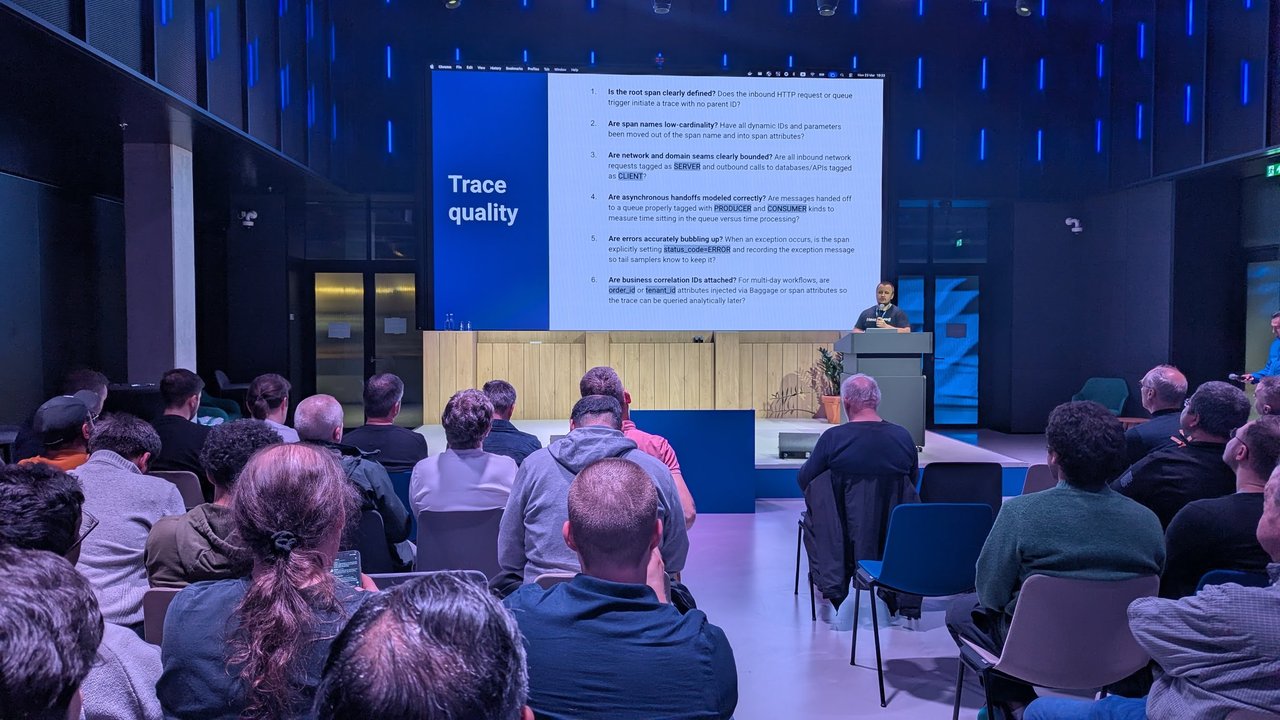
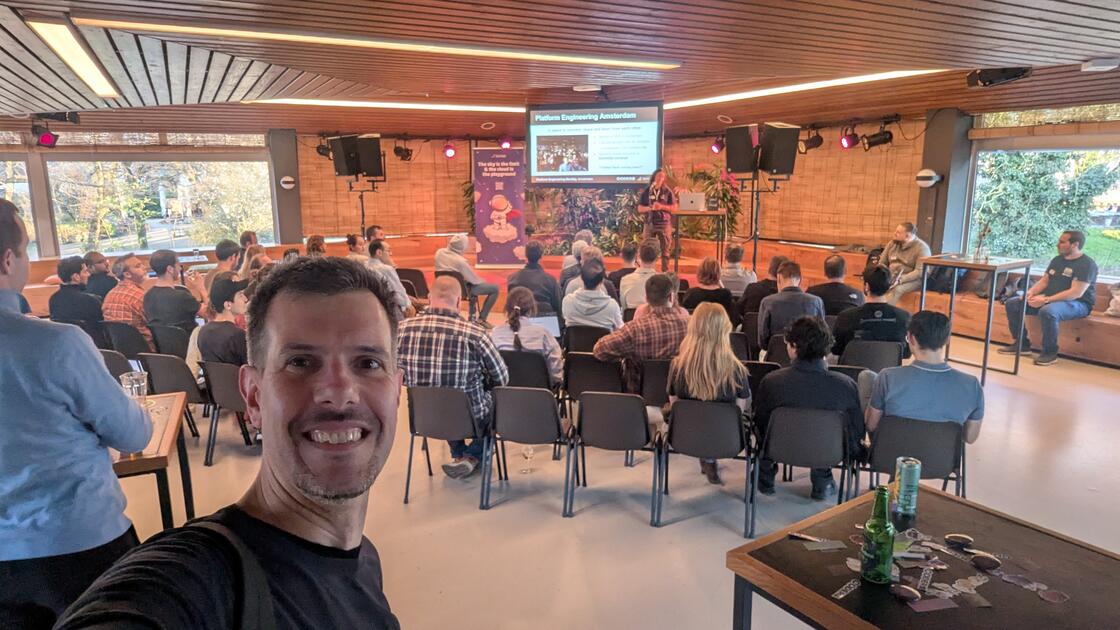
The room during the Tekton CI factory talk at KubeCon Europe 2026, with “Evolving the CI Factory & How We Met Tekton” on the screens: declarative, ephemeral execution, Kubernetes API controlled and GitOps compatible.
- EventListener: a Deployment and a Service (named
el-<name>) that accept HTTP POSTs on port 8080. - Interceptors: run before the binding. The
githubClusterInterceptor checks the signature and the event type. Thecelone filters on any field and can add computed fields underextensions. - TriggerBinding: maps payload fields such as
$(body.after)to named parameters. - TriggerTemplate: a blueprint that turns those parameters into a
PipelineRun.
Matching is by name. A binding parameter called git-revision only reaches the template if the template also declares git-revision.
Install Tekton Pipelines and Triggers
The release YAMLs now live on infra.tekton.dev. Pin the versions instead of using latest, so a re-run gives you the same thing:
kubectl apply -f https://infra.tekton.dev/tekton-releases/pipeline/previous/v1.17.0/release.yaml
kubectl apply -f https://infra.tekton.dev/tekton-releases/triggers/previous/v0.37.1/release.yaml
kubectl apply -f https://infra.tekton.dev/tekton-releases/triggers/previous/v0.37.1/interceptors.yaml

kubectl get pods -n tekton-pipelines
kubectl get clusterinterceptors
Don’t skip interceptors.yaml. It installs the github, gitlab, bitbucket, slack and cel ClusterInterceptors. Without it, every trigger that references them fails.
Namespace, ServiceAccounts and RBAC
I use two identities. The EventListener’s ServiceAccount can create Tekton objects. The build pods get a separate ServiceAccount with no API permissions at all. Triggers ships two ClusterRoles for the first one. You bind one of them with a RoleBinding and the other with a ClusterRoleBinding:
apiVersion: v1
kind: Namespace
metadata:
  name: tekton-ci
---
apiVersion: v1
kind: ServiceAccount
metadata:
  name: tekton-triggers-sa
  namespace: tekton-ci
---
apiVersion: rbac.authorization.k8s.io/v1
kind: RoleBinding
metadata:
  name: tekton-triggers-eventlistener-binding
  namespace: tekton-ci
subjects:
- kind: ServiceAccount
  name: tekton-triggers-sa
  namespace: tekton-ci
roleRef:
  apiGroup: rbac.authorization.k8s.io
  kind: ClusterRole
  name: tekton-triggers-eventlistener-roles
---
apiVersion: rbac.authorization.k8s.io/v1
kind: ClusterRoleBinding
metadata:
  name: tekton-ci-eventlistener-clusterbinding
subjects:
- kind: ServiceAccount
  name: tekton-triggers-sa
  namespace: tekton-ci
roleRef:
  apiGroup: rbac.authorization.k8s.io
  kind: ClusterRole
  name: tekton-triggers-eventlistener-clusterroles
---
apiVersion: v1
kind: ServiceAccount
metadata:
  name: ci-runner
  namespace: tekton-ci
Then create the webhook secret. GitHub will sign every delivery with this value:
WEBHOOK_SECRET=$(openssl rand -hex 20)
kubectl -n tekton-ci create secret generic github-webhook-secret \
  --from-literal=token="$WEBHOOK_SECRET"
The one shared Pipeline
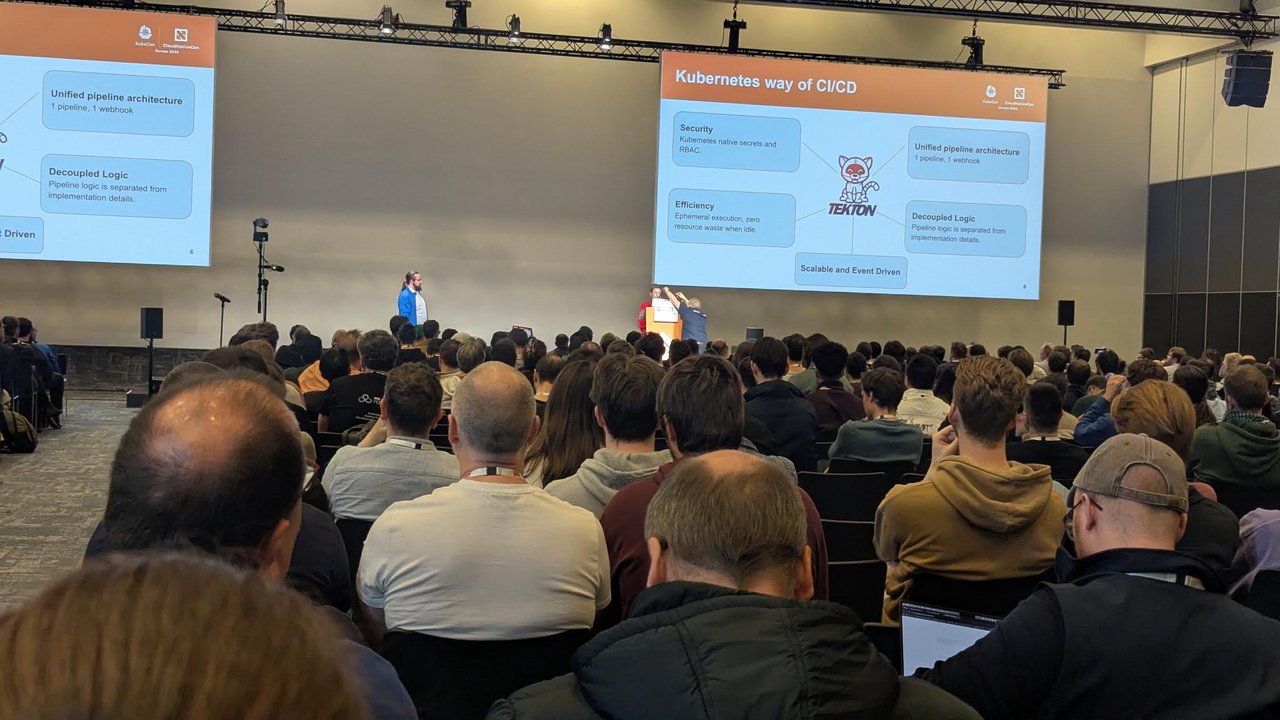
A slide from the Tekton CI factory talk at KubeCon Europe 2026: “Kubernetes way of CI/CD”, with “Unified pipeline architecture: 1 pipeline, 1 webhook” at the top right.
This Pipeline knows nothing about any specific repository. It takes a URL and a revision, clones, and runs whatever ci.sh the repository provides:
apiVersion: tekton.dev/v1
kind: Pipeline
metadata:
  name: build-any-repo
  namespace: tekton-ci
spec:
  params:
  - name: repo-url
    type: string
  - name: revision
    type: string
  workspaces:
  - name: source
  tasks:
  - name: clone
    workspaces:
    - name: source
      workspace: source
    params:
    - name: repo-url
      value: $(params.repo-url)
    - name: revision
      value: $(params.revision)
    taskSpec:
      params:
      - name: repo-url
      - name: revision
      workspaces:
      - name: source
      steps:
      - name: git-clone
        image: docker.io/alpine/git:v2.54.0
        workingDir: $(workspaces.source.path)
        env:
        - name: REPO_URL
          value: $(params.repo-url)
        - name: REVISION
          value: $(params.revision)
        script: |
          #!/bin/sh
          set -eu
          git init -q .
          git remote add origin "$REPO_URL"
          git fetch -q --depth 1 origin "$REVISION"
          git checkout -q FETCH_HEAD
          git log -1 --format='%H %s'
  - name: build
    runAfter: ["clone"]
    workspaces:
    - name: source
      workspace: source
    taskSpec:
      workspaces:
      - name: source
      steps:
      - name: run-ci-script
        image: docker.io/library/alpine:3.22
        workingDir: $(workspaces.source.path)
        script: |
          #!/bin/sh
          set -eu
          if [ -x ./ci.sh ]; then
            ./ci.sh
          else
            echo "No ci.sh in this repository, listing files instead:"
            ls -la
          fi
The env block matters. Tekton fills in $(params.x) by plain string replacement before the step runs. If you put $(params.revision) straight into script, the value from the webhook is pasted into your shell script as-is. Passing it in an environment variable and quoting it keeps it as data. In a real setup you would probably use the catalog git-clone Task through a resolver. I kept the steps inline so the example has no extra dependencies.
TriggerTemplate: from parameters to a PipelineRun
apiVersion: triggers.tekton.dev/v1beta1
kind: TriggerTemplate
metadata:
  name: build-any-repo
  namespace: tekton-ci
spec:
  params:
  - name: git-repo-url
  - name: git-revision
  - name: git-repo-name
  - name: git-branch
    default: unknown
  resourcetemplates:
  - apiVersion: tekton.dev/v1
    kind: PipelineRun
    metadata:
      generateName: ci-
      labels:
        ci.example.com/repo: $(tt.params.git-repo-name)
      annotations:
        ci.example.com/branch: $(tt.params.git-branch)
    spec:
      pipelineRef:
        name: build-any-repo
      params:
      - name: repo-url
        value: $(tt.params.git-repo-url)
      - name: revision
        value: $(tt.params.git-revision)
      taskRunTemplate:
        serviceAccountName: ci-runner
      workspaces:
      - name: source
        volumeClaimTemplate:
          spec:
            accessModes: ["ReadWriteOnce"]
            resources:
              requests:
                storage: 1Gi
Three details:
- Inside
resourcetemplates, parameters are referenced as$(tt.params.name). generateName: ci-is fixed on purpose. Repository names likeHello-Worldcontain uppercase letters, which aren’t valid in object names. The repo name goes into a label instead, so you can still filter on it.volumeClaimTemplategives every run its own PVC. In my test each PVC had an ownerReference to its PipelineRun and was deleted together with it. AnemptyDirwon’t work here, becausecloneandbuildrun in separate pods.
TriggerBindings for push and pull_request
apiVersion: triggers.tekton.dev/v1beta1
kind: TriggerBinding
metadata:
  name: github-push
  namespace: tekton-ci
spec:
  params:
  - name: git-repo-url
    value: $(body.repository.clone_url)
  - name: git-revision
    value: $(body.after)
  - name: git-repo-name
    value: $(body.repository.name)
  - name: git-branch
    value: $(extensions.branch_name)
---
apiVersion: triggers.tekton.dev/v1beta1
kind: TriggerBinding
metadata:
  name: github-pull-request
  namespace: tekton-ci
spec:
  params:
  - name: git-repo-url
    value: $(body.pull_request.head.repo.clone_url)
  - name: git-revision
    value: $(body.pull_request.head.sha)
  - name: git-repo-name
    value: $(body.repository.name)
  - name: git-branch
    value: $(body.pull_request.head.ref)
body.after is the SHA at the tip of the ref after the push. $(extensions.branch_name) isn’t part of the GitHub payload. The CEL interceptor below adds it.
EventListener with GitHub and CEL interceptors
apiVersion: triggers.tekton.dev/v1beta1
kind: EventListener
metadata:
  name: github-ci
  namespace: tekton-ci
spec:
  serviceAccountName: tekton-triggers-sa
  triggers:
  - name: push-to-main-or-release
    interceptors:
    - name: verify-github-signature
      ref:
        name: github
        kind: ClusterInterceptor
      params:
      - name: secretRef
        value:
          secretName: github-webhook-secret
          secretKey: token
      - name: eventTypes
        value: ["push"]
    - name: branch-filter
      ref:
        name: cel
      params:
      - name: filter
        value: >-
          !body.deleted &&
          (body.ref == 'refs/heads/main' || body.ref.startsWith('refs/heads/release/'))
      - name: overlays
        value:
        - key: branch_name
          expression: "body.ref.replace('refs/heads/', '')"
    bindings:
    - ref: github-push
    template:
      ref: build-any-repo
  - name: pull-request
    interceptors:
    - name: verify-github-signature
      ref:
        name: github
        kind: ClusterInterceptor
      params:
      - name: secretRef
        value:
          secretName: github-webhook-secret
          secretKey: token
      - name: eventTypes
        value: ["pull_request"]
    - name: only-opened-or-updated
      ref:
        name: cel
      params:
      - name: filter
        value: "body.action in ['opened', 'synchronize', 'reopened']"
    bindings:
    - ref: github-pull-request
    template:
      ref: build-any-repo
What each part does:
secretRef: the GitHub interceptor readsX-Hub-Signature-256and checks it against an HMAC-SHA256 of the raw body. If you leavesecretRefout, it skips validation without any warning, so always set it.eventTypes: compared with theX-GitHub-Eventheader. Apushdelivery is rejected by thepull-requesttrigger and the other way round.filter: must return true for the trigger to fire.!body.deleteddrops the push GitHub sends when a branch is deleted. That push has nothing to build.overlays: addsbranch_nameunderextensions. I usedreplacerather than the commonsplit('/')[2], because the split turnsrelease/1.2intorelease.
For GitLab, the gitlab interceptor takes the same secretRef and eventTypes params. It compares the X-Gitlab-Token header with the secret (no HMAC) and matches X-Gitlab-Event values such as Push Hook.
Expose the EventListener
The controller creates a ClusterIP Service called el-github-ci on port 8080. The same Service also exposes metrics on 9000, so route only 8080:
apiVersion: networking.k8s.io/v1
kind: Ingress
metadata:
  name: github-ci-webhook
  namespace: tekton-ci
spec:
  ingressClassName: your-ingress-class
  tls:
  - hosts: ["ci-hooks.example.com"]
    secretName: ci-hooks-tls
  rules:
  - host: ci-hooks.example.com
    http:
      paths:
      - path: /
        pathType: Prefix
        backend:
          service:
            name: el-github-ci
            port:
              number: 8080
Some ingress controllers need a NodePort backend. You can set that, or LoadBalancer, with spec.resources.kubernetesResource.serviceType on the EventListener. On OpenShift, oc expose svc/el-github-ci gives you a Route.
In GitHub, add one organization webhook with the payload URL https://ci-hooks.example.com/, content type application/json, the same secret, and the push and pull request events. Every repository in the org now reaches the same listener. Content type matters: the interceptor rejects application/x-www-form-urlencoded deliveries.
Test with curl and a signed payload
Test it before you configure GitHub. Port-forward the Service and save a minimal push payload:
kubectl -n tekton-ci get el github-ci   # AVAILABLE should be True
kubectl -n tekton-ci port-forward svc/el-github-ci 8080:8080
{
"ref": "refs/heads/main",
"after": "7fd1a60b01f91b314f59955a4e4d4e80d8edf11d",
"deleted": false,
"repository": {
"name": "Hello-World",
"clone_url": "https://github.com/octocat/Hello-World.git"
}
}Sign the exact bytes and send them:
SIG=$(openssl dgst -sha256 -hmac "$WEBHOOK_SECRET" < push.json | awk '{print $NF}')

curl -i http://localhost:8080 \
  -H 'Content-Type: application/json' \
  -H 'X-GitHub-Event: push' \
  -H "X-Hub-Signature-256: sha256=$SIG" \
  --data-binary @push.json
You get HTTP/1.1 202 Accepted with an eventID. Then:
kubectl -n tekton-ci get pipelineruns -l triggers.tekton.dev/eventlistener=github-ciOn my cluster this listed ci-9gc5w. It ran a clone TaskRun and a build TaskRun, both on the ci-runner ServiceAccount, and finished with Succeeded. The clone log printed the expected commit. Triggers also labels each run with triggers.tekton.dev/trigger and triggers.tekton.dev/triggers-eventid, so you can trace a run back to the delivery that started it. I repeated the test with a release/1.2 push and an opened pull request, and each created one run. A feature-branch push, a deleted branch, a closed PR and a bad signature created none.
Pitfalls I hit
- 202 doesn’t mean a run was created. The listener returned 202 for every request, including the bad signature. To see why an event was dropped, read the interceptor logs:
kubectl -n tekton-pipelines logs deploy/tekton-triggers-core-interceptors. You’ll find messages likepayload signature check failed,event type push is not allowedandexpression ... did not return true. Each event goes through every trigger, so the other trigger’s rejections show up there too. That’s expected. curl -d @filebreaks the signature.-dstrips newlines from the file, so the bytes sent no longer match the bytes you signed. Use--data-binary.- CEL errors on missing keys. When I sent a push body with an
X-GitHub-Event: pull_requestheader, the PR filter failed withno such key: action. TheeventTypescheck runs first, so this only happens when the header and the body disagree. - Slow nodes and probes. On a busy laptop, the EventListener pod failed its liveness probe twice before it was ready. You can override
livenessProbeandreadinessProbeunderspec.resources.kubernetesResource.spec.template.spec.containers. - Pull requests from forks. The PR trigger runs whatever code the PR contains. The GitHub interceptor’s
githubOwnersoption can stop runs from people who aren’t owners or members, and lets an owner approve with/ok-to-test. It needs theissue_commentevent as well aspull_request. - PVCs pile up. Each run keeps its PVC until the PipelineRun is deleted. Prune old runs.
My take: as the talk’s “1 pipeline, 1 webhook” slide suggests, the real gain is having one place to change CI. Keep per-repository logic in each repository’s ci.sh, and keep the Pipeline, the RBAC and the EventListener in one GitOps-managed directory (the webhook secret itself belongs in your secrets manager, not in Git). Tekton’s CNCF incubation is one more reason I am comfortable building on it.