Strimzi Kafka ACLs let you replace the “open a ticket, copy the right ID and hope” routine with a golden path: a team describes its topics and access rules in Git, a pull request is reviewed, and the operators apply the change in every environment. This guide builds that path with the Strimzi Topic Operator and User Operator, Kustomize overlays for dev, test, sim and live, Argo CD for delivery, and a ValidatingAdmissionPolicy that keeps each team inside its own topic-name prefix.
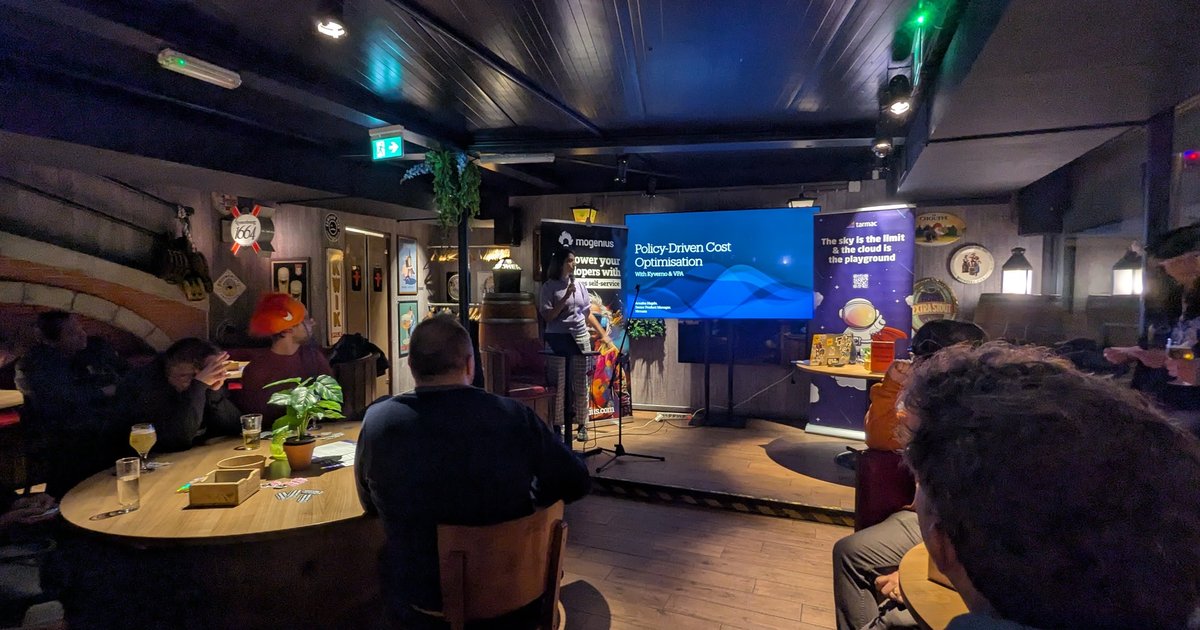
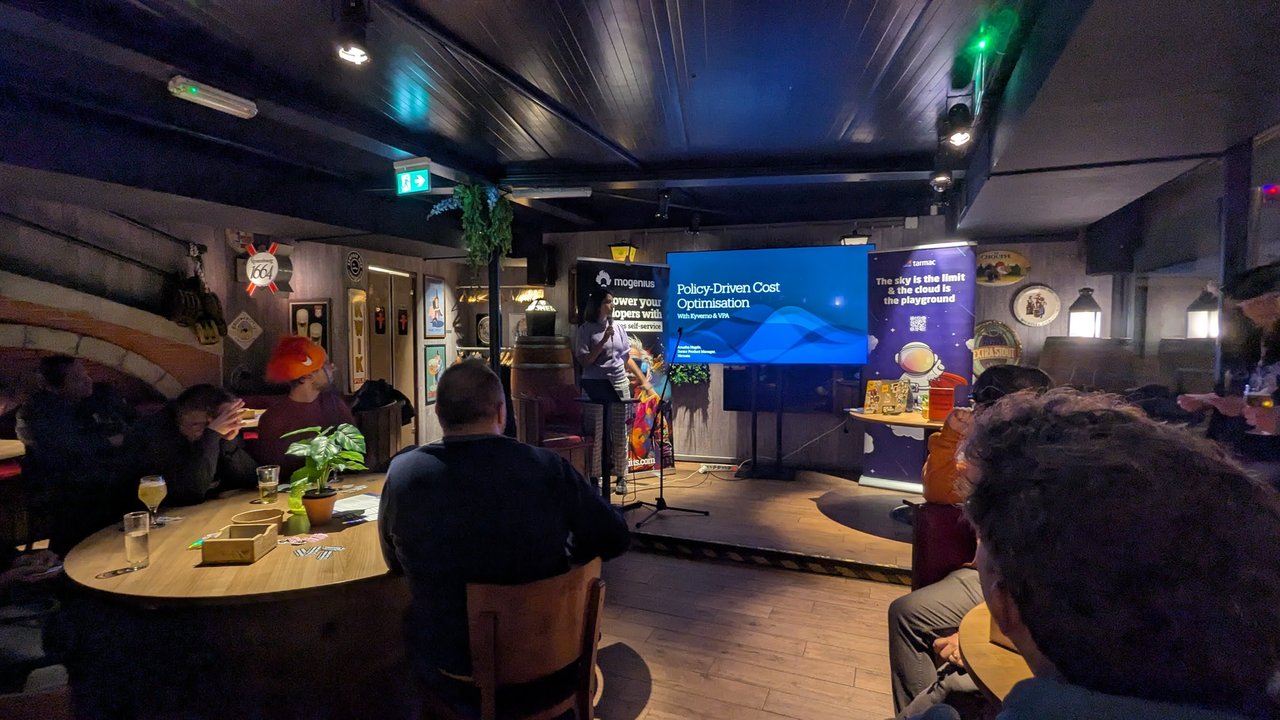
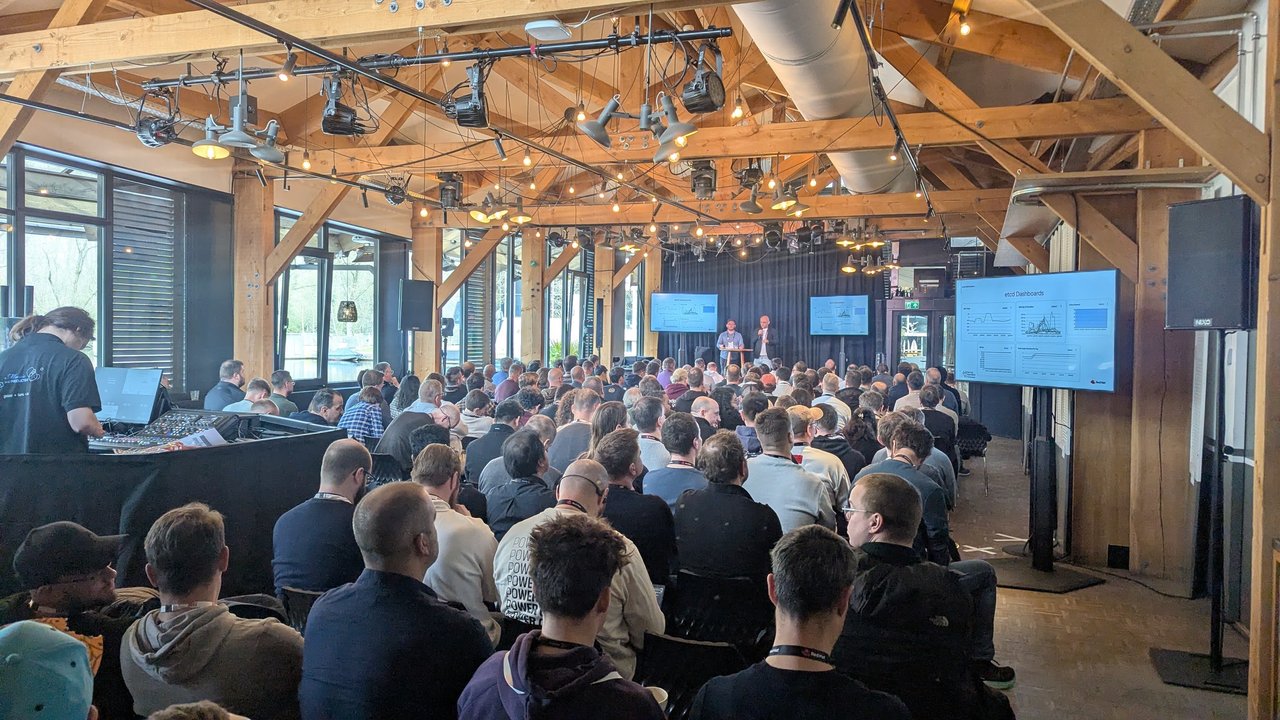
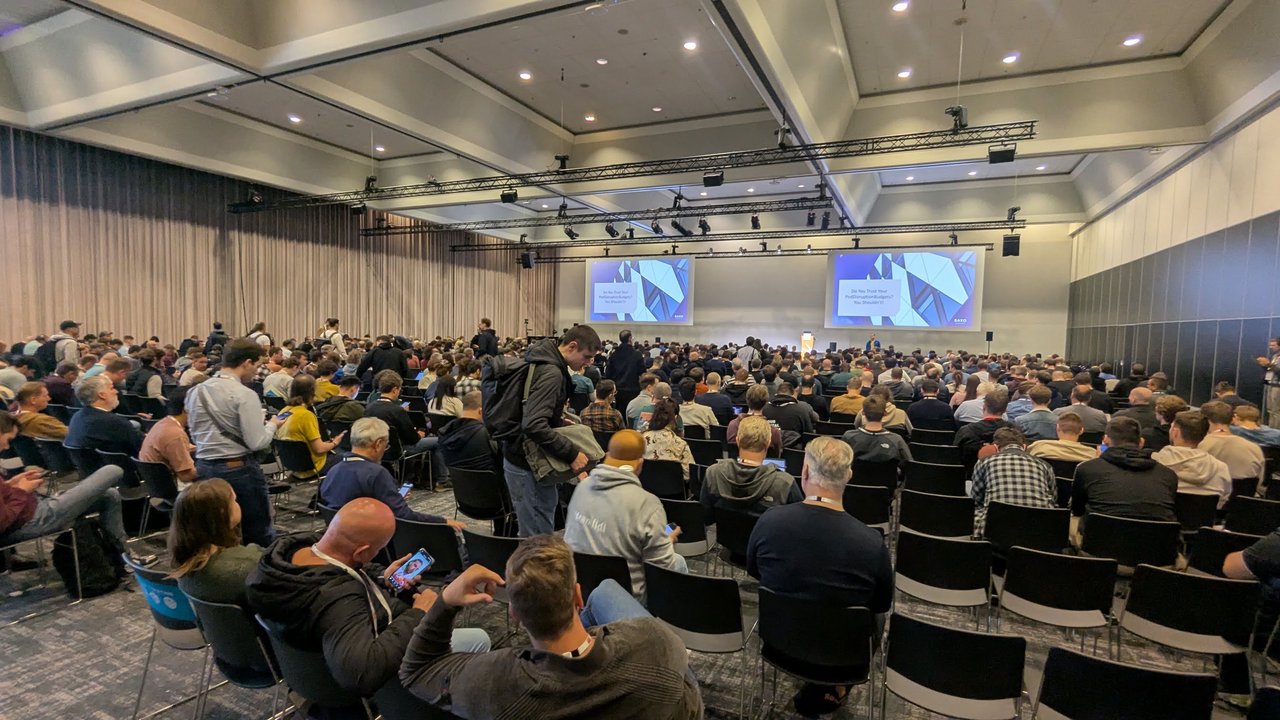
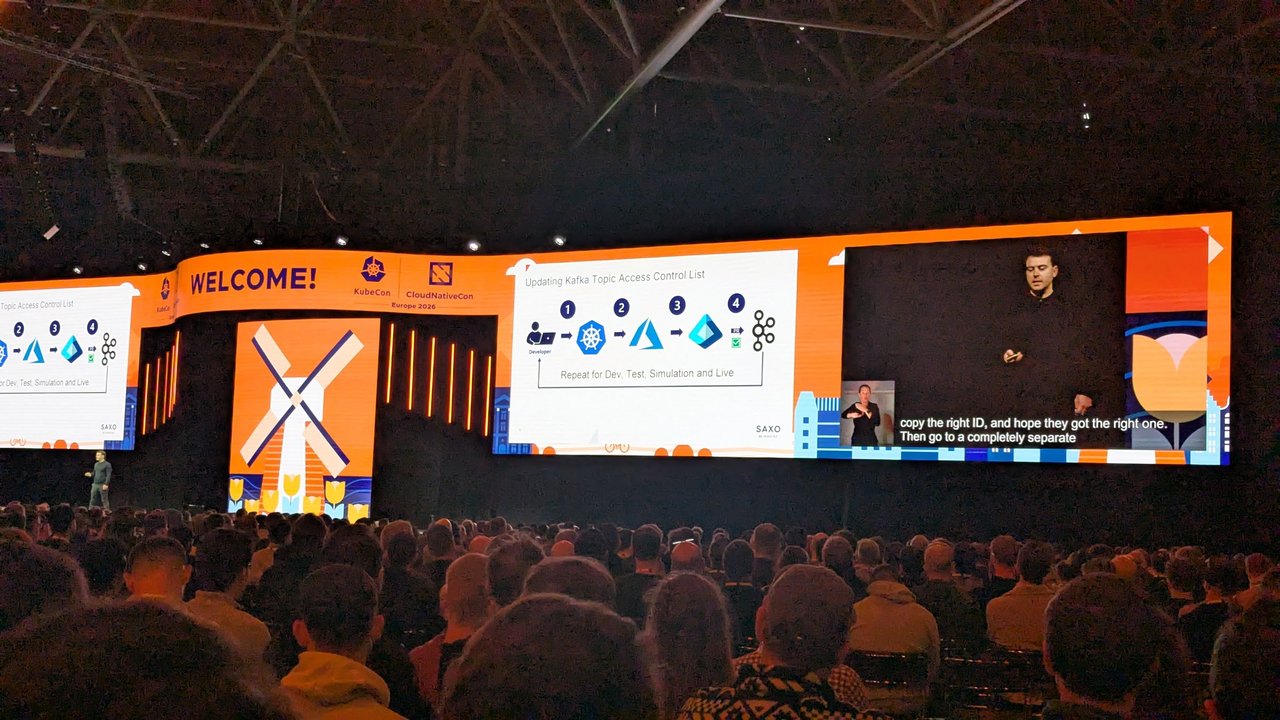
The Saxo keynote at KubeCon Europe 2026 got me writing this down. Their slide “Updating Kafka Topic Access Control List” showed four manual steps from a developer to Kafka, with “Repeat for Dev, Test, Simulation and Live” at the bottom, and the next slide, “Beyond Containerized Workload”, showed their Saxo Service Blueprint. I described both in my KubeCon Europe 2026 keynotes recap. What follows is my own implementation, not Saxo’s.
Version note: I checked every field against the Strimzi 1.2.0 docs and CRDs (released August 2026, Kafka 4.3.1). Since Strimzi 1.0 the only supported API is kafka.strimzi.io/v1, and since 0.46 Strimzi runs KRaft only, with no ZooKeeper. I tested the Strimzi parts, the Kustomize overlays and the admission policy on a throwaway kind cluster with a single-node KRaft broker. For Argo CD 3.5.3 I validated the manifests against its CRDs with a server-side dry run and ran the health check scripts against real KafkaTopic objects with the argocd CLI, but I didn’t run the ApplicationSet controller or a full sync. The Flux part comes from the docs only.
How Strimzi Kafka ACLs work: the Topic and User Operators
Two operators run inside the Entity Operator pod that the Cluster Operator deploys next to your brokers:
- The Topic Operator watches
KafkaTopicresources (short namekt). Changes flow one way, from the resource to Kafka. If someone changes a managed topic directly in Kafka, the operator reverts it. - The User Operator watches
KafkaUserresources (ku). It creates the credentials in a Secret with the same name as the user, and it writes the ACLs through the Kafka Admin API.
Both watch a single namespace, and both only pick up resources whose strimzi.io/cluster label matches the Kafka resource. Remember the single namespace: every team’s topics and users end up in the Kafka cluster’s namespace, so namespace RBAC can’t separate teams. The policy later in this post does that job.
On the cluster side, ACLs only matter once you enable simple authorization and authentication on the listeners. This is the trimmed Kafka resource I tested with:
apiVersion: kafka.strimzi.io/v1
kind: Kafka
metadata:
  name: events
  namespace: kafka
spec:
  kafka:
    version: 4.3.1
    metadataVersion: 4.3-IV0
    listeners:
      - name: tls
        port: 9093
        type: internal
        tls: true
        authentication:
          type: tls            # mTLS client certificates
      - name: scram
        port: 9094
        type: internal
        tls: true
        authentication:
          type: scram-sha-512  # username and password over TLS
    authorization:
      type: simple             # deny unless an ACL allows it
    config:
      auto.create.topics.enable: false
  entityOperator:
    topicOperator: {}
    userOperator: {}
The KRaft node pool (a KafkaNodePool with roles: [controller, broker]) is the same as examples/kafka/kafka-single-node.yaml in the release archive. With simple authorization, access is denied unless a KafkaUser ACL allows it. Strimzi also recommends turning off auto.create.topics.enable, because an application that creates its topic before the Topic Operator does gets broker defaults that you may not be able to change later.
A KafkaTopic and KafkaUser with simple ACL rules
A team owns a topic and a producer identity:
apiVersion: kafka.strimzi.io/v1
kind: KafkaTopic
metadata:
  name: payments-orders
spec:
  partitions: 6
  replicas: 3
  config:
    retention.ms: 604800000
    min.insync.replicas: 2
---
apiVersion: kafka.strimzi.io/v1
kind: KafkaUser
metadata:
  name: payments-orders-producer
spec:
  authentication:
    type: tls
  authorization:
    type: simple
    acls:
      - resource:
          type: topic
          name: payments-orders
          patternType: literal
        operations:
          - Describe
          - Write
Another team consumes it with SCRAM credentials:
apiVersion: kafka.strimzi.io/v1
kind: KafkaUser
metadata:
  name: risk-scoring
spec:
  authentication:
    type: scram-sha-512
  authorization:
    type: simple
    acls:
      - resource:
          type: topic
          name: payments-orders
          patternType: literal
        operations: [Describe, Read]
      - resource:
          type: group
          name: risk-scoring
          patternType: prefix
        operations: [Read]
What the fields mean, from the 1.2.0 schema:
authentication.typeistls,scram-sha-512ortls-external(your own certificates, so no Secret is generated). ThetlsSecret holdsca.crt,user.crt,user.key,user.p12anduser.password. The SCRAM Secret holdspasswordandsasl.jaas.config.- The principal is
CN=payments-orders-producerfor TLS users and plainrisk-scoringfor SCRAM users.kubectl get ku <name> -o jsonpath='{.status.username}'shows it. authorization.typeonly acceptssimple, andaclsis required.resource.typeistopic,group,clusterortransactionalId.patternTypeisliteral(the default) orprefix.typeisallow(the default) ordeny.hostdefaults to*.operationstakes Read, Write, Create, Delete, Alter, Describe, ClusterAction, AlterConfigs, DescribeConfigs, IdempotentWrite or All.spec.topicNameis only needed when the Kafka topic name isn’t a valid Kubernetes name. Otherwisemetadata.nameis used.
In my test, the producer with only Describe and Write produced successfully with the default (idempotent) producer settings, so it didn’t need an IdempotentWrite cluster ACL.
Repo layout: one folder per team, one overlay per environment
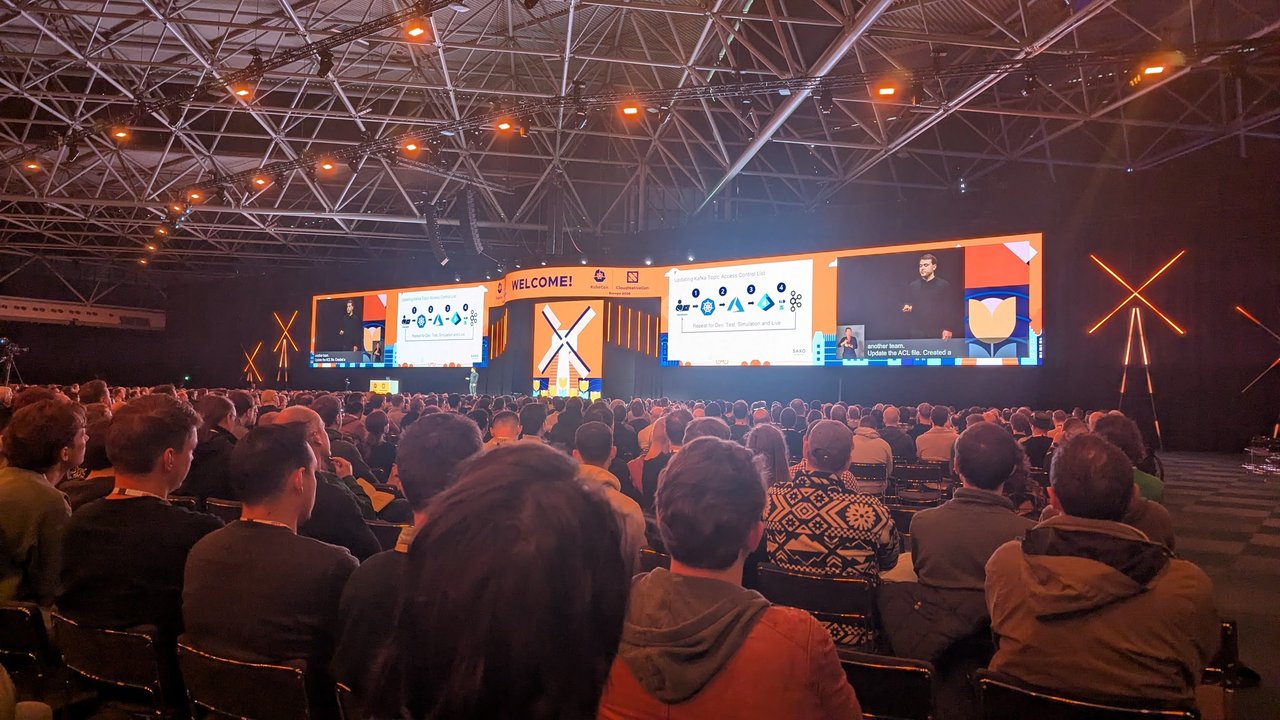
The keynote stage at KubeCon Europe 2026 during the Saxo keynote: the Kafka ACL slide, with its four manual steps and “Repeat for Dev, Test, Simulation and Live”, on both screens.
kafka-access/
├── .github/CODEOWNERS
├── teams/
│   ├── payments/
│   │   ├── kustomization.yaml   # platform-owned: sets the team label
│   │   ├── topics.yaml          # team-owned
│   │   └── users.yaml           # team-owned
│   └── risk/
│       ├── kustomization.yaml
│       └── users.yaml
├── envs/
│   ├── dev/kustomization.yaml
│   ├── test/kustomization.yaml
│   ├── sim/kustomization.yaml
│   └── live/kustomization.yaml
└── policy/kafka-team-prefix.yaml
Each team’s kustomization.yaml stamps the team label on everything the team declares. Kustomize overwrites any label a team adds by hand:
apiVersion: kustomize.config.k8s.io/v1beta1
kind: Kustomization
labels:
  - pairs:
      platform.example.com/team: payments
resources:
  - topics.yaml
  - users.yaml
The environment overlays set the namespace and cluster label and adjust what differs per environment. Dev runs a single broker, so it patches every topic down to one replica:
# envs/dev/kustomization.yaml
apiVersion: kustomize.config.k8s.io/v1beta1
kind: Kustomization
namespace: kafka
labels:
  - pairs:
      strimzi.io/cluster: events
resources:
  - ../../teams/payments
  - ../../teams/risk
patches:
  - target:
      group: kafka.strimzi.io
      kind: KafkaTopic
    patch: |-
      - op: add
        path: /spec/replicas
        value: 1
      - op: add
        path: /spec/config/min.insync.replicas
        value: 1
Live keeps the base values and protects topics from accidental pruning, which I’ll come back to in the pitfalls:
# envs/live/kustomization.yaml (patches section)
patches:
  - target:
      group: kafka.strimzi.io
      kind: KafkaTopic
    patch: |-
      apiVersion: kafka.strimzi.io/v1
      kind: KafkaTopic
      metadata:
        name: any
        annotations:
          argocd.argoproj.io/sync-options: Prune=confirm
Keep partitions the same in every environment. You can’t reduce partitions, and keyed data gets distributed differently when the partition count changes.
Review and approval through pull requests
The approval step from the slide becomes a code review. CODEOWNERS gives each team its own files and keeps the wiring with the platform team. The last matching pattern wins, so the kustomization.yaml rule comes after the team rules:
/teams/payments/              @example-org/payments
/teams/risk/                  @example-org/risk
/teams/*/kustomization.yaml   @example-org/platform
/envs/                        @example-org/platform
/policy/                      @example-org/platform
Turn on “Require review from Code Owners” in branch protection. In CI, render every overlay so a broken patch fails the PR rather than the sync:
for env in dev test sim live; do
  kubectl kustomize "envs/${env}" > /dev/null || exit 1
done
If CI can reach the dev cluster, kubectl apply --dry-run=server -k envs/dev also runs the admission policy, so a bad prefix fails in the PR with the policy’s message.
Argo CD (or Flux) applying it
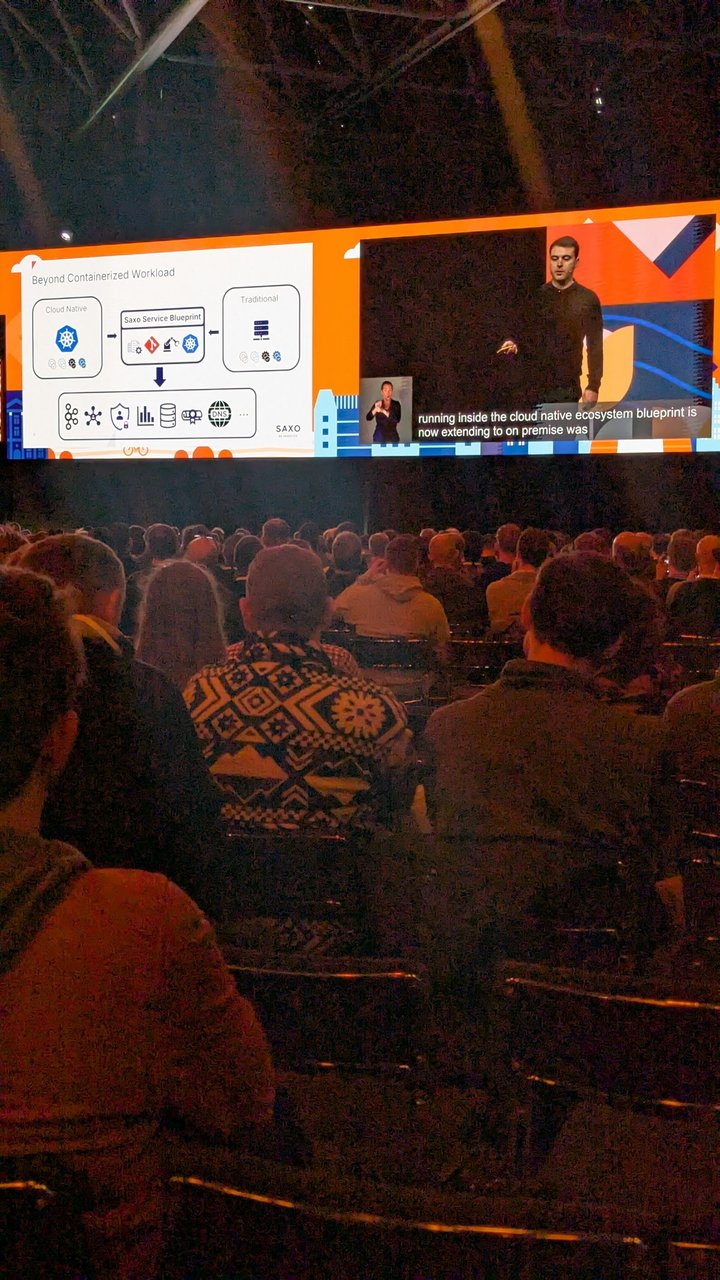
A slide from the Saxo keynote at KubeCon Europe 2026: “Beyond Containerized Workload”, with the Saxo Service Blueprint taking input from both cloud native and traditional workloads and feeding a row of platform services.
An AppProject limits this repo to KafkaTopic and KafkaUser in the kafka namespace. A user who slips a RoleBinding into users.yaml gets a sync error:
apiVersion: argoproj.io/v1alpha1
kind: AppProject
metadata:
  name: kafka-access
  namespace: argocd
spec:
  sourceRepos:
    - https://git.example.com/platform/kafka-access.git
  destinations:
    - namespace: kafka
      server: "*"
  clusterResourceWhitelist: []
  namespaceResourceWhitelist:
    - group: kafka.strimzi.io
      kind: KafkaTopic
    - group: kafka.strimzi.io
      kind: KafkaUser
One ApplicationSet creates an Application per environment. Dev, test and sim sync automatically. Live waits for someone to press sync after checking the lower environments. Templating only works on string fields, so the boolean goes through templatePatch:
apiVersion: argoproj.io/v1alpha1
kind: ApplicationSet
metadata:
  name: kafka-access
  namespace: argocd
spec:
  goTemplate: true
  goTemplateOptions: ["missingkey=error"]
  generators:
    - list:
        elements:
          - { env: dev,  cluster: kafka-dev,  autoSync: "true" }
          - { env: test, cluster: kafka-test, autoSync: "true" }
          - { env: sim,  cluster: kafka-sim,  autoSync: "true" }
          - { env: live, cluster: kafka-live, autoSync: "false" }
  template:
    metadata:
      name: "kafka-access-{{.env}}"
    spec:
      project: kafka-access
      source:
        repoURL: https://git.example.com/platform/kafka-access.git
        targetRevision: main
        path: "envs/{{.env}}"
      destination:
        name: "{{.cluster}}"
        namespace: kafka
  templatePatch: |
    spec:
      syncPolicy:
        automated:
          enabled: {{ .autoSync }}
          prune: true
          selfHeal: true
selfHeal matters here. If someone runs kubectl edit kafkauser to add an ACL, Argo CD reverts it to what Git says. The clusters (kafka-dev and so on) must already be registered in Argo CD. For the basics, see Argo CD: GitOps Continuous Deployment for Kubernetes.
With Flux, each cluster gets one Kustomization (kustomize.toolkit.fluxcd.io/v1) with path: ./envs/live, prune: true and wait: true. Flux has no confirm step. The closest option is kustomize.toolkit.fluxcd.io/prune: disabled on live topics, which leaves the topic in place when its YAML is removed. The Argo CD vs Flux comparison covers how to choose between them.
Policy guardrails: topic-name prefixes per team
CODEOWNERS controls who can change a folder. It doesn’t stop the payments team from declaring a topic called risk-alerts in its own folder. A ValidatingAdmissionPolicy (stable since Kubernetes 1.30, no extra components) closes that gap on the cluster:
apiVersion: admissionregistration.k8s.io/v1
kind: ValidatingAdmissionPolicy
metadata:
  name: kafka-team-prefix
spec:
  failurePolicy: Fail
  matchConstraints:
    resourceRules:
      - apiGroups: ["kafka.strimzi.io"]
        apiVersions: ["v1"]
        operations: ["CREATE", "UPDATE"]
        resources: ["kafkatopics", "kafkausers"]
  variables:
    - name: team
      expression: >-
        has(object.metadata.labels) &&
        'platform.example.com/team' in object.metadata.labels
        ? object.metadata.labels['platform.example.com/team'] : ''
    - name: prefix
      expression: "variables.team + '-'"
    - name: kafkaName
      expression: >-
        object.kind == 'KafkaTopic' && has(object.spec.topicName)
        ? object.spec.topicName : object.metadata.name
    - name: acls
      expression: >-
        object.kind == 'KafkaUser' && has(object.spec.authorization)
        ? object.spec.authorization.acls : []
  validations:
    - expression: "variables.team != ''"
      message: "Set the platform.example.com/team label (the team's kustomization does this)."
    - expression: "variables.kafkaName.startsWith(variables.prefix)"
      messageExpression: >-
        "'" + variables.kafkaName + "' must start with '" + variables.prefix + "'"
    - expression: "variables.acls.all(a, a.resource.type != 'cluster')"
      message: "Cluster-level ACLs are reserved for the platform team."
    - expression: >-
        variables.acls.all(a, a.resource.type == 'cluster' ||
          (has(a.resource.name) && a.resource.name != '*'))
      message: "ACLs must name a resource; '*' is not allowed."
    - expression: >-
        variables.acls.all(a,
          a.resource.type in ['group', 'transactionalId'] ?
            a.resource.name.startsWith(variables.prefix) : true)
      messageExpression: >-
        "Consumer groups and transactional IDs must start with '" + variables.prefix + "'"
    - expression: >-
        variables.acls.all(a,
          a.resource.type == 'topic' &&
          a.operations.exists(op, op in ['Write', 'Create', 'Delete', 'Alter', 'AlterConfigs', 'All'])
          ? a.resource.name.startsWith(variables.prefix) : true)
      messageExpression: >-
        "Write-type ACLs are only allowed on topics starting with '" + variables.prefix + "'"
    - expression: >-
        variables.acls.all(a,
          a.resource.type == 'topic' && !a.resource.name.startsWith(variables.prefix)
          ? (!has(a.resource.patternType) || a.resource.patternType == 'literal') : true)
      message: "Read access to another team's topic must use a literal topic name."
---
apiVersion: admissionregistration.k8s.io/v1
kind: ValidatingAdmissionPolicyBinding
metadata:
  name: kafka-team-prefix
spec:
  policyName: kafka-team-prefix
  validationActions: [Deny]
  matchResources:
    namespaceSelector:
      matchLabels:
        kubernetes.io/metadata.name: kafka
On the test cluster, the dev overlay passed and each of these was rejected with its own message: a topic without the prefix, a prefixed metadata.name pointing at spec.topicName: risk-alerts, a missing team label, Write on another team’s topic, a prefix read on payments-, a * topic, a cluster ACL and a consumer group outside the team prefix.
The rules let any team read another team’s topic by exact name after review. If your topics carry sensitive data, tighten the last rule so every topic ACL needs the team’s own prefix, and route cross-team reads through a platform-owned folder. If you already run Kyverno, its ValidatingPolicy (policies.kyverno.io/v1, stable since Kyverno 1.19) is a superset of this API, so the same variables and expressions carry over. Background in Kyverno Graduates in the CNCF.
Verify it worked
kubectl -n kafka get kt,ku -l platform.example.com/team=payments
kubectl -n kafka wait kafkatopic,kafkauser -l platform.example.com/team=payments \
  --for=condition=Ready --timeout=120s
The printer columns show the cluster, partitions, replication factor, authentication, authorization and READY. For a failure, read the conditions:
kubectl -n kafka get kt payments-orders \
  -o jsonpath='{range .status.conditions[*]}{.type}={.status} {.reason}: {.message}{"\n"}{end}'
Two failures I triggered on purpose: lowering partitions from 6 to 3 gave Ready=False NotSupported: Decreasing partitions not supported. A second KafkaTopic with the same spec.topicName gave Ready=False ResourceConflict, and the older resource stays in charge.
Then test the ACLs with a real client. In my test, the risk user consumed with group risk-scoring-v1. Producing as the same user failed with ClusterAuthorizationException (from the idempotent producer’s init call, not the topic), and with enable.idempotence=false it failed with TopicAuthorizationException. Using group payments-app gave GroupAuthorizationException.
Pitfalls
Deleting a KafkaTopic deletes the topic and its data. The Topic Operator adds the
strimzi.io/topic-operatorfinalizer and removes the topic from Kafka before it lets go. Withprune: true, deleting a YAML block does exactly that, which is why live usesPrune=confirm. To rename a resource without losing data, annotate itstrimzi.io/managed: "false"first, wait for theUnmanagedcondition, then recreate it under the new name withspec.topicNamepointing at the same topic.Argo CD can show a failed topic as Progressing. The built-in Lua checks for KafkaTopic and KafkaUser in Argo CD 3.5.3 only report Degraded on a
NotReady=Truecondition, and the Topic Operator reports failures asReady=False. I ran both against theNotSupportedtopic withargocd admin settings resource-overrides health. The built-in script saidProgressing: Waiting for Kafka Topic, and this override inargocd-cmsaidDegraded:data: resource.customizations.health.kafka.strimzi.io_KafkaTopic: | hs = { status = "Progressing", message = "Waiting for the Topic Operator" } if obj.status == nil or obj.status.conditions == nil then return hs end if obj.status.observedGeneration ~= obj.metadata.generation then return hs end for i, c in ipairs(obj.status.conditions) do if c.type == "Ready" and c.status == "True" then hs.status = "Healthy" hs.message = "" return hs end if c.type == "Ready" and c.status == "False" then hs.status = "Degraded" hs.message = (c.reason or "") .. ": " .. (c.message or "") return hs end end return hsArgo CD checks overrides in
argocd-cmbefore its built-in scripts. Add the same block forkafka.strimzi.io_KafkaUser.Credentials land in the Kafka namespace. Applications in other namespaces can’t mount those Secrets. Strimzi’s separate Access Operator (
KafkaAccess) creates a binding Secret with connection details and user credentials. Generated credentials never belong in Git. See GitOps Secrets: Sealed Secrets vs SOPS vs External Secrets for the secrets you do have to store.Introduce the policy in warn mode. Once it is bound with
Deny, every update to an existing non-compliant resource is rejected, whoever sends it. Start withvalidationActions: [Warn, Audit], fix the stragglers, then switch to[Deny].
My take: the YAML is the easy part. What replaces the four-step flow is the ownership model: the team owns its folder, the platform team owns the overlays and the policy, and review happens once in the PR instead of four times in four portals.