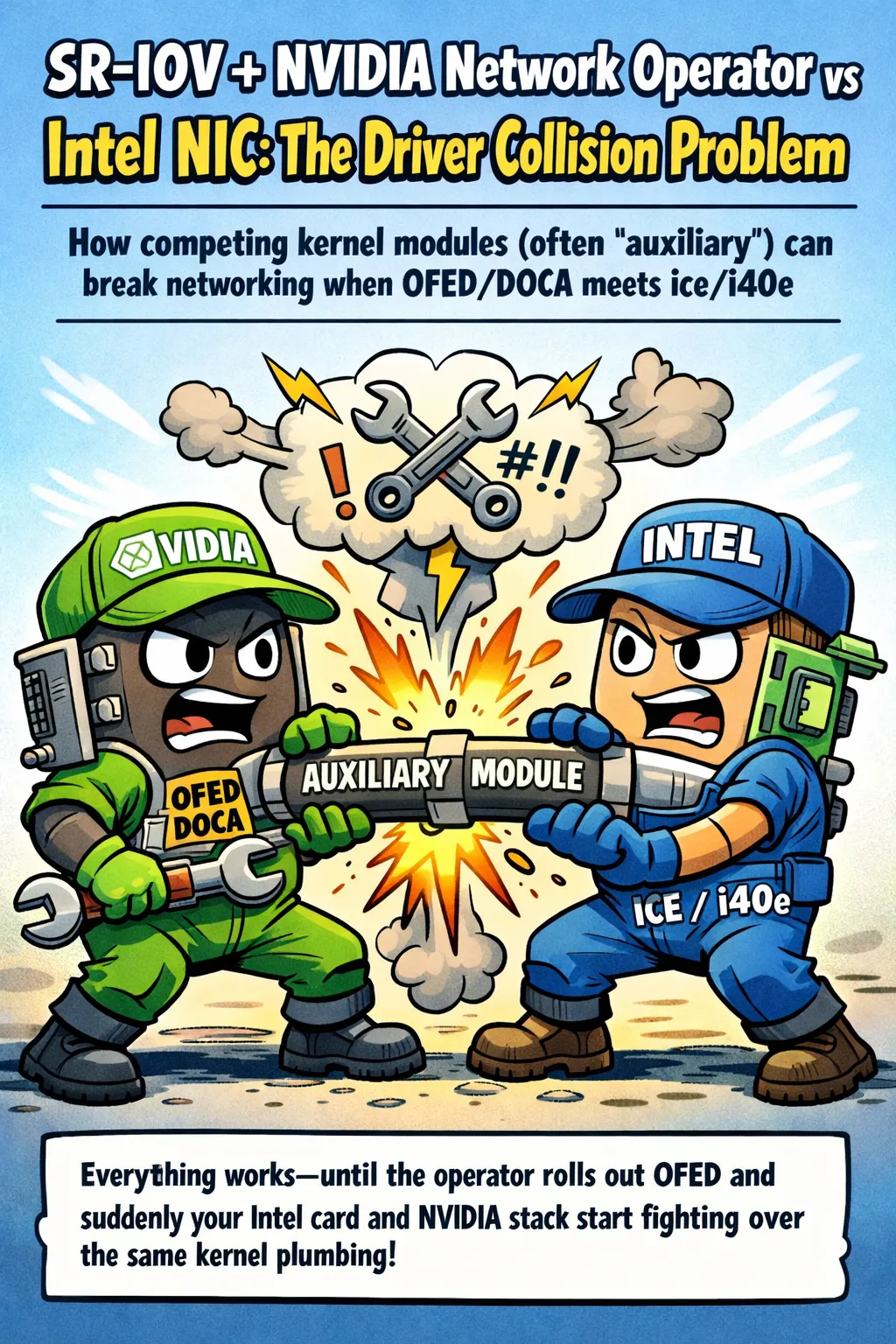

Everything works — until the operator rolls out OFED and suddenly your Intel card and NVIDIA stack start fighting over the same kernel plumbing. Here’s what’s actually colliding, why it happens, and how to stop it fast.
The Problem
This usually happens when NVIDIA Network Operator deploys a containerized OFED/DOCA driver and it collides with an Intel NIC driver stack on the same node (often ice / i40e).
A very common symptom is an auxiliary.ko module conflict (only one auxiliary module can be loaded):
“module auxiliary is in use by: ice” / “duplicate symbol … owned by kernel”
Option 1 (Recommended): Don’t Deploy MOFED/DOCA from the Network Operator
If you don’t strictly need MOFED/DOCA features on that node, omit spec.ofedDriver entirely from your NicClusterPolicy. IBM explicitly calls out that defining ofedDriver makes the operator create MOFED pods; omitting it skips them and uses OS-provided drivers instead.
Note: If you use host/inbox drivers (no DOCA-OFED), you may need extra host packages (
linux-genericon Ubuntu,kernel-modules-extraon RHEL-based) andrdma-corefor inbox RDMA.
Minimal Pattern
apiVersion: mellanox.com/v1alpha1
kind: NicClusterPolicy
metadata:
  name: nic-cluster-policy
spec:
  # IMPORTANT: do NOT define ofedDriver here
  sriovDevicePlugin:
    # keep SR-IOV, device plugins, etc.
Option 2: Keep DOCA-OFED/MOFED, but Remove the Intel Out-of-Tree Driver
If you must run DOCA-OFED/MOFED, avoid Intel’s out-of-tree/DKMS NIC driver package that drops a competing auxiliary.ko.
The conflict described by NVIDIA users is exactly: Intel’s driver stack uses auxiliary and MOFED tries to unload/load it and fails.
In practice, this usually means:
- Revert to the in-kernel
ice/i40edriver that matches your distro kernel - Ensure Intel’s driver package isn’t installing its own
auxiliary.ko
Option 3: Limit SR-IOV Device Plugin to NVIDIA/Mellanox Devices Only
In NicClusterPolicy, set selectors so the SR-IOV device plugin only exposes vendor 15b3 (Mellanox/NVIDIA). NVIDIA’s own full example shows vendor filtering in the SR-IOV plugin config.
Example Configuration
spec:
  sriovDevicePlugin:
    config: |
      {
        "resourceList": [
          {
            "resourcePrefix": "nvidia.com",
            "resourceName": "hostdev",
            "selectors": {
              "vendors": ["15b3"]
            }
          }
        ]
      }
Quick Checks to Confirm the “auxiliary” Collision
Run these commands on the affected node:
# Check kernel messages for collision indicators
dmesg | egrep -i 'auxiliary|duplicate symbol|openibd|ice|i40e'

# See which modules are using auxiliary
lsmod | grep auxiliary

# Check which path/version of auxiliary is loaded
modinfo auxiliary
Summary
| Approach | Best For |
|---|---|
Option 1: Omit ofedDriver | Nodes that don’t need MOFED/DOCA features |
| Option 2: Remove Intel out-of-tree driver | When DOCA-OFED is required but Intel NICs are present |
| Option 3: Vendor filtering | Mixed environments where you want SR-IOV only on Mellanox devices |
The key insight: the auxiliary.ko kernel module can only be loaded once, and both Intel’s out-of-tree driver and NVIDIA’s OFED/DOCA stack want to provide their own version. Choose the approach that matches your workload requirements.