Scaling Argo CD usually goes wrong in the same way. The application count grows, the repo server starts getting OOM-killed, syncs slow down, and the controller burns CPU reconciling applications whose Git source hasn’t changed. This guide covers the settings that fix that: the reconciliation timeout and its jitter, Git webhooks, ApplicationSets, repo-server tuning, controller sharding, and the Prometheus metrics that show whether each change worked.
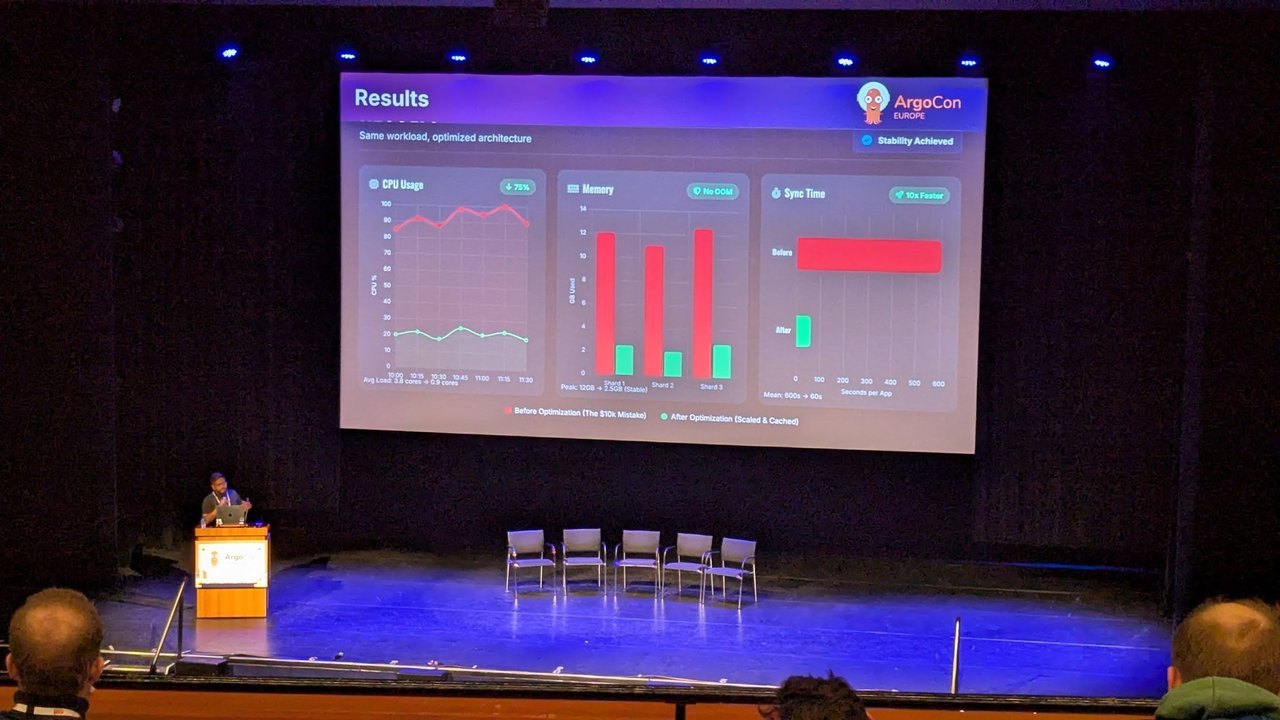
ArgoCon Europe 2026 got me writing this down. At the KubeCon co-located day I watched The $10,000 ArgoCD Mistake: Eliminating Phantom Syncs and Scaling the Repo Server, which I summarised in my co-located day recap. In the talk, the results slide showed average CPU going from 3.8 to 0.9 cores and mean sync time from 600 s to 60 s on the same workload. The rest of this post is my own walkthrough, checked against the official Argo CD docs.
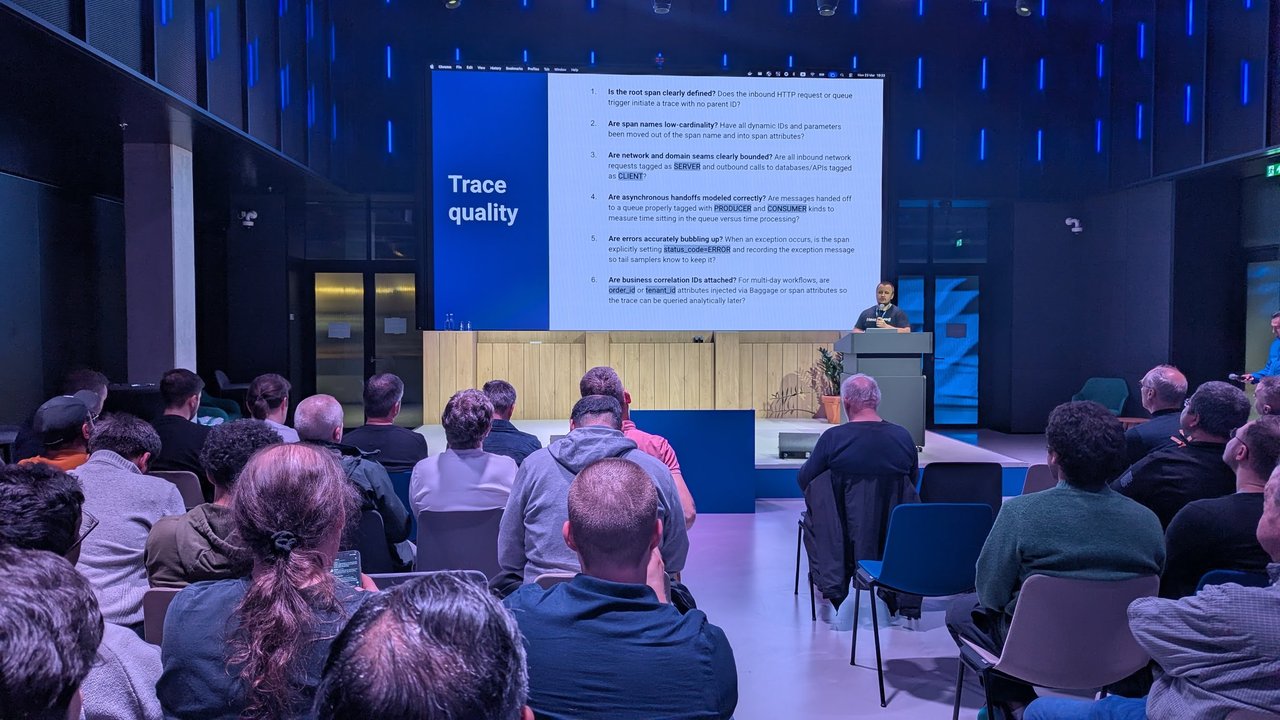
The title slide of The $10,000 ArgoCD Mistake at ArgoCon Europe 2026, in the ArgoCon auditorium at the RAI Amsterdam.
Version note: I checked every key, flag and metric against the Argo CD 3.5 documentation (the stable docs, release v3.5.3). Settings that only appear in 3.5 are marked as such. Most of the rest has been around since 2.x.
What a phantom sync actually is
I use “phantom sync” for reconciliation or sync work that happens when nothing meaningful changed in Git. There are four common sources:
- Timer-based refresh. By default every Application is refreshed on a timer, whether or not its repo changed.
- Monorepo cache invalidation. Argo CD caches generated manifests keyed by commit SHA, so any commit to a shared repo invalidates the cache for every Application in it.
- Status churn. An Application is refreshed every time one of its resources changes, including controller-written status fields.
- Real drift loops. A mutating webhook or operator rewrites a field, Argo CD sees a diff, self-heal syncs it back, and the cycle repeats. I covered that one in Fix ArgoCD Application Stuck in OutOfSync and Fix ArgoCD Showing False Diffs.
Each of these puts load on the argocd-repo-server, which clones repositories and runs Helm, Kustomize or plugins to render manifests. That’s where the OOM kills come from.
Measure first: the Argo CD Prometheus metrics that matter
Get a baseline before changing anything. Argo CD exposes metrics on three endpoints:
| Component | Endpoint |
|---|---|
| application controller | argocd-metrics:8082/metrics |
| API server (also handles webhooks) | argocd-server-metrics:8083/metrics |
| repo server | argocd-repo-server:8084/metrics |
If you run the Prometheus Operator, the docs include ServiceMonitor examples for each Service. With multiple controller replicas, scrape the pods through endpoint discovery and not the ClusterIP, or you’ll only see one replica per scrape.
These are the queries I start with:
# Git traffic from the repo server, split into ls-remote vs fetch
sum by (repo, request_type) (rate(argocd_git_request_total[5m]))

# Reconciliations per second across all apps
sum(rate(argocd_app_reconcile_count[5m]))

# p95 reconciliation duration
histogram_quantile(0.95, sum by (le) (rate(argocd_app_reconcile_bucket[5m])))

# Apps that sync most often (repeated syncs with no Git change = drift loop)
topk(10, sum by (namespace, name) (increase(argocd_app_sync_total[1h])))

# Requests waiting for a repository lock on the repo server (gauge)
sum by (repo) (argocd_repo_pending_request_total)

# Repo-server memory, from cAdvisor
max by (pod) (container_memory_working_set_bytes{container="argocd-repo-server"})
A quick spot check without Prometheus:
kubectl -n argocd port-forward svc/argocd-repo-server 8084:8084 &
curl -s localhost:8084/metrics | grep -E '^argocd_git_request_total'
Write down the ls-remote and fetch rates. They’re the numbers the next two sections should bring down.
Reduce Git polling with timeout.reconciliation and jitter
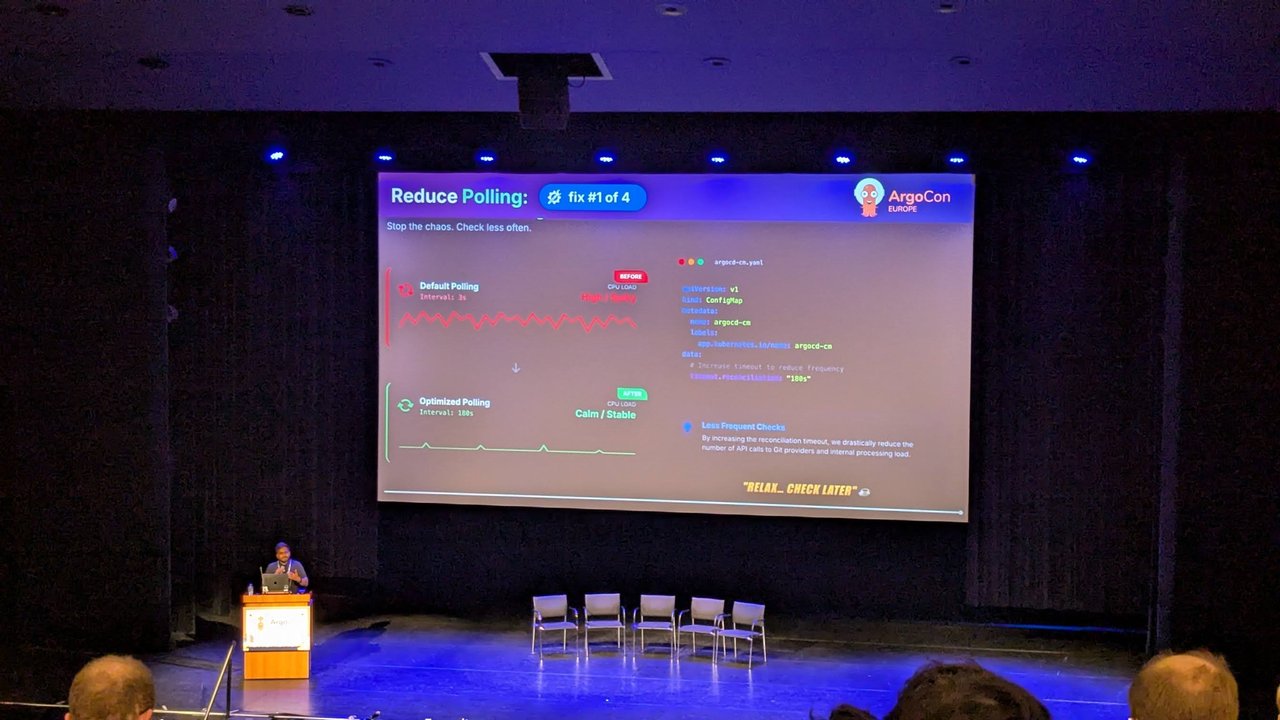
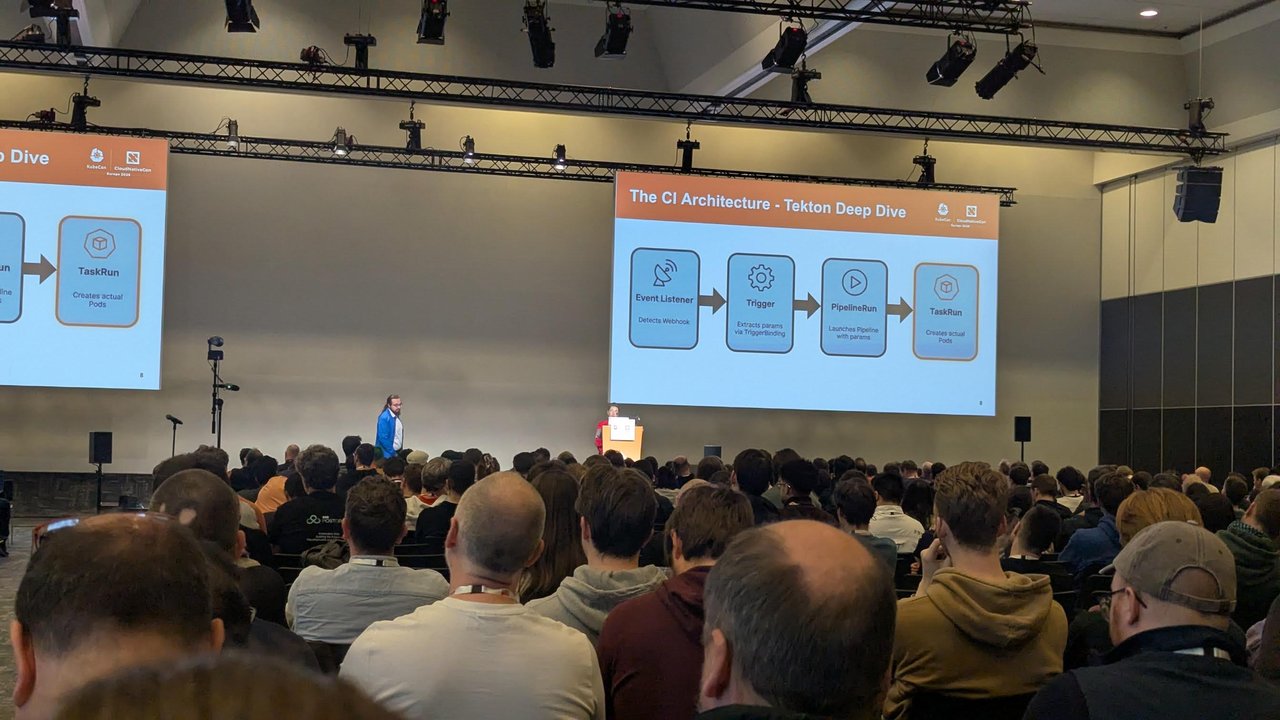
A slide from The $10,000 ArgoCD Mistake at ArgoCon Europe 2026: fix #1 of 4, “Reduce Polling”, contrasting high CPU load from frequent polling with a stable load after raising timeout.reconciliation to 180s in argocd-cm.
The application controller polls Git on a timer configured in argocd-cm:
apiVersion: v1
kind: ConfigMap
metadata:
  name: argocd-cm
  namespace: argocd
data:
  # Base interval between periodic refreshes of each Application.
  # 0 disables timer-based reconciliation entirely.
  timeout.reconciliation: 300s
  # Random extra delay (0..jitter) added per refresh, so apps don't
  # all hit the repo server at the same moment.
  timeout.reconciliation.jitter: 120s
Line by line:
timeout.reconciliationdefaults to120sin the 3.5argocd-cmreference. Values are Go duration strings (60s,5m,1h). Setting it to0turns off timer-based refresh.timeout.reconciliation.jitterdefaults to60s, which is why the docs describe the default as “every 3 minutes”: a 120 s base plus up to 60 s of jitter. The jitter is the maximum random delay added to the timeout. With a 5-minute timeout and 2 minutes of jitter, each refresh lands between 5 and 7 minutes.- The same value also sets the repo server’s expiration for cached Git revisions. That’s why the docs say you must restart both components after changing it:
kubectl -n argocd rollout restart deployment argocd-repo-server
kubectl -n argocd rollout restart statefulset argocd-application-controller
The jitter does most of the work at scale. Without it, hundreds of Applications created around the same time get refreshed together, and the repo server sees regular spikes in its queue.
Pitfall: the ApplicationSet controller polls separately. A Git generator re-reads the repo every 3 minutes by default, controlled per ApplicationSet with requeueAfterSeconds or globally with ARGOCD_APPLICATIONSET_CONTROLLER_REQUEUE_AFTER. Because the Git generator reads through the repo server’s revision cache, a long timeout.reconciliation can delay the generator noticing new directories.
My take: once webhooks are in place, I raise the interval but don’t set it to 0. Polling becomes the safety net for webhook deliveries that get lost.
Git webhooks: refresh on push, not on a timer
A webhook lets Argo CD refresh only the Applications whose repo just changed. The API server accepts webhook events from GitHub, GitLab, Bitbucket, Bitbucket Server, Azure DevOps and Gogs at /api/webhook.
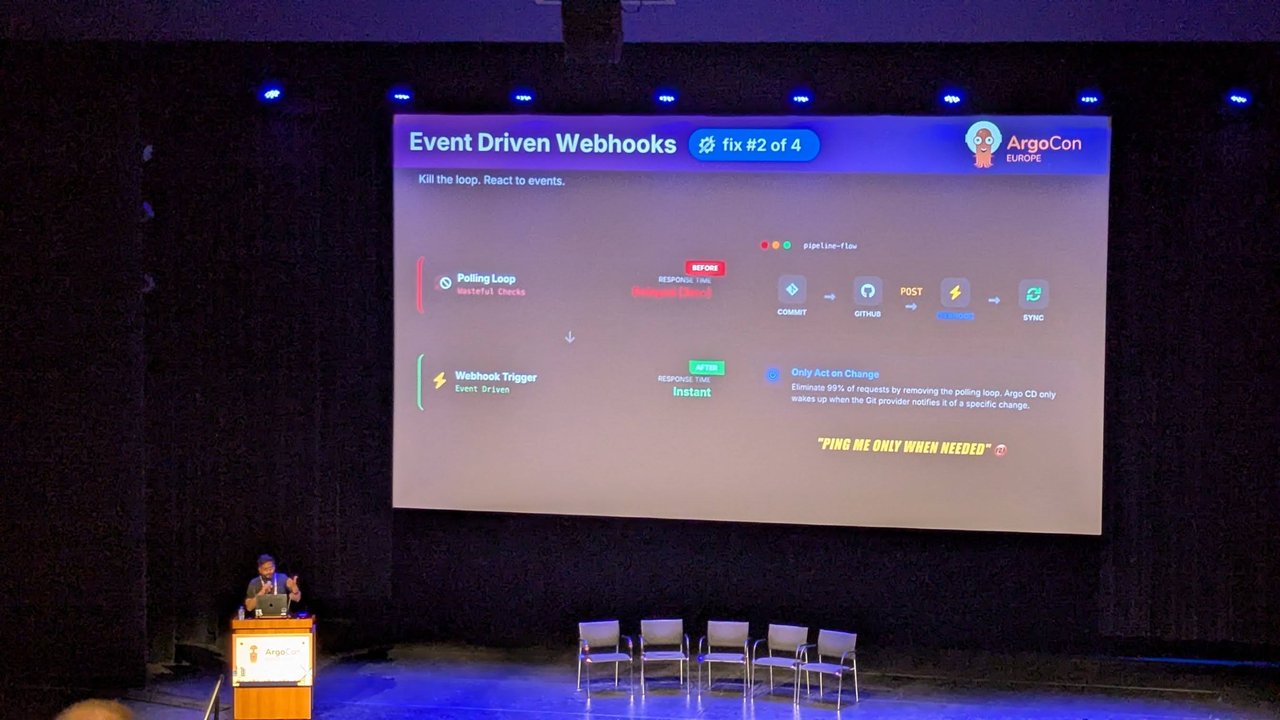
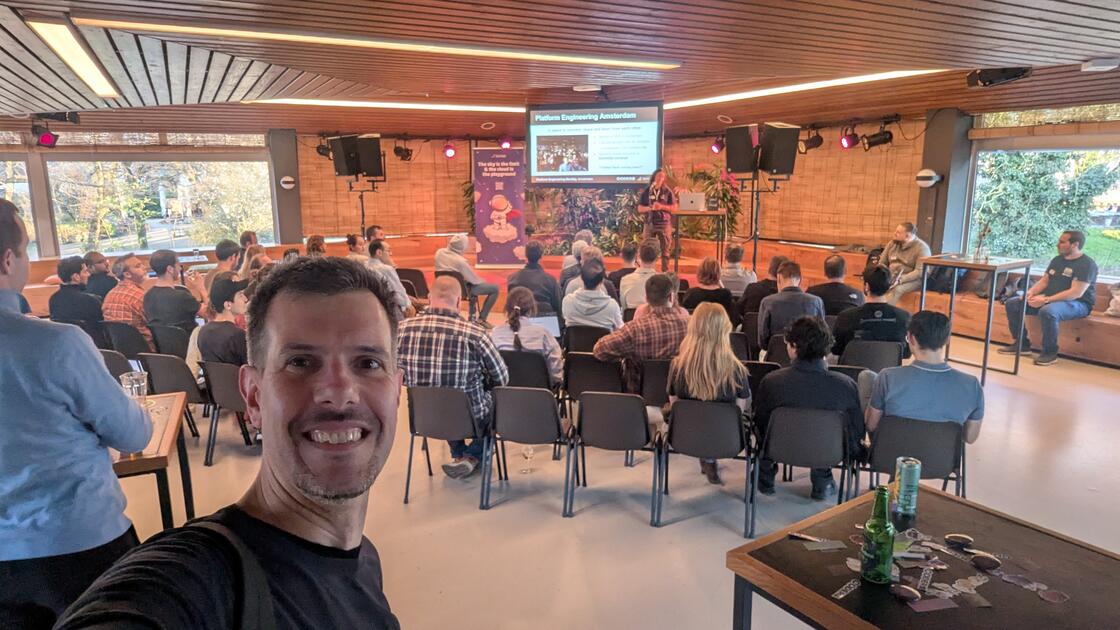
A slide from The $10,000 ArgoCD Mistake at ArgoCon Europe 2026: fix #2 of 4, “Event Driven Webhooks”, replacing the polling loop with a commit, GitHub, webhook POST and sync pipeline.
- In your Git provider, add a webhook with payload URL
https://argocd.example.com/api/webhook. On GitHub, set the content type toapplication/json. The defaultapplication/x-www-form-urlencodedisn’t supported. - Set a shared secret and put it in
argocd-secret:
apiVersion: v1
kind: Secret
metadata:
  name: argocd-secret
  namespace: argocd
type: Opaque
stringData:
  webhook.github.secret: "<the-same-secret-you-set-in-github>"
  # webhook.gitlab.secret, webhook.bitbucket.uuid,
  # webhook.bitbucketserver.secret, webhook.gogs.secret,
  # webhook.azuredevops.username / webhook.azuredevops.password
The docs describe the secret as optional, since an unauthenticated event can only trigger a refresh. If your Argo CD is reachable from the internet, set one anyway. The endpoint has no rate limiting, so also leave webhook.maxPayloadSizeMB in argocd-cm at a sensible value (the default is 50).
ApplicationSets need their own webhook. The ApplicationSet controller runs a separate webhook server, exposed by the argocd-applicationset-controller Service on port 7000 (port name webhook). It’s ClusterIP only, so you need a separate Ingress, and you register a second /api/webhook URL in the Git provider. The Git generator docs list GitHub and GitLab for this.
Argo CD 3.5+: spread out webhook bursts. A bulk merge into a monorepo can trigger hundreds of refreshes at once. Version 3.5 adds:
# argocd-cm
data:
  webhook.refresh.jitter: "60s"           # random 0..60s delay per refresh (default 0 = off)
  webhook.refresh.jitter.threshold: "10"  # only when more than 10 apps are affected
---
# argocd-cmd-params-cm
data:
  server.webhook.refresh.workers: "40"    # default 20
Verify it: GitHub’s webhook page shows each delivery and the response code. On the Argo CD side, the ls-remote rate in argocd_git_request_total should fall once you’ve raised the polling interval. On 3.5, argocd_webhook_requests_total (label repo, on the API server endpoint) counts the events that arrive.
Replace hundreds of Applications with an ApplicationSet
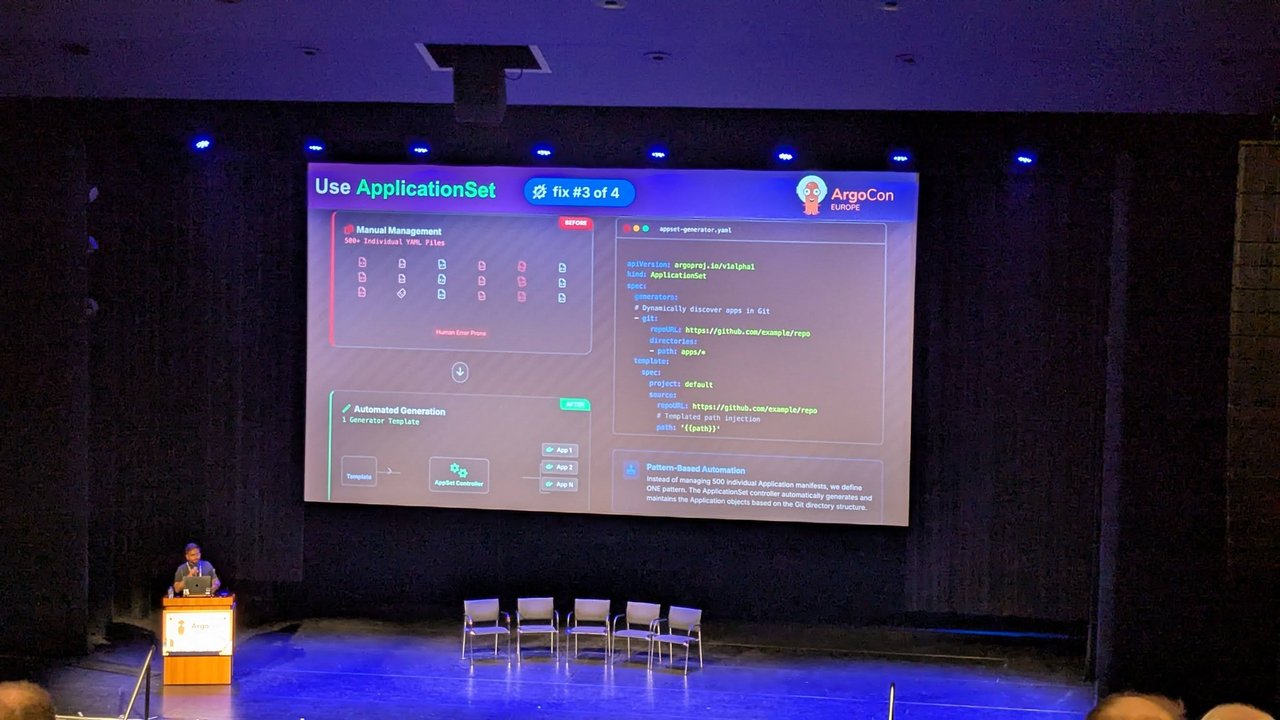
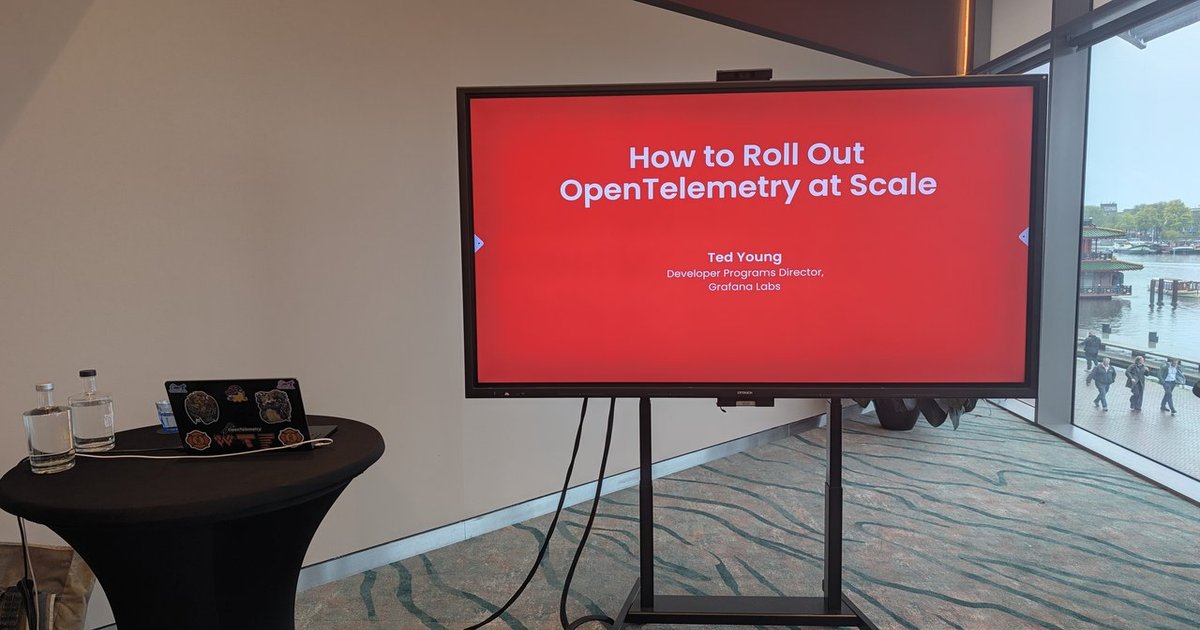
A slide from The $10,000 ArgoCD Mistake at ArgoCon Europe 2026: fix #3 of 4, “Use ApplicationSet”, swapping hundreds of hand-written Application manifests for one Git directory generator.
Hand-written Application manifests don’t scale. They drift apart, and each one is another object to keep consistent. A Git directory generator creates one Application per directory:
apiVersion: argoproj.io/v1alpha1
kind: ApplicationSet
metadata:
  name: team-services
  namespace: argocd
spec:
  goTemplate: true
  goTemplateOptions: ["missingkey=error"]
  generators:
    - git:
        repoURL: https://github.com/example-org/platform-apps.git
        revision: main
        directories:
          - path: services/*
  template:
    metadata:
      name: '{{.path.basename}}'
      annotations:
        # Only regenerate when files under this app's own path change
        argocd.argoproj.io/manifest-generate-paths: .
    spec:
      project: default
      source:
        repoURL: https://github.com/example-org/platform-apps.git
        targetRevision: refs/heads/main
        path: '{{.path.path}}'
      destination:
        server: https://kubernetes.default.svc
        namespace: '{{.path.basename}}'
      syncPolicy:
        syncOptions:
          - CreateNamespace=true
What matters here:
directories[].path: services/*matches every subdirectory, and.path.basenamebecomes the Application name and namespace. Adding a service is now a new directory, not a new manifest.missingkey=errormakes a template typo fail loudly instead of producing an Application with an empty field. If generation still fails, see Fix ArgoCD ApplicationSet Generator Error.targetRevision: refs/heads/mainis a fully qualified ref. The HA docs note that short names likemainforce the repo server to load and scan all refs to resolve them, which costs CPU and memory in repos with many branches and tags.- The annotation is covered in the next section.
The ApplicationSet controller exports argocd_appset_owned_applications, which is handy for confirming the generator produced the count you expected. For a broader introduction, see Argo CD: GitOps Continuous Deployment for Kubernetes.
Scale and tune the argocd-repo-server
The manifest-generate-paths annotation
This is the most effective single change for monorepos. Argo CD caches generated manifests by commit SHA, so one commit anywhere in the repo invalidates the cache for every Application in it. argocd.argoproj.io/manifest-generate-paths lists the paths an Application depends on, separated by semicolons. If a new commit doesn’t touch any of them, Argo CD skips regeneration and keeps the existing cache.
.is relative to the Application’sspec.source.path./shared(with a leading slash) is absolute within the repo..;../sharedcovers the app plus a shared directory.- Glob patterns use Go’s
filepath.Matchsyntax.
Since v2.11 the annotation works without webhooks, by comparing Git history. Two exceptions:
- With shallow clones (
depth: "1"on the repository), that history comparison is skipped. - For webhook payload filtering, only GitHub, GitLab and Gogs are supported.
Applications that each use their own repo gain nothing from the annotation.
On 3.5 you can measure it. Compare the rate of argocd_webhook_store_cache_attempts_total with label successful="true" against the rate of argocd_webhook_requests_total. A higher ratio means more commits were served from cache. For very large plain-YAML monorepos, 3.5 also lets you turn cache warming off per repo with argocd repo edit REPO_URL --webhook-manifest-cache-warm-disabled.
Concurrency, timeouts and memory
apiVersion: v1
kind: ConfigMap
metadata:
  name: argocd-cmd-params-cm
  namespace: argocd
data:
  # Max concurrent manifest generations per repo-server pod.
  # Unset or < 1 means unlimited. Example value, size it to your pod limits.
  reposerver.parallelism.limit: "10"
  # How long generated manifests stay cached (default 24h0m0s).
  reposerver.repo.cache.expiration: "24h0m0s"
  # Controller-side RPC timeout to the repo server (default 60).
controller.repo.server.timeout.seconds: "60"reposerver.parallelism.limitmaps to the--parallelismlimitflag. The repo server fork/execs Helm and Kustomize, and the docs recommend this limit to avoid OOM kills. On 3.5,argocd_repo_parallelism_wait_duration_secondsshows how long requests wait for a slot. When waits stay long, I add replicas rather than lifting the limit, which would bring the OOM risk back.- If reconciliations fail with
Context deadline exceeded, the docs suggest raising--repo-server-timeout-secondsand scaling up the repo server. Helm and Kustomize runs have their own 90 s limit,ARGOCD_EXEC_TIMEOUT. - Scale horizontally with
kubectl -n argocd scale deployment argocd-repo-server --replicas=3(the HA manifests ship 2). Repos are cloned into/tmp, so give the pod enough disk or mount a volume if you have many large repos. - Set
GOMEMLIMITto 80–90% of the container’s memory limit, so Go garbage-collects before the kernel OOM-kills the pod. Set it too close to the working set and the runtime spends its time in GC.
argocd-cmd-params-cm values are read at startup, so restart the repo server after editing them. For the OOM-specific runbook, see Fix ArgoCD Repo Server Out of Memory.
Shard the application controller
Controller sharding splits clusters across controller replicas, not Applications. If all your Applications deploy to one cluster, sharding won’t help. Raise the processor counts instead (below).
apiVersion: apps/v1
kind: StatefulSet
metadata:
  name: argocd-application-controller
  namespace: argocd
spec:
  replicas: 3
  template:
    spec:
      containers:
        - name: argocd-application-controller
          env:
            - name: ARGOCD_CONTROLLER_REPLICAS
value: "3" # must match spec.replicasARGOCD_CONTROLLER_REPLICAShas to equal the replica count.- The algorithm is set with
controller.sharding.algorithminargocd-cmd-params-cm. Options arelegacy(the default, UID-based and uneven),round-robin, andconsistent-hashing. The docs mark both non-default options as experimental. - You can pin a cluster to a shard by setting
shard: "1"in its cluster Secret.
For many Applications on few clusters, raise controller.status.processors (default 20) and controller.operation.processors (default 10). The docs’ own example for 1,000 Applications uses 50 and 25.
Cut status churn with ignoreResourceUpdates
The quietest source of phantom work is resources whose status changes all the time. Each update can trigger an Application refresh. resource.ignoreResourceUpdatesEnabled is true by default, so you only have to list the noisy fields:
# argocd-cm
data:
  resource.customizations.ignoreResourceUpdates.external-secrets.io_ExternalSecret: |
    jsonPointers:
      - /status/refreshTime
To find candidates, search the controller logs for Requesting app refresh caused by object update and count the matches by kind. Once a rule is in place, the debug-level line Ignoring change of object because none of the watched resource fields have changed confirms it’s working.
A rollout order for scaling Argo CD
- Baseline the metrics above for a week.
- Add webhooks for both the API server and the ApplicationSet controller, then raise
timeout.reconciliationand set its jitter. - Move hand-written Applications to ApplicationSets with
manifest-generate-paths. - Set
reposerver.parallelism.limit, add repo-server replicas and setGOMEMLIMIT. - Shard the controller only if you manage many clusters.
- Compare against the baseline: Git request rate, reconcile rate, sync counts per app and repo-server memory.
My take: steps 2 and 3 fix most of the installations I review. Sharding is the step teams reach for first, and it usually matters least.