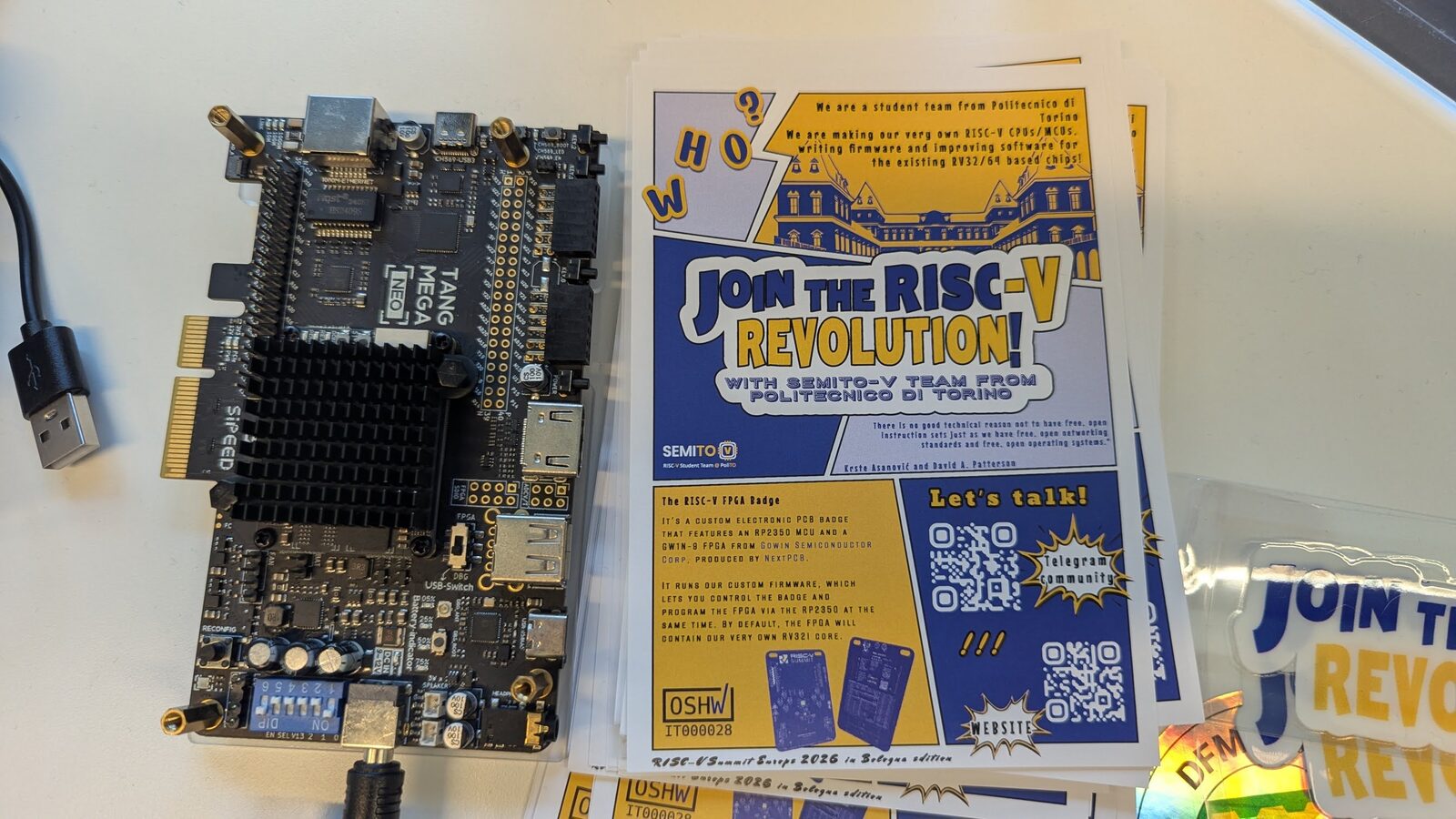
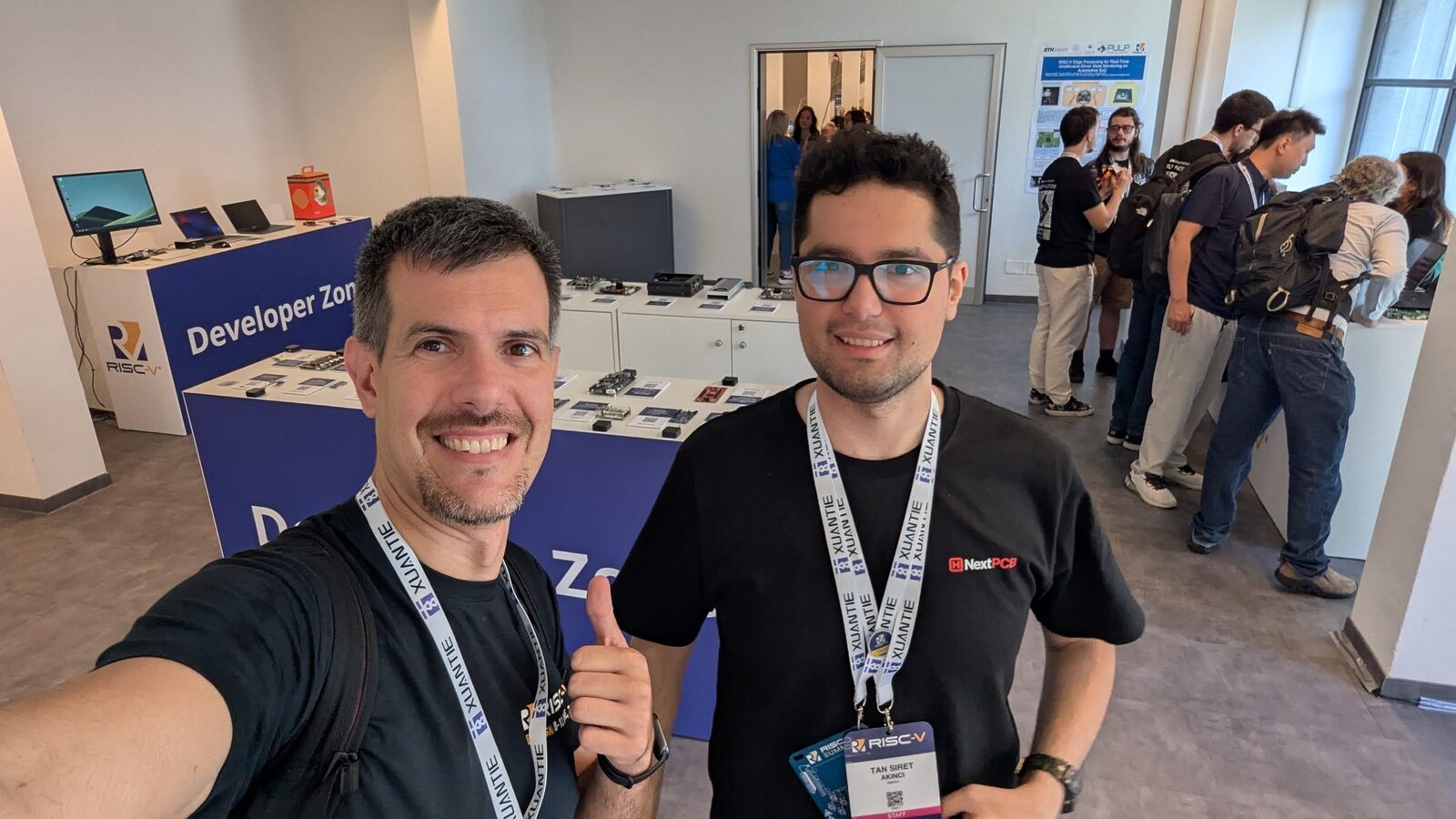
Once you have explored RISC-V in QEMU, the next step is real silicon you can hold in your hand. The good news in 2026 is that RISC-V single-board computers (SBCs) are cheaper, faster, and more available than ever. The board showcase at RISC-V Summit Europe 2026 was packed — here is how to choose the right one.
How to Think About RISC-V Boards
RISC-V boards fall into three broad tiers:
- Microcontrollers — tiny RV32 cores for embedded projects (sensors, robotics, firmware learning).
- Linux-capable SBCs — RV64GC application processors that boot a full OS, the sweet spot for most developers.
- Workstation / server-class — many-core boards for serious software development and HPC experimentation.
Match the tier to your goal before comparing specs. Below are the standouts in each.
Best for Beginners: StarFive VisionFive 2
The StarFive VisionFive 2 is still the reference RISC-V SBC for newcomers. It is built on the JH7110 SoC with a quad-core SiFive U74 (RV64GC) at up to 1.5 GHz, with 2–8 GB LPDDR4, dual gigabit Ethernet, M.2, and a Pi-like form factor.
Why it wins for beginners:
- The largest community and documentation base of any RISC-V board
- Mainline Linux support — Debian, Ubuntu, Fedora images
- Inexpensive and widely stocked
If you want one board to learn RISC-V Linux on, this is it.
Best Value Linux SBC: Milk-V Mars
The Milk-V Mars uses the same JH7110 SoC in a Raspberry Pi-compatible footprint, often at an even lower price. If you have Pi accessories (cases, HATs, power supplies), the Mars drops right in. There is also the Milk-V Mars CM compute-module variant for embedded integration.
Best for Vector / AI Experiments: Banana Pi BPI-F3
The Banana Pi BPI-F3 is built on the SpacemiT K1, an 8-core RV64 SoC that implements RVV 1.0, the ratified vector extension. That makes it the most accessible board for experimenting with vectorized workloads — the same extension powering RISC-V’s push into AI and HPC. With up to 16 GB RAM, it is also comfortable as a light Linux desktop.
Best for Heavy Workloads: Milk-V Jupiter & Pioneer
For developers who want real horsepower:
- Milk-V Jupiter — also K1/K1X-based, in a Mini-ITX form factor, aimed at desktop-style use.
- Milk-V Pioneer — the workstation-class board built on the SG2042, a 64-core RISC-V CPU (T-Head C920 cores). It is the closest thing to a RISC-V developer workstation and a favorite for compiling large software natively and for HPC research.
These are pricier and more niche, but they are how serious RISC-V software work gets done outside the cloud.
Best for Microcontroller Projects: ESP32-C & CH32V
If you are working at the embedded edge rather than running Linux:
- Espressif ESP32-C3 / C6 — RISC-V microcontrollers with Wi-Fi and Bluetooth, shipping in huge volumes, with the mature ESP-IDF toolchain.
- WCH CH32V series — extremely cheap RV32 microcontrollers, great for learning bare-metal RISC-V.
- SiFive / Microchip PolarFire SoC boards — for FPGA-backed and mixed RISC-V designs.
These are ideal if your interest is firmware, IoT, or understanding the ISA at the register level.
Quick Comparison
| Board | SoC / Cores | RAM | Best for |
|---|---|---|---|
| VisionFive 2 | JH7110, 4× U74 | 2–8 GB | Beginners, general Linux |
| Milk-V Mars | JH7110, 4× U74 | up to 8 GB | Value, Pi compatibility |
| Banana Pi BPI-F3 | SpacemiT K1, 8-core | up to 16 GB | Vector/AI, light desktop |
| Milk-V Jupiter | K1/K1X | up to 16 GB | Desktop use |
| Milk-V Pioneer | SG2042, 64-core | up to 128 GB | Workstation, HPC, native builds |
| ESP32-C6 | RV32 MCU | — | IoT, firmware, learning |
Software: What to Flash
Most Linux-capable boards boot:
- Debian and Ubuntu RISC-V ports (the smoothest desktop experience)
- Fedora RISC-V
- openEuler, which has invested heavily in RVA23 server support
- Vendor images with prebuilt kernels and accelerated drivers
Stick to mainline-supported boards (the JH7110 and K1 families) and you will avoid the biggest pain point of early RISC-V hardware: out-of-tree kernels.
Buying Tips
- Start cheap. A VisionFive 2 or Milk-V Mars costs little and teaches you most of what you need.
- Check kernel mainline status before buying anything exotic — it determines how painful updates will be.
- Buy the RAM you need. RISC-V toolchains and the occasional desktop session appreciate 8 GB+.
- Mind the I/O. M.2 NVMe and gigabit Ethernet make a board far more usable as a daily Linux machine.
The Bottom Line
For most people in 2026, the answer is simple: get a VisionFive 2 (or a Milk-V Mars) to learn on, and step up to a Banana Pi BPI-F3 for vector/AI work or a Milk-V Pioneer if you want a genuine RISC-V workstation. The ecosystem has crossed the line from “hobbyist curiosity” to “usable development platform.”
I got hands-on with much of this hardware at RISC-V Summit Europe 2026. If you want to try before you buy, emulate first with QEMU.