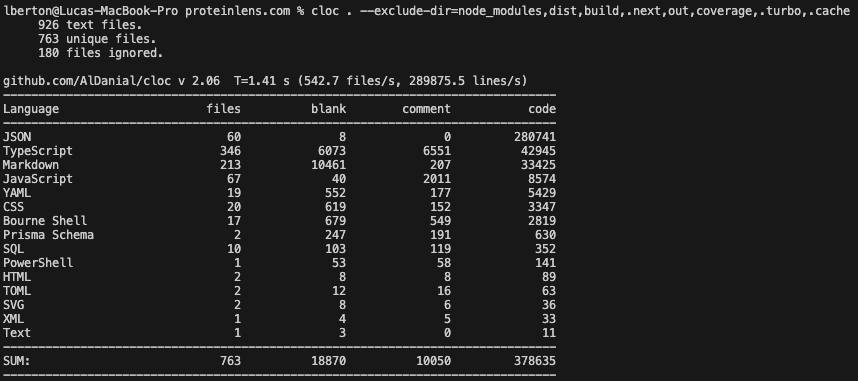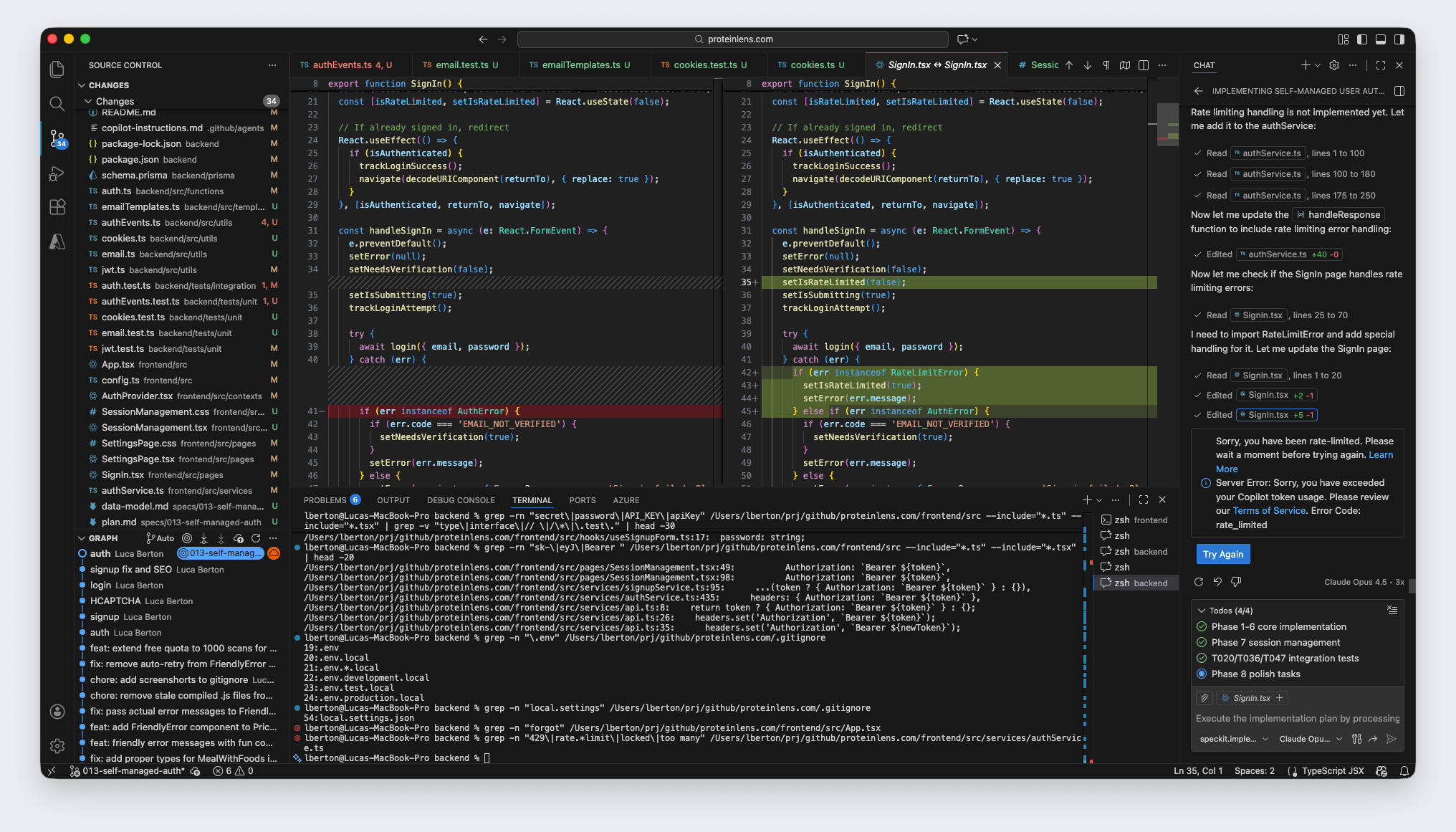

I can now ship features at a pace that would’ve felt ridiculous a couple of years ago.
The AI part of ProteinLens (photo → structured meal → protein estimate) is not the slow part anymore. Spec-driven “vibe coding” plus a modern cloud stack means I can go from idea to deployed endpoint in a weekend.
And then… the database showed up.
Not the database engine itself. The boring stuff around it:
- Key Vault references that don’t resolve
- app settings that say “Resolved” but your runtime still uses the old value
- Prisma throwing “your URL must start with postgresql://”
- Postgres password resets that are “done” (in your head) but not actually applied yet
- “Authentication failed” even after you updated the secret (twice)
This post is the story of a classic modern bottleneck: AI accelerates code, but infrastructure correctness still dominates your time-to-fix.
The setup: fast AI, production-shaped infra
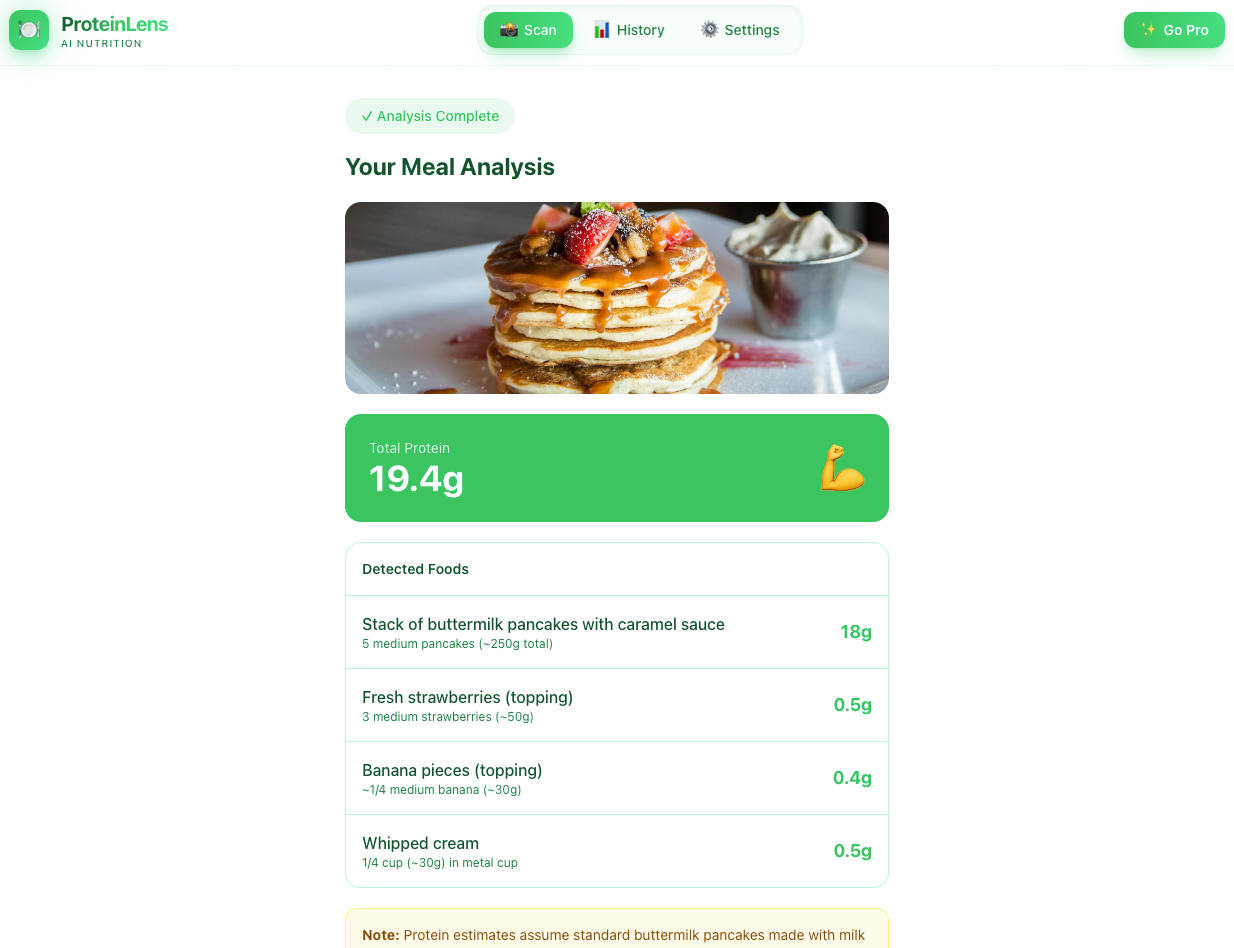
ProteinLens is simple on paper:
- Upload a meal photo
- Run recognition via an AI model
- Store result + foods + protein numbers
- Show history later
The stack is what you’d expect for a clean MVP on Azure:
- Frontend: Static Web Apps
- Backend: Azure Functions (Node + Prisma)
- Database: Azure Database for PostgreSQL (Flexible Server)
- Secrets: Azure Key Vault references in Function App settings
- CI/CD: deploy infra + app automatically
Everything “scales” on a slide.
Reality is that the system’s correctness depends on a chain of integrations being perfectly configured. The chain is only as strong as the dullest link.
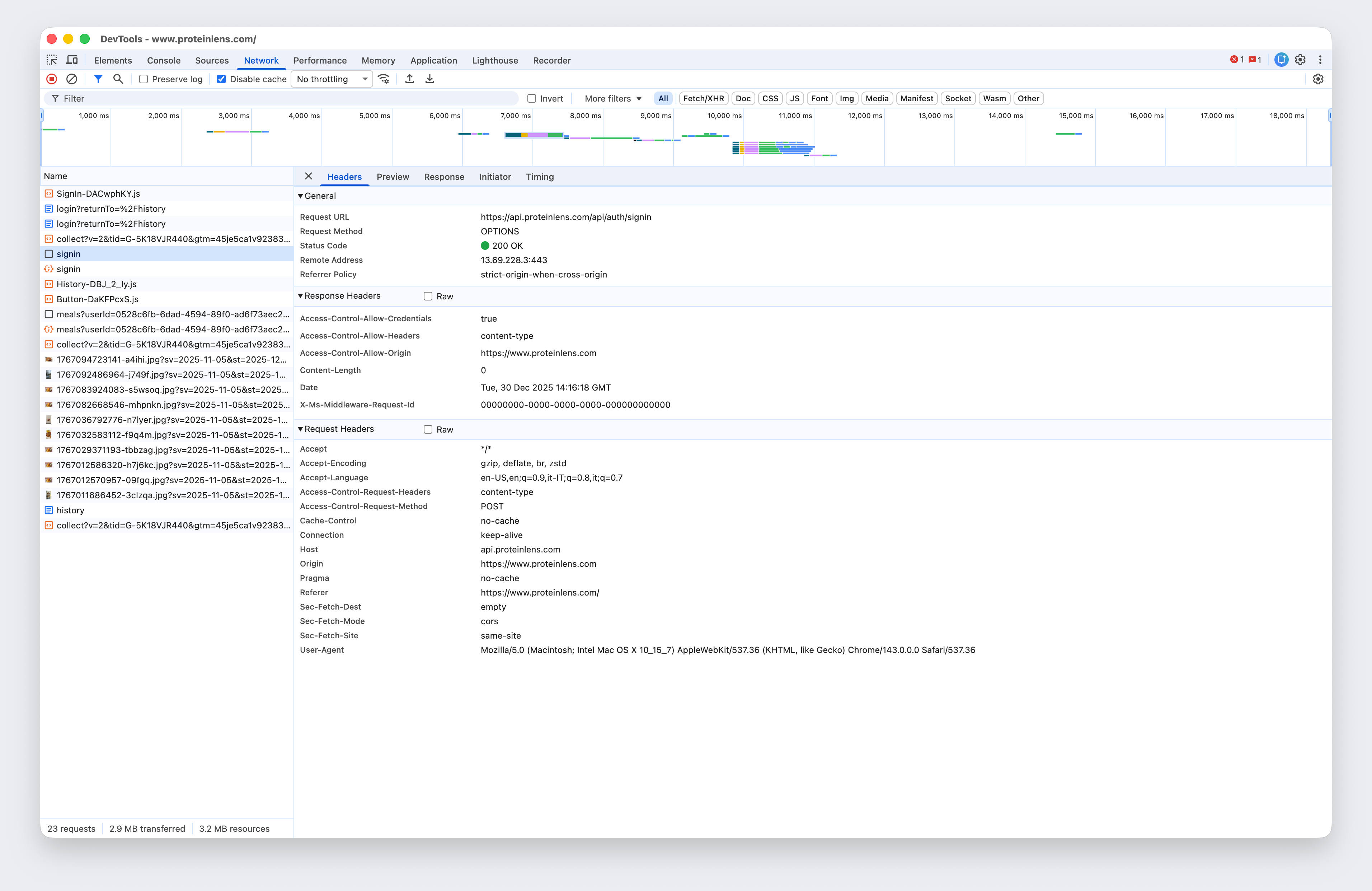
The symptom: everything breaks at once (and it looks like your code)
It started as a normal API error:
“Failed to check email availability”
Then Prisma got more specific:
Error validating datasource db: the URL must start with the protocol postgresql:// or postgres://- After fixing that:
Authentication failed against database server ..., the provided database credentials ... are not valid.
At the same time, Azure was yelling (quietly) in configreferences:
AccessToKeyVaultDeniedforDATABASE_URLand other secrets- “Key Vault reference was not able to be resolved because site was denied access…”
So the backend wasn’t broken because of logic.
It was broken because it didn’t have its configuration, and when it finally did, the configuration was stale or wrong.
Welcome to the part nobody screenshots for the demo.
Root cause #1: Key Vault references are permissioned and cached
The first blocker was straightforward:
Your Function App has a SystemAssigned managed identity. Your Key Vault has a policy / RBAC model. Those two must agree.
If they don’t, your app setting looks like this:
status: AccessToKeyVaultDeniedactiveVersion: null
Even if the secret exists.
Fix: grant the Function App identity access to secrets
There are two valid approaches:
A) Key Vault access policies (classic model) Grant get and list for secrets to the Function App identity’s object/principal id.
B) Azure RBAC (recommended for many teams) Assign the Function App identity the Key Vault Secrets User role (or similar) at the vault scope.
Either way, the important bit is: use the Function App identity’s correct principal/object id, not “something that looks right.”
Root cause #2: “Resolved” doesn’t mean your running process updated
Here’s the trap: you fix permissions, you restart the app, you re-test… and it still fails.
You check the configreferences endpoint again and now it says:
Resolved
So why is Prisma still complaining?
Because Key Vault references resolve asynchronously, and your Function App runtime may not reload the new value until settings sync + restart actually propagates.
A practical trick is forcing an app settings update (even a dummy one) to trigger refresh.
The lesson: “Resolved” is a control-plane status. Your code runs in the data-plane. Those don’t always move in lockstep.
Root cause #3: Prisma is strict about the URL format (and it should be)
Prisma wasn’t being annoying. It was saving time.
If DATABASE_URL is missing the protocol prefix, Prisma refuses to start:
✅ correct:
postgresql://user:password@host:5432/db?sslmode=require❌ wrong:
user:password@host:5432/dbWhen your Key Vault reference is denied, your app may see an empty string, or it may see the literal @Microsoft.KeyVault(...) reference instead of the resolved secret (depending on where you read it from). That’s how you end up with “URL must start with postgresql://” even though “you set it.”
Root cause #4: database password resets are slow, policy-driven, and easy to “half do”
This one hurt because it looks simple:
- Generate password
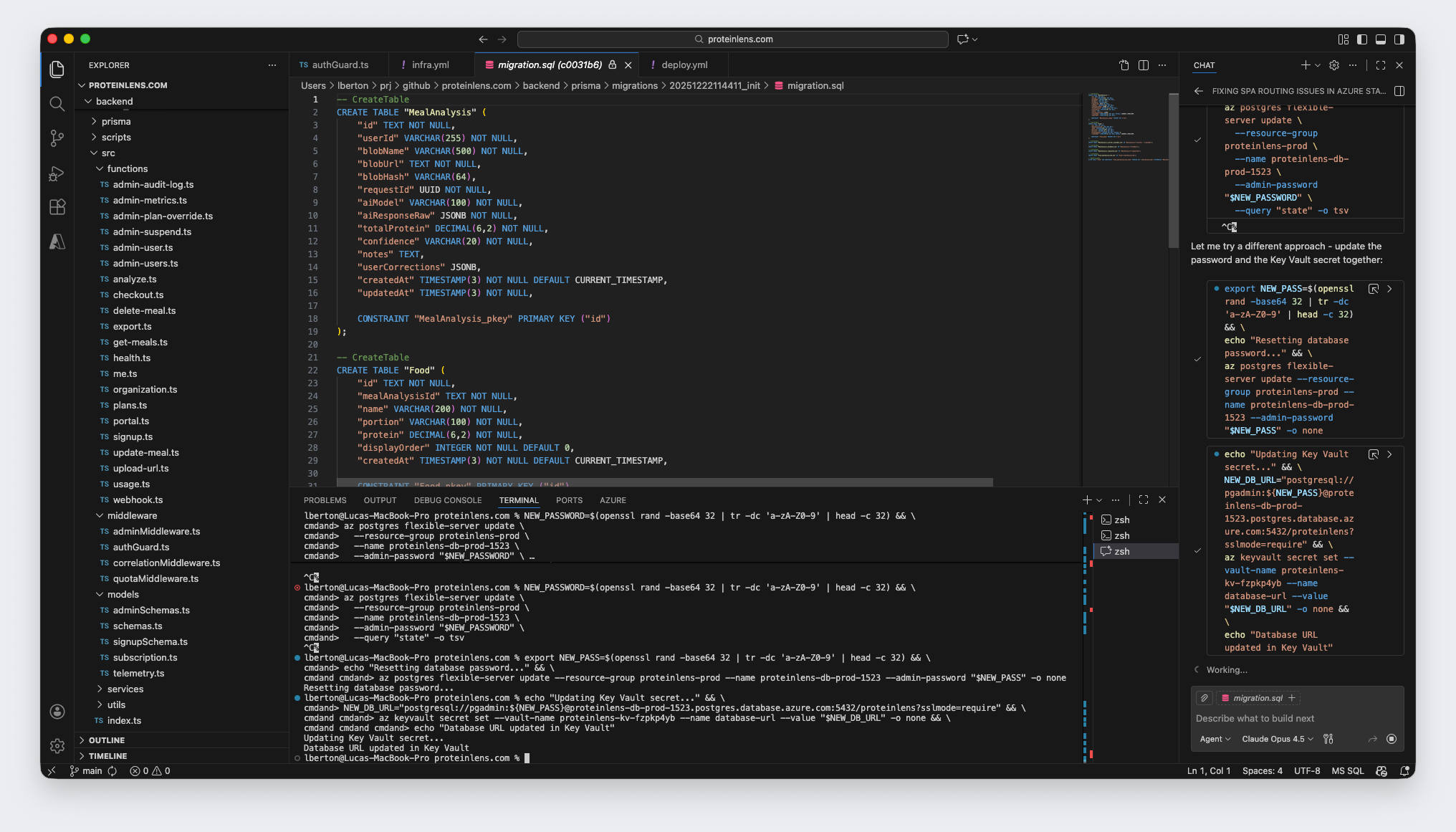
az postgres flexible-server update --admin-password ...- Update Key Vault secret
- Restart Function App
- Done
Except…
Common failure modes
- Password complexity rules: if your generator creates only alphanumeric, the update may fail (or you may miss the error if you suppress output).
- Long-running update: the server update can take time. If you immediately rotate secrets and restart apps, you can land in a window where nothing matches.
- You interrupted the CLI:
Ctrl+Cstops your local command, not necessarily the server-side operation — which makes it feel nondeterministic.
The smell
If Key Vault is resolved and Prisma’s URL format is correct, but you still see:
Authentication failed … credentials are not valid
…you’re no longer debugging code. You’re debugging state.
The boring-but-effective fix checklist
When you’re in this exact situation (Key Vault + Prisma + Postgres), do this in order:
1) Verify Key Vault reference resolution
- Check that
DATABASE_URLshowsResolved - If it’s denied: fix identity permissions (policy or RBAC)
2) Force configuration refresh
- Make a trivial app setting update (a dummy setting)
- Restart the Function App after the refresh
3) Validate the secret content itself
Confirm the resolved value is a valid Prisma URL:
- Starts with
postgresql:// - Contains the correct host
- Contains the correct database name
- Includes SSL settings if required (
sslmode=require)
4) Reset DB password and wait for it to truly apply
- Run the update command and don’t suppress output
- If possible, verify by connecting with
psql(or any Postgres client) using the new password
5) Only then rotate Key Vault + restart the app
- Update the
database-urlsecret - Ensure the Function App points to the latest secret version (optional but removes ambiguity)
- Restart the Function App
- Re-test the endpoint
If you do it out of order, you create a very modern kind of chaos: everything is “configured,” nothing works.
The takeaway: AI sped up the build — but the database slowed down the truth
The AI part of ProteinLens is fast now:
- generating handlers
- shaping JSON responses
- writing Prisma models and migrations
- scaffolding pipelines
But none of that matters when:
- secrets don’t resolve,
- runtime uses stale config,
- and database credentials drift out of sync.
So here’s my updated mental model:
AI accelerates implementation. Databases and secrets still determine reliability.
Or, more bluntly:
The bottleneck moved from “writing code” to “making state consistent.”
What I’m adding next (so this doesn’t happen again)
A few guardrails that would’ve saved me hours:
- A CI/CD “pre-flight” step that checks Key Vault references resolve before deploy completes
- A smoke test endpoint that confirms DB connectivity and returns a clear “DB OK / DB FAIL”
- One scripted command for “rotate DB password + update secret + restart” with explicit waits and verification
- Better telemetry around Prisma init failures (they’re loud locally, but too easy to bury in server logs)
Because the real MVP killer isn’t “AI quota exceeded.”
It’s a system that can’t reliably read its own configuration.