I thought identity would be the easy, boring part.
I’m building ProteinLens: a consumer-ish app today, with a clear path to “teams later” (B2B, SSO, enterprise domains). So I did what a reasonable Azure-native builder would do:
“Let’s implement Microsoft Entra External ID. It’s basically B2C 2.0, right? Social login now, SSO later. Done.”
Reader, it was not done.
What followed was authentication chaos: portals inside portals, concepts that sound identical but aren’t, and a sign-in experience that looks like I just teleported my users into someone else’s product.
This post is for anyone who wants the simplest thing:
- email/password (or magic link)
- social auth (Google/Apple)
- subscriptions with Stripe
- a UX that feels like your app, not a detour to BigCorp Login Land
…and is considering Entra External ID because “future enterprise”.
The dream: B2C simplicity, future B2B power
My mental model was:
- External ID = modern CIAM
- supports social providers
- lets me evolve into SSO (SAML/OIDC) later
- and I’m already on Azure, so it’ll integrate cleanly
In my head, it was the responsible choice.
In reality, it felt like adopting an entire identity platform when I just needed a door lock.
The first UX red flag: the redirect
The moment you hit sign-in, you get a full redirect into a Microsoft-styled flow.
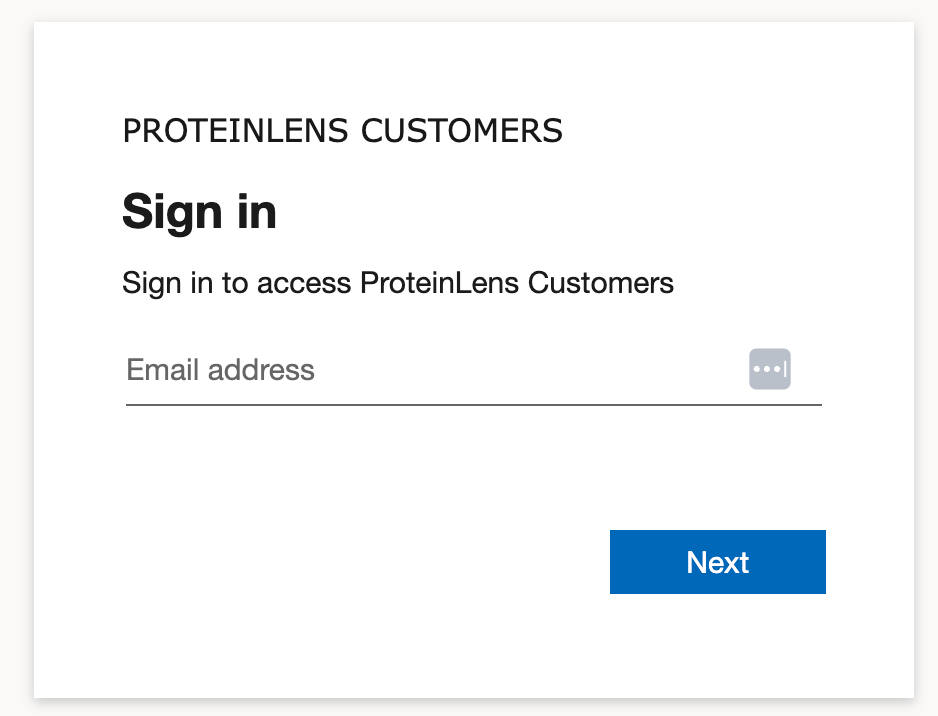
Even with branding, it’s still visibly “not my product”. The fonts, spacing, page layout, and interaction patterns don’t match. It breaks trust in a consumer app.
Yes, Microsoft Entra External ID supports “branding themes” for the hosted pages, but the customization has real limits (and it’s tenant-level theming, not a fully native embedded experience). (Microsoft Learn)
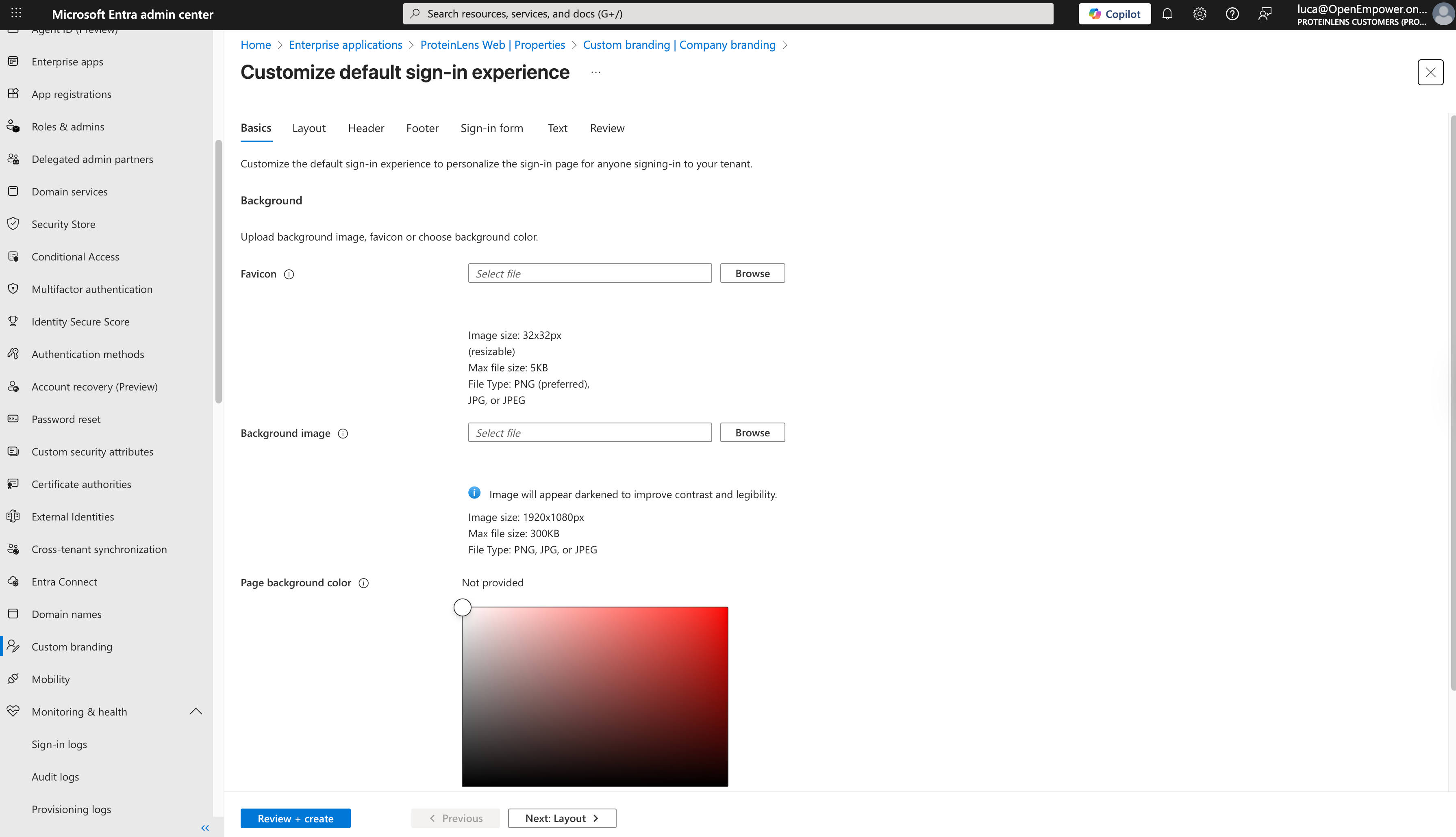
If you’re building something where conversion matters, this is not a small detail. Authentication is part of your product, not a compliance checkbox.
The second red flag: complexity that doesn’t scale down
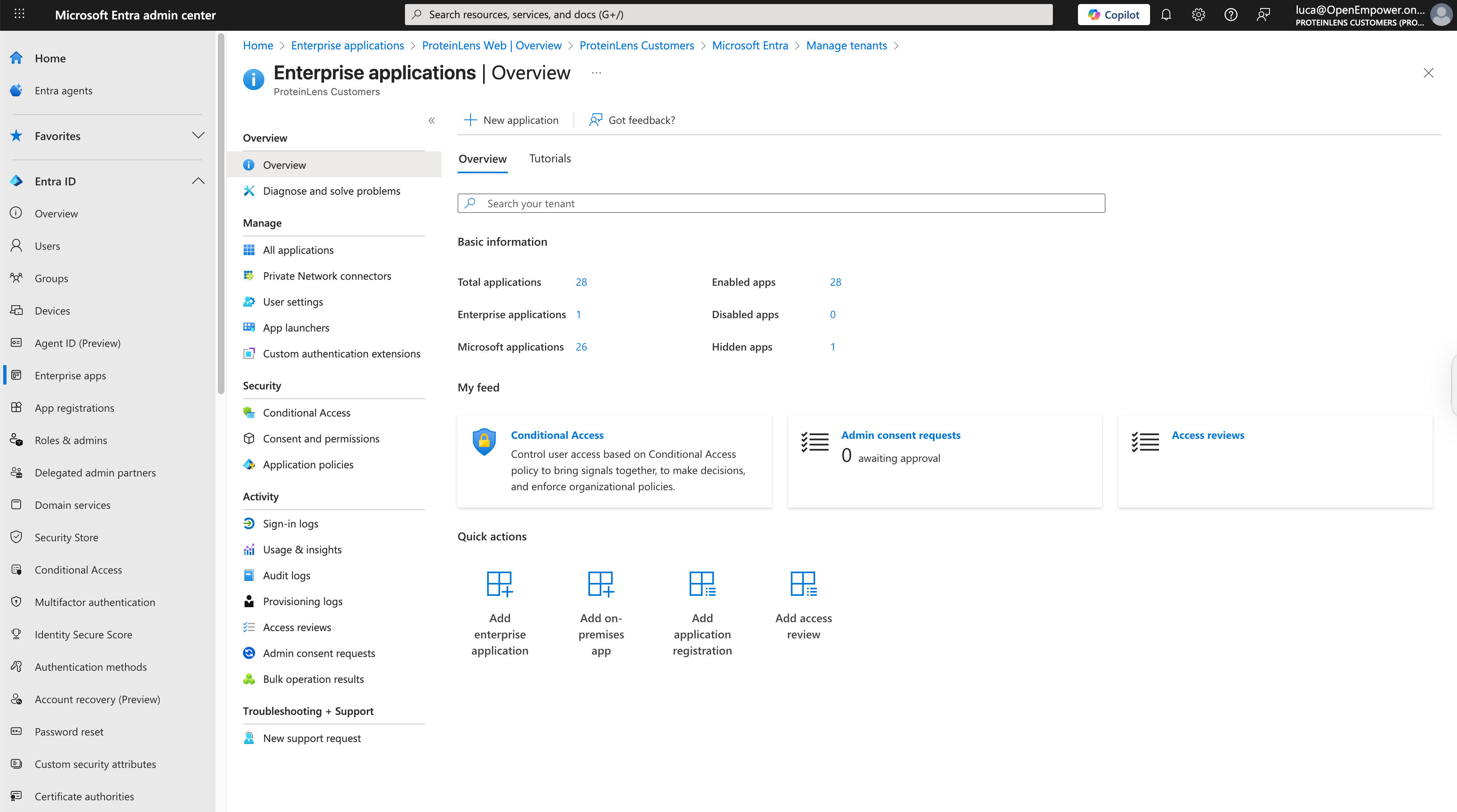
External ID has a lot of surface area:
- external tenants vs your “normal” tenant
- user flows
- identity providers
- app registrations, permissions, consent screens
- multiple admin experiences and documentation paths
None of that is “wrong” if you need it.
But if you’re shipping an MVP, it’s the identity equivalent of deploying Kubernetes to serve a static page.
I lost hours to the kind of friction that doesn’t show up in architecture diagrams:
- “where is the setting actually applied?”
- “is this configured per app, per tenant, per user flow?”
- “why does the portal UI say one thing but the runtime does another?”
It wasn’t hard in a fun way. It was hard in a paper-cut way.
The third red flag: the identity roadmap got weird
I also hit the uncomfortable reality: Azure AD B2C is effectively closed to new customers.
Microsoft’s own FAQ states:
- Effective May 1, 2025, Azure AD B2C is no longer available to purchase for new customers
- the experience for existing customers remains, but new tenants are restricted
- and B2C P2 is discontinued March 15, 2026 (Microsoft Learn)
So if you’re a new product today and you thought “maybe I’ll just use classic B2C instead”… that door is basically closed.
That nudges you toward External ID—even when External ID is not the UX you want.
Clerk isn’t the answer either (for me)
I looked at Clerk.
Clerk is slick and productive, and for many teams it’s exactly right. But my issue wasn’t “I want fewer lines of code.”
My issue was: I want a more seamless, product-native auth experience, and I want subscriptions + identity to feel cohesive.
Some auth tools feel like you’re renting someone else’s UI. Some feel like identity lego bricks. I want something that feels like it belongs to ProteinLens.
So what do I actually need?
Here’s the brutally honest scope:
- Create user
- Log in user
- Social login (Google + Apple)
- Reset password / email verification
- Link Stripe customer + subscription state to that user
- Keep the UX consistent
Everything else is optional until it’s not.
And when “it’s not” (B2B/SSO later), I want to add that without rebuilding the world.
What I’m doing instead
I’m optimizing for shipping + UX + control, not “enterprise future-proofing” on day one.
A pragmatic approach that fits this stage:
- Use a modern auth layer that lets me own the UI (or fully match it)
- Keep identity data in my database (or at least keep a clean mapping)
- Treat Stripe as billing truth, and attach it to my user model
- Design the system so SSO is an add-on, not the foundation
Concretely, that usually means one of these patterns:
Option A: App-owned auth (fast, flexible, UX-perfect)
- Auth in-app with a library like Auth.js / NextAuth-style flows (or equivalent for your stack)
- Social providers via OAuth
- Sessions/JWT controlled by your backend
- Stripe customer/subscription references stored in your DB
This is the “I want control” path.
Option B: A hosted auth provider that supports embedded / fully themed experiences
Not all “hosted auth” is equal. Some tools allow deep theming or embedded components that truly match your UI; others will always feel like a redirect.
If redirect UX bothers you today, pick a provider that doesn’t force it.
Option C: Defer enterprise SSO until you have enterprise users
This is the heresy take, but it’s often correct.
You don’t need SAML because you might have enterprise customers later. You need SAML because someone is ready to pay you for it.
The real takeaway: identity can be a product decision, not an infrastructure decision
Entra External ID is powerful. I can see it being the right choice for:
- regulated orgs
- existing Microsoft-heavy enterprises
- multi-app suites that want centralized tenant-wide governance
- scenarios where the Microsoft-hosted journey is acceptable (or preferred)
But for a consumer SaaS MVP where trust + flow + conversion matter?
The combination of:
- redirect experience that doesn’t feel native
- high cognitive load
- a confusing B2C transition era (Microsoft Learn)
…made it the wrong tool for my current stage.
So I’m going back to basics:
Own the experience. Keep auth simple. Integrate Stripe cleanly. Add SSO when it’s paid for.



