The Pkl configuration language lets you write Kubernetes manifests and Prometheus rules as typed, checked code and render them to plain YAML. In this tutorial I install the pkl CLI without root, pull in Apple’s official pkl-k8s package, build one typed template for a Deployment and a Service, amend it for dev and prod, and generate Prometheus alert rules that promtool accepts. Then I validate the output with kubeconform and compare Pkl with Helm values, Kustomize, CUE and Jsonnet.
On the Tuesday morning of CfgMgmtCamp 2025 in Ghent I sat in on a talk about Pkl. The short clip I recorded shows a myDeployment.pkl file that amends a PrometheusDeployment.pkl template, which imports the Kubernetes and Prometheus packages and fills a ConfigMap with prometheus.output.text. While showing that, the speaker said: “I don’t have to think about how many layers of escaping I need.” That’s the part I wanted to try for myself. Everything below is my own setup, not the speaker’s.

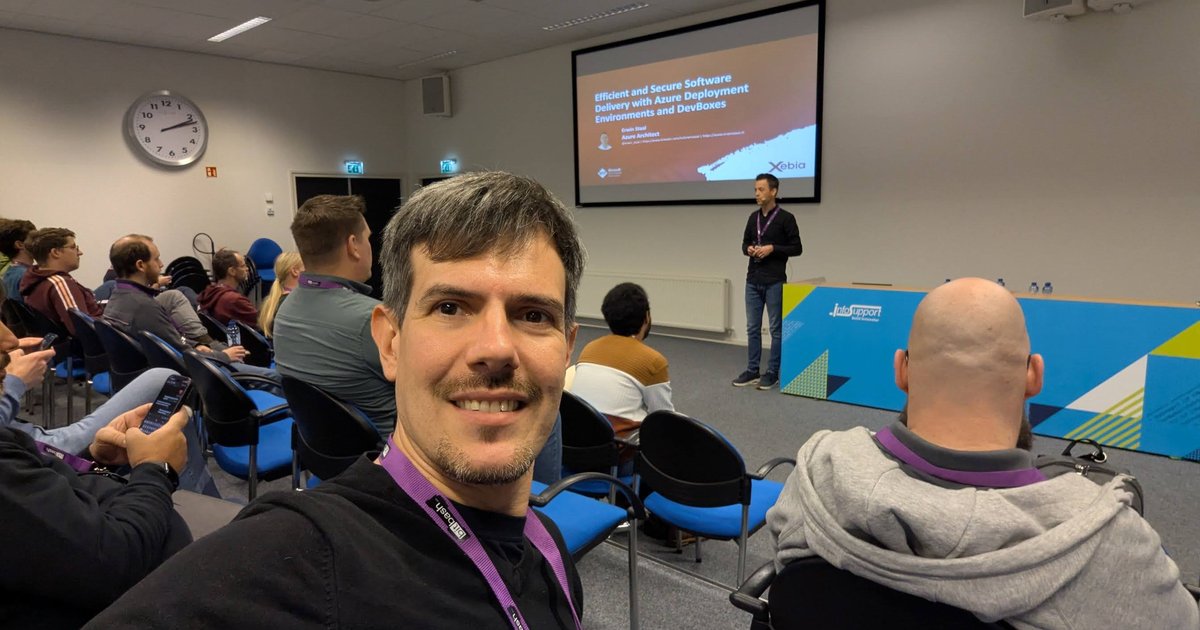
The Pkl talk at CfgMgmtCamp 2025 in the main auditorium of the HOGENT Schoonmeersen campus, with pkl-lang.org on the screen.
Versions. I tested everything here with Pkl 0.32.1 (native macOS arm64 binary), the k8s@1.4.1 package from apple/pkl-k8s, io.prometheus@1.4.1 from apple/pkl-pantry, promtool 3.15.0 and kubeconform v0.8.0.
What the Pkl configuration language gives you
Pkl was open-sourced by Apple on 1 February 2024. The announcement names the problem with plain JSON and YAML directly: their lack of expressivity means code gets repeated, and they “do not provide any validation of their own”. Pkl adds classes, types with constraints, functions and inheritance by amending, then renders to JSON, YAML, XML, property lists, .properties, Jsonnet and more.
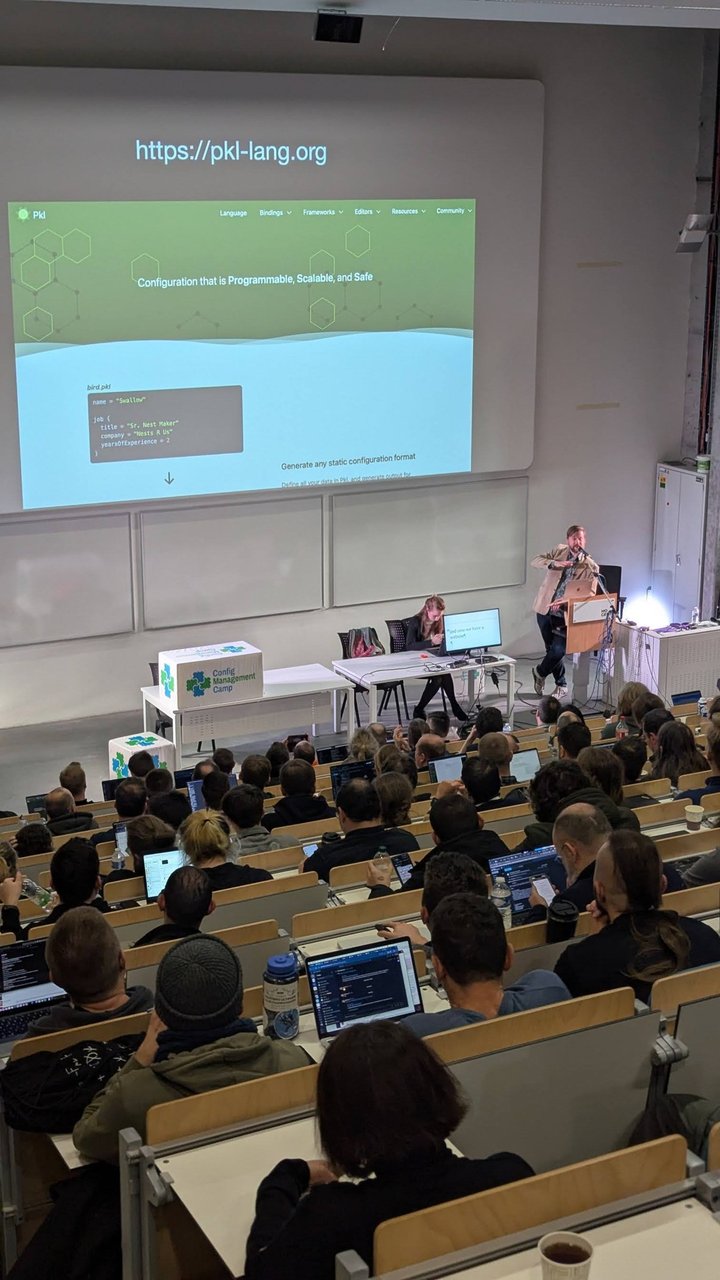
A slide from the Pkl talk at CfgMgmtCamp 2025: the pkl-lang.org homepage, “Configuration that is Programmable, Scalable, and Safe”, with a small bird.pkl sample and “Generate any static configuration format”.
The part that matters for Kubernetes: you don’t template text. You build objects whose types come from the Kubernetes OpenAPI spec, and Pkl serialises them. A missing quote or a wrong indent can’t happen, and a misspelt field is an evaluation error, not a silently ignored key.
Install the pkl CLI
Pkl ships native binaries that need no JVM. On macOS you can brew install pkl; I prefer a pinned binary in the project or CI image:
# macOS on Apple silicon
curl -L -o pkl 'https://github.com/apple/pkl/releases/download/0.32.1/pkl-macos-aarch64'
chmod +x pkl
./pkl --version
# Pkl 0.32.1 (macOS 26.5, native)

# Linux x86_64 (CI runners)
curl -L -o pkl 'https://github.com/apple/pkl/releases/download/0.32.1/pkl-linux-amd64'
chmod +x pkl
There’s also a jpkl Java build, which needs Java 17+ and starts more slowly. The docs recommend the native executables. Downloaded packages are cached in ~/.pkl/cache by default (--cache-dir changes that).
First module: types and constraints
Start with something small so you can see how evaluation works:
// first.pkl
name = "shop-api"
port: Int(isBetween(1, 65535)) = 8080
labels {
  ["team"] = "payments"
}
./pkl eval -f yaml first.pkl
# name: shop-api
# port: 8080
# labels:
# team: paymentsInt(isBetween(1, 65535)) is a type with a constraint. Change the port to 80800 and evaluation fails with Type constraint isBetween(1, 65535) violated, before any YAML is written. Swap -f yaml for -f json and you get the same data as JSON.
Pull in pkl-k8s with a PklProject
The official Kubernetes templates live in apple/pkl-k8s and are published as package://pkg.pkl-lang.org/pkl-k8s/k8s@<version>. They’re generated from the Kubernetes OpenAPI spec and cover several Kubernetes versions. Prometheus templates are in pkl-pantry. Declare both in a PklProject file at the project root:
// PklProject
amends "pkl:Project"

dependencies {
  ["k8s"] { uri = "package://pkg.pkl-lang.org/pkl-k8s/k8s@1.4.1" }
  ["prometheus"] { uri = "package://pkg.pkl-lang.org/pkl-pantry/io.prometheus@1.4.1" }
}
./pkl project resolveThis writes PklProject.deps.json with the resolved versions. I commit it next to PklProject, like a lockfile. From now on, @k8s/... and @prometheus/... imports work, the same notation the talk’s demo used.
A typed template for a Deployment and a Service
This module is the contract every app fills in. It owns the shape of the manifests, and each environment only sets values:
// WebApp.pkl
/// One stateless web app: a Deployment plus a ClusterIP Service.
module WebApp

import "@k8s/K8sResource.pkl"
import "@k8s/api/apps/v1/Deployment.pkl"
import "@k8s/api/core/v1/Service.pkl"

/// Used for resource names and labels.
name: String(length <= 63, matches(Regex("[a-z]([-a-z0-9]*[a-z0-9])?")))

namespace: String

environment: "dev" | "staging" | "prod"

/// Pin a real tag, never :latest.
image: String(contains(":"), !endsWith(":latest"))

/// Production always runs at least two replicas.
replicas: Int(isBetween(1, 20), environment != "prod" || this >= 2) = 1

containerPort: Int(isBetween(1, 65535)) = 8080

memory: DataSize = 128.mib

local appLabels = new Mapping<String, String> {
  ["app.kubernetes.io/name"] = name
  ["app.kubernetes.io/instance"] = "\(name)-\(environment)"
}

fixed resources: Listing<K8sResource> = new {
  new Deployment {
    metadata {
      name = module.name
      namespace = module.namespace
      labels = appLabels
    }
    spec {
      replicas = module.replicas
      selector { matchLabels = appLabels }
      template {
        metadata { labels = appLabels }
        spec {
          containers {
            new {
              name = module.name
              image = module.image
              ports { new { containerPort = module.containerPort; name = "http" } }
              resources {
                requests { ["memory"] = memory; ["cpu"] = "100m" }
                limits { ["memory"] = memory }
              }
            }
          }
        }
      }
    }
  }
  new Service {
    metadata {
      name = module.name
      namespace = module.namespace
      labels = appLabels
    }
    spec {
      selector = appLabels
      ports { new { name = "http"; port = 80; targetPort = "http" } }
    }
  }
}

output {
  value = resources
  renderer = (K8sResource.output.renderer as YamlRenderer) { isStream = true }
}
The lines that matter:
environment: "dev" | "staging" | "prod"is a union of string literals."production"fails withExpected value of type "dev"|"staging"|"prod".- The
replicasconstraint refers to another property.thisis the value being checked, so prod with one replica fails. memory: DataSize = 128.mibis a real data size. Thepkl-k8srenderer turns it into128Mi.module.nameis needed insidemetadata, where a barenamewould mean the metadata’s ownname.localkeepsappLabelsprivate to this module.fixedstops any amending module from overwritingresources, so environments can change inputs, not the generated objects.- The
outputblock renders the listing as one multi-document YAML stream with thepkl-k8sconverters.
Amend the template per environment
amends creates an object of the same type with some properties set. An amending module can’t define new properties (except local ones), so a typo is an error. Shared values go in one file and each environment amends that:
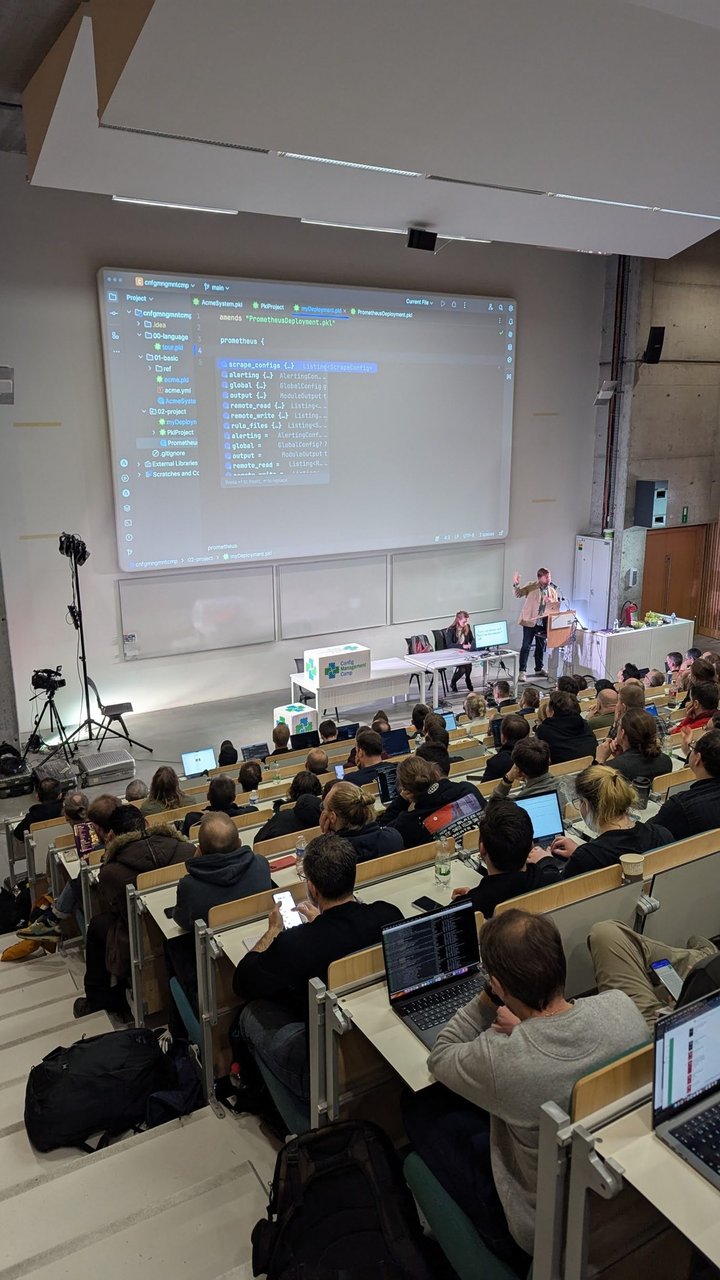
From the Pkl talk at CfgMgmtCamp 2025: myDeployment.pkl amends PrometheusDeployment.pkl, and the IDE offers the typed Prometheus fields (scrape_configs, alerting, global, rule_files) as completions.
// shop-api.pkl
amends "WebApp.pkl"

name = "shop-api"
image = "ghcr.io/example/shop-api:1.4.2"
// env/dev.pkl
amends "../shop-api.pkl"
namespace = "shop-dev"
environment = "dev"// env/prod.pkl
amends "../shop-api.pkl"
namespace = "shop-prod"
environment = "prod"
replicas = 3
memory = 512.mib./pkl eval env/prod.pkl prints a Deployment with replicas: 3, memory: 512Mi requests and limits, and the shop-api-prod instance label, followed by --- and the Service. To write every environment in one run, use multiple-file output:
// build.pkl
import "env/dev.pkl"
import "env/prod.pkl"

output {
  files {
    ["dev/shop-api.yaml"] = dev.output
    ["prod/shop-api.yaml"] = prod.output
  }
}
./pkl eval -m out build.pkl
# out/dev/shop-api.yaml
# out/prod/shop-api.yamlWhat the types catch
These are real errors from my run, shortened:
replica = 3                              -> Cannot find property `replica` in module `WebApp`.
                                            Did you mean any of the following? replicas
environment = "prod" (replicas default)  -> Type constraint `environment != "prod" || this >= 2` violated.
image = "...:latest"                     -> Type constraint `!endsWith(":latest")` violated.
Pkl prints the source line, the failing constraint and each sub-expression’s value, so the reason is obvious. With Helm, a misspelt key in a values file is silently ignored unless the chart’s values.schema.json rejects unknown keys.
Validate the generated Kubernetes YAML
Pkl checks the types it knows. A schema validator is a cheap second check against the API definitions. kubeconform is a single binary and needs no cluster:
kubeconform -strict -summary out/dev/shop-api.yaml out/prod/shop-api.yaml
# Summary: 4 resources found in 2 files - Valid: 4, Invalid: 0, Errors: 0, Skipped: 0
-strict also rejects fields that aren’t in the schema. If you have a cluster context, kubectl apply --dry-run=server -f out/prod/ sends the objects to the API server without persisting them. I didn’t have a cluster running for this test, so I used kubeconform only.
Prometheus alert rules in Pkl
The io.prometheus package has a Rule.pkl module for rule files. Amend it, and every field is typed:
// alerts/shop-api.rules.pkl
amends "@prometheus/Rule.pkl"

local job = "shop-api"

groups {
  new {
    name = "shop_api"
    rules {
      new {
        alert = "ShopApiHighErrorRate"
        expr = #"""
          sum(rate(http_requests_total{job="\#(job)", code=~"5.."}[5m]))
            /
          sum(rate(http_requests_total{job="\#(job)"}[5m])) > 0.05
          """#
        `for` = 10.min
        labels { ["severity"] = "page" }
        annotations {
          ["summary"] = "More than 5% of \(job) requests fail with 5xx"
          ["description"] = "Error ratio is {{ $value | humanizePercentage }} over 5 minutes."
        }
      }
      new {
        alert = "ShopApiDown"
        expr = #"up{job="\#(job)"} == 0"#
        `for` = 2.min
        labels { ["severity"] = "page" }
      }
    }
  }
}
Two details. #"..."# and #"""..."""# are custom-delimited strings: the PromQL quotes need no escaping, and interpolation becomes \#(job), so Prometheus’s {{ $value }} templates pass through untouched. And for is a keyword in Pkl, so the property is written in backticks. 10.min is a Duration, and the package’s renderer turns it into 10m.
./pkl eval alerts/shop-api.rules.pkl > alerts/shop-api.rules.yml
docker run --rm --entrypoint promtool -v "$PWD/alerts:/rules:ro" \
  prom/prometheus:latest check rules /rules/shop-api.rules.yml
# Checking /rules/shop-api.rules.yml
#   SUCCESS: 2 rules found
Pkl checks the structure. It doesn’t parse PromQL, because expr is just a String. When I appended a stray (( to the expression, Pkl rendered it without complaint and promtool failed with could not parse expression and exit code 1. Run both in CI.
Ship the rules in a ConfigMap without escaping
This is the pattern from the talk: render one module as text and put it into another object. Here a ConfigMap holds the rule file:
// prometheus-rules-configmap.pkl
amends "@k8s/api/core/v1/ConfigMap.pkl"

import "alerts/shop-api.rules.pkl" as shopApiRules

metadata {
  name = "prometheus-rules"
  namespace = "monitoring"
}

data {
  ["shop-api.rules.yml"] = shopApiRules.output.text
}
The output has the rules as a clean YAML block scalar (shop-api.rules.yml: |) with no escaped quotes, and kubeconform accepts it. Compare that with a Helm chart that embeds Prometheus templates, where every {{ $value }} has to be escaped from Go templating.
Pitfalls I hit
-fdoesn’t override a module’s renderer. Modules that setoutput.renderer(WebApp.pkl, and any module that amends apkl-k8sor Prometheus template) render YAML even with-f json.-fonly applies when the module doesn’t set one.- Durations need a converter.
timeout: Duration = 30.sin a plain module fails withCannot render value of type Duration as YAML. The Prometheus package adds a converter. In your own modules, setoutput.renderer = new YamlRendererwith aconvertersentry forDuration. The error message suggestsoutput.converters, but in 0.32.1 that property doesn’t exist. - The Prometheus package is stricter than Prometheus. It types alerting group names as label names (
[a-zA-Z_][a-zA-Z0-9_]*), soname = "shop-api"fails in Pkl even thoughpromtool check rulesacceptsshop-apias a group name. I usedshop_api. - Name clashes inside nested objects. Inside
metadata,nameismetadata.name. Usemodule.namefor the module property.
Pkl vs Helm values, Kustomize, CUE and Jsonnet
| Tool | Model | Validation |
|---|---|---|
| Helm | Go templates (plus Sprig functions) render YAML text from values.yaml | Optional values.schema.json, checked by helm install, upgrade, lint and template |
| Kustomize | Patches and overlays on plain YAML, no templating; built into kubectl apply -k | None beyond the API server |
| CUE | Types are values; config is unified in any order, and a concrete value can’t be overridden later | Built in: constraints are the language |
| Jsonnet | JSON extension with functions and object inheritance, lazily evaluated | No type annotations; object assert expressions |
| Pkl | Typed objects with classes and amends; renders to YAML, JSON and other formats | Built in: types and constraints, OpenAPI-derived Kubernetes types |
My take: Kustomize stays the simplest choice for small overlays on YAML you already have, and Helm wins when you’re consuming third-party charts. Pkl earns its place when you own the templates and keep repeating the same Deployment, Service and alert rules across many services and environments. Its override model will feel more familiar than CUE’s to anyone who has written classes. I’d generate YAML with Pkl in CI and commit or deploy that output, so Argo CD or Flux still sees plain manifests.
For the Helm and Kustomize trade-offs in depth, see Kustomize vs Helm 2026. If you’re new to PromQL and alerting, start with my Prometheus tutorial.