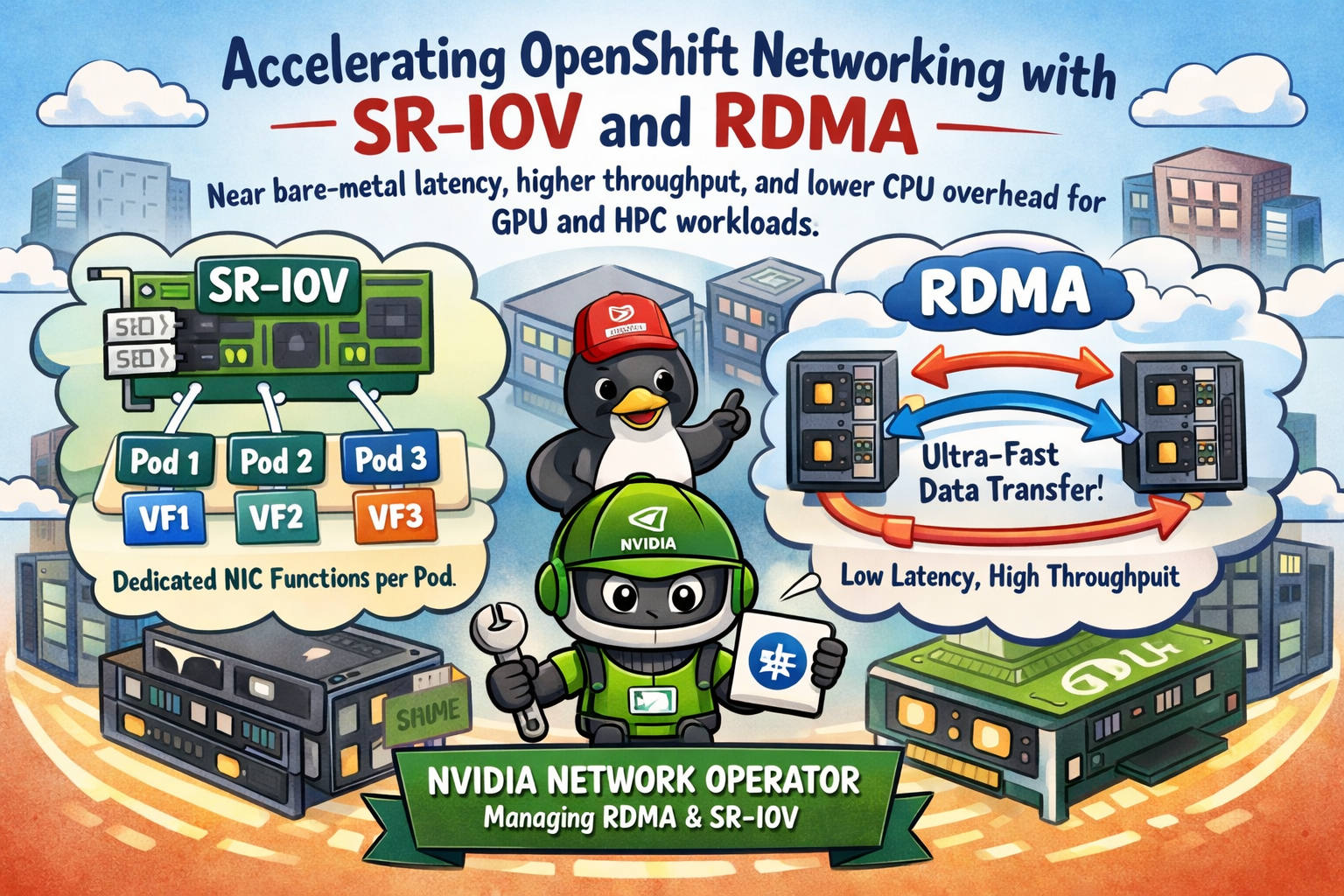

If you run GPU training, HPC, or latency-sensitive workloads on OpenShift, the default pod networking model (overlay + kernel networking path) can become the bottleneck. Two technologies help you get closer to bare-metal behavior inside pods:
- SR-IOV: splits a physical NIC into multiple hardware-backed virtual functions (VFs) and assigns a VF directly to a pod.
- RDMA: enables low-latency, high-throughput data transfers while bypassing much of the kernel networking stack, cutting CPU overhead and jitter.
When you combine them and manage the host stack with the NVIDIA Network Operator, you get a repeatable, Kubernetes-native way to unlock a high-performance data plane for distributed AI and HPC.
What SR-IOV is doing for your pods
SR-IOV lets one physical NIC port (PF) present multiple VFs. Each VF behaves like its own NIC function and can be attached to a pod via Multus as a secondary interface.
Why that matters:
- Predictable performance: a VF is a dedicated slice of NIC capability, so you typically see steadier throughput and less jitter than a shared kernel bridge path.
- Stronger isolation: each pod can get its own VF, which helps in multi-tenant clusters or anywhere you need deterministic behavior.
- A “data plane” interface: you can keep the default cluster network for Kubernetes control/egress and add SR-IOV as the high-performance path for east-west traffic.
Think of SR-IOV as “give the pod a real NIC personality.”
What RDMA is doing for your workload
RDMA changes the rules of networking by enabling direct memory access semantics for data movement. In practice, it can deliver:
- Lower latency (especially tail latency)
- Higher throughput
- Lower CPU overhead per byte transferred
That CPU savings is a big deal for GPU clusters: if the node burns CPU on networking, you often pay twice—slower training/inference and fewer CPU cycles for input pipelines.
RDMA is commonly used with:
- InfiniBand
- RoCE (RDMA over Converged Ethernet)
Why SR-IOV + RDMA is the sweet spot
Using RDMA on top of an SR-IOV VF is a popular design because you get both:
- Hardware-backed per-pod interfaces (SR-IOV)
- Fast, low-overhead transport semantics (RDMA)
This is especially valuable for:
- Distributed training (NCCL collectives, all-reduce heavy jobs)
- MPI-style HPC
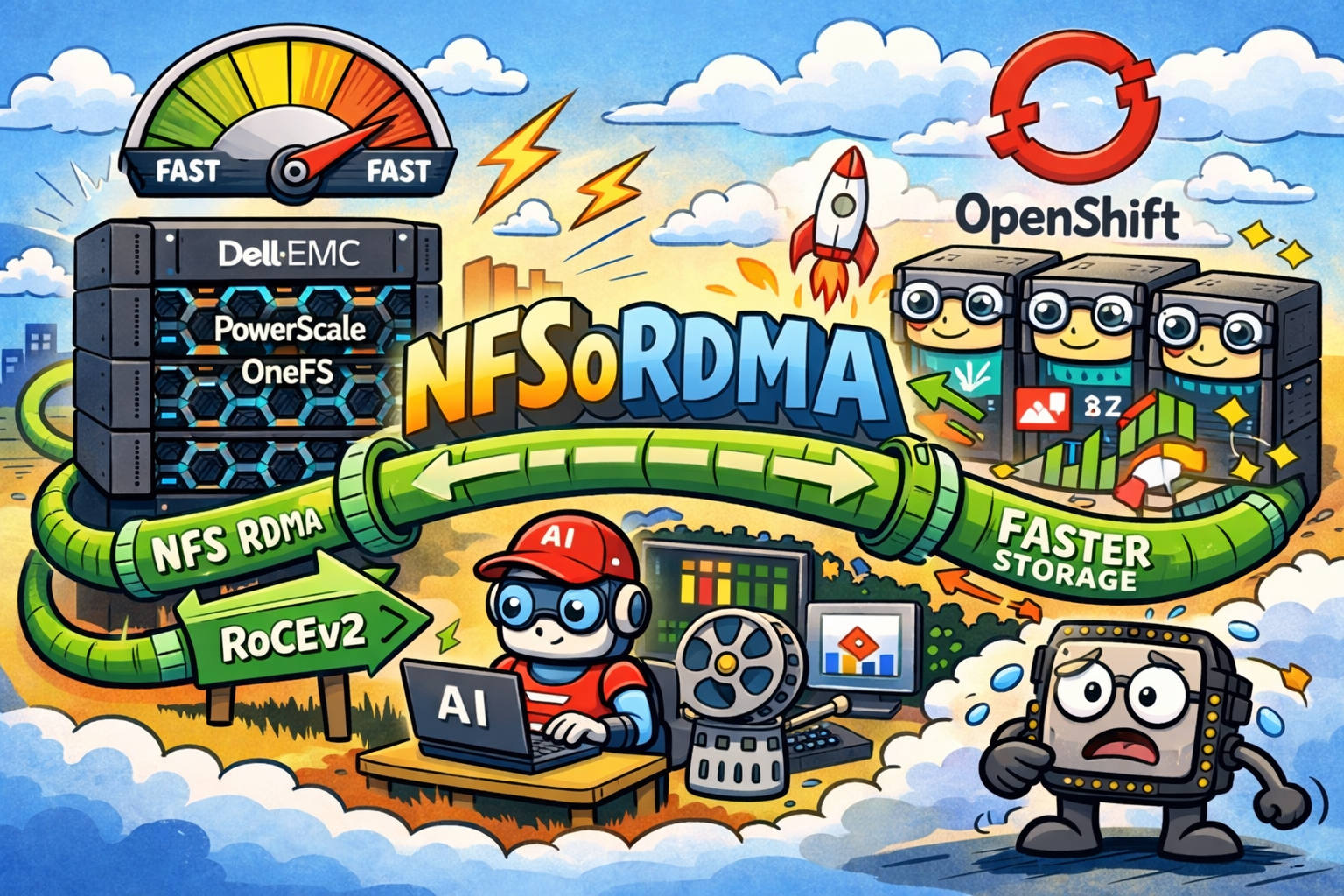
- Storage/data planes that need high IOPS with low CPU overhead
In short: SR-IOV gives you the lane; RDMA makes the lane extremely fast.
Where the NVIDIA Network Operator fits
The NVIDIA Network Operator is the “make it boring” part of this story.
Instead of manually installing and maintaining the networking stack across nodes (drivers, RDMA components, device plugins, and related configuration), the operator helps you manage it declaratively and consistently at cluster scale.
In real-world operations, that translates to:
- Fewer snowflake nodes
- Repeatable enablement across new worker pools
- Less drift after upgrades
- A cleaner separation between platform and workload config
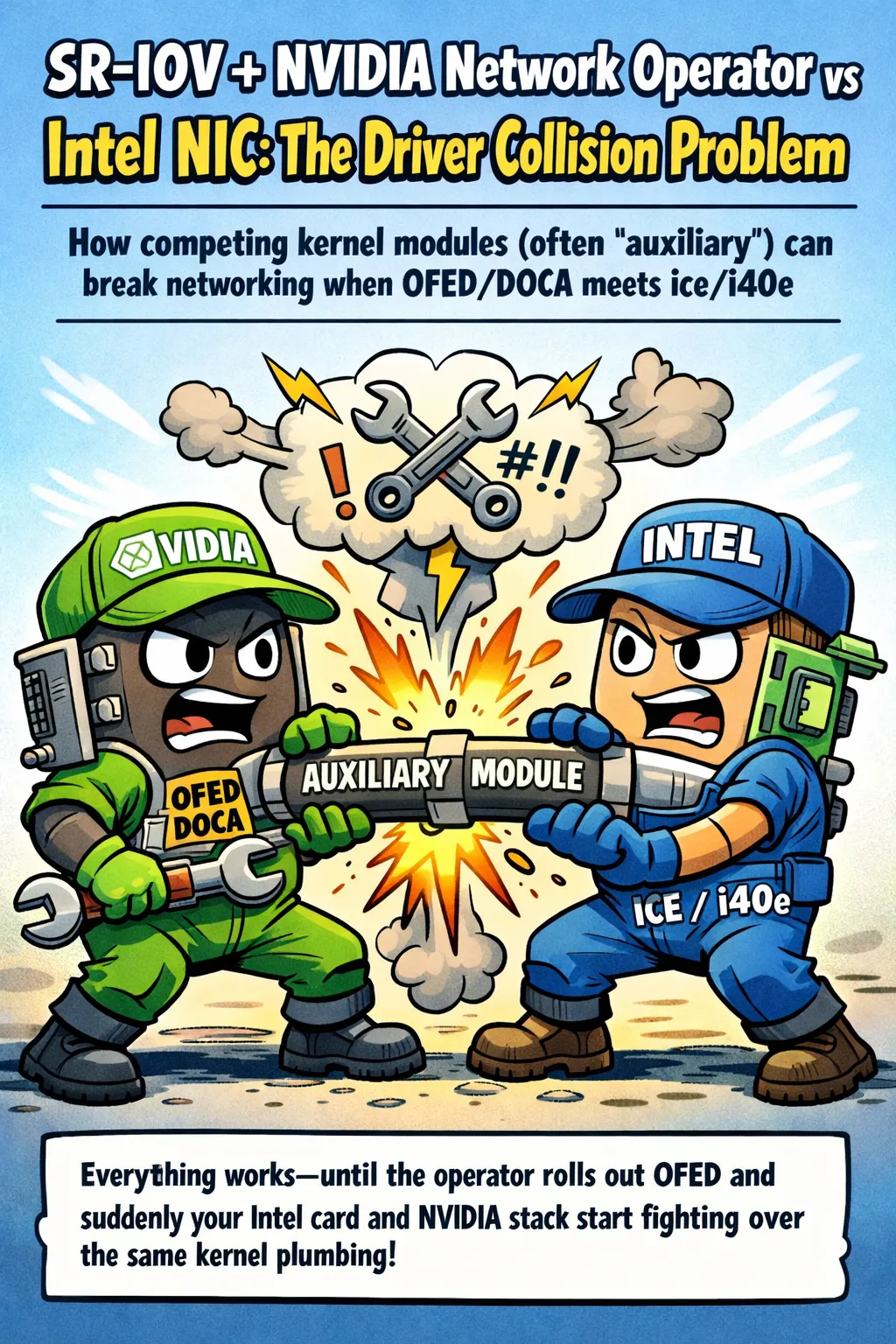
You still need OpenShift networking pieces (like Multus/SR-IOV operator), but NVIDIA’s operator handles the NVIDIA/Mellanox-focused RDMA enablement and exposure.
Reference architecture (high level)
A common pattern looks like this:
Cluster network (default CNI)
Used for normal pod-to-service traffic, API calls, image pulls, etc.High-performance secondary network (Multus)
A NetworkAttachmentDefinition (NAD) attaches an SR-IOV VF to pods.RDMA enabled on the VF
Pods that request the VF can use RDMA-capable libraries (depending on your stack and workload).
This keeps Kubernetes networking sane while providing a dedicated fast path for the workloads that need it.
Prerequisites checklist
Before you start, verify these basics:
- NICs that support SR-IOV and RDMA (commonly NVIDIA/Mellanox ConnectX)
- Correct BIOS/firmware settings (SR-IOV enabled, IOMMU enabled)
- OpenShift nodes labeled/tainted appropriately for these workloads
- Operators typically involved:
- Multus (often already present in OpenShift)
- SR-IOV Network Operator
- NVIDIA Network Operator (for RDMA/GPU-direct networking stack management)
How it looks in OpenShift objects
You usually express the “plumbing” in two layers:
1) Platform layer (cluster admins)
Create and manage:
- SR-IOV policies (PF → VF count, device type, etc.)
- Resource names (what pods will request)
- Node selection (which nodes expose the VFs)
2) Workload layer (app teams)
Request:
- The SR-IOV network attachment
- The VF resource in pod spec
- (Optionally) hugepages / CPU pinning / NUMA alignment for best results
Here’s an intentionally simplified sketch of what a workload request often resembles:
apiVersion: v1
kind: Pod
metadata:
  name: rdma-workload
  annotations:
    k8s.v1.cni.cncf.io/networks: sriov-net
spec:
  containers:
  - name: app
    image: your-image
    resources:
      limits:
        example.com/sriov_vf: "1"
Your actual resource name and NAD will differ, but the pattern is the same: “attach network + request VF.”
Performance best practices that actually move the needle
If you want SR-IOV/RDMA to pay off, focus on the things that usually dominate results:
- NUMA alignment: keep CPU, GPU, and NIC on the same NUMA node when possible.
- CPU pinning: reduce jitter for latency-sensitive comms.
- MTU consistency: especially important for RoCE; don’t accidentally fragment.
- RoCE losslessness: validate your DCB/PFC/ECN design if you’re using RoCE (misconfigurations can wipe out benefits).
- Dedicated node pools: isolate “RDMA/GPU” nodes from general-purpose workloads.
- Avoid oversubscription: SR-IOV VFs are not magic—bandwidth is still finite.
Common gotchas and troubleshooting cues
These are the issues that tend to burn time:
VF not appearing on node Check BIOS SR-IOV + IOMMU, NIC firmware settings, and the SR-IOV policy reconciliation.
Pod schedules but no RDMA capability inside Confirm you’re attaching the right VF type and that the RDMA device plugin / components are present on the node.
Performance is “meh” Start with NUMA topology and CPU pinning. Then validate MTU and (for RoCE) lossless fabric settings.
Mixing modes on the same ports In many designs you’ll dedicate specific NIC ports for a given mode (SR-IOV/RDMA vs general networking) to keep behavior predictable.
When to use SR-IOV+RDMA vs alternatives
Use SR-IOV + RDMA when you need:
- Per-pod NIC isolation
- Predictable latency and throughput
- A clean “data plane” separate from cluster traffic
Consider alternatives when:
- You don’t need per-pod isolation (shared RDMA can be simpler)
- Your workload is not network-bound (you might not see meaningful gains)
- Your operational constraints make SR-IOV VF lifecycle management too heavy
Wrap-up
SR-IOV and RDMA are about giving the right workloads a fast lane: fewer copies, lower jitter, lower CPU overhead, and better scaling under real distributed traffic. The NVIDIA Network Operator helps you operationalize this at scale—so the cluster stays manageable while your GPUs spend more time doing actual compute instead of waiting on the network.
- OpenShift 4.20: SR-IOV Network Operator
- OpenShift 4.20: Multiple networks (Multus + NADs)
- OpenShift 4.20: NVIDIA GPUDirect RDMA (RDMA overview)
- NVIDIA Network Operator v25.7.0: Deployment in SR-IOV legacy mode
- NVIDIA Network Operator v25.7.0: Deployment guide (Kubernetes)