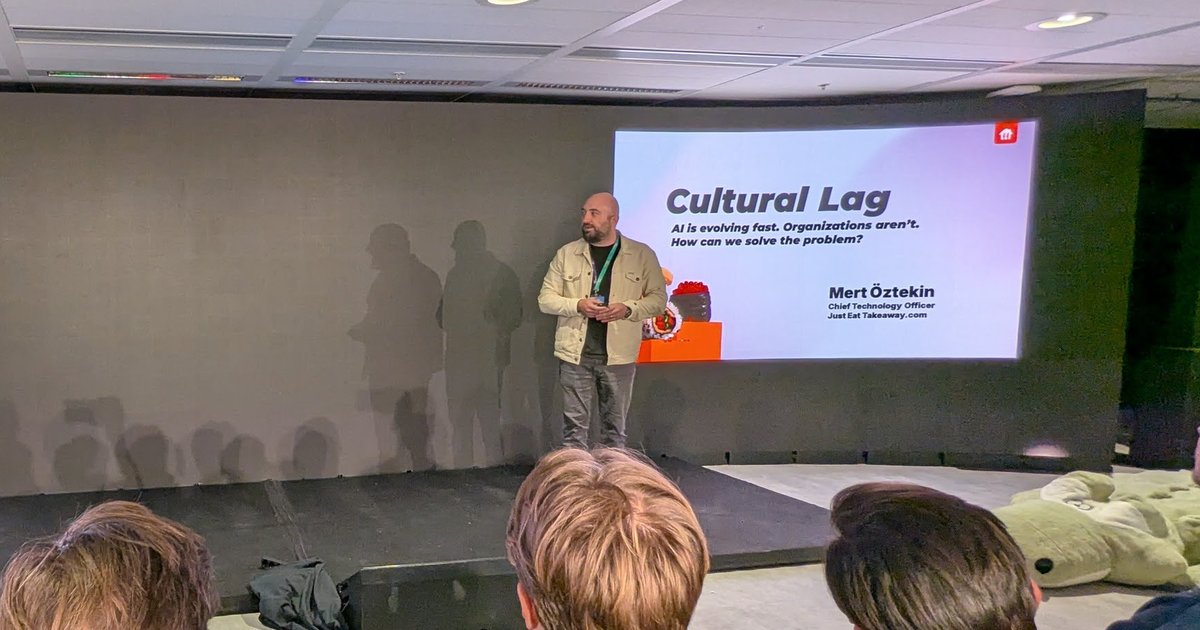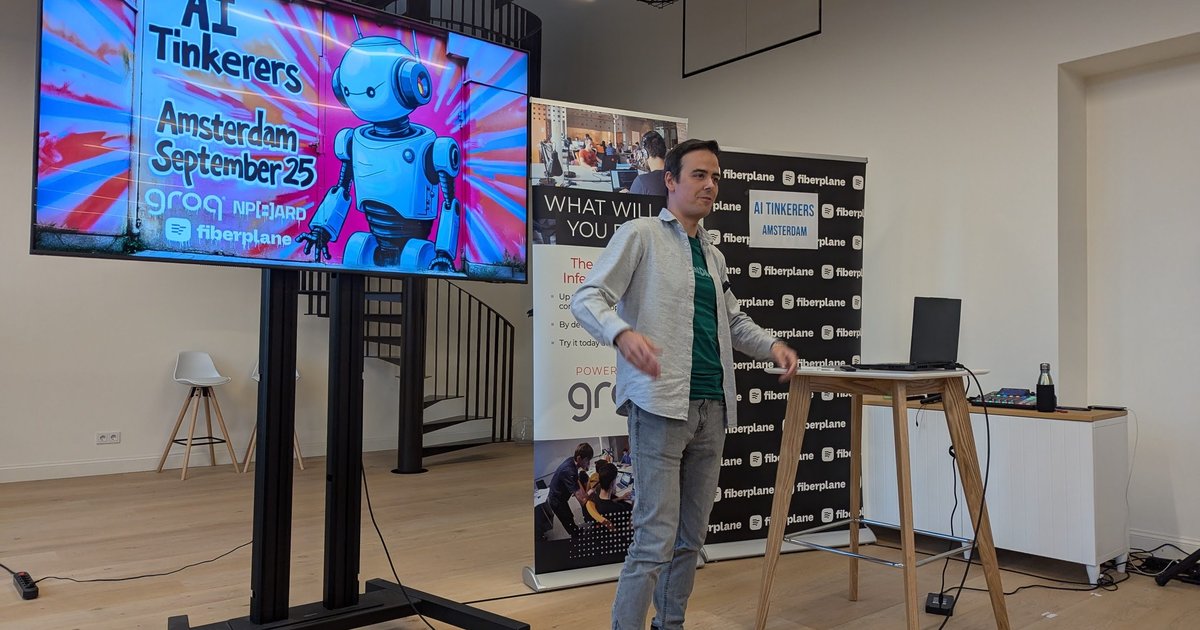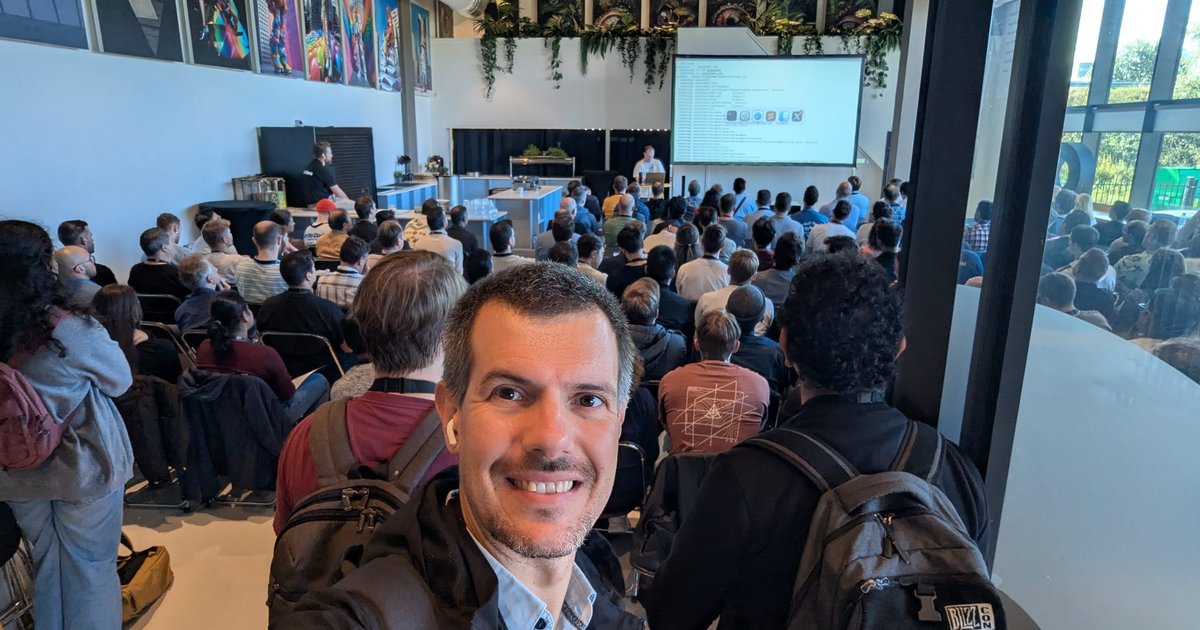
On Wednesday 13 November 2024 I went to the OpenSearch Meetup Amsterdam at the AWS office in Amsterdam. The opening slide was co-branded by Zeta Alpha and OpenSearch, and the evening’s theme was “RAG, Generative AI, and Fine Tuning”. There were four talks: one on running local LLMs with OpenSearch, two from AWS, and one from Zeta Alpha on fine-tuning embedding models.
I’m writing this in October 2026, so this is a look back. Everything below comes from the slides I photographed. Where a slide pointed to a feature or a paper, I checked the official documentation, repository or model card and linked it.
Local LLMs on OpenSearch
The first talk was “Maximizing Your Hardware Potential With Local LLMs on OpenSearch”. The overview slide listed why AI-driven search, understanding RAG, integrating LLMs into OpenSearch, connector blueprints, ingest and search pipelines, and Q&A “if we have time”.
The motivation slide compared the two approaches. Traditional keyword search “struggles with complex or conversational queries” and “lacks ability to understand context”. LLM-driven search uses natural language processing to understand search intent and analyses the query context. A slide on RAG followed, and then the case for running the models yourself:
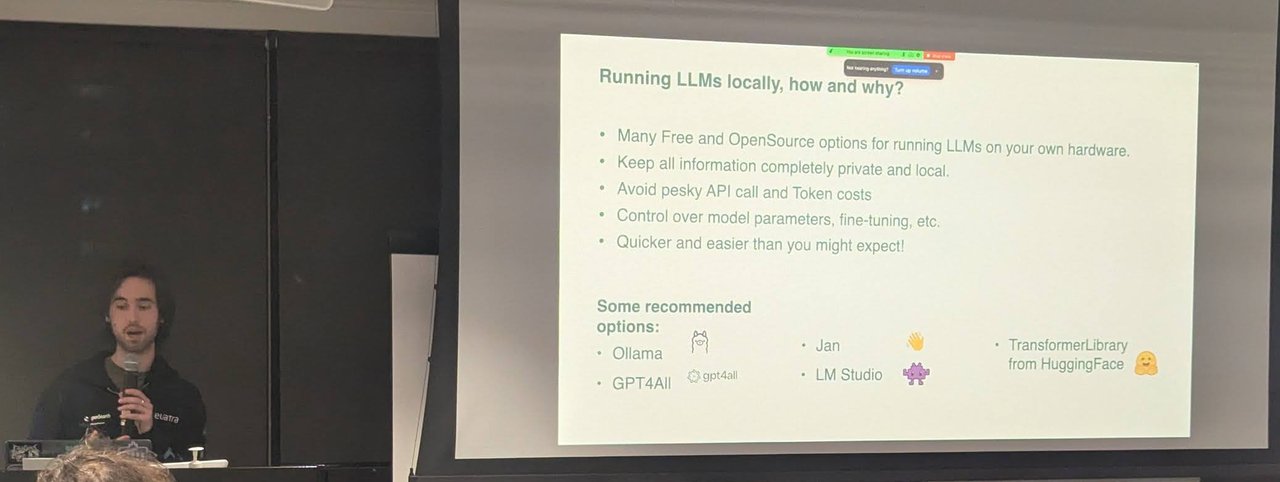
“Running LLMs locally, how and why?”: keep data private, skip per-token costs, and pick from Ollama, GPT4All, Jan, LM Studio or Transformers.
The integration slide paired the OpenSearch and Ollama logos and named the three building blocks. A connector blueprint is “a predefined template that allows you to integrate an external ML model with the OpenSearch platform”. Ingest pipelines process documents as they’re indexed, for example to embed certain fields. Search pipelines process queries and results, for example to pass natural-language queries to an embedder or to run hybrid search.
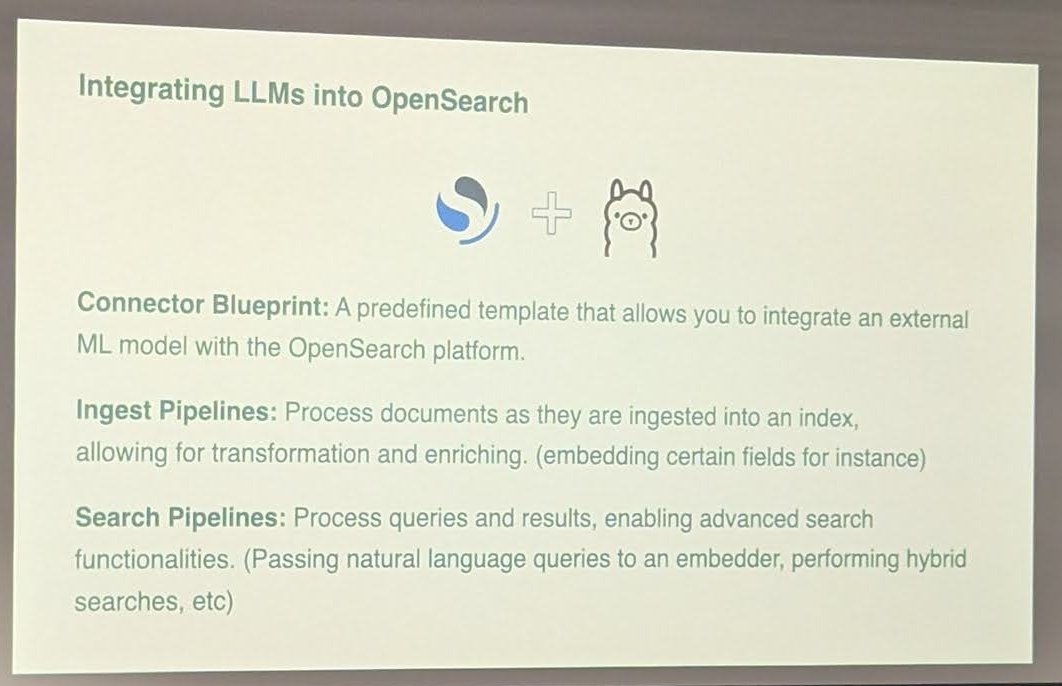
The three pieces that turn OpenSearch into a neural search engine: connector, ingest pipeline, search pipeline.
The demo used those pieces in order:
- Create a connector for an embedding model with
POST /_plugins/_ml/connectors/_create. - Create an ingest pipeline that turns text fields into passage embeddings.
- Create a search pipeline described as a “post processor for hybrid search”, with a
normalization-processorthat sets the normalization and combination techniques. - Query the demo index with
GET /demo-index/_search.
These map one-to-one to the OpenSearch docs: connector blueprints, the text embedding processor, the normalization processor and hybrid search. The docs’ semantic search page walks through the same flow.
Building generative AI apps on AWS
Maurits de Groot, EMEA GenAI Startup Solutions Architect at AWS Startups, gave “Build and scale your generative AI application the right way”. His title slide named the evening “The OpenSearch Meetup Amsterdam”.
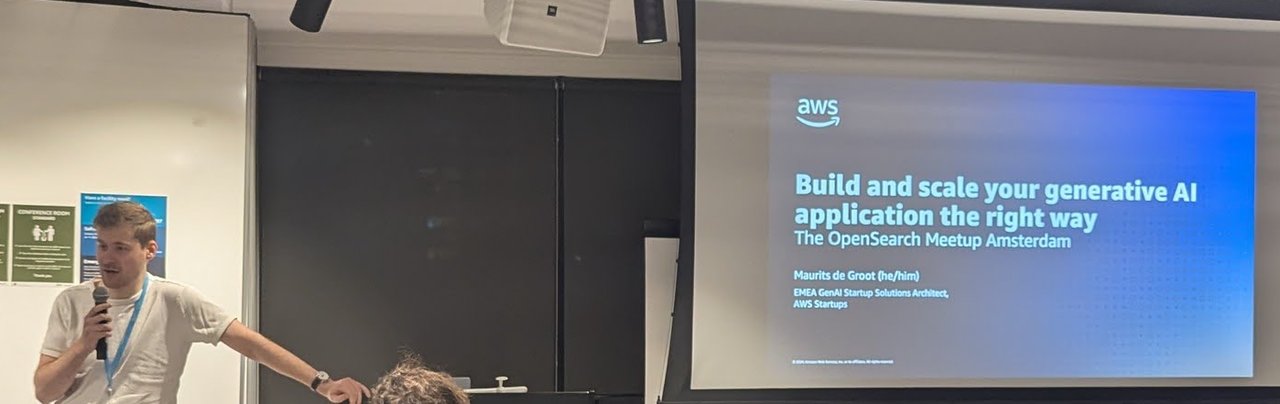
Maurits de Groot (AWS Startups) on building and scaling generative AI applications.
He framed it as a timeline. 2023 was “The Year of POCs”, with questions such as “Do I need to become a prompt engineer?” and “Which models should we try out?”. 2024 was “The Year of Production (for some)”, and the questions changed: how do I prioritise my projects, lower my costs, scale this, manage risks, and should I train my own model?
The rest of the talk walked through the AWS “Generative AI Stack” in three layers. At the bottom was infrastructure for training and inference (GPUs, Trainium, Inferentia, SageMaker, UltraClusters, EFA, EC2 Capacity Blocks, Nitro and Neuron). In the middle were tools to build with LLMs and other foundation models: Amazon Bedrock, with guardrails, agents, studio, customisation, custom model import and Amazon models. At the top were applications (Amazon Q and AWS App Studio). The Bedrock slide summed it up as a “choice of leading FMs through a single API”, plus retrieval-augmented generation and model customisation.
Tips and tricks for OpenSearch vector workloads
Cédric Pelvet, Principal Specialist Solutions Architect for OpenSearch at AWS, gave the most hands-on talk of the evening: “OpenSearch: Tips & tricks for vector workload optimization”.
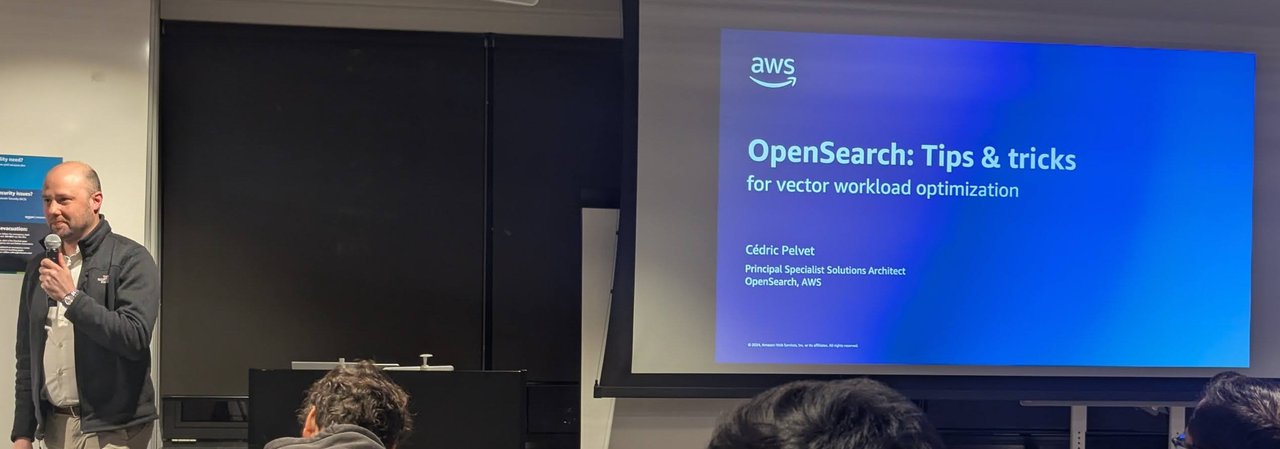
Cédric Pelvet (AWS) opening his talk on vector workload optimisation.
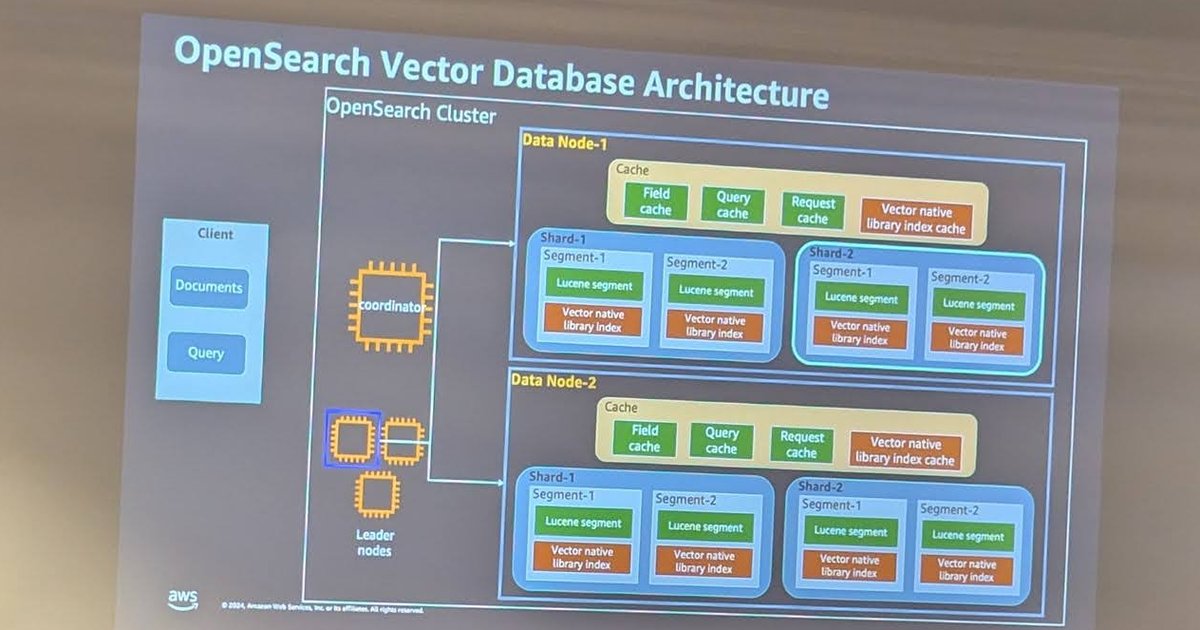
He started with the architecture. A coordinator and leader nodes sit in front of the data nodes. Each data node has a field cache, query cache, request cache and a “vector native library index cache”. Every shard is made of segments, and each segment holds both a Lucene segment and a vector native library index.
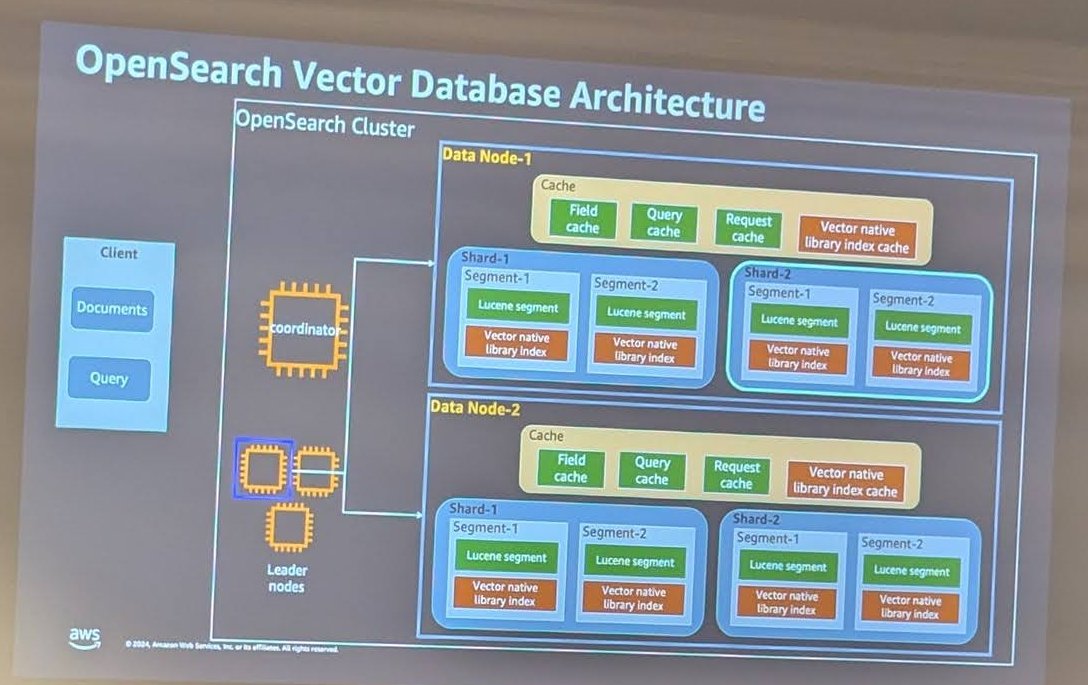
Every segment carries its own vector index, and that’s why segment count and memory matter so much.
From there, most of the advice was about memory and segments:
- Memory budget. The slide gave the formula
memory_available = (node_memory - (node_memory - jvm_size) * circuit_breaker_limit %), followed by slides on how memory splits between the operating system and the JVM on nodes with up to and above 64 GiB of RAM, and on the circuit breaker limit. - Sharding and indexing. Queries run on segments one after another inside a shard, the same as any other OpenSearch query. Concurrent segment search (the slide said 2.13) changes that. The current docs say it’s enabled by default in auto mode from OpenSearch 3.0. During the initial load, disable
refresh_intervaland replicas “to speed things up and create bigger segments”. - Search optimisation. “A full segment needs to be loaded into contiguous memory at once.” Force-merge the segments? “Yes, but…”: revise the shard size in the sharding strategy, and use NVMe SSDs.
The slide I’d put on a wall was this one:
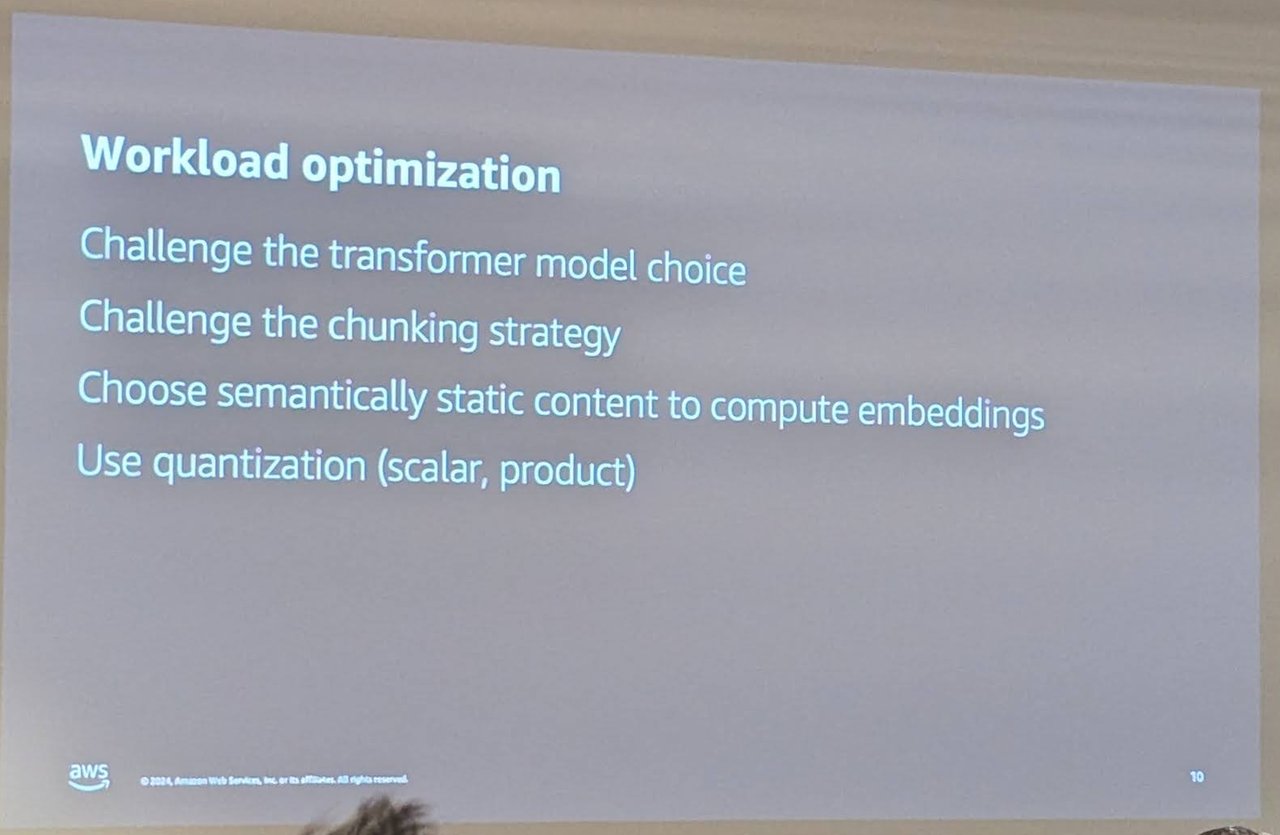
Before you add nodes: question the model, the chunking, what you embed, and whether you quantise.
The takeaway slides were runnable. To index: create the index with "knn": true, three shards and "refresh_interval": "-1", then load with helpers.parallel_bulk. To optimise afterwards: POST myindex/_forcemerge?max_num_segments=1, then set "number_of_replicas": 1 and "refresh_interval": "60s". The last step was a refresh plus GET _plugins/_knn/warmup/myindex, which loads the native vector indexes into memory before queries arrive. The vector search performance tuning page in the docs covers the same settings.
Fine-tuning embedding models with Zeta Alpha
The last talk was “Fine Tuning State of the Art Embedding Models” by Arthur Barbosa Câmara, Research Engineer at Zeta Alpha.
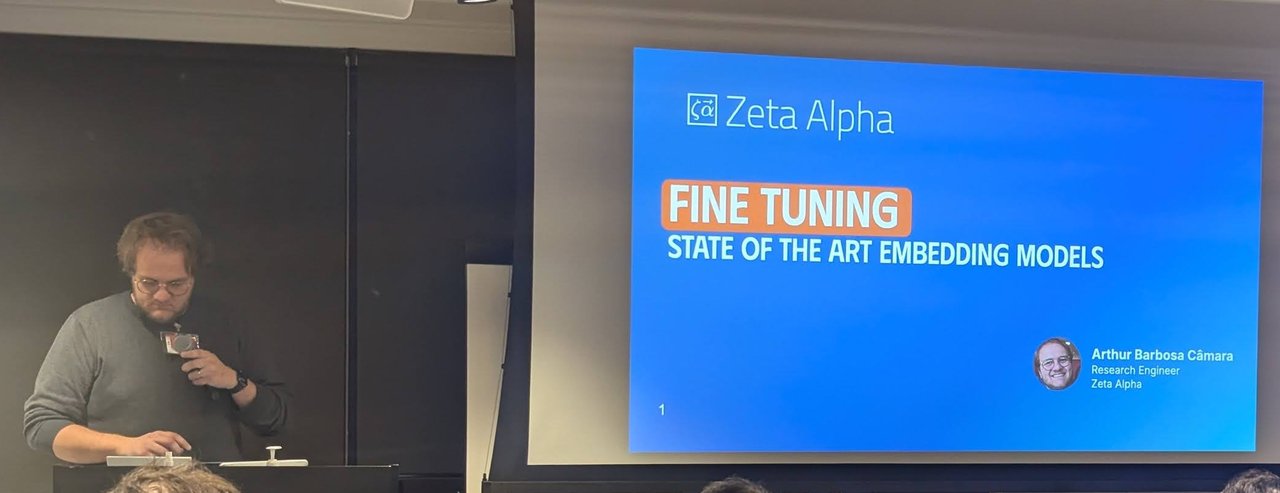
Arthur Barbosa Câmara (Zeta Alpha) on fine-tuning embedding models.
He began with a “(simple?) RAG workflow” and then a real one: BM25 top-150 and a domain-fine-tuned dense retriever top-150, feeding LLM answer writing, for a query about double-materiality reporting for banks. A section titled “All that glitters is not gold” asked “Which one is vector?” next to a keyword result, and “Why is vector search so bad in this example?”. The answer on the slide was out-of-vocabulary terms: a general-purpose embedding model doesn’t know your domain’s words. Fine-tuning fixes this by moving the query embedding closer to relevant documents and away from non-relevant ones.
InPars: synthetic queries for your own corpus
Fine-tuning needs query–document pairs, and the slide put the catch plainly: “User queries are expensive to gather.” InPars works around it. You give an LLM a few example document–query pairs, then feed it in-domain documents and let it generate a relevant query for each. Every generated pair becomes a training example.
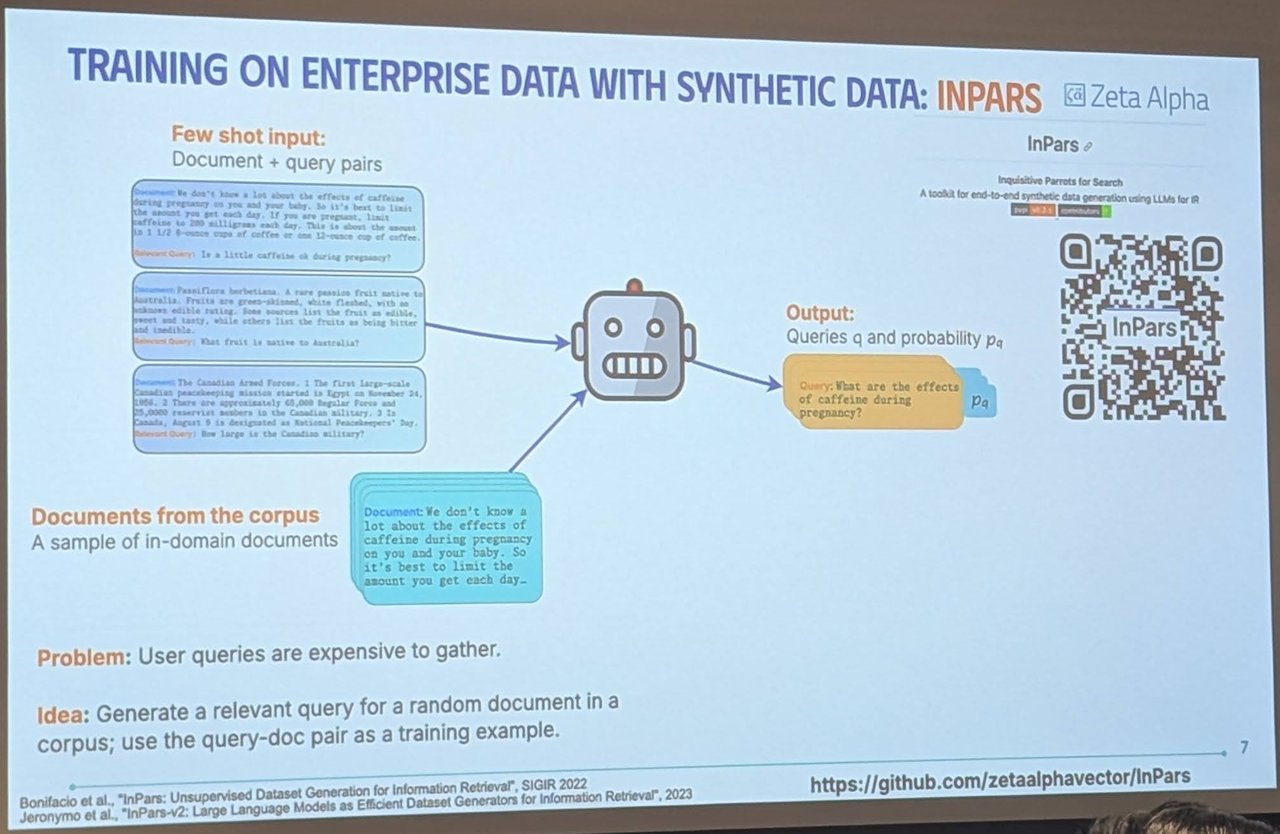
InPars: few-shot prompts plus your own documents produce synthetic queries to fine-tune on.
The slide cited Bonifacio et al., “InPars: Unsupervised Dataset Generation for Information Retrieval” (SIGIR 2022), and Jeronymo et al., “InPars-v2: Large Language Models as Efficient Dataset Generators for Information Retrieval” (2023). The toolkit is on GitHub at zetaalphavector/InPars. It describes itself as “Inquisitive Parrots for Search” and is Apache-2.0 licensed. Arthur’s pipeline went from source data to generation, training data, fine-tuning and model serving behind FastAPI. He also showed precision@10 charts from fine-tuning in chemistry, HR/recruiting and regulatory-legal domains, with e5-base-multilingual among the models compared.
zeta-alpha-e5-mistral
The second half covered turning an LLM into an embedding model by pooling its last layer, and Zeta Alpha’s own model. According to the slides, zeta-alpha-e5-mistral was:
- “Our first open embedding model”, based on E5-Mistral, a 7B-parameter model
- trained on a mix of 30 open datasets (retrieval, classification and clustering, about 1M samples in a 70-20-10 mix), with NV-Retriever-inspired hard negatives
- careful about false negatives (a negative’s score should be at most 95% of the positive’s) and about contamination
- trained with a contrastive loss, LoRA adapters and GradCache, which “allows us to scale batch size to 2048 queries/batch”
- trained with a short 3–4 word instruction prepended to each query, custom per dataset, using Sentence Transformers 3.3
- 80 hours on 4×A100 GPUs (about $1.2k), with the recipe and model released to the community
The Zeta-Alpha-E5-Mistral model card confirms it’s built on e5-mistral-7b-instruct, is MIT-licensed, and expects queries in the form Instruct: <task description>\nQuery: <query>. Zeta Alpha’s write-up of the training run covers the recipe in more detail.
Evaluation was a problem of its own. Running a 7B model over the full MTEB collection “takes almost a week”, so Zeta Alpha built NanoBEIR: small BEIR-based datasets (50 queries and 10k documents each, per the slide) for a quick check on whether a training run is promising. NanoBEIR was added as an evaluator to Sentence Transformers 3.3. The datasets are on Hugging Face as the NanoBEIR collection.
The closing “Questions” slides covered the bill. A 7B model takes 26 GB in full precision, so quantisation and small models such as Llama-3.2-1B and SmolLM2-1.7B-Instruct came up. On the storage side, 4096-dimensional embeddings mean 16 KB per vector. The answer there was back in OpenSearch: binary quantisation with the Faiss engine and disk-based vector search, both from 2.17. The disk-based vector search docs describe an on_disk mode that defaults to 32x compression, with rescoring against full-precision vectors to preserve recall. The binary quantization page covers the 1-, 2- and 4-bit options. Multilingual retrieval was the last open question, since most open retrieval datasets are English-only.
My take: choosing a vector store
This meetup is a good reminder that the vector store is rarely the hardest decision in a retrieval system. Three of the four talks were really about what goes into the index: which embedding model, how you chunk, whether a general model even knows your vocabulary, and how many bytes each vector costs.
My rule of thumb when clients ask which vector store to pick:
- If you already run OpenSearch or Elasticsearch for text search, start there. You get BM25, k-NN and hybrid scoring in one query path, and the ingest and search pipelines shown above. Cédric’s talk is the checklist for when memory gets tight.
- If the data is a graph, keep the vectors next to the graph. I covered that pattern in Neo4j vector index for GraphRAG.
- If you’re starting fresh on Kubernetes, compare a dedicated engine with pgvector on operational cost, not just recall. My Qdrant vs Milvus vs pgvector comparison goes through the trade-offs.
Whichever you pick, budget for an evaluation set before you budget for nodes. Something like NanoBEIR, built from your own documents with InPars-style synthetic queries, will tell you more about your retrieval quality than any vendor benchmark. A year later, at Open Source Summit Europe 2025, the OpenSearch keynote looked back on its first year under the Linux Foundation.