Telegram Setup Issues
Error: Bot token invalid or revoked
Error: 401 Unauthorized: bot token is invalidFix:
- Open Telegram and message @BotFather
- Send
/mybotsto see your existing bots - Select your bot → API Token → Revoke and regenerate
- Update in OpenClaw:
openclaw configure --set channels.telegram.botToken='your-new-token'
openclaw gateway restart
Common mistakes:
- Copying the token with extra whitespace
- Using the bot username instead of the token
- Token format should be:
1234567890:ABCdefGHIjklMNOpqrsTUVwxyz
Error: Webhook not receiving messages
Symptom: Bot is online in Telegram but doesn’t respond to messages.
Check 1: Is the webhook set?
curl "https://api.telegram.org/bot<YOUR_TOKEN>/getWebhookInfo"If the webhook URL is empty or wrong, OpenClaw may be using polling instead. For VPS/server deployments, webhooks are more reliable:
# OpenClaw sets this automatically, but you can verify:
curl "https://api.telegram.org/bot<YOUR_TOKEN>/getWebhookInfo" | python3 -m json.tool
Check 2: Is your server reachable?
Telegram requires HTTPS with a valid certificate. If you’re using a self-signed cert, Telegram won’t send webhook updates.
Fix: Use a reverse proxy with Let’s Encrypt:
# With Caddy (automatic HTTPS)
caddy reverse-proxy --from openclaw.yourdomain.com --to localhost:18789
Check 3: Firewall
# Telegram sends webhooks from these IP ranges:
# 149.154.160.0/20
# 91.108.4.0/22

# Ensure your firewall allows inbound HTTPS
sudo ufw allow 443/tcp
Error: Bot not responding in groups
Symptom: Bot works in direct messages but ignores group chat messages.
Fix: Disable privacy mode in BotFather:
- Message @BotFather
- Send
/mybots→ Select bot → Bot Settings → Group Privacy - Set to Disabled
Without this, Telegram only forwards messages that mention the bot or start with /.
WhatsApp Setup Issues
QR Code Won’t Scan
Symptom: The QR code appears but WhatsApp on your phone won’t scan it, or it scans but immediately disconnects.
Fix 1: Refresh the QR code — they expire after ~60 seconds:
openclaw configure --section whatsapp
# A fresh QR will be generated
Fix 2: Make sure you’re scanning with the right WhatsApp account. Go to:
- WhatsApp → Settings → Linked Devices → Link a Device
Fix 3: Time sync — if your server clock is significantly off, the QR auth may fail:
# Check server time
date

# Sync with NTP
sudo timedatectl set-ntp true
Session Disconnects After a While
Symptom: WhatsApp works for a few hours/days then stops. You need to re-scan the QR.
Cause: WhatsApp session data isn’t persisting across container restarts.
Fix: Ensure the session data directory is mounted as a volume:
# docker-compose.yml
services:
  openclaw:
    volumes:
      - ./openclaw-data:/home/node/.openclaw
The session state is stored in ~/.openclaw/ — if this directory isn’t persistent, every container restart requires a new QR scan.
Messages Not Delivering
Symptom: OpenClaw processes the message but the reply never appears in WhatsApp.
Check 1: Rate limiting — WhatsApp has strict rate limits for unofficial API usage. If you’re sending too many messages too quickly, they’ll be silently dropped.
Check 2: Message format — WhatsApp has different formatting rules than other platforms:
# Won't render in WhatsApp:
## Heading
| Table | Data |
[Link text](url)

# Works in WhatsApp:
*Bold text*
_Italic text_
~Strikethrough~
```text
Code block
OpenClaw handles most of this automatically, but custom templates may need adjustment.
Discord Setup Issues
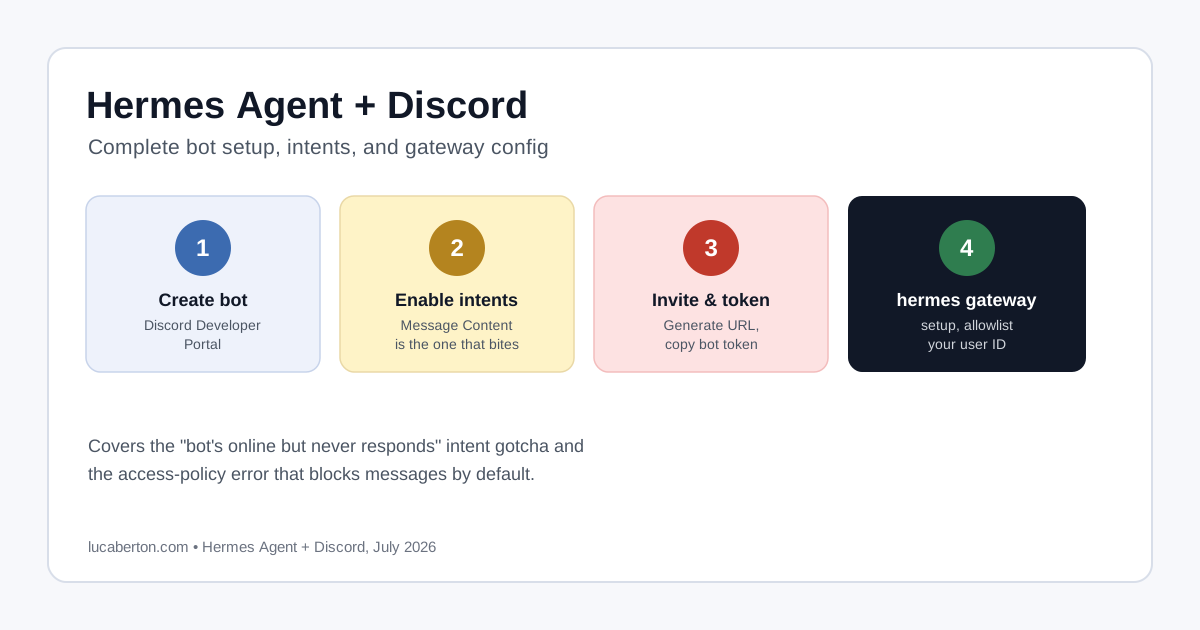
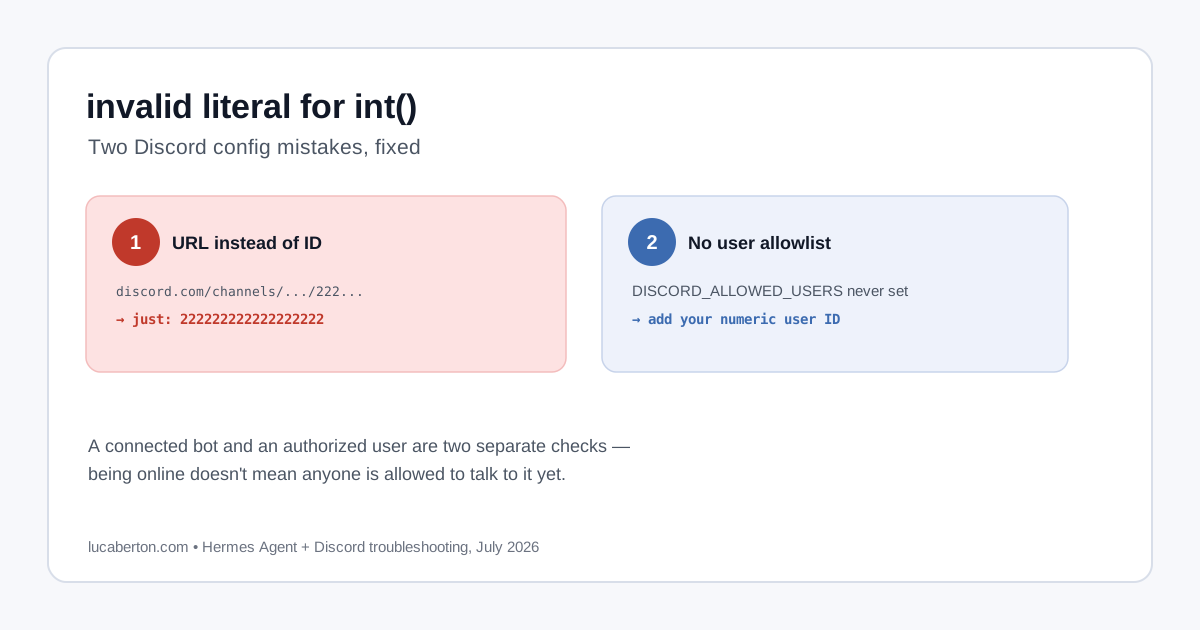
Bot doesn’t respond
Symptom: Bot is online (green dot) in Discord but ignores messages.
Fix: Check bot permissions and intents:
- Go to Discord Developer Portal
- Select your bot → Bot → Privileged Gateway Intents
- Enable Message Content Intent (required since September 2022)
- Check the bot’s role permissions in your server — needs “Read Messages” and “Send Messages”
Missing message content
Symptom: Bot receives events but message content is empty.
Cause: Message Content Intent not enabled. Without it, Discord sends the event but strips the message body.
General Channel Debugging
## Check all configured channels
openclaw status

# View channel-specific logs
openclaw gateway logs | grep -i "telegram\|whatsapp\|discord"

# Test a specific channel
openclaw test-channel telegram