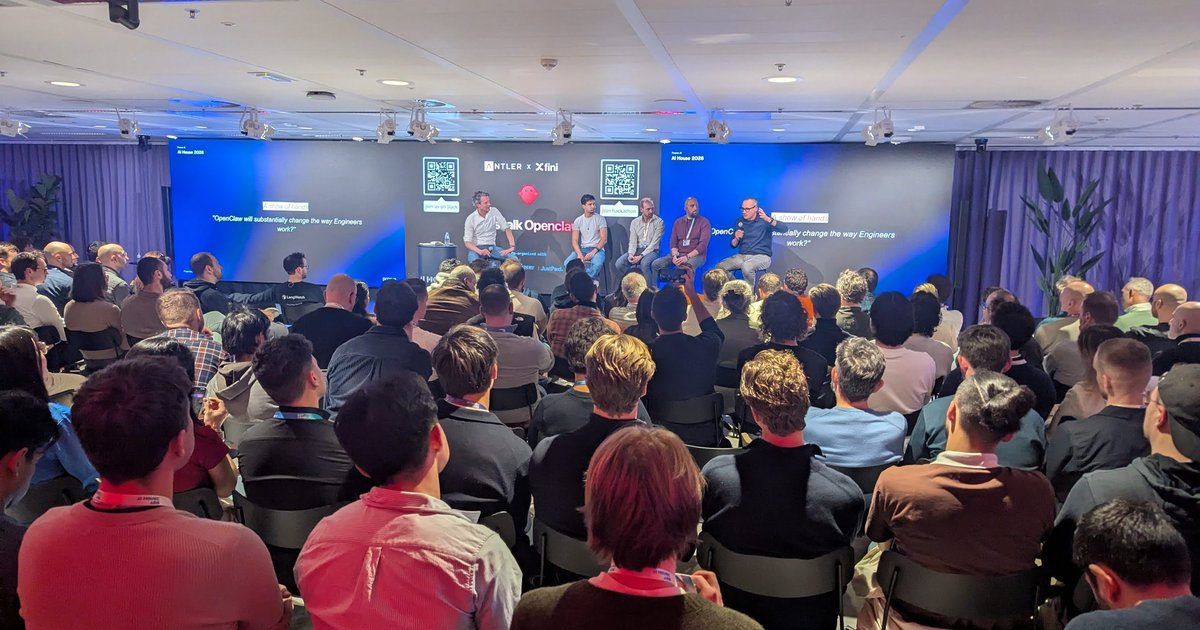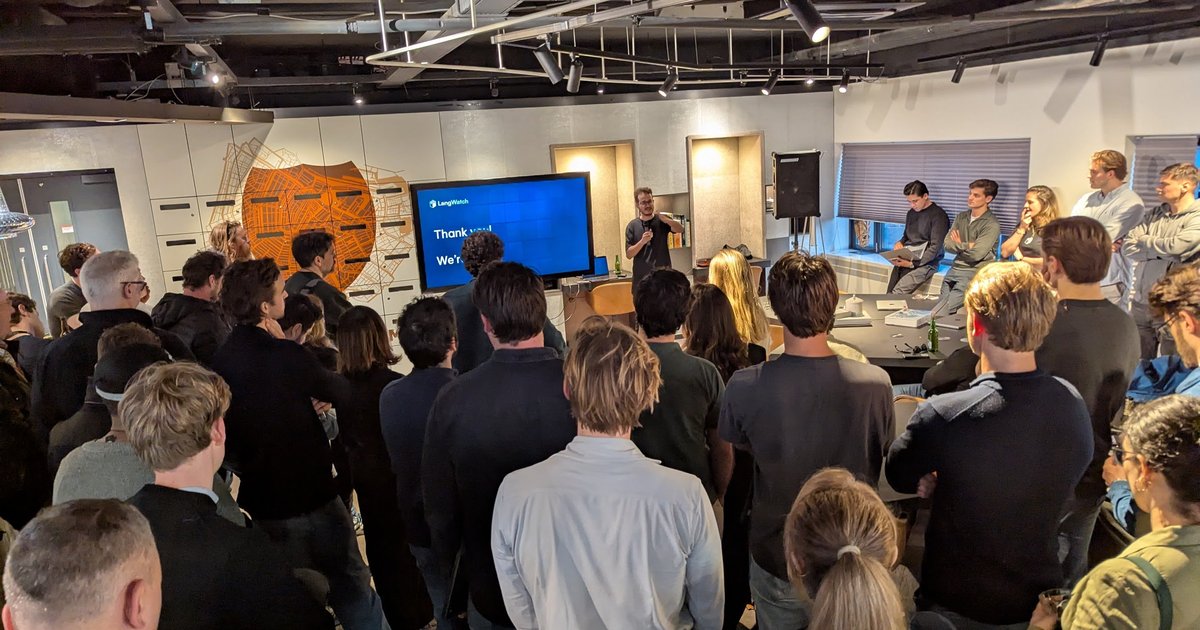
On Friday 6 March 2026 I spent the evening at the OpenClaw Demo + Hackathon Amsterdam on Admiralengracht. Anelya Grant (JustPaid.ai / Loopfour) hosted it, together with the founders of Selana and FounderFuel. The format was simple: show your OpenClaw setup (automations, integrations, creative hacks), then hack on new ideas with other builders, with pizza provided and all skill levels welcome.
This was a different event from the full-day OpenClaw Hackathon at AI House in April. It was smaller and more informal, with people standing shoulder to shoulder in front of one projector screen.
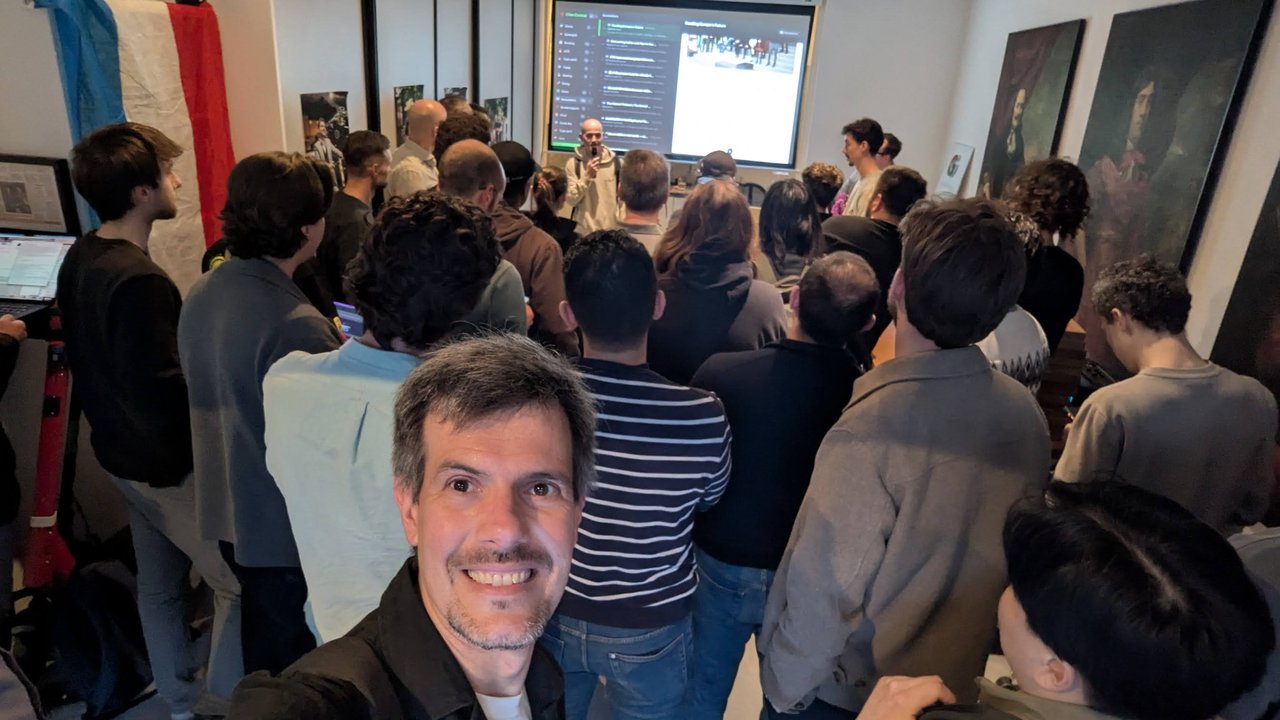
Standing room only for the demos.
There was a robot dog in the room too, a grey quadruped with “SELANA” printed on its side, parked by the wall.
My demo: Discord to a live website update
I took one of the slots myself, with a four-minute timer. Like many people in the room I run my own OpenClaw assistant, and I showed the job it does most for me: keeping this website up to date. Publishing a new article or a note about an event I’m going to is the kind of small task I keep putting off, especially when I’m on the move. So I connected OpenClaw to a Discord server of my own, and now I just text it.
The first example was a conversation from that same day. I had asked the agent to add my Twitter/X handle to the website. Behind the scenes it went to the site’s Git repository, wrote the change, committed and pushed it, and the CI/CD pipeline did the rest. I reloaded the site in front of everyone and the link was there in the footer. It sounds trivial, but that’s the point: on the metro, between two talks or at an evening event like this one, a one-line message is enough.
Then I did it live. Typing while standing at the projector wasn’t easy, but I sent add a blog post about OpenClaw in Amsterdam and let it work while I talked. Its replies in the channel listed what the post covered, including SEO and content work, the architecture and a call to action, reported the pushed commit and said “Build should pass now”. On the projector I switched to the CI view: a GitLab CI pipeline started by the push, with the commit message “Add blog post: OpenClaw in Amsterdam…”, a job in the test stage running and a pages job next to it to publish the static site. That post is still on the blog: OpenClaw in Amsterdam: AI Agents at KubeCon Europe 2026.
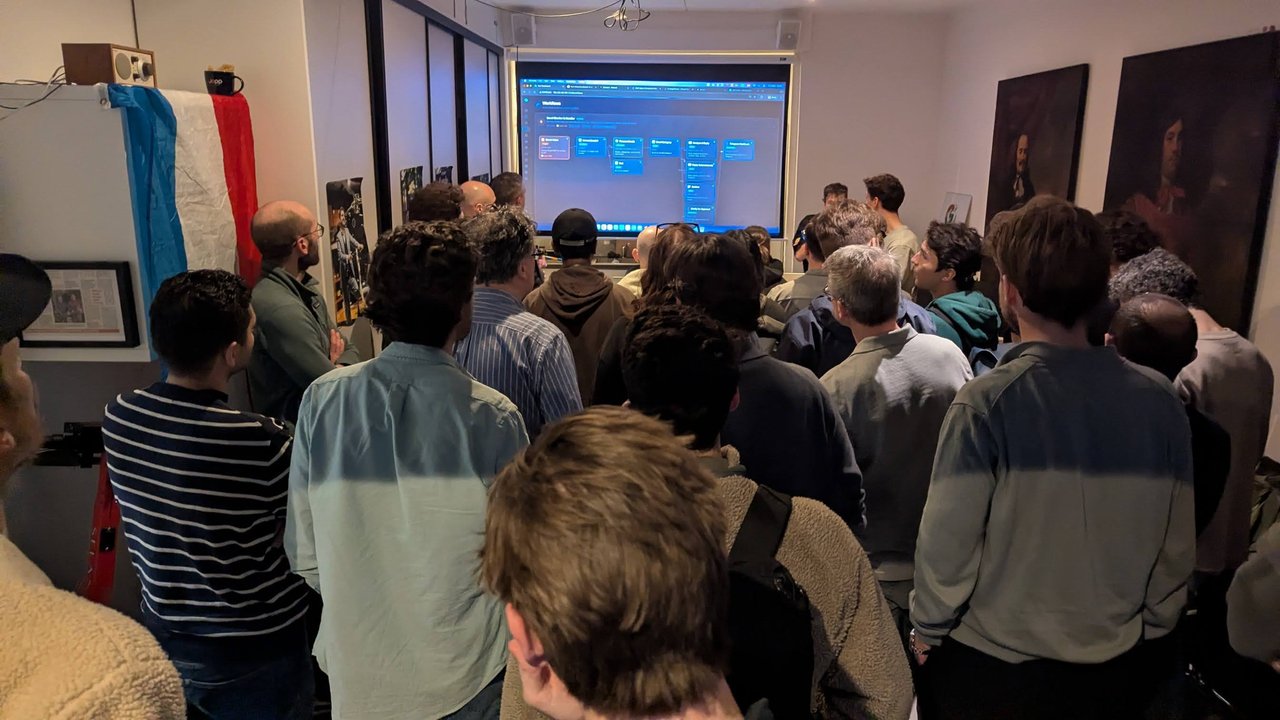
The view from the back, a few demos after mine: standing room only, with every demo shown on the one projector.
Two details make the workflow pleasant rather than just possible:
- One Discord channel per conversation. Each channel keeps its own context, so I don’t have to explain again which repository we’re working in or what I was trying to do. I can start a task in one channel, jump to another, and come back.
- The agent narrates. It posts short progress updates (with plenty of emojis) while it works, which is enough to follow what it’s doing and what it’s thinking without watching a terminal.
Someone asked what I run it with. The model was Claude Opus 4.6 through GitHub Copilot as the provider, because I have a good amount of Copilot Business credits, and GitHub Copilot billing can be connected to Azure so everything lands on one invoice.
The SEO loop
The second use case is less flashy. Search engine optimisation on a site this size is a daily stream of small problems: Google Search Console keeps telling me that some page isn’t indexed, for one reason or another. So I wrote my own crawler, inspired by Ahrefs and Semrush, that runs locally and checks the site against around 200 rules: titles of at most 60 characters, meta descriptions that aren’t too long, and plenty of other boring but necessary checks. Every morning I read its report and hand the findings back to OpenClaw in Discord, one fix at a time. It makes the site about one percent better every day. I wanted to show the dashboard at the end, but it runs locally from my editor, which I had closed, and my four minutes were up.
How to build the same workflow
If you want to reproduce this, the pieces are all standard, and I’ve written up most of them:
- Run the OpenClaw gateway somewhere always on: a small VM or VPS rather than your laptop. See what the OpenClaw gateway is, Installing OpenClaw on Azure with Docker or OpenClaw on a VPS.
- Connect a Discord bot to a private server that only you are in, with one channel per project or topic. Connecting OpenClaw to Discord covers the bot, the invite link and the token; enable the Message Content intent or you’ll hit Discord error 4014.
- Pick a model provider. I use GitHub Copilot authentication for OpenClaw with a Claude Opus model.
- Give the agent a working copy of the site and the tools to build it. Clone the repository into the agent’s workspace and make sure
gitand your build toolchain (Node.js and pnpm for an Astro site) exist in the container, or you’ll see the errors in OpenClaw agent tool execution and sandbox permissions. Give it push credentials scoped to that single repository, nothing broader. - Let CI/CD own the deploy. The agent’s job ends at
git push. The pipeline builds, tests and publishes, exactly as it would for a human commit. For a static site on GitLab Pages, a pipeline of this shape is enough:
stages: [test, deploy]

build:
  stage: test
  image: node:22
  script:
    - corepack enable
    - pnpm install --frozen-lockfile
    - pnpm run build

pages:
  stage: deploy
  image: node:22
  script:
    - corepack enable
    - pnpm install --frozen-lockfile
    - pnpm run build
    - mv dist public
  artifacts:
    paths: [public]
  rules:
- if: $CI_COMMIT_BRANCH == $CI_DEFAULT_BRANCH- Talk to it in plain language: “add my X handle to the footer”, “write a post about tonight’s event”, “fix the pages Search Console flagged today”.
My take: the reason this works is that the agent never touches production directly. Everything goes through Git, so every change has a commit, a diff and a pipeline run, and a bad change is one git revert away. The pipeline is the safety net, and it catches the agent’s mistakes the same way it catches mine. If you’re going to give an agent write access to anything, give it write access to a repository with CI in front of it, not to a server. And keep the Discord side locked down too: security hardening for OpenClaw is worth reading before you hand the bot a push token.
A whole life in one agent workspace
The most detailed demo was one person’s OpenClaw setup, built around a core agent called Aris. The slide, “The Workspace Idea”, explained the design. Each topic is a domain with its own context window:
- Heartbeat & Reports: Aris monitors the presenter’s life 24/7
- Tasks: connected to Todoist, and Aris executes them
- Content & KPI: from idea to drafted tweet, with no manual work
- Health: Apple Watch + Whoop → daily health reports
- Projects: Neno, OpenClaw, Kairos
The tagline: “One system. No context-switching. Everything handled.”
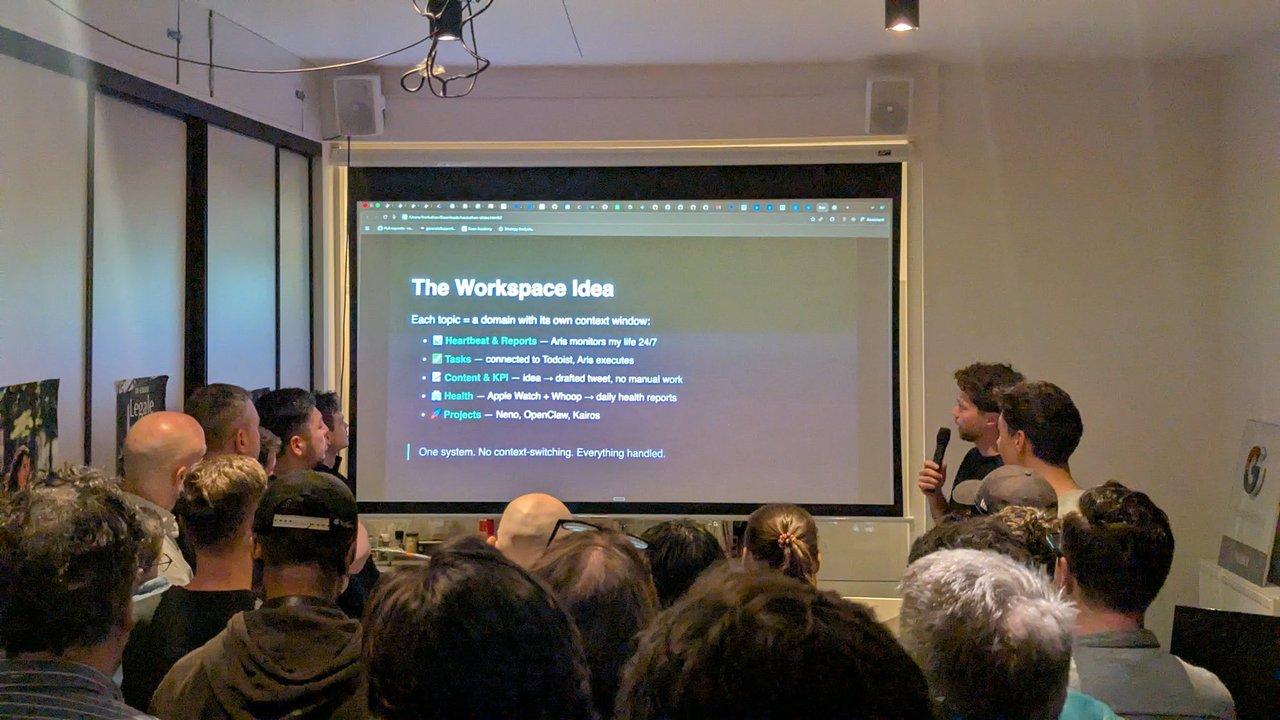
“Each topic = a domain with its own context window.”
The architecture slide showed how it fits together. Data sources (an iPhone running OwnTracks for location, and Apple Watch data through Apple Health) connect over a Tailscale VPN mesh to a Docker container on a MacBook. That container runs a webhook server and the OpenClaw gateway. In the agent layer, Aris is the core orchestrator, with a code and planning sub-agent (Zeus) and a content pipeline sub-agent (Apollo) that has its own content agents. Integrations cover Google Calendar and Gmail through the gog CLI, Todoist for tasks, and Typefully for drafting and publishing to Twitter/X. The user interface is a Telegram workspace with one topic per domain.
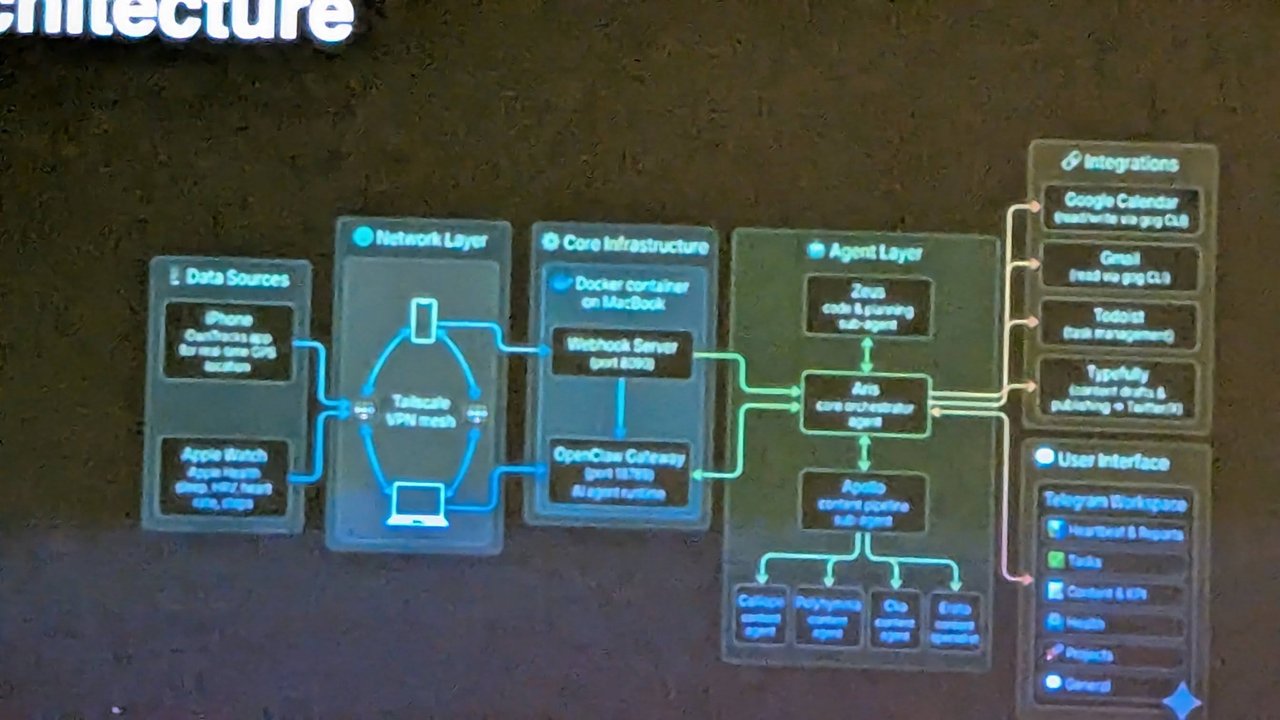
The architecture: data sources, Tailscale, a Docker container, an orchestrator with sub-agents, and Telegram as the UI.
My take: one topic per domain with a separate context window is a smart pattern. It keeps the health conversation from polluting the content pipeline, and it gives you a natural place to set permissions per domain. If you want to wire up the Telegram side yourself, I’ve covered the OpenClaw Telegram and WhatsApp channel setup.
Email triage with a human in the loop
Another demo showed a Workflows dashboard with an “Email Monitor & Handler” pipeline. It monitors a Gmail inbox and processes, categorises and responds to emails using LLM agents. The flow went from checking the inbox and filtering unread mail, through categorisation, to one of several branches: analyse and reply, reply autonomously, archive, or notify for approval. A Telegram notification closes the loop.
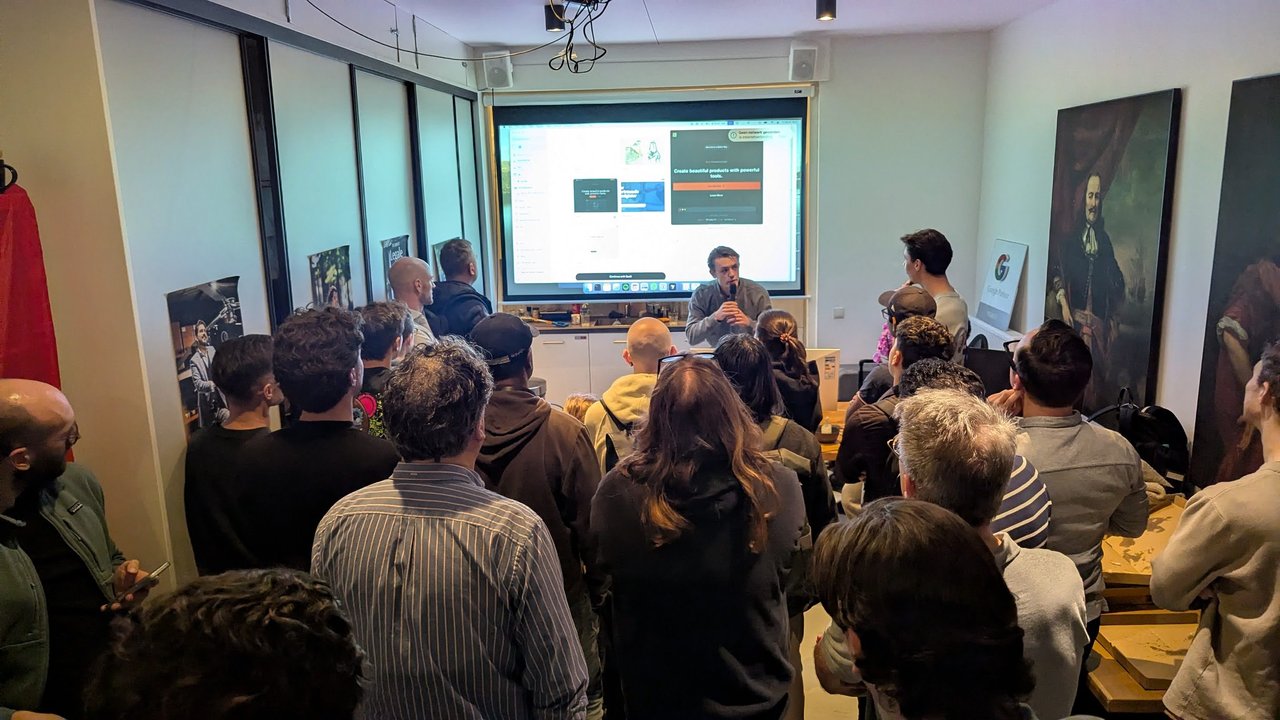
Another builder demoing from the front of the room, next to the pizza boxes.
The “notify for approval” branch is the part I’d copy. Fully autonomous replies are fine for newsletters and receipts. For anything that commits you to something, the agent should draft and a human should send. I’ve covered the OpenClaw side of this in OpenClaw Gmail Watcher and Email Channel Integration.
A production environment for your agent
Later in the evening came a product pitch from a startup building hosting for OpenClaw. The speaker didn’t say the company name on the recording, and I couldn’t read it on screen, so I’ll describe what was shown. The headline on the first screen read “Deploy OpenClaw in under 1 minute”.
The pitch started from a problem anyone in the room recognised: OpenClaw generates a lot of apps, and once they get a bit more complex, getting them online gets harder and harder. According to the speaker, the product does two things. First, it hosts OpenClaw itself on a remote instance, which they argued is safer than running it on your own machine. Second, it gives your OpenClaw its own production environment that the agent can deploy to, through a CLI or a plain agent command, with dev or staging environments alongside it if you want them.
The demo was a CRM that, the speaker said, OpenClaw had built overnight (“a little bit of an overkill”). The deploy flow started from an empty canvas (“Add your first service”) and an agent panel with the request “Deploy my GitHub repo”. The agent read the repository, worked out which services it needed and drew them on the canvas, then searched for the connections between them. The services it listed on screen were a NestJS API server built from a Dockerfile on port 3000, a React front end served by Nginx on port 80, a BullMQ queue worker sharing the server image, a Postgres database and a Redis cache. Before deploying, it ran a preflight check, explained that some “unused” warnings on the database and cache were false positives because the preflight can’t see connections from background services, and added health checks for the two apps. For time, the speaker switched to a copy they had deployed beforehand, opened its public URL, and the CRM loaded.
The pitch closed on that idea: give your OpenClaw a CLI and a production environment, and it can put its own services online “for the rest of the world to watch and to collaborate”.
My take: this is the opposite design choice from my own demo, and both are reasonable. In my setup the agent’s power ends at git push and a pipeline I control does the deploy. Here the agent owns the environment. That’s convenient for prototypes and hackathon apps, and the preflight check plus health checks are the right instincts. For anything with real users, I’d want the agent’s deploys to go to staging by default, with promotion to production behind an approval, a budget limit on what it can spin up, and a clear answer to who gets paged when the agent’s app goes down at 3 a.m.
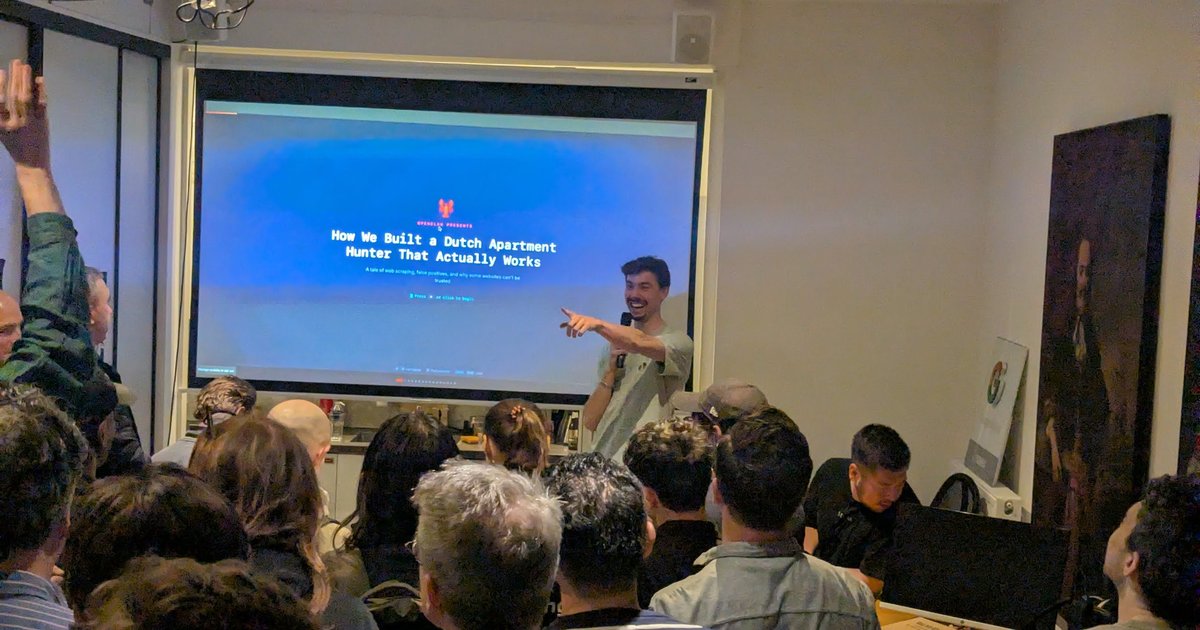
A Dutch apartment hunter that actually works
The talk with the best title was “How We Built a Dutch Apartment Hunter That Actually Works”, billed as “OpenClaw presents” with the subtitle “A tale of web scraping, false positives, and why some websites can’t be trusted”. Anyone who has looked for a flat in Amsterdam knows why someone would build this.
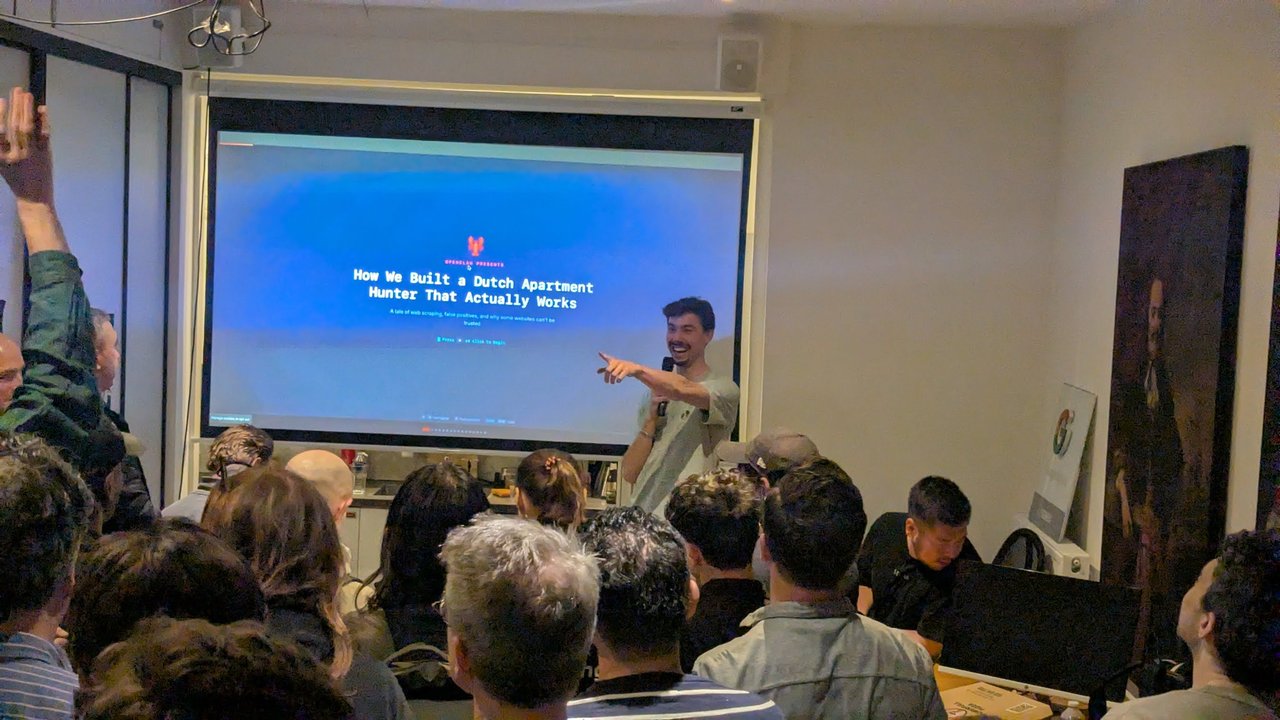
“A tale of web scraping, false positives, and why some websites can’t be trusted.”
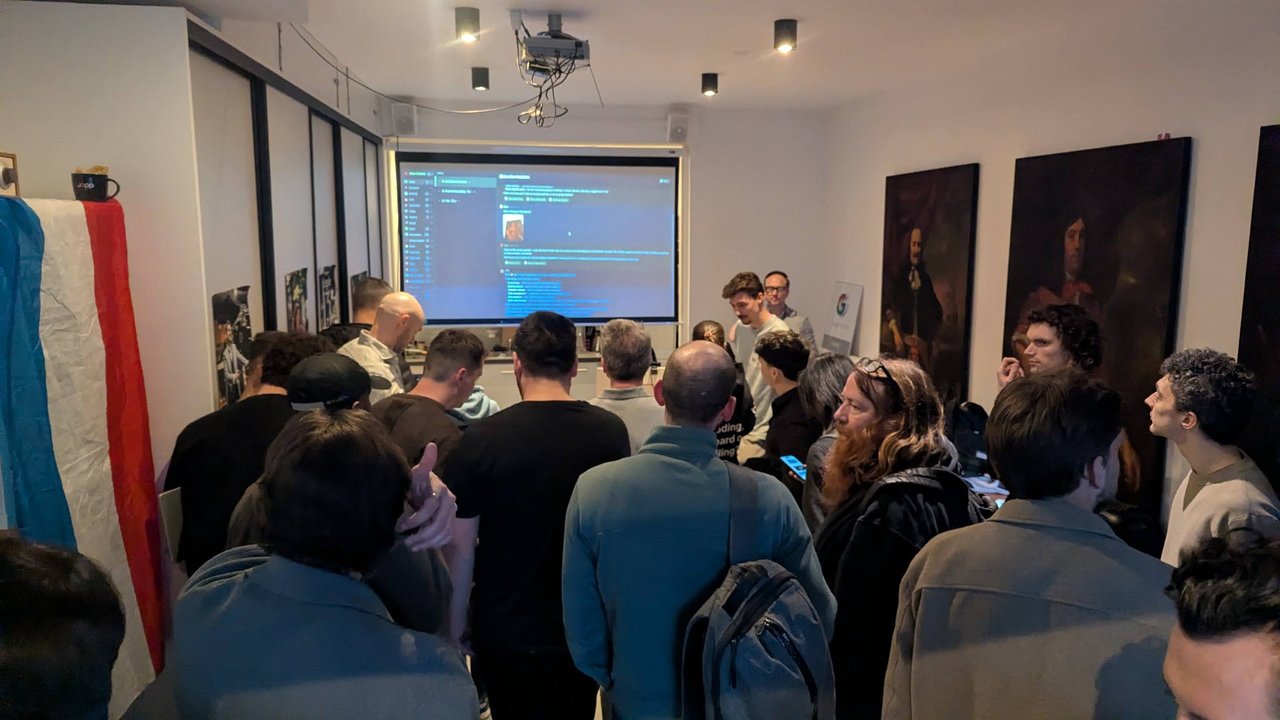
Earlier in the evening, everyone crowding the screen.
What I took away
Apart from the hosting pitch, the demos I saw were people’s own running setups rather than products, mine included. The common threads were clear: a messaging app as the interface, many small integrations instead of one big platform, and an orchestrator agent handing work to specialists. The open questions were the usual ones. Where do the secrets live, what can the agent do without asking, and how do you see what it did? Those are platform engineering questions, and they’re why I keep writing about running agents properly.