Voice AI has quietly moved from cloud APIs to your own machine. If you want privacy, zero per-character billing, and offline operation, the open-source ecosystem is now good enough to build a complete voice pipeline that runs on a laptop — CPU or a modest GPU. Here is the roundup I reach for, organized the way a real pipeline actually fits together.
The mental model: a voice pipeline, not one model
A working voice stack is a chain, not a single model:
- Capture — microphone or an audio file.
- Transcribe — turn speech into a raw text transcript.
- Diarize — label who spoke when (essential for meetings).
- Clean up — fix filler words, self-corrections, and formatting so the transcript is readable.
- Speak — synthesize voice back out when you need a reply.
Most tools below do exactly one of those jobs extremely well. Let’s go stage by stage.
Speech-to-text (transcription, local)
whisper.cpp
The C/C++ port of OpenAI’s Whisper, built on the ggml tensor library. MIT-licensed, runs CPU-only, and even builds for ARM and Apple Silicon with Core ML acceleration. It is the lightweight baseline: no Python, no GPU required, and it is the engine behind a lot of offline desktop dictation apps.
git clone https://github.com/ggml-org/whisper.cpp
cd whisper.cpp && make
./models/download-ggml-model.sh base
./build/bin/whisper-cli -m models/ggml-base.bin -f audio.wav
faster-whisper
MIT-licensed, powered by CTranslate2. It is typically up to 4x faster than the reference openai/whisper at the same accuracy, and uses less memory — a sweet spot if you already live in Python and want a drop-in library call.
from faster_whisper import WhisperModel

model = WhisperModel("base", device="cpu", compute_type="int8")
segments, info = model.transcribe("audio.mp3")
for seg in segments:
    print(f"[{seg.start:.1f}s] {seg.text}")
sherpa-onnx
Apache-2.0, built on ONNX Runtime. This is the most “runs everywhere” option: it does streaming and offline speech recognition, plus TTS, speaker recognition, and VAD, with no internet connection. There are prebuilt models for dozens of languages, and it targets servers, desktops, mobile, and even embedded devices. If you need real-time, multilingual, fully offline recognition, start here.
Speaker diarization (who spoke when)
pyannote.audio
The de facto open-source diarization toolkit, MIT-licensed, maintained by Hervé Bredin. The pipeline itself is CC-BY-4.0 and gated behind a Hugging Face license agreement (you accept it once in your browser), but it runs fully offline once downloaded. It gives you “Speaker A spoke from 0:00 to 0:12” style segmentation.
WhisperX
MIT-licensed, and the easiest way to get transcription and diarization in one call. It wraps Whisper (via faster-whisper) with pyannote’s 3.1 diarization pipeline and adds word-level timestamp alignment, so you get accurate, speaker-labeled, time-coded output. For meeting notes this is the shortest path from audio file to “who said what.”
import whisperx

audio = whisperx.load_audio("meeting.wav")
model = whisperx.load_model("large-v2", device="cpu")
result = model.transcribe(audio)

diarize_model = whisperx.DiarizationPipeline(use_auth_token="HF_TOKEN", device="cpu")
segments = whisperx.assign_word_speakers(diarize_model(audio), result)
for seg in segments["segments"]:
    print(f"{seg['speaker']}: {seg['text']}")
Cleaning the raw transcript: S1-mini
Transcription gives you raw text — stutters, filler words, and no formatting. This is where S1-mini comes in, and it is worth calling out as a newcomer.
S1-mini is a small, open-weights language model from Superwhisper: 484 MB and 0.6B parameters, released on Hugging Face as superwhisper/s1-mini. It runs completely locally with zero network requests and is ruthlessly focused on one job: take a raw ASR transcript and return clean, well-formatted text. It is not a transcriber — it sits after the transcription step and filters the outside of it.
What it does on your laptop:
- Tone control with five presets: casual, semi-casual, balanced, semi-formal, and formal.
- Automatic formatting — turns a run-on sentence into proper lists, paragraphs, and (in mail mode) a full email with greeting and sign-off.
- Self-correction cleanup — “the meeting is on Tuesday I mean Thursday” becomes “the meeting is on Thursday”, and filler words and stutters are removed.
- Stable rendering of numbers, dates, currency, phone numbers with country codes, and spoken emails or URLs.
Crucially, it is obedient: it never adds content you did not say, never softens profanity, never rewrites your dialect, and never “improves” facts. Its only purpose is to clean the raw transcript. In Superwhisper’s own offline default, it pairs with a local transcription engine (Cohere Transcribe) so the whole dictation loop stays on-device. Load it with Hugging Face transformers and run generation on CPU — no GPU required.
Text-to-speech (synthesis, local)
Kokoro
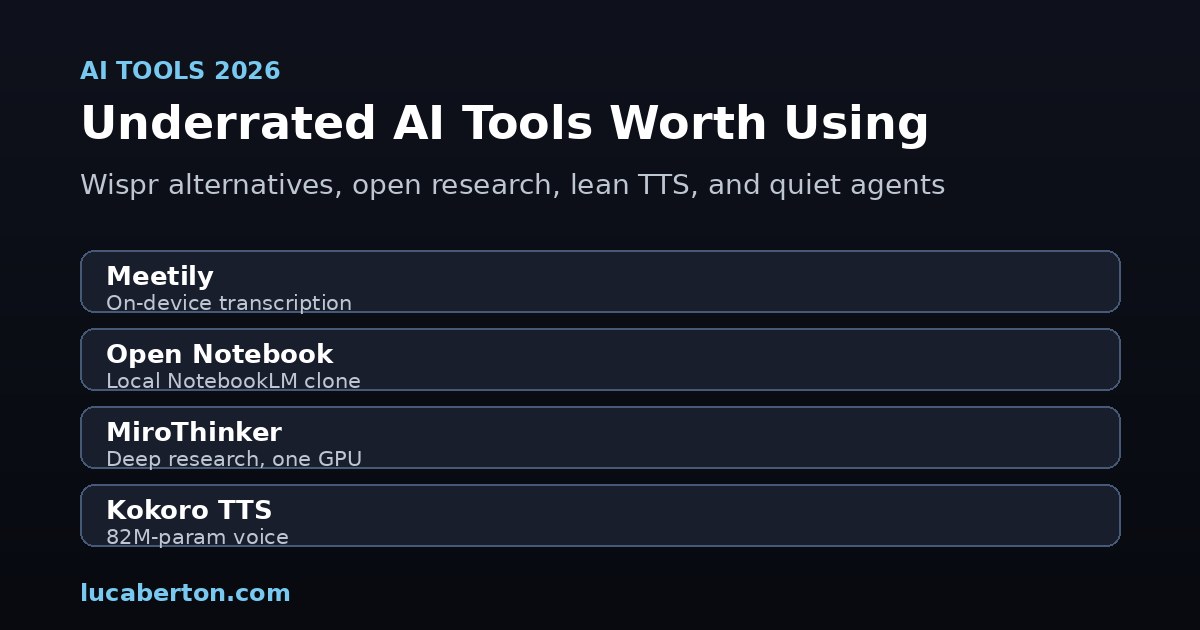
Apache-2.0, just 82M parameters, and the surprise hit of the small-model world. Weights are around 327 MB and it runs fast even on a CPU. It covers American/British English, Spanish, French, Hindi, Italian, Japanese, Brazilian Portuguese, and Mandarin, with a set of built-in voices. For a CPU-only laptop this is the default I recommend.
from kokoro import KPipeline
import soundfile as sf
import numpy as np

pipeline = KPipeline(lang_code="a")  # 'a' = American English
audio = np.concatenate([c for _, _, c in pipeline("Kokoro runs right here on your CPU.", voice="af_bella")])
sf.write("out.wav", audio, 24000)
Chatterbox
MIT-licensed, from Resemble AI. It clones a voice from roughly five seconds of reference audio and was preferred over ElevenLabs in blind listening tests (about 64% of the time). It is the open-source option to beat if you need convincing voice cloning and you are comfortable with a GPU.
Zonos
Apache-2.0, from Zyphra. The v0.1 release ships a 1.6B transformer and a 1.6B hybrid (transformer + SSM) model with strong expressiveness and high-fidelity voice cloning. The hybrid variant needs an Ampere-class GPU or newer, but the quality is among the best in open weights.
F5-TTS
Apache-2.0, a flow-matching architecture for zero-shot voice cloning. It has become the fast-growing alternative to XTTS for cloning a voice without a GPT-style backbone, and it runs locally.
Piper
MIT-licensed and the original “fast, local neural TTS” workhorse — the engine behind many home-assistant and offline voice setups. The original rhasspy/piper repo has moved under the OpenHome Foundation; the model checkpoints carry their own licenses, so check the voice you download. For lightweight, low-latency synthesis on small hardware, it is still hard to beat.
A minimal local stack to start with
If you want one coherent pipeline today:
- Transcribe:
faster-whisper(Python) orwhisper.cpp(no-dependency binary). - Diarize:
WhisperXfor the all-in-one path. - Clean:
S1-minifor on-device formatting and filler-word removal. - Speak:
Kokorofor CPU,ChatterboxorZonosif you have a GPU and want cloning.
Everything above is open-source and runs on hardware you already own. No audio leaves your machine unless you choose to send it somewhere.
License cheat-sheet
| Engine | Stage | License | Laptop-friendly |
|---|---|---|---|
| whisper.cpp | Transcribe | MIT | CPU / ARM |
| faster-whisper | Transcribe | MIT | CPU / GPU |
| sherpa-onnx | Transcribe / TTS | Apache-2.0 | CPU / embedded |
| pyannote.audio | Diarize | MIT (models CC-BY-4.0) | GPU helpful |
| WhisperX | Transcribe + diarize | MIT | CPU / GPU |
| S1-mini | Cleanup | Open weights | CPU |
| Kokoro | Speak | Apache-2.0 | CPU |
| Chatterbox | Speak | MIT | GPU |
| Zonos | Speak | Apache-2.0 | GPU (hybrid) |
| F5-TTS | Speak | Apache-2.0 | GPU |
| Piper | Speak | MIT | CPU / embedded |
The takeaway: you no longer need a cloud subscription to build a serious voice product. Pick the stage you care about, run it locally, and keep your audio private.