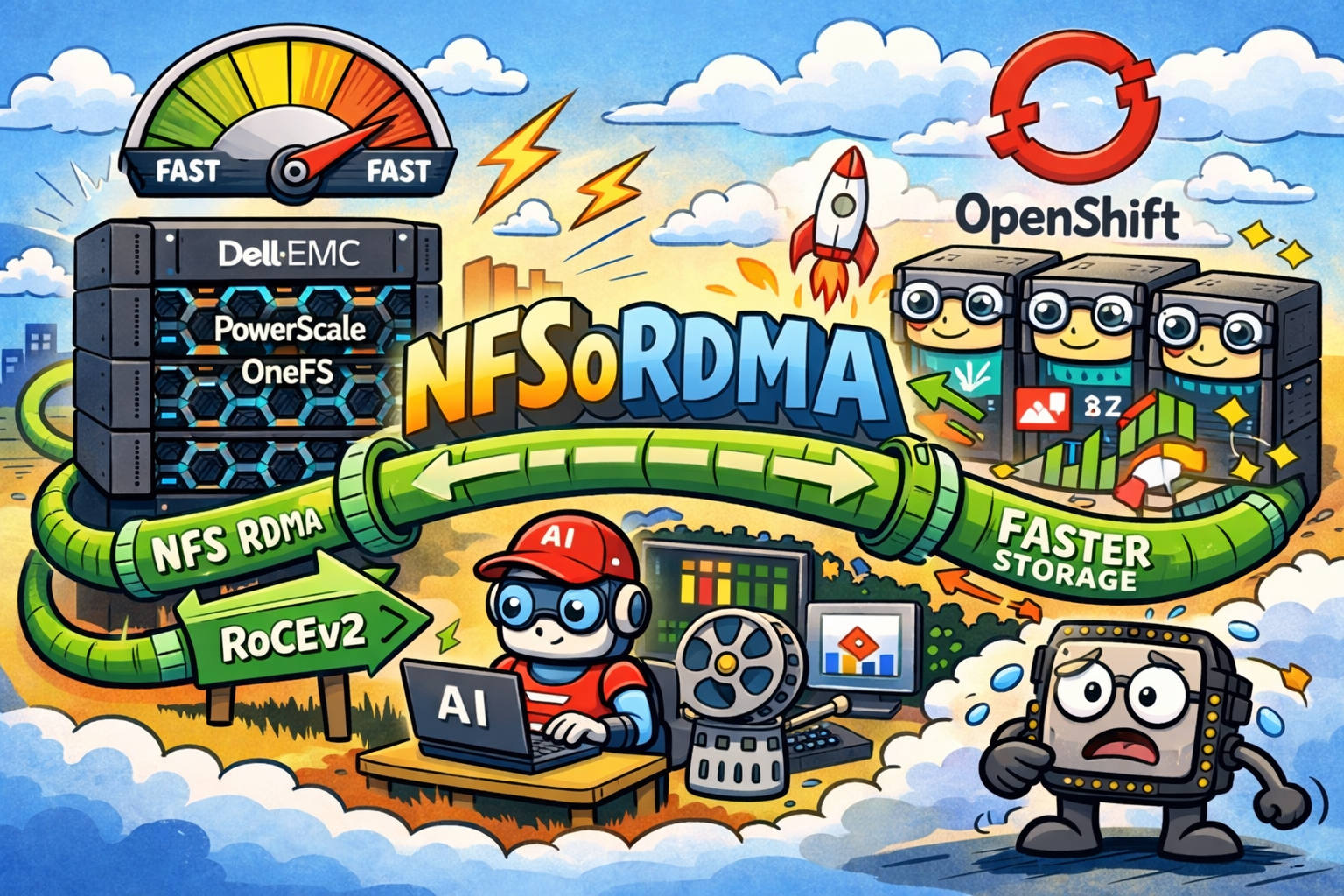

NFSoRDMA (NFS over Remote Direct Memory Access) is a way to run NFS with RDMA transport semantics: the client can move data more directly and avoid much of the TCP/kernel overhead, which typically improves throughput, reduces latency, and lowers CPU usage.
On Dell EMC PowerScale OneFS, NFSoRDMA is supported on modern OneFS versions (introduced with OneFS 9.2) and uses RoCEv2 (Routable RoCE) as the RDMA transport over Ethernet.
For OpenShift, NFSoRDMA can be a strong fit when you want shared POSIX storage (RWX) but also care about performance consistency and CPU efficiency—common in AI/ML pipelines, media workloads, and HPC-style data processing.
When NFSoRDMA is worth it in OpenShift
NFSoRDMA is usually most valuable when:
- Your workloads are network-storage heavy (large reads/writes, many pods streaming datasets).
- Node CPU is precious (e.g., you’re already spending CPU on preprocessing, sidecars, or GPU feeding).
- You want to keep the simplicity of NFS semantics (shared filesystem) but push closer to “fast network” behavior.
Dell highlights that OneFS’s NFS over RDMA implementation can deliver dramatic performance increases and reduced workstation CPU utilization compared to TCP-based NFS in appropriate workflows.
How NFSoRDMA works on OneFS (important details)
A few OneFS specifics matter when designing this for OpenShift:
OneFS uses RoCEv2 on supported NICs
OneFS runs RDMA traffic using RoCEv2 (RRoCE).
Hardware-wise, Dell’s guidance calls out Mellanox ConnectX family NIC support for RDMA-capable front-end networking.
Some NFS “helper” protocols still use TCP/UDP
Even when the data path uses RDMA, OneFS documentation notes that NFSv3 auxiliary protocols (mount, lock manager, rpcbind, etc.) still run over TCP/UDP.
So your firewall/network rules can’t be “RDMA-only”—you still need the usual NFS control-plane ports for the protocol flavor you use.
IP pools must include RDMA-capable interfaces
OneFS expects you to place RoCEv2-capable front-end interfaces into an IP pool before clients can access over RDMA.
Port 20049 can matter for some clients
Dell’s best-practices doc notes that when mounting NFS over RDMA, you may need to specify port 20049 depending on the client kernel version (it relates to RPC binding for RDMA).
Prerequisites checklist
Storage side (PowerScale / OneFS)
- OneFS version that supports NFS over RDMA (Dell documents OneFS 9.2 as the introduction point).
- RDMA-capable front-end NICs and proper firmware.
- NFSoRDMA requirements & limitations:
- Supported for NFSv3/NFSv4 (per Dell docs)
- Not supported for VLAN and Aggregated interfaces (per Dell docs)
- Supported for NFSv3/NFSv4 (per Dell docs)
- If you’re following Dell’s newer guidance, note their firmware/patch prerequisites (e.g., NFP version requirements and patch levels by OneFS release).
OpenShift side (clients)
- Worker nodes need RDMA-capable NICs and kernel/user-space support for NFS/RDMA.
- Linux client configuration is standard “NFS over RDMA” (NFS client uses RDMA transport). Red Hat documents the approach and the expected benefits (throughput/latency/CPU).
Enabling NFSoRDMA on OneFS (high-level)
Dell provides both WebUI and CLI paths. From the OneFS CLI guide, enabling RDMA for NFS is done by toggling the global NFS RDMA setting, for example:
isi nfs settings global modify --nfsv-rdma-enabled=true
isi nfs settings global view
From there, ensure the client-facing IP pool used by OpenShift nodes is the one that contains RoCEv2-capable interfaces. Dell’s best-practices doc describes filtering/validating RDMA-capable interfaces at the IP pool level. (Dell)
Integrating with OpenShift using the PowerScale CSI driver
For most OpenShift deployments, the practical way to consume PowerScale NFS storage is via the CSI Driver for Dell PowerScale (part of Dell’s Container Storage Modules ecosystem). (GitHub)
The key OpenShift/Kubernetes mechanism: mountOptions
Kubernetes supports specifying NFS mount flags via mountOptions in the StorageClass, and dynamically provisioned PVs will be mounted with those options. (Kubernetes)
That means you can express “use RDMA transport” at the StorageClass level, for example:
apiVersion: storage.k8s.io/v1
kind: StorageClass
metadata:
  name: powerscale-nfs-rdma
provisioner: csi-isilon.dellemc.com
parameters:
  csi.storage.k8s.io/fstype: nfs
  # ... your PowerScale CSI parameters (AccessZone, IsiPath, etc.)
mountOptions:
  - nfsvers=4.1
  - rdma
  - port=20049
Notes:
- The
rdma+ optionalport=20049pattern aligns with Dell’s OneFS NFS-over-RDMA guidance. (Dell) - Whether you use NFSv3 or NFSv4.x should match your OneFS configuration and your workload’s needs. Dell documents NFSoRDMA support for NFSv3/NFSv4 and client compatibility requirements. (Dell)
Operational guidance and guardrails
Don’t ignore “connections per node” guidance
Dell’s OneFS protocol guidelines include a recommended maximum of 32 NFS-over-RDMA connections per node. This isn’t a hard law, but it’s a useful sizing signal when many OpenShift nodes/pods mount the same service IP pool. (Dell)
RoCEv2 needs a healthy fabric
Dell recommends enabling flow control to optimize performance under packet loss scenarios for NFS over RDMA. Treat this as a “storage network design” topic (switch config, congestion control, etc.). (Dell)
Verify what transport you’re actually using
Because NFS can silently fall back to TCP if RDMA transport fails, validate end-to-end (OneFS settings + IP pool + client mount flags + network reachability).
Quick troubleshooting checklist
Mount works but performance looks like TCP NFS Confirm the mount options include
rdma(andport=20049if needed). (Dell)RDMA mounts fail intermittently Check that the client is using the correct IP pool (RDMA-capable interfaces), and validate RoCEv2 fabric health. (Dell)
You’re using VLANs or LACP/aggregated interfaces on OneFS Dell documents NFSoRDMA is not supported for VLAN and aggregated interfaces—use supported interface designs/IP pools. (Dell)
Links
- Dell: PowerScale OneFS: NFS over RDMA for Media (white paper) (Dell)
- Dell: OneFS NFS Design Considerations and Best Practices (NFS over RDMA architecture, ports, mount example) (Dell)
- Dell: OneFS Admin Guide — RDMA support for NFSoRDMA (requirements/limitations) (Dell)
- Red Hat: Enabling NFS over RDMA and why it helps (Red Hat Docs)
- Kubernetes: StorageClass
mountOptions(Kubernetes) - Dell: CSI Driver for PowerScale (project overview) (GitHub)