Running a local LLM on your laptop takes three pieces: a model runtime (Ollama), a model small enough for your memory, and a front end that adds chat history, documents and an API (AnythingLLM or Open WebUI). This tutorial sets all three up, walks through RAG over a PDF with citations, scores text through the AnythingLLM API, and ends with when RAG, fine-tuning or a hosted model is the better choice.
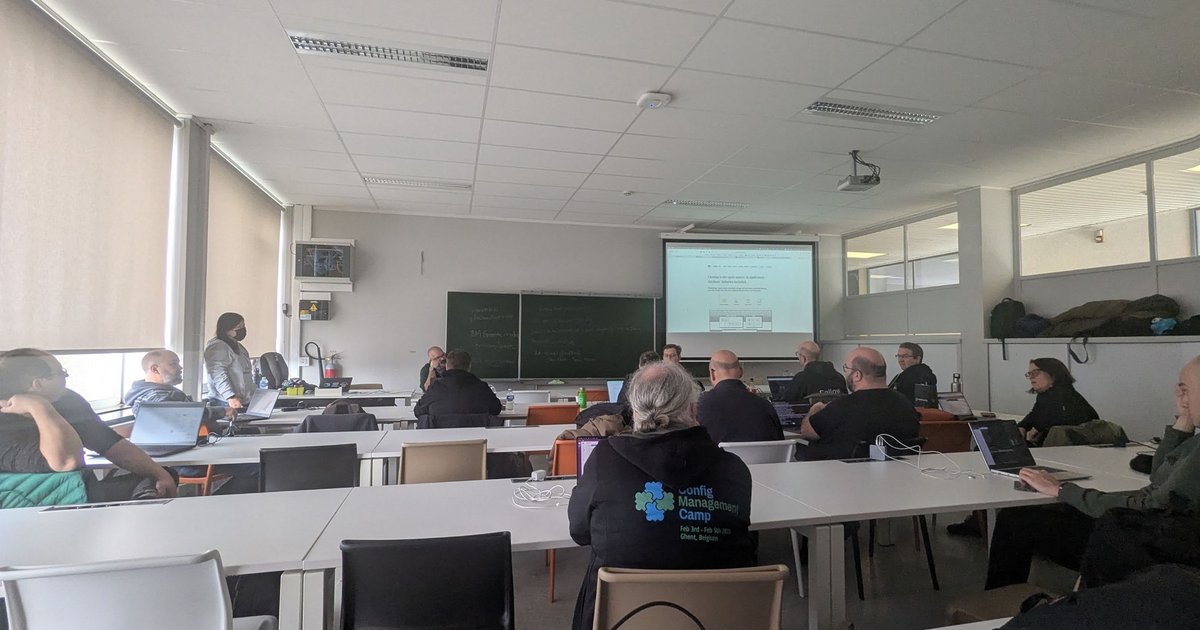
The Wednesday hands-on InstructLab session at CfgMgmtCamp 2025 in Ghent (5 February 2025) got me thinking about this again. I covered it briefly in my CfgMgmtCamp 2025 talks recap: an ollama list full of Granite variants, Chroma on the screen, and a slide on the then-new DeepSeek-R1 release. What follows is the hands-on version, built from the official docs.
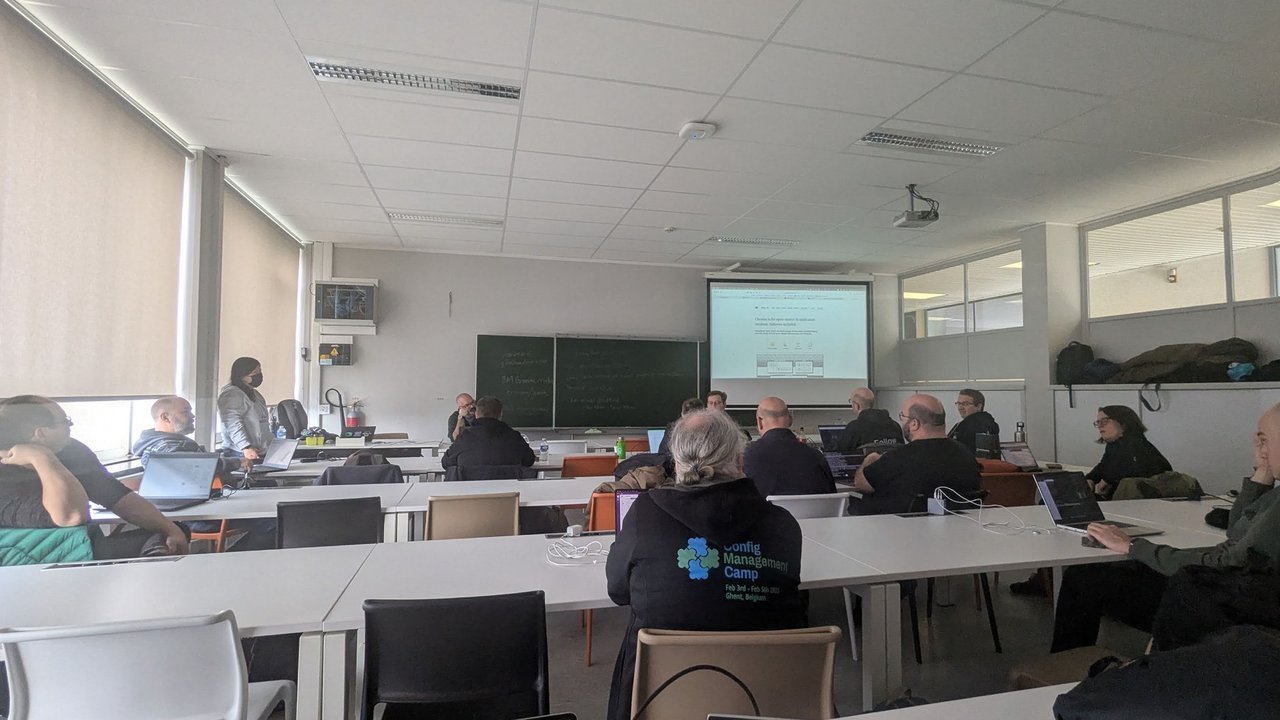
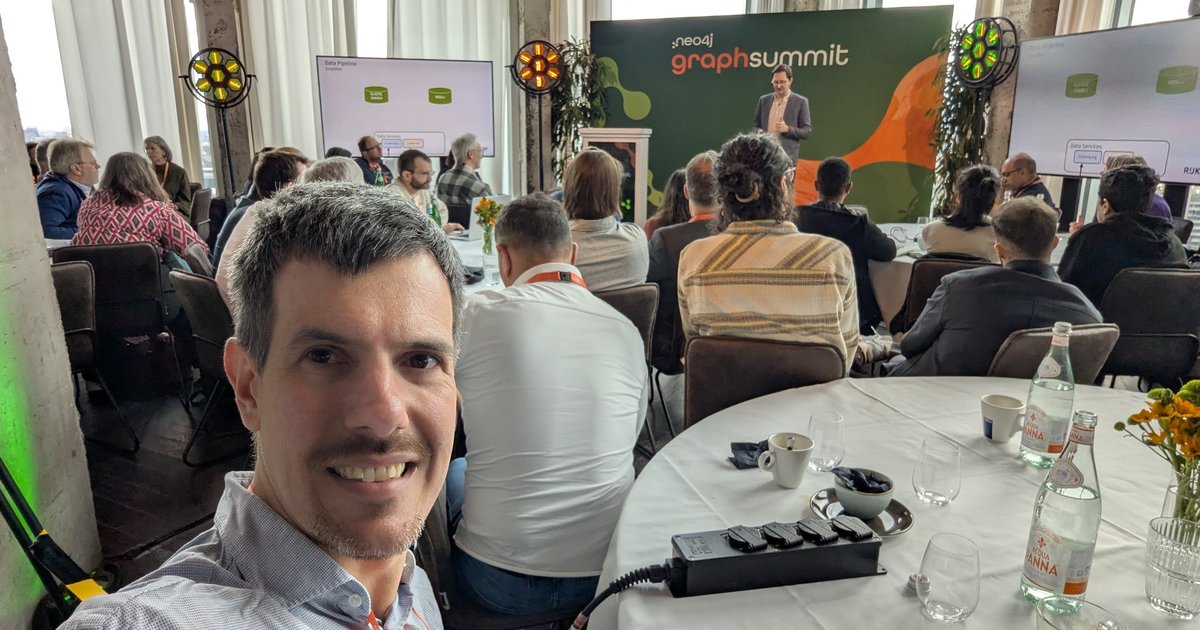
The Wednesday InstructLab session at CfgMgmtCamp 2025: attendees on their own laptops, with Chroma’s “open-source AI application database” page on the screen.
Versions: Ollama docs at v0.35 (I tested the commands with Ollama 0.34.4 on an Apple M1 Pro), AnythingLLM 1.17.0 docs and source, Open WebUI 0.11 docs, and InstructLab ilab 0.26.1.
Install Ollama and run a local LLM
On macOS (Sonoma 14 or newer), download Ollama.dmg from ollama.com and drag the app into Applications. On first start it offers to link the ollama CLI into /usr/local/bin. On Linux, use the install script:
curl -fsSL https://ollama.com/install.sh | shCheck that the server is up. It listens on 127.0.0.1:11434 by default:
ollama -v
curl http://localhost:11434/api/version
In the talk, the speaker pointed out that the CLI feels like Docker’s. The day-to-day commands:
ollama pull granite3.3:8b      # download a model
ollama run granite3.3:8b       # interactive chat (add --verbose for timings)
ollama ls                      # installed models
ollama ps                      # loaded models, memory, CPU/GPU split, context
ollama stop granite3.3:8b      # unload now instead of after keep_alive (5m)
ollama rm granite3.3:8b        # delete from disk
Models live in ~/.ollama/models on macOS and /usr/share/ollama/.ollama/models on Linux. Set OLLAMA_MODELS to move them. Running locally, Ollama doesn’t send your prompts anywhere. Its cloud models are a separate feature, and you can switch them off with OLLAMA_NO_CLOUD=1.
Choose a model that fits your laptop
The download size on ollama.com is roughly what the weights occupy in memory. The context window (the KV cache) comes on top. The DeepSeek-R1 tags show the range:
| Tag | Download | Notes |
|---|---|---|
deepseek-r1:1.5b | 1.1 GB | distilled (Qwen-based) |
deepseek-r1:8b | 5.2 GB | distilled, latest |
deepseek-r1:14b | 9.0 GB | distilled |
deepseek-r1:32b | 20 GB | distilled |
deepseek-r1:70b | 43 GB | distilled (Llama-based) |
deepseek-r1:671b | 404 GB | the full model |
In the talk, the speaker said they usually run an 8B model on a 64 GB M3 Pro, sometimes 14B, and that the full 671B model needs a server costing about a hundred thousand dollars, not a laptop.
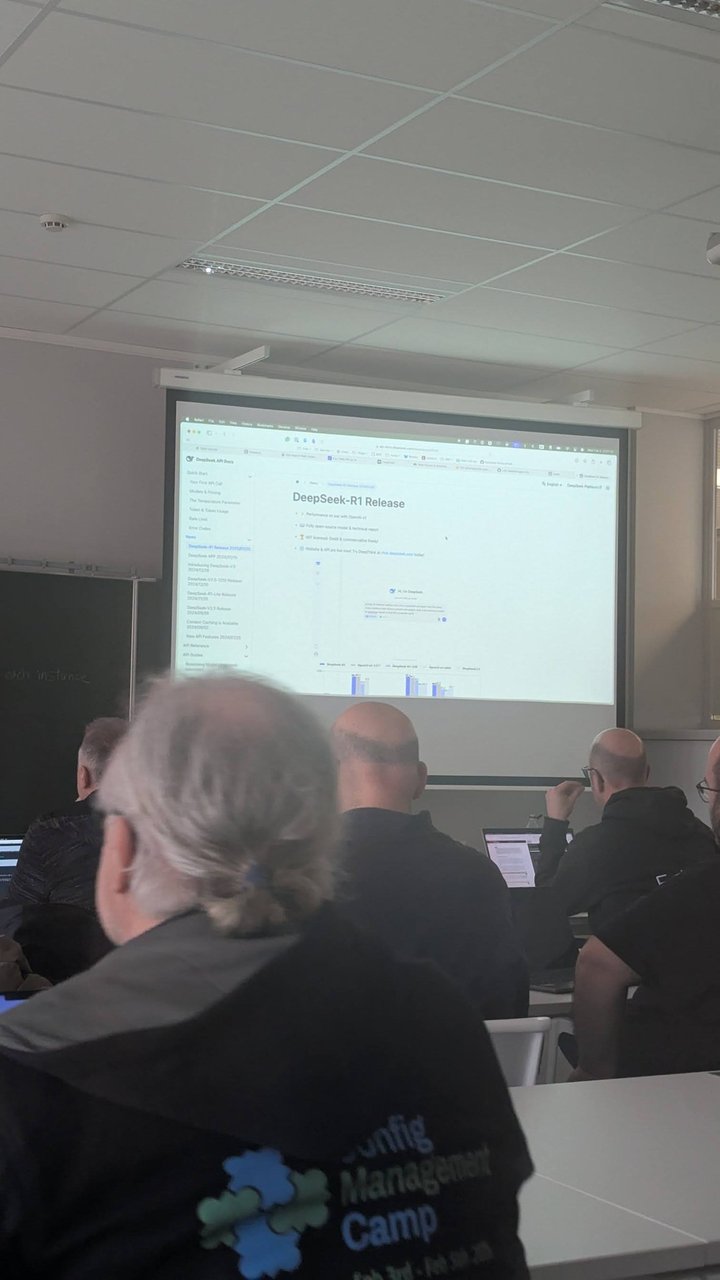
The DeepSeek-R1 release page on the screen at the CfgMgmtCamp 2025 session, about two weeks after the model’s 20 January 2025 release.
Quantisation is why an 8B model fits at all. Library tags carry the quantisation level. For granite3.1-moe:1b the range runs from 1b-instruct-q2_K (524 MB) through 1b-instruct-q4_K_M (834 MB) to 1b-instruct-fp16 (2.7 GB). q4_K_M is the usual middle ground. When I pulled the q4_K_M tag, ollama show reported quantization Q4_K_M, and ollama ps showed 1.1 GB loaded, 100% GPU, with a context of 4096.
Context length is the other memory lever. Ollama defaults to 4k context below 24 GiB of VRAM, 32k from 24 to 48 GiB, and 256k at 48 GiB and above. Raise it for RAG and agents if you have room:
OLLAMA_CONTEXT_LENGTH=16384 ollama serve
# with the macOS app instead: launchctl setenv OLLAMA_CONTEXT_LENGTH 16384, then restart Ollama
If ollama ps shows a split like 48%/52% CPU/GPU, the model doesn’t fit and part of it is running on the CPU. Pick a smaller tag or a shorter context. OLLAMA_KV_CACHE_TYPE=q8_0 roughly halves the KV cache memory compared with the default f16.
IBM Granite 3.x and Granite Code via Ollama
All of these are Apache 2.0 models from IBM:
| Model | Tags (download) | Context | Use |
|---|---|---|---|
granite3.3 | 2b (1.5 GB), 8b (4.9 GB, latest) | 128K | general chat, reasoning |
granite3.1-dense | 2b (1.6 GB), 8b (5.0 GB) | 128K | RAG, tools, summarisation |
granite3.1-moe | 1b (1.4 GB), 3b (2.0 GB) | 128K | low-latency MoE |
granite-code | 3b (2.0 GB), 8b (4.6 GB), 20b (12 GB), 34b (19 GB) | 125K / 125K / 8K / 8K | code generation and fixing |
granite-embedding | 30m (63 MB, English), 278m (563 MB, multilingual) | 512 | embeddings for RAG |
ollama run granite3.3:8b
ollama run granite-code:8b "Write an Ansible task that installs nginx"
ollama pull granite-embedding:278m
Run ollama show before you trust a model with dates. The Granite 3.1 system prompt states Knowledge Cutoff Date: April 2024. Newer granite4 families are also in the library now.
AnythingLLM vs Open WebUI
Both sit on top of Ollama’s API but organise work differently.
| AnythingLLM | Open WebUI | |
|---|---|---|
| What it is | Desktop app (macOS, Windows, Linux) or Docker image | Self-hosted web app (Docker or pip install open-webui) |
| Unit of work | Workspaces: each has its own documents, settings and threads | Chats; documents go into Workspace > Knowledge collections |
| Default RAG stack | LanceDB, all-MiniLM-L6-v2 on CPU, 4 snippets, similarity threshold 0.25 | Chroma, all-MiniLM-L6-v2, RAG_TOP_K 3, CHUNK_SIZE 1000 |
| API | Developer API, Bearer key, /api/v1/workspace/{slug}/chat | Bearer key from Settings > Account (an admin enables API Keys first), OpenAI-style /api/chat/completions, Ollama proxy at /ollama/... |
| API docs | /api/docs on your instance | /docs when ENV=dev |
Run either one in Docker and point it at Ollama on the host. On macOS that’s a good split: Docker Desktop can’t pass the GPU through, but Ollama runs natively on Metal.
# AnythingLLM on http://localhost:3001
export STORAGE_LOCATION=$HOME/anythingllm && mkdir -p $STORAGE_LOCATION && touch "$STORAGE_LOCATION/.env"
docker run -d --rm -p 3001:3001 --cap-add SYS_ADMIN \
  -v ${STORAGE_LOCATION}:/app/server/storage \
  -v ${STORAGE_LOCATION}/.env:/app/server/.env \
  -e STORAGE_DIR="/app/server/storage" \
  mintplexlabs/anythingllm

# Open WebUI on http://localhost:3000
docker run -d -p 3000:8080 --add-host=host.docker.internal:host-gateway \
  -v open-webui:/app/backend/data --name open-webui --restart always \
  ghcr.io/open-webui/open-webui:main
In AnythingLLM, choose Ollama as the LLM provider with base URL http://host.docker.internal:11434 (http://127.0.0.1:11434 for the Desktop app). In Open WebUI it’s Settings > Admin > Connections, with the same host.docker.internal URL. On Linux, AnythingLLM’s docs say to use http://172.17.0.1:11434 instead.
In the talk, the speaker preferred AnythingLLM because its API was easier to work with than Open WebUI’s. My take: pick AnythingLLM if you think in projects with their own document sets. Pick Open WebUI if several people share one instance and you want an OpenAI-compatible endpoint with users and groups.
RAG over a PDF with citations
The talk’s demo is easy to reproduce. A model with an April 2024 cutoff can’t know a budget published later, so you give it the document.
- Create a workspace called
budget-docs. - Click the upload icon next to the workspace, drop the PDF in, tick it, click Move to Workspace, then Save and Embed. AnythingLLM extracts the text, splits it into chunks (1,000 characters with 20 overlap by default), embeds them and stores the vectors in LanceDB.
- In the workspace’s Chat Settings, set Chat mode to Query. It then answers only when document context is found, and otherwise returns the Query mode refusal response.
- Ask the question. Under the answer, open Sources. Each cited chunk shows a similarity match percentage.
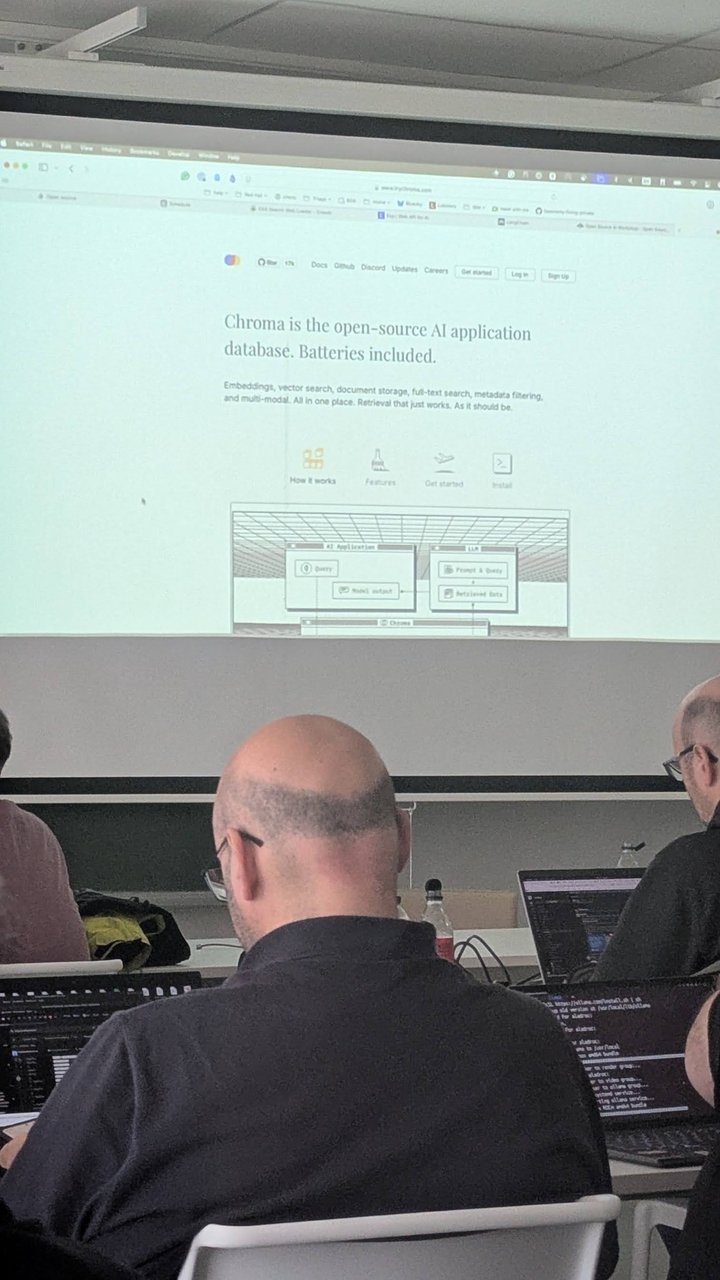
Chroma on the screen at the CfgMgmtCamp 2025 session: embeddings, vector search and document storage in one place. Chroma is Open WebUI’s default vector database and one of AnythingLLM’s options.
If answers miss obvious facts, check three workspace settings: Max Context Snippets (recommended 4), Document similarity threshold (drop it to “No restriction” to test) and the Search Preference set to Accuracy Optimized (LanceDB only), which reranks a larger set of chunks. For a short document that must always be in context, pin it. Pinning inserts the full text instead of retrieved chunks. Only a few chunks reach the model per question, so “summarise the whole PDF” is a poor fit for RAG.
The same flow through the API, with a key from Settings > Developer API:
export ALLM=http://localhost:3001/api/v1
export KEY=your-anythingllm-api-key

curl -s -X POST "$ALLM/workspace/new" -H "Authorization: Bearer $KEY" \
  -H "Content-Type: application/json" \
  -d '{"name": "budget-docs", "chatMode": "query", "topN": 4, "similarityThreshold": 0.25}' | jq .workspace.slug

curl -s -X POST "$ALLM/document/upload" -H "Authorization: Bearer $KEY" \
  -F "file=@budget.pdf" -F "addToWorkspaces=budget-docs"

curl -s -X POST "$ALLM/workspace/budget-docs/chat" -H "Authorization: Bearer $KEY" \
  -H "Content-Type: application/json" \
  -d '{"message": "What is the total budget for 2024?", "mode": "query"}' \
  | jq '{answer: .textResponse, sources: [.sources[].title]}'
The response carries textResponse and a sources array with each chunk’s title and text. That gives you the citations programmatically.
Score content through the AnythingLLM API
The second demo in the talk scored text instead of answering questions. The speaker gave the model labelled examples (100%, 50% and 0% sales pitch), then asked where new text fell on that scale and why. The result was a gradient, not a yes or no, written to a CSV. Here is that pattern with a workspace system prompt (openAiPrompt) and chat mode, so no documents are needed:
curl -s -X POST "$ALLM/workspace/new" -H "Authorization: Bearer $KEY" \
  -H "Content-Type: application/json" \
  -d '{"name": "pitch-scorer", "chatMode": "chat", "openAiTemp": 0,
       "openAiPrompt": "Score how much a text is a sales pitch from 0 to 100. Calibration: \"Book a demo today for 30% off\" = 100. \"Our product supports Kubernetes 1.30; here is the config\" = 50. \"How to read kubectl events\" = 0. Reply only with JSON: {\"sales_score\": int, \"reason\": string}."}'

curl -s -X POST "$ALLM/workspace/pitch-scorer/chat" -H "Authorization: Bearer $KEY" \
  -H "Content-Type: application/json" \
  -d '{"message": "Our platform is the only one you will ever need. Talk to sales.", "mode": "chat", "reset": true}' \
  | jq -r .textResponse
"reset": true clears the rolling chat history, so earlier items don’t skew the next score. Nothing in AnythingLLM’s chat API enforces the JSON shape, though. For bulk scoring I call Ollama directly, where format takes a JSON schema:
curl -s http://localhost:11434/api/chat -d '{
  "model": "granite3.3:8b", "stream": false, "options": {"temperature": 0},
  "format": {"type": "object",
    "properties": {"sales_score": {"type": "integer"}, "reason": {"type": "string"}},
    "required": ["sales_score", "reason"]},
  "messages": [
    {"role": "system", "content": "Rate how much the text is a sales pitch, 0 to 100. Answer in JSON."},
    {"role": "user", "content": "Book a demo today and get 30% off our enterprise plan!"}]
}' | jq -r .message.content
I ran this against the 1B Granite MoE model and got valid JSON with "sales_score": 95 and a reason. Treat a small model’s score as a sorting signal, not a verdict.
RAG vs fine-tuning (InstructLab)
The talk’s analogy works well. RAG is adding a book to the library. Fine-tuning sends the model back to university: the facts end up in the weights, but it costs far more compute and time, and every change means another round. Stable facts that everyone should know are candidates for fine-tuning. Anything that changes often, like the speaker’s example of a CEO replaced every month, belongs in RAG.
| RAG | Fine-tuning (InstructLab) | |
|---|---|---|
| Update cost | re-embed the changed file | generate synthetic data and retrain, hours |
| Hardware | your laptop | GPUs for the full pipeline; CPU or MPS training “will take several hours” |
| Citations | yes, per chunk | no |
| Good at | changing facts, private docs | style, skills, stable domain knowledge |
InstructLab’s input is a Git taxonomy. A knowledge contribution is a qna.yaml with at least 5 seed_examples of at least 3 questions and answers each, plus a document pointing at Markdown or PDF sources in a Git repo. ilab data generate turns it into synthetic training data and ilab model train tunes the model. One thing to check before you start: the instructlab/instructlab repo was archived after a September 2025 announcement, its last release was 0.26.1, and the synthetic data and training parts moved to sdg_hub and training_hub. My InstructLab fine-tuning guide covers the RHEL AI side. For the general decision, see fine-tuning vs RAG vs prompt engineering.
When a local LLM makes sense
- Yes: private documents that mustn’t leave the machine, offline work, a bulk classification or scoring job where “good enough and free per call” wins, and learning how RAG actually behaves.
- Maybe: coding assistants.
granite-code:8bhandles routine snippets. Agent-style tools want a 64k context, and on a 16 GB laptop that leaves little room for the model. - No: anything needing frontier-level reasoning, long multi-step agents, or many concurrent users. Serving a team calls for a GPU server and something like vLLM. I compare the options in vLLM vs TGI vs Ollama.
My take: start with an 8B model, a workspace and Query mode. When I asked the 1B model to define RAG without any documents, it confidently got it wrong. The same model, given the right chunks, answers from your data and shows its sources. That’s the case for running a local LLM: it’s cheap and private, as long as you keep it grounded.