LLM end-to-end testing with Playwright works best as a pipeline with clear seams: plain code crawls the app, a model proposes scenarios, plain code turns them into Playwright actions and runs them in parallel, and a model helps sort the failures. The deterministic assertions you wrote by hand stay in charge of the build. This tutorial builds that pipeline in about 200 lines of TypeScript, and every snippet below ran against a local static site with @playwright/test 1.63.0.
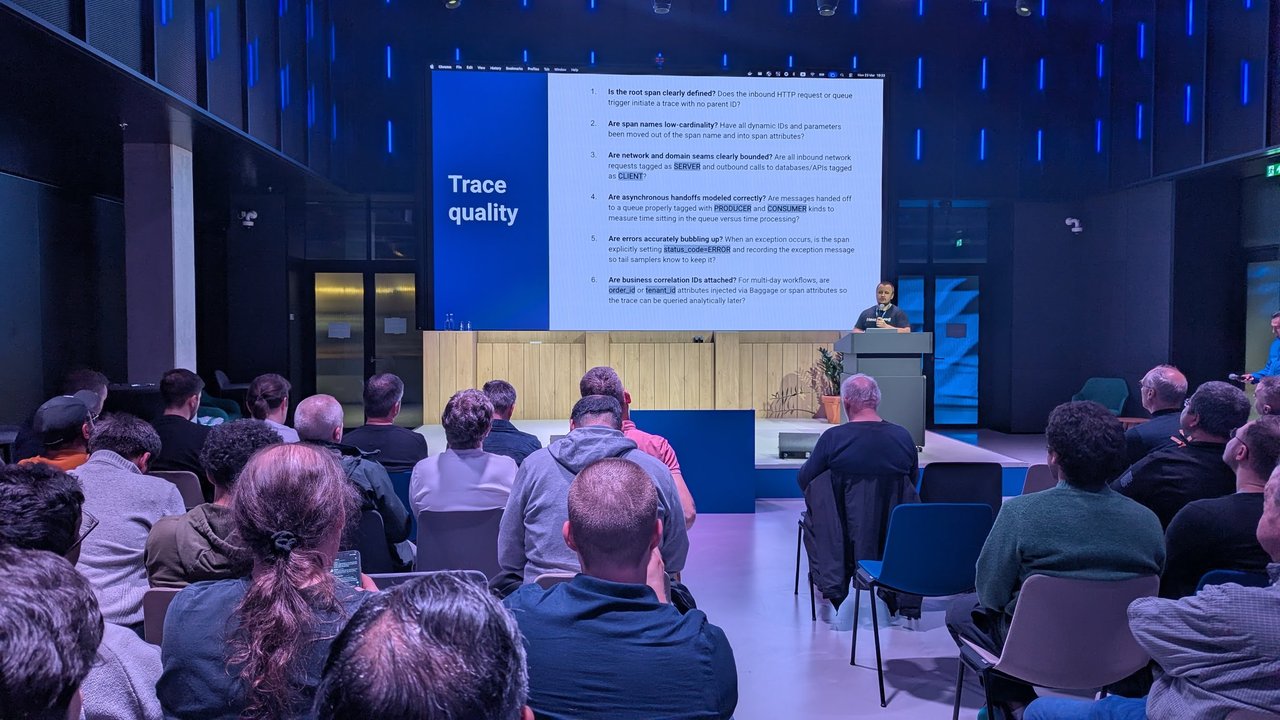
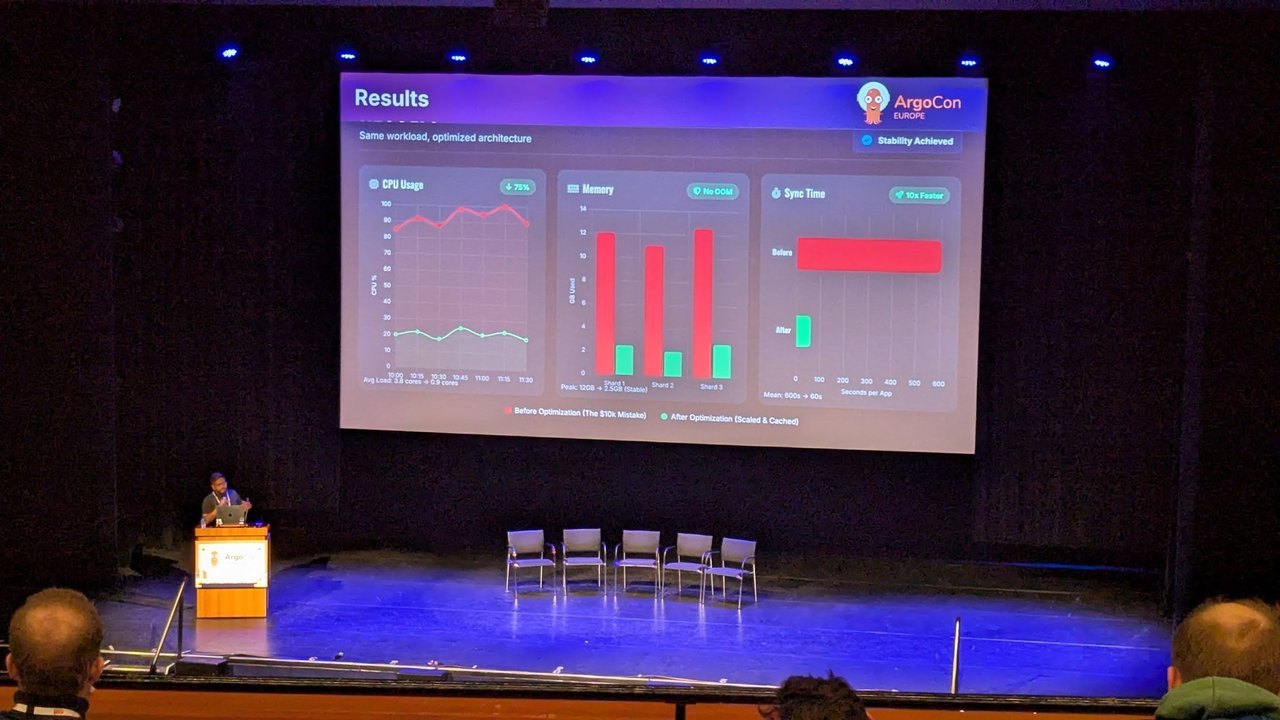
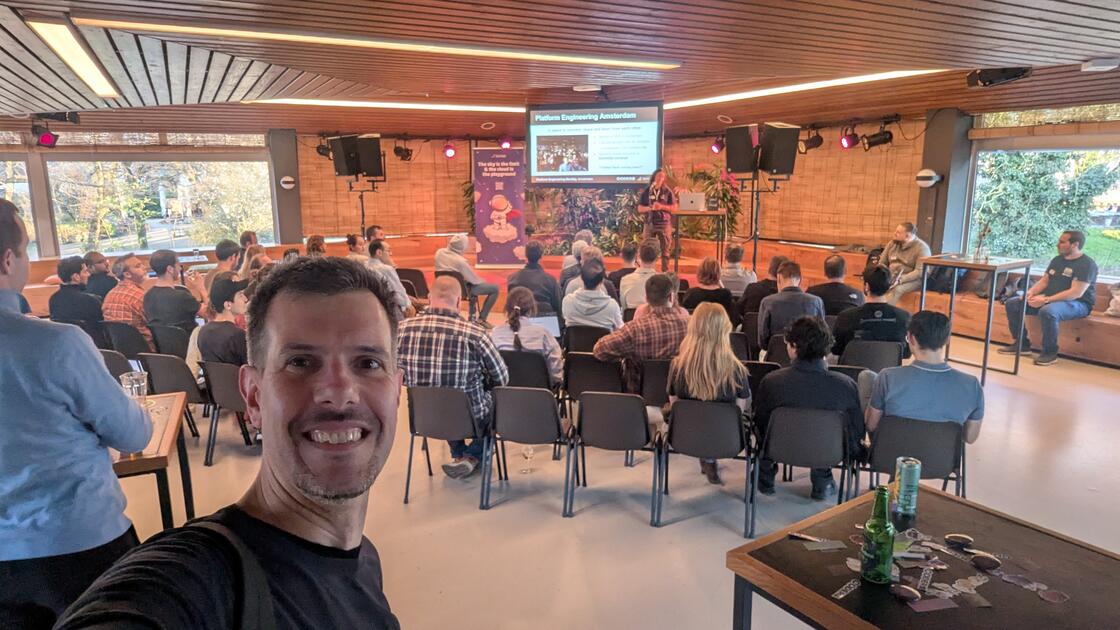
At the Platform Engineering Amsterdam “Human Intelligence” meetup in March, one of the closing sessions walked through the open-source ai-qa-framework repository. Its demo crawled a site with a budget of ten pages, handed the result to an LLM for a test plan, turned the plan into Playwright actions, ran four threads in parallel, and fell back to a screenshot when a step failed. Watching it got me thinking about where the model should sit in that loop and where it shouldn’t. What follows is my own design, not a description of that project.
 The opening slide at Platform Engineering Amsterdam: “Platform Engineering Amsterdam, hosted by Coder and tarmac”.
If you’re more interested in how much context to give a model when it writes Playwright tests, I covered that from the BrowserStack meetup on AI in QA. This post is about the pipeline around the model.
The pipeline at a glance
| Step | Who does it | Output |
|---|---|---|
| 1. Crawl to a depth limit | Playwright script | qa/crawl.json |
| 2. Plan scenarios | LLM, inside a schema | qa/plan.json |
| 3. Generate actions | Interpreter over the plan | Playwright tests |
| 4. Run in parallel | Playwright Test workers | qa/results.json |
| 5. Triage failures | LLM judge, labels only | qa/triage.json |
| 6. Gate the build | Hand-written @core tests | exit code |
The model touches steps 2 and 5. Everything else is ordinary code you can debug.
What Playwright ships for AI-assisted testing
Before writing anything custom, check what Playwright already gives you. I verified these on playwright.dev, the release notes and the microsoft/playwright-mcp repository, and ran the CLI commands locally:
- Playwright MCP (
@playwright/mcp, 0.0.83 at the time of writing). An MCP server that lets an agent drive a browser through tools such asbrowser_navigate,browser_snapshot,browser_clickandbrowser_take_screenshot. The README says it uses the accessibility tree, not pixels, so no vision model is needed. Useful flags:--headless,--isolated,--output-dir,--caps vision,pdf,devtools. - Playwright Test Agents (since 1.56).
npx playwright init-agents --loop=claude(alsocodex,copilot,opencode,vscode) writes planner, generator and healer agent definitions, aspecs/folder for Markdown plans,tests/seed.spec.ts, and an.mcp.jsonthat startsnpx playwright run-test-mcp-server. The generated healer prompt tells the agent to mark a testtest.fixme()when it is confident the test is correct and the failure persists. - Error context for LLMs. On failure, Playwright 1.63 attaches an
error-context.mdwith instructions for a model, the error, an accessibility snapshot of the page and the test source. The HTML report and trace viewer have had a “Copy prompt” button on errors since 1.51. - Codegen and traces.
npx playwright codegen --target playwright-test -o tests/recorded.spec.ts <url>records a human session.npx playwright show-trace <trace.zip>opens the trace viewer, and since 1.59npx playwright trace open|actions|errors|snapshotinspects a trace from the terminal.
My take: Test Agents and MCP are the right tools on a developer’s machine, where a human reviews every diff. In CI I want a smaller surface: a fixed action vocabulary, no model-written code, and a model that can only add labels.
Step 1: crawl with a depth limit and a page budget
The crawler is a breadth-first walk over same-origin links. It records the HTTP status, the title, the links and an accessibility snapshot of each page. That snapshot is the YAML that locator.ariaSnapshot() returns, and it’s far smaller than raw HTML.
// qa/crawl.ts: breadth-first crawl with a depth limit and a page budget
import { chromium } from '@playwright/test';
import { writeFileSync } from 'node:fs';

const BASE = process.env.BASE_URL ?? 'http://localhost:4173/';
const MAX_DEPTH = Number(process.env.MAX_DEPTH ?? 3);
const MAX_PAGES = Number(process.env.MAX_PAGES ?? 10);

const origin = new URL(BASE).origin;
const normalise = (href: string) => { const u = new URL(href); u.hash = ''; return u.toString(); };

const browser = await chromium.launch();
const page = await browser.newPage();
const queue = [{ url: normalise(BASE), depth: 0 }];
const seen = new Set<string>([normalise(BASE)]);
const pages: any[] = [];

while (queue.length && pages.length < MAX_PAGES) {
  const { url, depth } = queue.shift()!;
  const response = await page.goto(url, { waitUntil: 'domcontentloaded' });
  const links = await page.locator('a[href]')
    .evaluateAll((as) => as.map((a) => (a as HTMLAnchorElement).href));
  pages.push({
    url, depth,
    status: response?.status() ?? null,
    title: await page.title(),
    aria: await page.locator('body').ariaSnapshot(),
    links,
  });
  if (depth >= MAX_DEPTH) continue;
  for (const href of links) {
    const next = normalise(href);
    if (new URL(next).origin !== origin || seen.has(next)) continue;
    seen.add(next);
    queue.push({ url: next, depth: depth + 1 });
  }
}

await browser.close();
writeFileSync('qa/crawl.json', JSON.stringify({ base: BASE, pages }, null, 2));
for (const p of pages) console.log(p.status, p.depth, p.url);
Both limits matter. MAX_DEPTH stops the crawler from going down pagination forever. MAX_PAGES caps cost, because every page you crawl becomes tokens in step 2. The crawler only follows links. It never submits forms or clicks buttons, so it can’t delete anything.
I ran this with Node 26, which executes .ts files directly ("type": "module" in package.json for the top-level await). On older Node, use tsx. Against my four-page test site it printed:
200 0 http://localhost:4173/
200 1 http://localhost:4173/pricing.html
200 1 http://localhost:4173/signup.html
404 2 http://localhost:4173/legacy.html
The 404 is planted. We’ll see who catches it.
Step 2: let the LLM plan, inside a schema
The model gets the crawl, a short human-written hints file, and a closed list of actions. Anything outside that list gets rejected before a browser starts.
<!-- qa/hints.md: owned by humans, reviewed like code -->
- functional: sign-up form submits and confirms
- functional: every nav link resolves
- security: no page leaks stack traces
// qa/plan-schema.ts
export type Step =
| { action: 'goto'; path: string }
| { action: 'click'; role: 'link' | 'button'; name: string }
| { action: 'fill'; label: string; value: string }
| { action: 'expectVisible'; role: string; name: string }
| { action: 'expectText'; role: string; text: string };
export type Scenario = { id: string; kind: 'functional' | 'visual' | 'security'; title: string; steps: Step[] };
export type Plan = { scenarios: Scenario[] };
const ACTIONS = new Set(['goto', 'click', 'fill', 'expectVisible', 'expectText']);
export function validatePlan(raw: unknown, knownPaths: Set<string>): Plan {
const plan = raw as Plan;
if (!Array.isArray(plan?.scenarios)) throw new Error('plan.scenarios missing');
for (const s of plan.scenarios) {
if (!/^[a-z0-9-]+$/.test(s.id)) throw new Error(`bad id: ${s.id}`);
for (const step of s.steps) {
if (!ACTIONS.has(step.action)) throw new Error(`${s.id}: unknown action ${step.action}`);
if (step.action === 'goto' && !knownPaths.has(step.path))
throw new Error(`${s.id}: ${step.path} was not crawled`);
}
}
return plan;
}The planner itself is a provider-agnostic interface. The model call is pseudo-code: wire completeJson to whatever SDK you use.
// qa/plan.ts (the LLM call is PSEUDO-CODE)
export interface LlmClient {
  completeJson(system: string, user: string): Promise<unknown>;
}

const system = `You plan end-to-end tests. Reply with JSON {"scenarios":[...]} only.
Allowed step actions: goto(path), click(role,name), fill(label,value),
expectVisible(role,name), expectText(role,text). Use only paths, roles and
names that appear in the crawl. Every scenario must end with an expect step.`;

const user = JSON.stringify({
  hints,
  pages: crawl.pages.filter((p) => p.status === 200)
    .map((p) => ({ path: new URL(p.url).pathname, title: p.title, aria: p.aria })),
});

const raw = await llm.completeJson(system, user);      // your provider here
writeFileSync('qa/plan.json', JSON.stringify(validatePlan(raw, knownPaths), null, 2));
To test the plumbing without paying for tokens, I wrote qa/plan.json by hand. It’s not model output. The third scenario has a deliberate mistake: it asks for a button named “Sign up” on the pricing page, where there’s only a link.
{ "id": "signup-from-pricing", "kind": "functional", "title": "Sign-up CTA on pricing",
  "steps": [
    { "action": "goto", "path": "/pricing.html" },
    { "action": "click", "role": "button", "name": "Sign up" },
    { "action": "expectVisible", "role": "heading", "name": "Create your account" } ] }
validatePlan rejected a step pointing at /admin with x: /admin was not crawled, which is the behaviour you want when a model invents a URL.
Step 3: generate Playwright actions, not code
Instead of asking the model to write .spec.ts files, interpret the plan. Each step maps to one role- or label-based locator, so the model never gets to write a CSS selector.
// tests/generated.spec.ts
import { test, expect } from './fixtures';
import type { Page } from '@playwright/test';
import type { Plan, Step } from '../qa/plan-schema.ts';
import plan from '../qa/plan.json' with { type: 'json' };
import quarantine from '../qa/quarantine.json' with { type: 'json' };

async function run(page: Page, step: Step) {
  switch (step.action) {
    case 'goto': return page.goto(step.path);
    case 'click': return page.getByRole(step.role, { name: step.name }).click();
    case 'fill': return page.getByLabel(step.label).fill(step.value);
    case 'expectVisible':
      return expect(page.getByRole(step.role as any, { name: step.name })).toBeVisible();
    case 'expectText':
      return expect(page.getByRole(step.role as any)).toContainText(step.text);
  }
}

for (const s of (plan as Plan).scenarios) {
  test(`@generated ${s.id}: ${s.title}`, { tag: `@${s.kind}` }, async ({ page }) => {
    test.fixme(quarantine.includes(s.id), 'quarantined by triage, waiting for review');
    for (const step of s.steps) {
      await test.step(`${step.action} ${JSON.stringify(step)}`, () => run(page, step));
    }
  });
}
Wrapping each step in test.step makes the HTML report and trace show the plan step that failed, not just a line number in the interpreter.
Step 4: run in parallel
// playwright.config.ts
import { defineConfig } from '@playwright/test';

export default defineConfig({
  testDir: './tests',
  fullyParallel: true,
  workers: 4,
  retries: process.env.CI ? 1 : 0,
  reporter: [['list'], ['json', { outputFile: 'qa/results.json' }]],
  use: {
    baseURL: 'http://localhost:4173',
    screenshot: 'only-on-failure',
    trace: 'retain-on-failure',
    actionTimeout: 5_000,
  },
  webServer: {
    command: 'python3 -m http.server 4173 --directory site',
    url: 'http://localhost:4173',
    reuseExistingServer: !process.env.CI,
  },
});
fullyParallel spreads tests within a file across the four workers. actionTimeout matters more than it looks. Without it, my bad “Sign up” button click waited for the whole 30-second test timeout. With it, the run finished in about 7 seconds. screenshot: 'only-on-failure' and trace: 'retain-on-failure' give step 5 its evidence.
Each scenario must be independent: its own goto, no shared login state that another test mutates. If two steps depend on each other, they belong in one scenario.
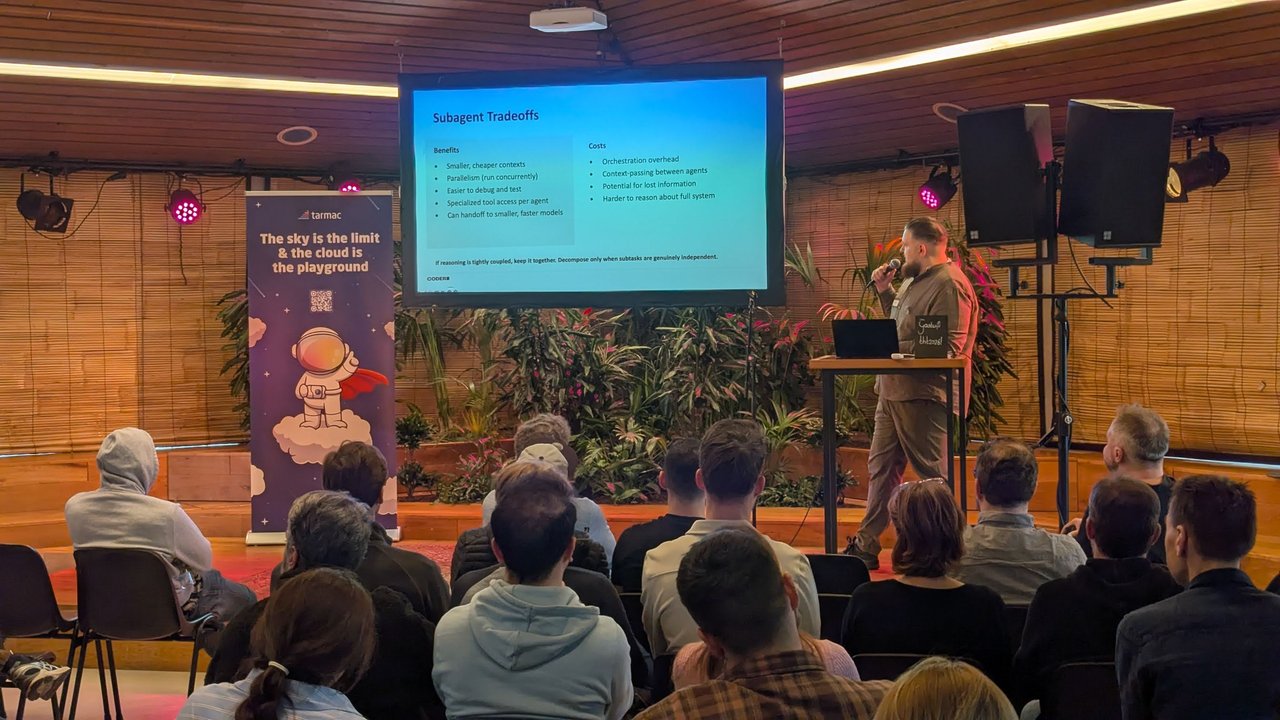 A slide from the Coder talk earlier that evening: “Subagent Tradeoffs”, ending with “Decompose only when subtasks are genuinely independent.”
Step 5: triage failures with screenshots and DOM snapshots
When a generated test fails, there are three common causes: the app is broken, the plan or locator is wrong, or the environment hiccupped. Playwright already collects most of the evidence. For the failing scenario, the JSON report listed screenshot, error-context and trace attachments, and error-context.md contained:
# Error details

TimeoutError: locator.click: Timeout 5000ms exceeded.
Call log:
  - waiting for getByRole('button', { name: 'Sign up' })

# Page snapshot

- generic [active] [ref=e1]:
  - navigation [ref=e2]:
    - link "Home" [ref=e3] [cursor=pointer]:
      - /url: /
    - link "Sign up" [ref=e4] [cursor=pointer]:
      - /url: /signup.html
    - link "Old plans" [ref=e5] [cursor=pointer]:
      - /url: /legacy.html
  - main [ref=e6]:
    - heading "Pricing" [level=1] [ref=e7]
(Trimmed: the real file also has an instructions header, the full snapshot inside a YAML fence and the test source.) The snapshot shows a link named “Sign up” and no such button, which is enough to call it a test defect without looking at pixels. Add console and page errors with an auto fixture, since the snapshot won’t show them:
// tests/fixtures.ts
import { test as base, expect } from '@playwright/test';

export const test = base.extend<{ pageErrors: void }>({
  pageErrors: [async ({ page }, use, testInfo) => {
    const errors: string[] = [];
    page.on('pageerror', (e) => errors.push(e.message));
    page.on('console', (m) => m.type() === 'error' && errors.push(m.text()));
    await use();
    if (testInfo.status !== testInfo.expectedStatus && errors.length)
      await testInfo.attach('page-errors', { body: JSON.stringify(errors, null, 2), contentType: 'application/json' });
  }, { auto: true }],
});
export { expect };
The triage script reads qa/results.json, sends each generated failure to a judge with its plan scenario, the error and the snapshot, and writes labels. The judge is an interface. Its model call is yours to write. The default sends everything to a human.
// qa/triage.ts (excerpt)
type Verdict = {
  label: 'product_defect' | 'test_defect' | 'environment' | 'needs_human';
  confidence: number;   // 0..1, as reported by the judge
  evidence: string;     // must quote the error or the snapshot
};

export interface FailureJudge {
  judge(input: { plan: unknown; error: string; snapshot: string; screenshotPath?: string }): Promise<Verdict>;
}

const noModel: FailureJudge = {
  async judge() { return { label: 'needs_human', confidence: 0, evidence: 'no judge configured' }; },
};

// ...collect failures from the JSON report, then:
const quarantine = triage
  .filter((t) => t.id && t.verdict.label === 'test_defect' && t.verdict.confidence >= 0.8)
  .map((t) => t.id);
writeFileSync('qa/quarantine.json', JSON.stringify(quarantine, null, 2));
Quarantined scenarios run as test.fixme next time, which is the same move the Playwright healer agent makes. Hand-written tests skip the judge entirely and are always labelled as product defects.
My take: the judge labels and quarantines. It never turns a red test green. Letting a model decide pass or fail from a screenshot removes the flaky noise, but it also removes the guarantee that a failure means something.
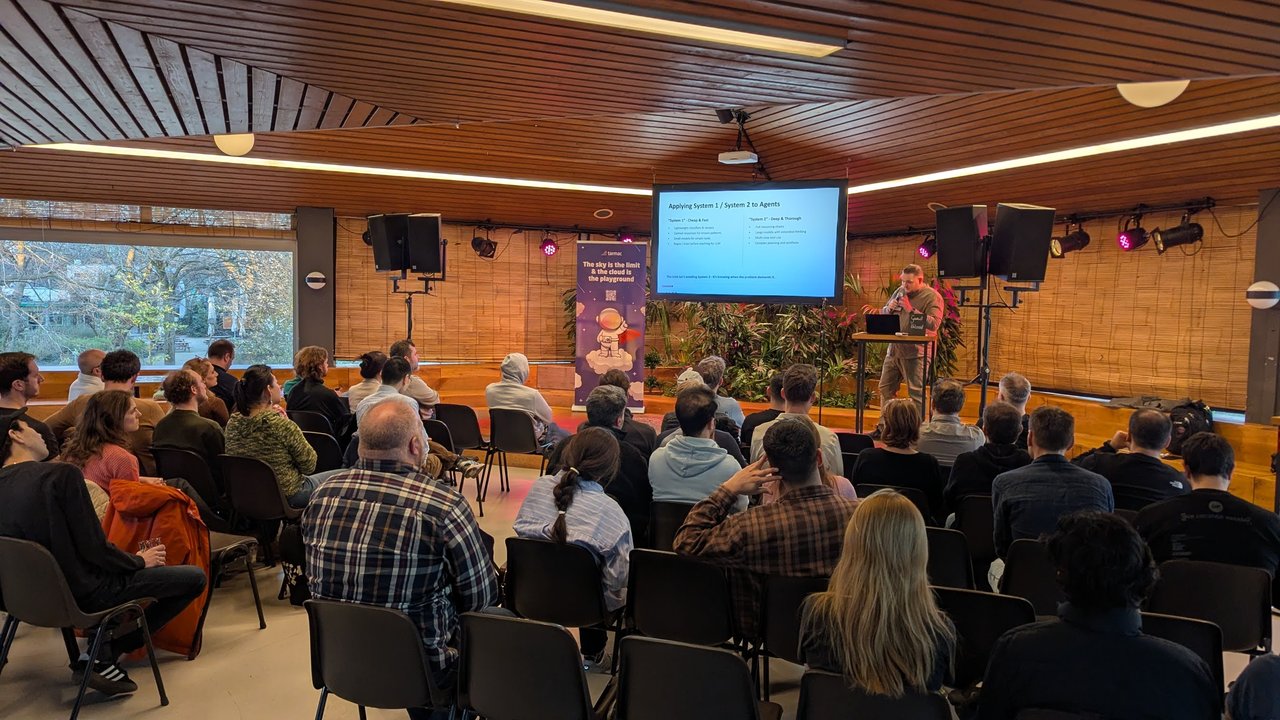 Another Coder slide from the same evening: “Applying System 1 / System 2 to Agents”, cheap and fast versus deep and thorough.
The same split works for triage. Run cheap deterministic checks first: does the snapshot contain the role and name the step asked for? Is the error a timeout on a locator? Only send the ambiguous cases, like an assertion on visible text that changed, to the model with the screenshot.
Step 6: keep deterministic assertions as the backbone
The generated suite explores. The @core suite decides whether you can merge:
// tests/core.spec.ts
import { test, expect } from './fixtures';
import crawl from '../qa/crawl.json' with { type: 'json' };

test('@core every crawled internal page returns 200', () => {
  const broken = crawl.pages.filter((p) => p.status !== 200).map((p) => `${p.status} ${p.url}`);
  expect(broken).toEqual([]);
});

test('@core sign-up confirms', async ({ page }) => {
  await page.goto('/signup.html');
  await page.getByLabel('Email').fill('qa@example.com');
  await page.getByRole('button', { name: 'Create account' }).click();
  await expect(page.getByRole('status')).toHaveText(/Thanks/);
});
In CI, run them as two jobs:
# blocking
npx playwright test --grep @core --fail-on-flaky-tests
# non-blocking, feeds triage
npx playwright test --grep @generated || node qa/triage.ts
--fail-on-flaky-tests makes a @core test that only passes on retry fail the job, so flakiness in the backbone can’t hide. The crawl results feed a deterministic check too. That’s how the planted 404 was caught: by toEqual([]), not by a model.
Verify it worked
On my test site the full run gave:
--grep @core: 1 passed, 1 failed, with+ "404 http://localhost:4173/legacy.html"in the diff.--grep @generated: 2 passed, 1 failed (signup-from-pricing, locator timeout).node qa/triage.ts:needs_human @generated signup-from-pricing...with the no-model judge.- With
["signup-from-pricing"]inqa/quarantine.json: 2 passed, 1 skipped, exit code 0. npx playwright trace open <trace.zip>thennpx playwright trace errorsprinted the failing assertion from the trace without opening a browser.
Pitfalls
- Cost that moves rather than shrinks. Every crawled page and every triaged failure is a model call. Count the human review time too.
- Destructive crawls. Follow links only, crawl a seeded environment, and keep “delete” and “pay” flows in hand-written tests.
- Data leaving the building. Accessibility snapshots contain whatever text is on the page. Redact emails and tokens before sending them to a hosted model.
- Coverage drift. A model plans differently every run. The hints file and the
@coresuite cover the paths that must run every time. The plan adds variety on top. - Model-written selectors. If you let the model emit CSS or XPath, you’ve built the flaky suite you were trying to avoid. Stick to roles, labels and accessible names.
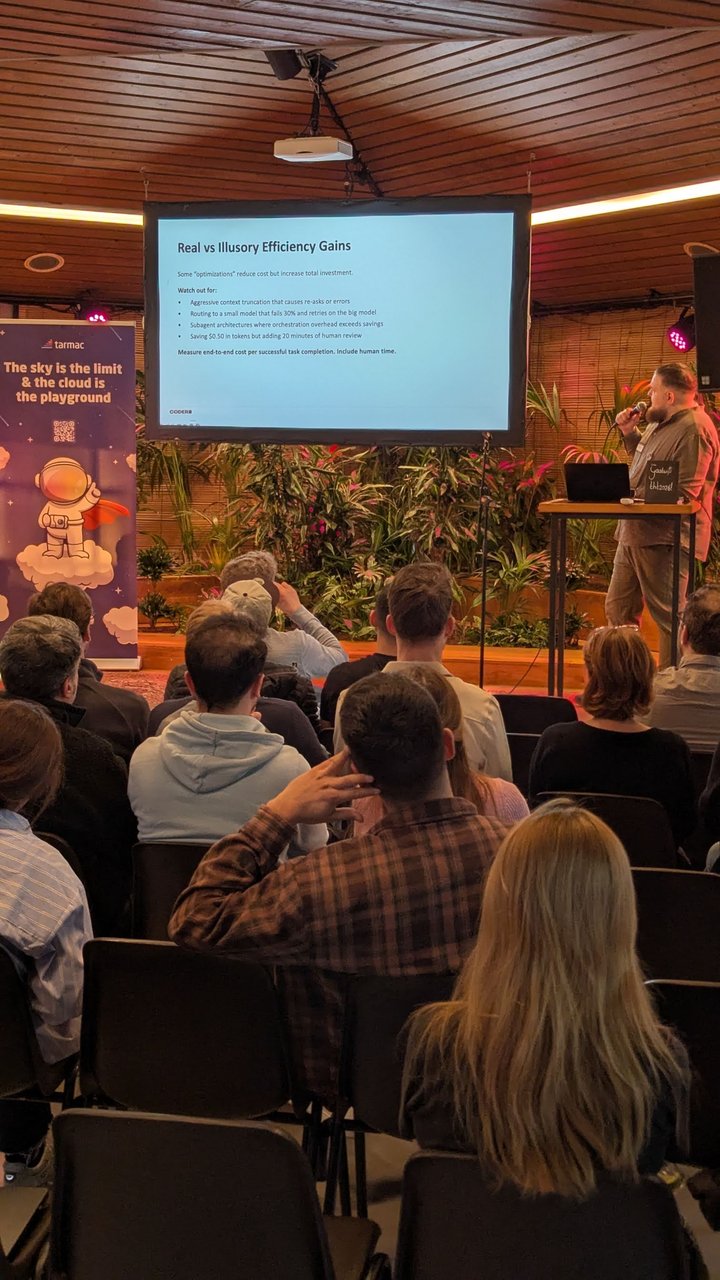 A Coder slide from the meetup, “Real vs Illusory Efficiency Gains”: “Measure end-to-end cost per successful task completion. Include human time.”