On Wednesday 25 February 2026 I went to “Becoming a 10x Engineer in the Age of AI Devtools”, an evening meetup by LangWatch x AI Foundry at the AI Foundry office on Prins Bernhardplein 200 in Amsterdam, right by Amstel Station. The invite, hosted by Manouk Draisma and Philip Gast of LangWatch, promised real Claude Code workflows, what actually boosts productivity, and how to combine software engineering with AI agents. The title slide also showed logos of the companies providing speakers, including LangWatch and miyagami.
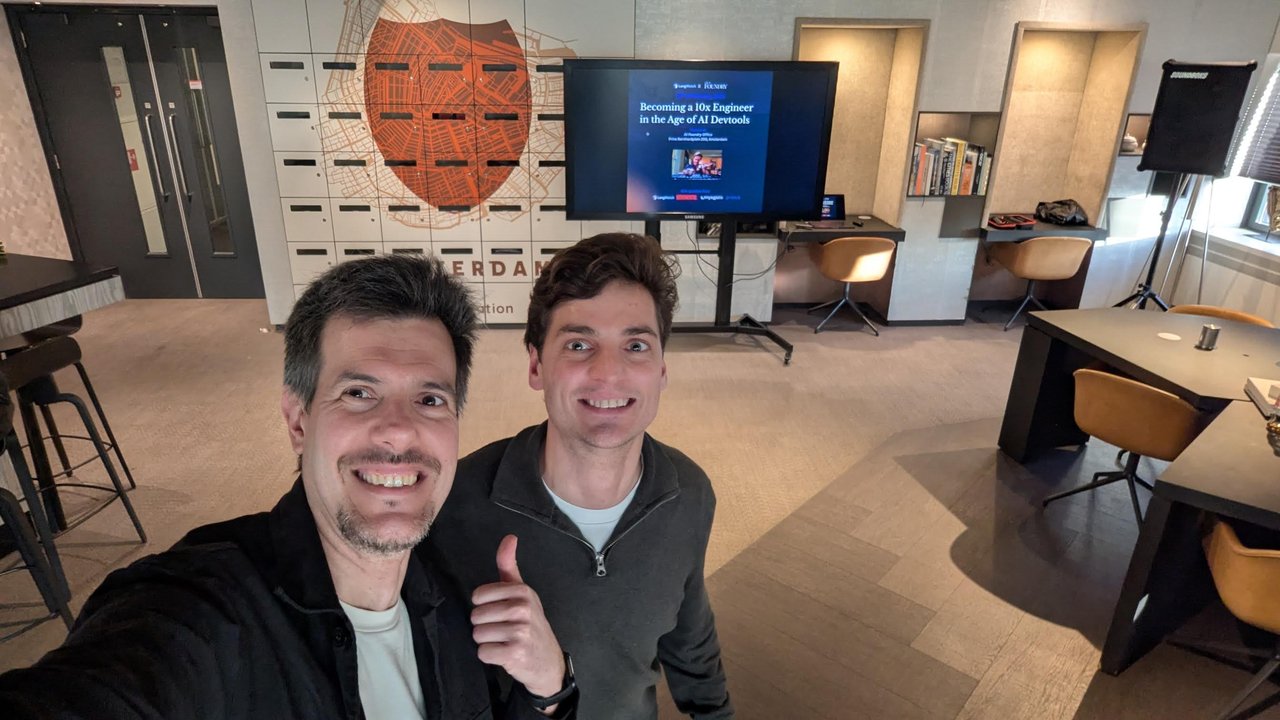
Early arrival: the title slide is up, with the venue address underneath the event name.
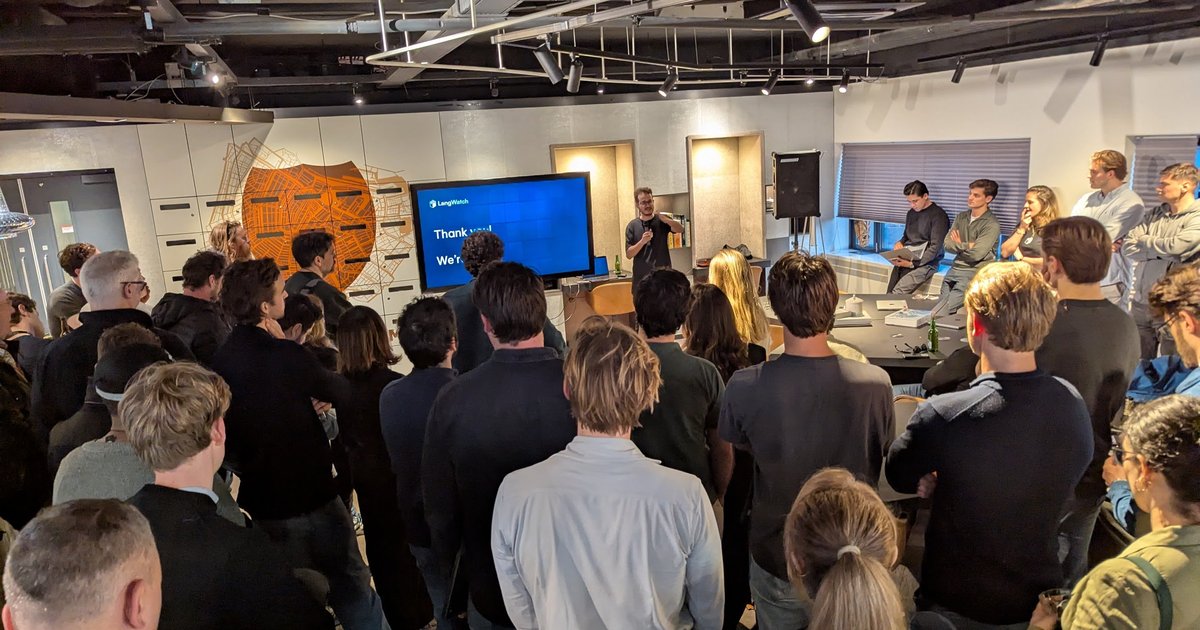
The room filled up quickly. By the first talk it was standing room only around the screen, in front of the big orange Amsterdam shield on the wall.
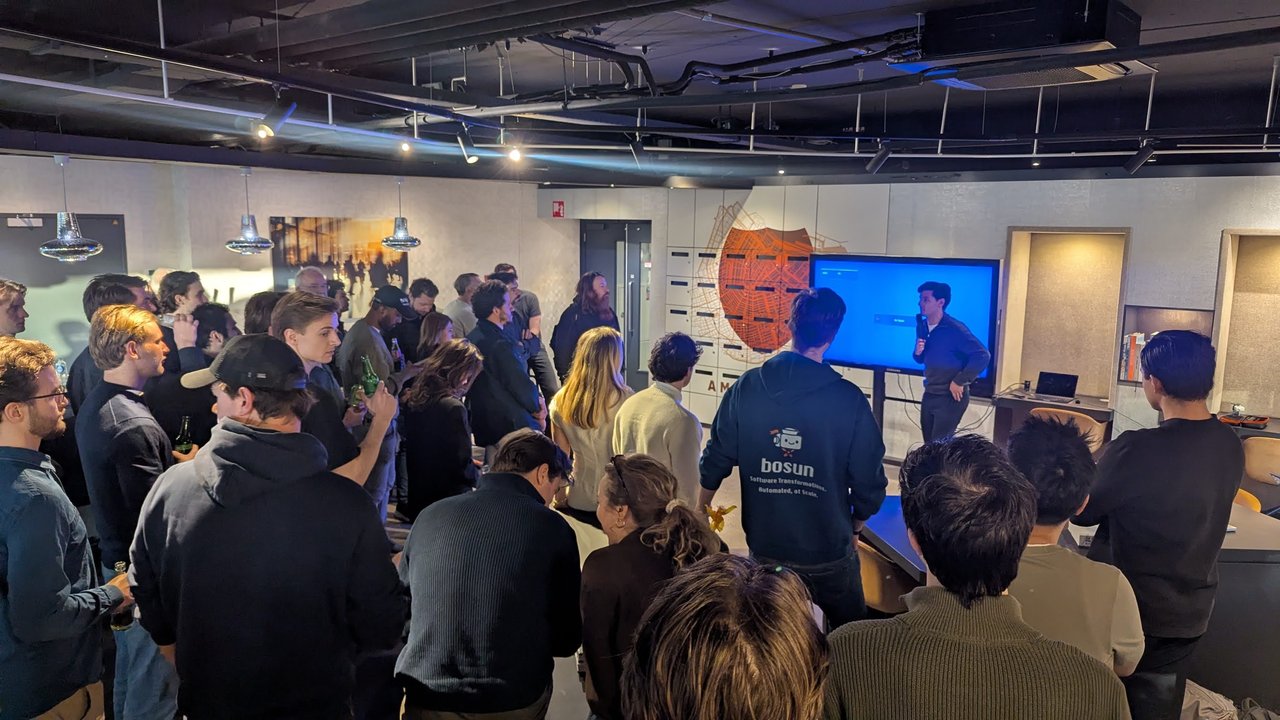
Standing room only for the first talk.
LangWatch: goodies for Claude Code and OpenClaw
The LangWatch talk ended with a slide called “Goodies”: a list of their open repositories and docs to take home. As written on the slide:
langwatch/openclaw-phone-assistantlangwatch/claude-remote,langwatch/claude-pushoverandlangwatch/claude-resumelangwatch/langwatchlangwatch.ai/docs/integration/openclaw
I liked that the takeaway was a list of code rather than a product pitch. Judging by the names alone, the claude-* repos target everyday frictions of working with a coding agent (running it remotely, getting a push notification when it needs you, resuming a session), and the docs link covers LangWatch’s OpenClaw integration.
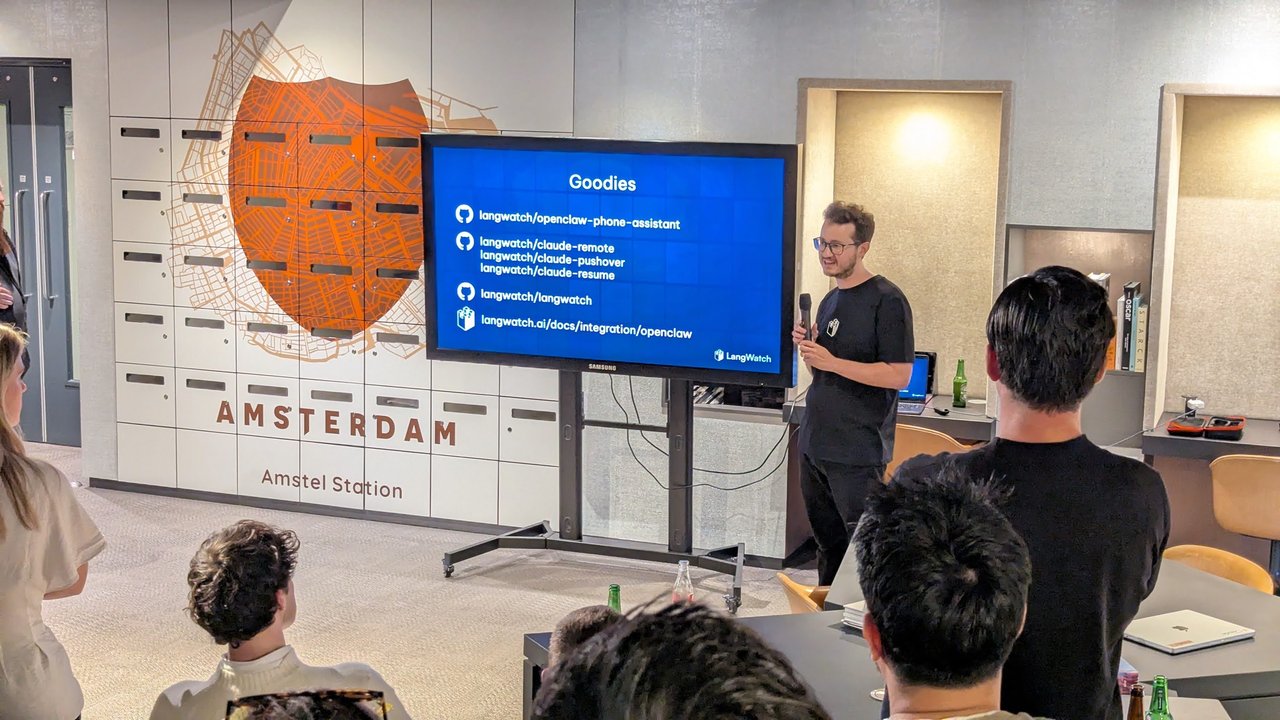
The “Goodies” slide: LangWatch’s repos for Claude Code and OpenClaw.
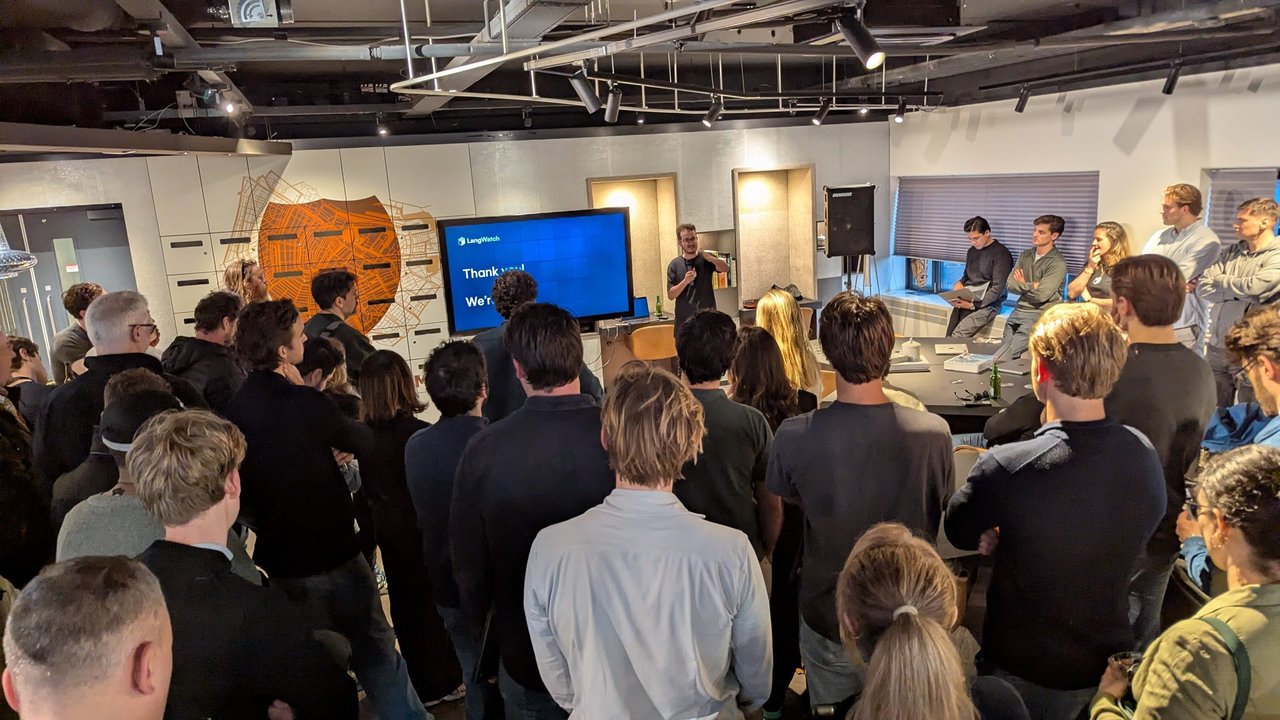
LangWatch’s thank-you slide, and a full room.
miyagami: “Our Current AI Stack”
The miyagami talk showed the stack the team uses day to day. The slide listed:
- Claude Code
- MCPs: Figma, Supabase, Context7 and ShadCN
- CodeRabbit
- OpenClaw Pentester (marked with an asterisk)
The diagram next to it put Claude Code in the middle, with GitHub, OpenClaw and CodeRabbit around it, and a Model Context Protocol layer underneath connecting it to Supabase, shadcn, Figma and Context7. The talk closed on a “Thank you! / Questions?” slide.
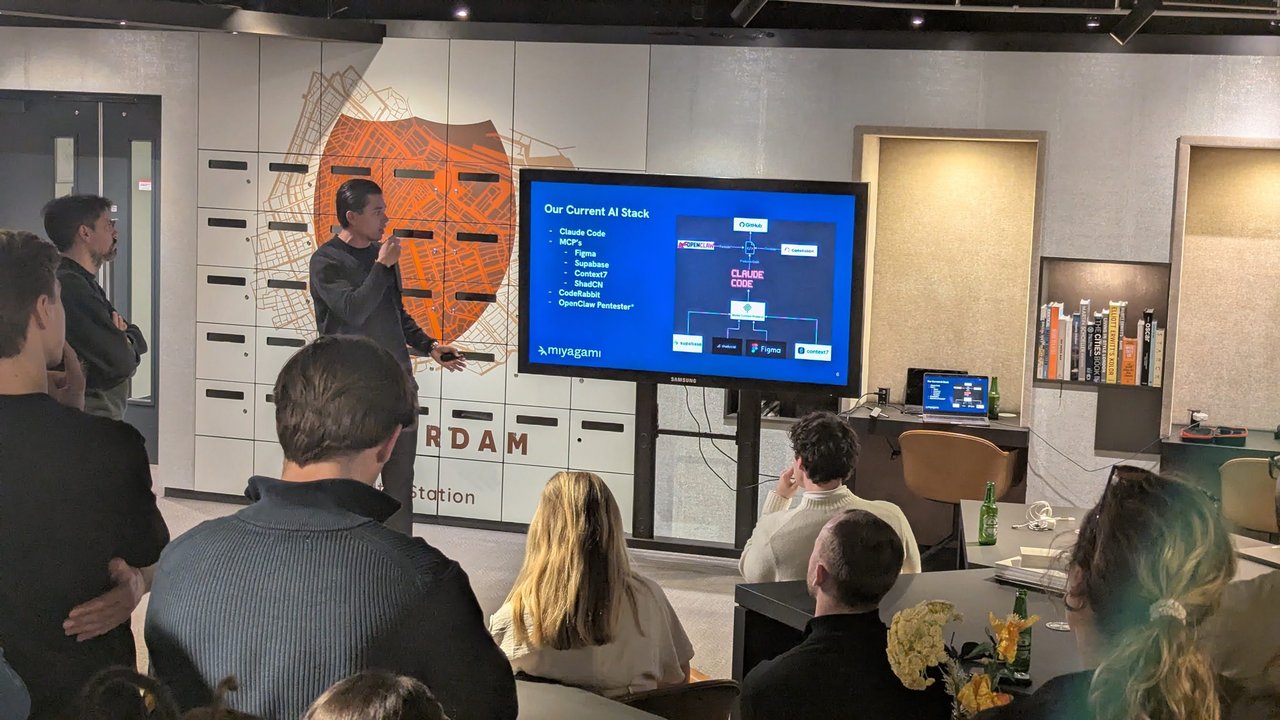
miyagami’s stack: Claude Code at the centre, MCP servers for design, data and docs, and CodeRabbit for review.
My take: this is a sensible shape for an AI stack. One agent with a small, well-chosen set of MCP servers gives better results than a long tool list, and an automated reviewer on every pull request is the cheapest safety net you can add.
From Y/N? to a tree of agents
The next speaker walked through a grid of eight figures, shown in a browser. As far as I can read from my photo, it was a progression: a coding agent asking “Y/N?” before each action, then “YOLO” mode, then a single Claude Code terminal, then several Claude Code windows side by side, and finally a hierarchy of many agent sessions.
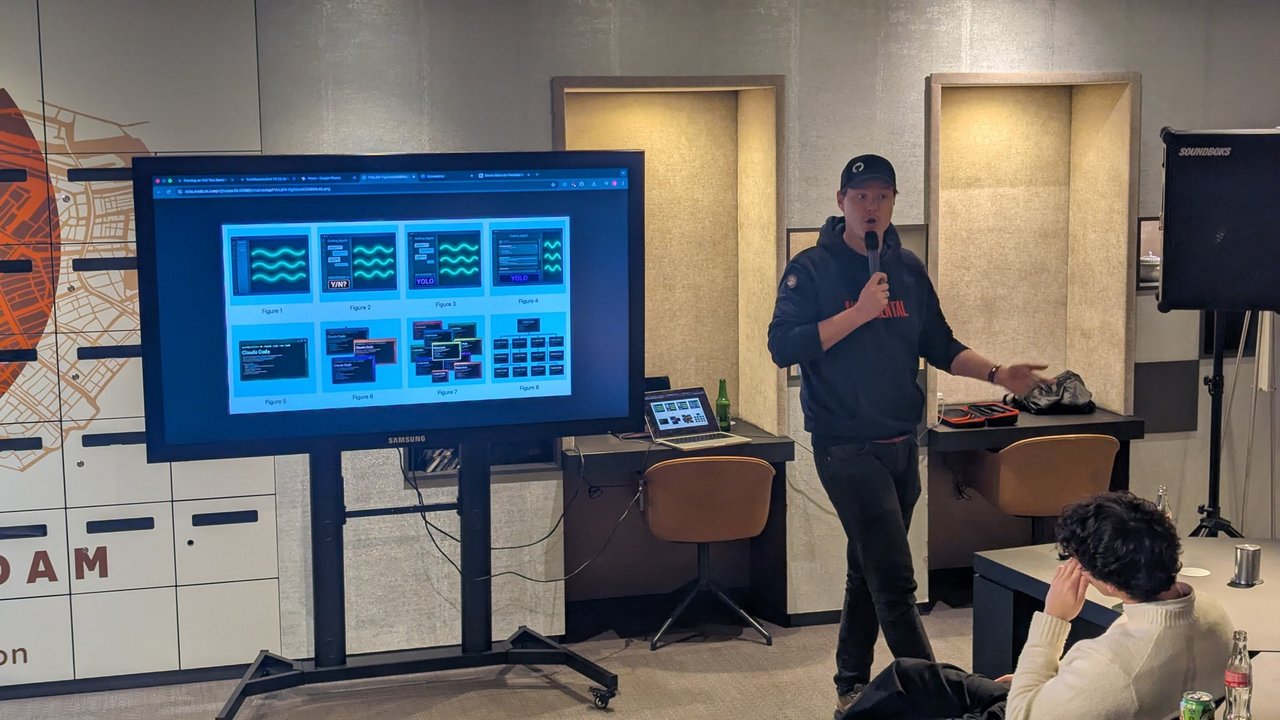
Figures 1 to 8: from approving every step to running many agents at once.
The final slide, labelled “Final takeaway”, summed it up in two lines: “The hardware doesn’t change. Your feedback loop does.”, with “Choose the multiplier” along the bottom.
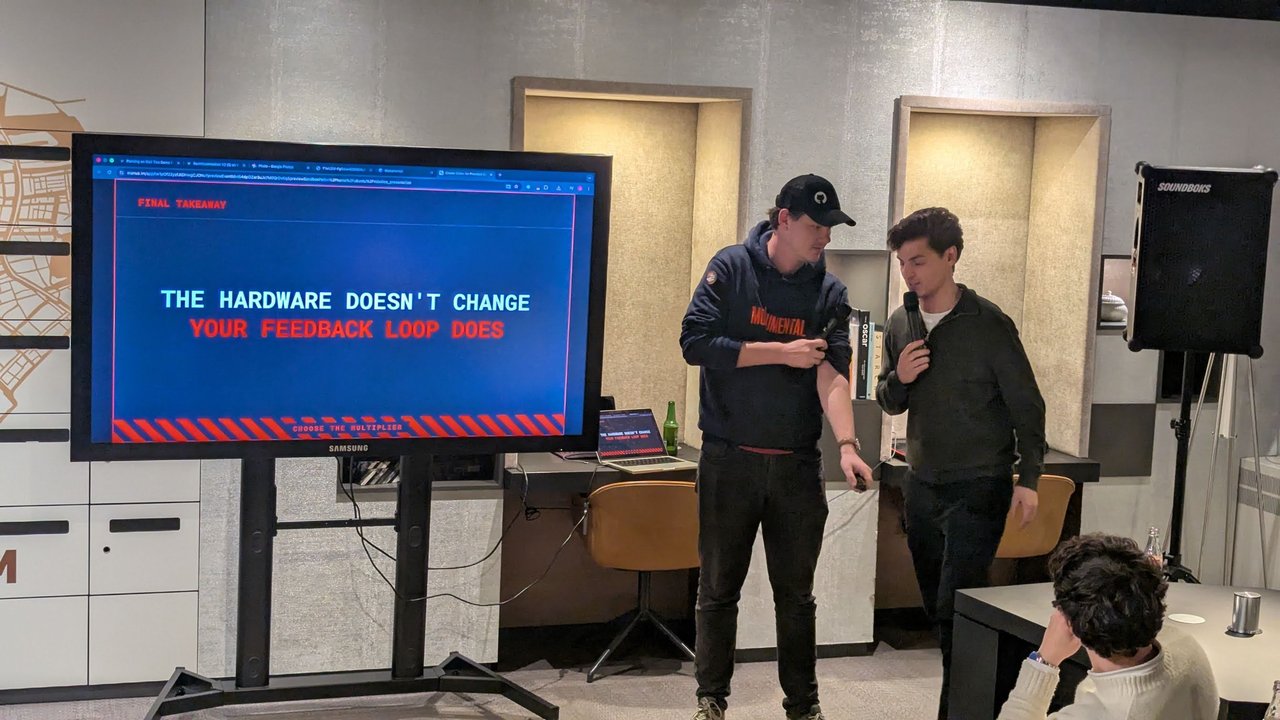
“The hardware doesn’t change. Your feedback loop does.”
My take: I think this is the right framing for “10x”. The model and your laptop are the same as everyone else’s. What changes is how quickly you find out the agent got something wrong, through tests, evals, review bots and small diffs. That’s also the point of LangWatch’s own Scenario testing work.
Monumental: becoming a 10x engineer in robotics
The speaker behind those figures and the feedback-loop slide was Jelmer Borst. His title slide, “Becoming a 10x Engineer in Robotics”, introduced him as ex-Head of AI at Picnic and Product Engineer at Monumental (I’d seen him on the MLOps in Practice panel in his Picnic days), and the company slide read “Robotic bricklaying, directly on-site.” He opened with a photo of himself coding on a freezing, snowy building site while his AI agent opened pull requests in the background. Before moving on to robotics, he recommended Conductor, a tool for running coding agents in parallel, to anyone ready to leave the classic IDE behind.
Why robots lay bricks. Beautiful brick buildings have become rare, he said, because they’re expensive and need skills that are disappearing: there’s a shortage of masons, few people want to work in the cold, and learning the trade takes years. If a robot can lay bricks, you can build any shape or pattern. That requires the whole chain: a 3D design of everything, reconstruction that matches the design to reality using photos and AI, and computer vision to check quality. It all has to run locally, not on cloud GPUs, because the 5G connection on a building site is often terrible. The robots feed themselves bricks, apply mortar and place them, on platforms at different heights and even on the water, in canal projects in Amsterdam. Some builds ran for about 36 hours, straight through the night.
Why the loop is slower in robotics. In backend and product code, the agent can run the tests, write its own benchmark harness and iterate. His longest hands-off session ran for about an hour and came back with a change that was 20x faster according to its own test, which he still had to validate. Giving the agent the browser over MCP did the same for front-end work. In robotics, a loop takes days: you flash code onto the hardware, build a wall and collect the logs. A bad attempt can crash an arm into a wall, which is expensive and can be unsafe. And models are weaker at it, because there is much less public robotics code to learn from. One slide put it at “100x less robotics code (ROS2) than web code”.
What Monumental invests in. The answer is everything around the robot. Every metric is tracked in real time and streamed to the cloud, and there’s video of every brick laid, which can go to an AI model together with the logs when something fails. He’s bullish on MCP servers for robots, so you can ask a robot on site why it did what it did. He’s also bullish on simulation and digital twins, and on hard boundaries for what an agent may try, “otherwise you might hit people”. Hence the closing slide: the hardware doesn’t change, your feedback loop does.
From the Q&A. The questions turned to vision-language-action (VLA) models. He said Monumental hasn’t used them for bricklaying so far: the robot does one extremely specific task, so for now the team mostly sticks to a more traditional approach. Some vision tasks already run locally on small fine-tuned models. You’d think every brick is exactly the same size, but they’re not, so the robot has to measure each brick it picks up. Where he did see a fit for VLA models was moving around the site: driving from one place to another and checking whether a bucket or a person is in the way. A follow-up about world models for 3D simulation and data generation didn’t come through clearly on my recording, so I’ve left it out.
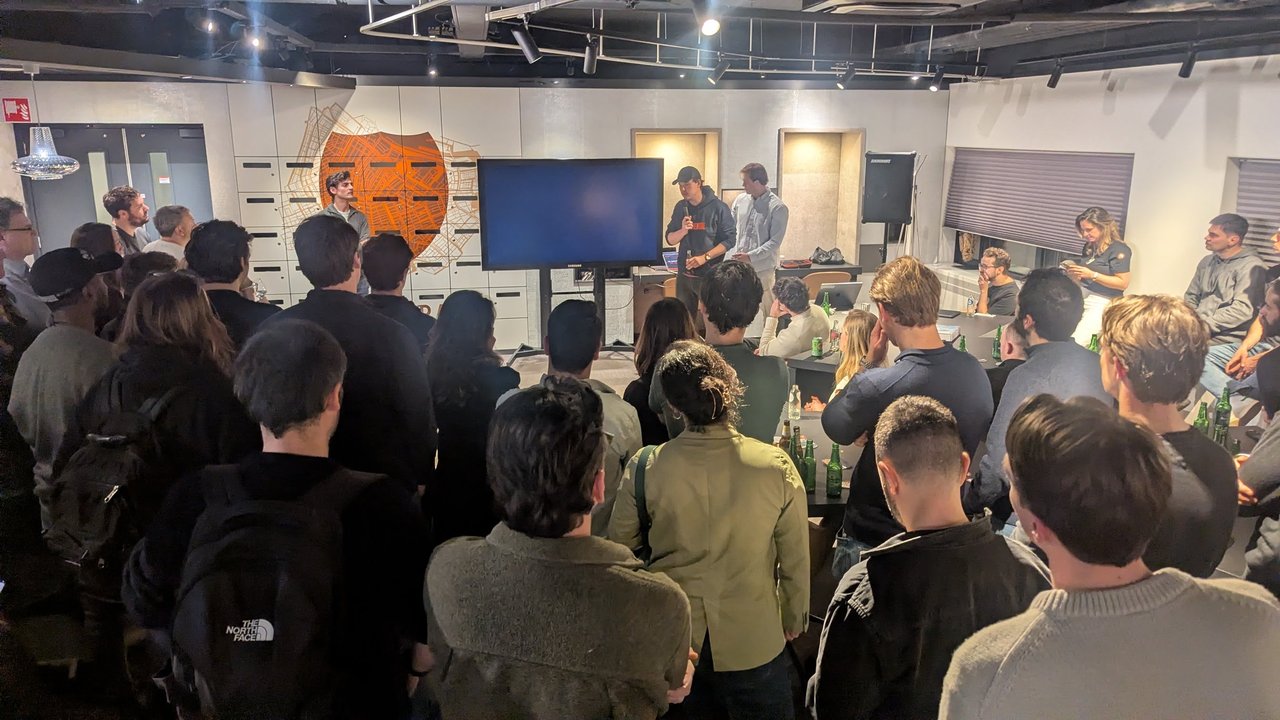
Q&A time after the robotics talk.
My take: the same lesson applies to infrastructure automation. An agent writing Ansible or Kubernetes manifests against real infrastructure is in the robotics situation: slow, expensive feedback, and mistakes that hurt. Fast local stand-ins such as kind clusters, Molecule scenarios and dry runs are what make agent work safe there, along with read-only credentials by default.
Sharing skills, agent to agent
The next speaker introduced himself as Floris, from the AI team of a global tech investor that tries out new technologies and then shares what it learns with its portfolio companies. His title slide read “That one skill all 10x devs want.”, with “Bring motion to your documentation” underneath. Instead of showing how to run ten agents, he wanted to talk about how you share what you know: “we’re not sharing information human to human. We’re sharing our skills agent to agent.”
Skills versus tools. His “What are skills again?” slide listed: dynamic context; plain text or a complete repo; skills infrastructure and execution not yet standardised; skills can use an existing MCP server, tool, API, app or CLI; and skills are aimed more at local, general-purpose agents. As he explained it, a tool or MCP server solves one narrow task, and it has to describe itself and every parameter up front. A skill is extra knowledge that narrows down how the agent should do something it could otherwise do a hundred different ways. His example was an in-house skill for training a model: not “invent something with PyTorch on my laptop”, but “spin up the GPU cluster, log in, write a SkyPilot script and launch it”. You write that down once, then share the skill instead of retyping the prompt.
Anatomy and token cost. The “Setting up a skill” slide showed the layout:
my-skill/SKILL.md: required, the overview and navigationreference.md: detailed API docs, loaded when neededexamples.md: usage examples, loaded when neededscripts/helper.py: a utility script, executed rather than loaded
Everything except SKILL.md was marked optional. According to Floris, a skill costs fewer than 100 tokens until the agent actually needs it, because only its name and description are loaded. The agent then opens the next file only when it’s relevant, such as a Python-specific guide inside an “explain code” skill. He was upfront that this isn’t the fastest path (“I wouldn’t benchmark any latency here”), and that tools are better when latency matters. His simplest example was the GitHub skill from OpenClaw. It’s just text telling the agent to use the gh CLI, but without it an agent might find some odd route, like opening a browser and trying to log in. To install skills, his slide listed ~/.claude/skills/ and ~/.cursor/skills/, or npx skills add <owner/repo> from the skills.sh directory. He recommended installing them at project level, to keep things clean and organised.
Making videos with Remotion. The second half was the skill he’d promised the room: the Remotion skill, for making videos as code. He shared a permissions file so the agent can render without asking for approval at every step, and then showed what he’d built with it:
- a deep-research run on the Ralph Wiggum plugin, turned into scenes and then into a narrated explainer video;
- a clip from an internal podcast where, from a single prompt, the agent installed Whisper locally, transcribed the audio with timestamps and added TikTok-style captions with Remotion;
- an instruction video on rowing, made in Claude Cowork from a video of two people rowing. His tip from that one: slow the video down before the analysis. A stroke takes about two and a half seconds, and the analysis only had about one-second accuracy.
His “Create better videos” slide boiled it down to improving the context, improving visual understanding and using ElevenLabs for narration. He closed with a slide he’d generated with Manus from Remotion’s success-stories page: “Five Remotion-powered products crossed $1M+ in annual revenue”. That’s Remotion’s own claim, as summarised on the slide. His final slide was “Thanks, – now start building”, with a QR code labelled “Link to skill”. It pointed to the Remotion best-practices skill on skills.sh. It fits the evening’s theme: share the skill file, not just the slides.
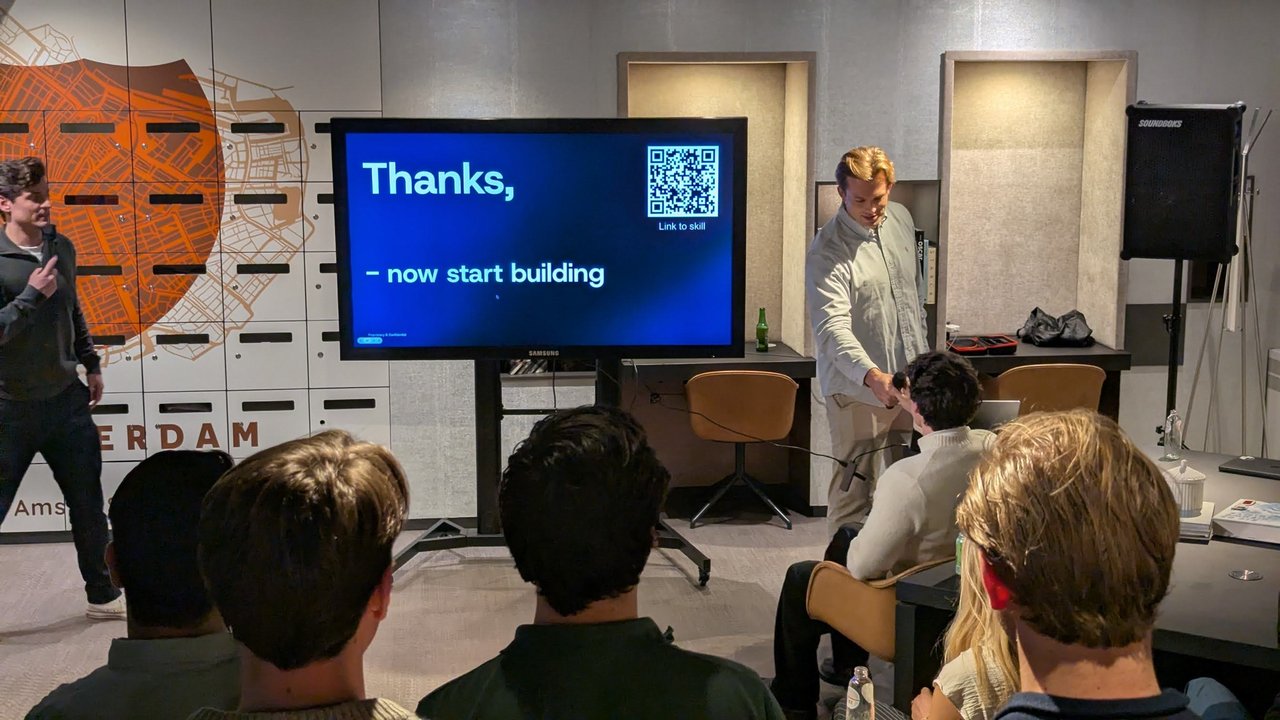
The closing slide: “Thanks, – now start building.”
My take: for platform teams, this is the part to steal. A SKILL.md for each internal process (requesting a GPU cluster, rotating a credential, cutting a release) works as a golden path for agents. Keep the skills in Git, review them like code, and the knowledge stops depending on whoever wrote the wiki page. I covered the mechanics in Claude Code Skills & Plugins.
Azin: making deployment “a straight line”
The last demo of the evening was a deployment platform. The slides carried an Azin.run footer, and the speaker didn’t give his name on my recording. He deployed a demo app live from a GitHub repo. The agent found the repository and laid the app’s services out on a canvas. It then configured variables, ports and domains, ran a preflight check and deployed.
While it built, he explained the idea with a diagram. On paper, deployment is a straight line from your code to your users. In practice, the slide showed a loop, with a rough time cost on each step:
- “infra as code” (Terraform/Pulumi): at least a week
- packaging (Docker): a few hours
- dependencies (database, cache, storage, APIs): a few hours to a few days
- deployment (AWS/GCP/Azure): a few hours to a few days
- monitoring: a few hours to a few days, plus alerts: a few hours
- CI/CD (GitHub Actions): 1–2 days
According to him, agentic engineering can now make that loop a straight line again. Deployments, logs and metrics all live in one place. Everything runs in your own GCP environment, so you can use your own credits, and you can later “lift and shift” to AWS. He finished on the Google Cloud console with the deployed app running. The platform was in closed beta, and he invited people with non-critical workloads to try it and “really try to break it”.
My take: deploying into the customer’s own cloud account is the right shape for this kind of tool, because the bill, the data and the exit path stay with you. Before trusting it with anything real, I’d want to see exactly what it creates in my project, whether I can export that as infrastructure as code, and how it handles secrets.
Afterwards I spotted a flyer on a table: “Host OpenClaw in seconds”, “Secured by Azin”. Azin was also one of the companies pitching at the OpenClaw Hackathon at AI House Amsterdam.