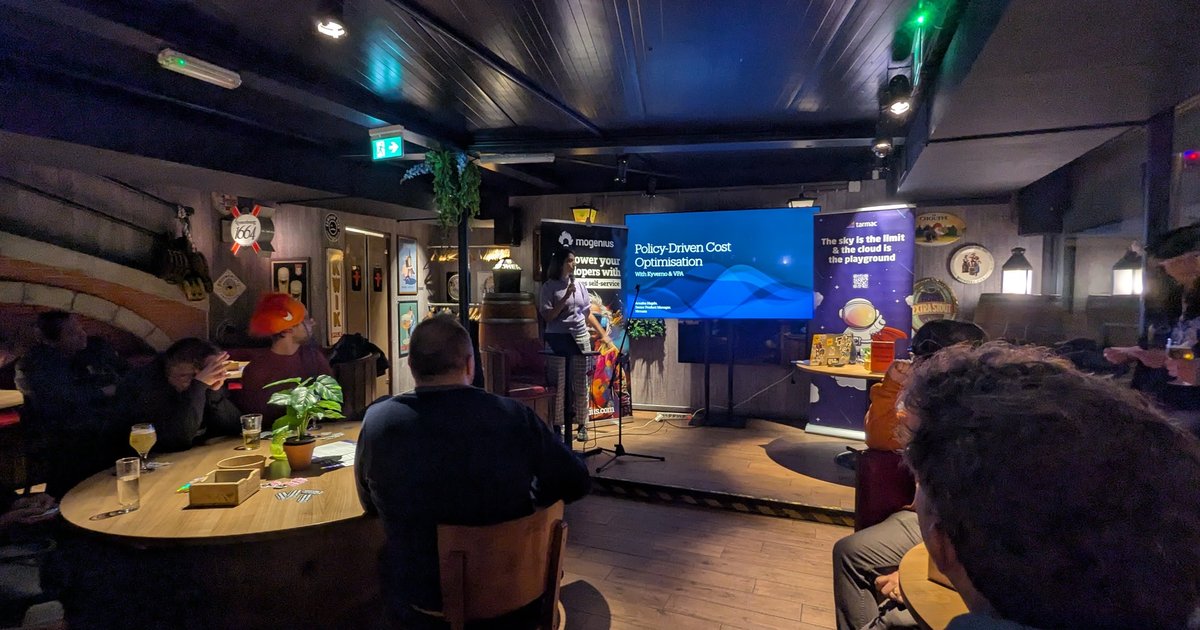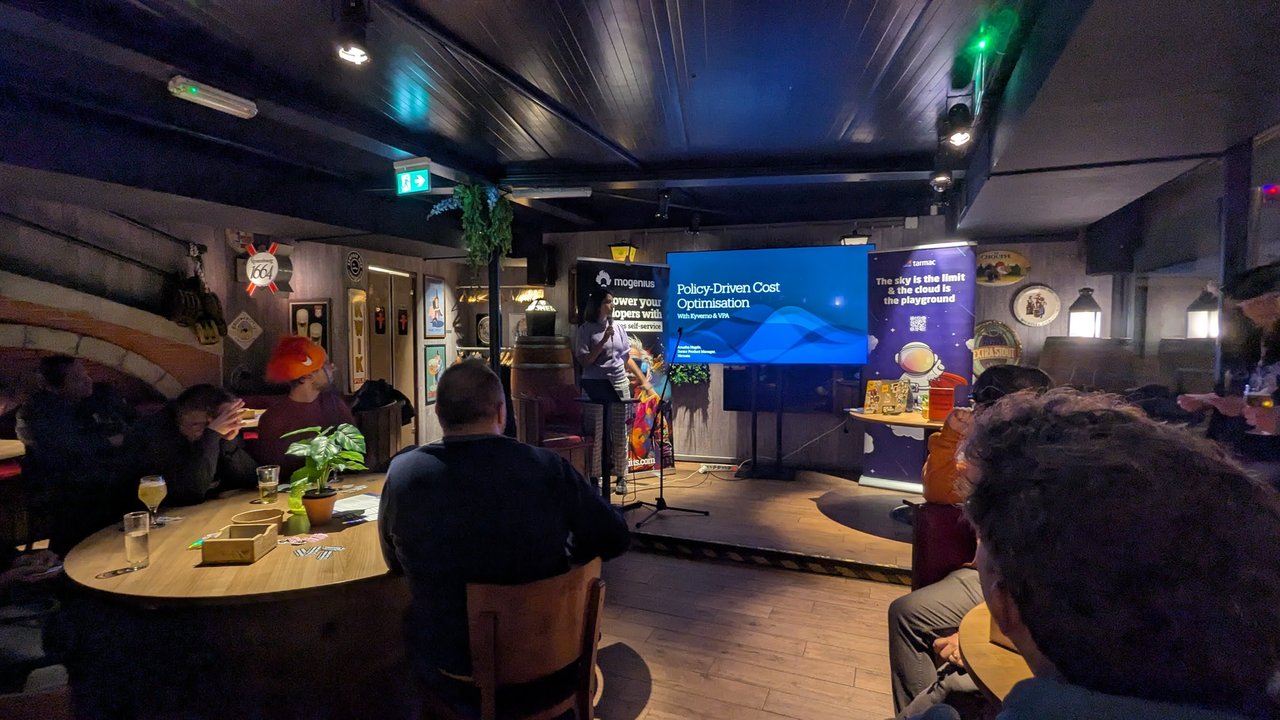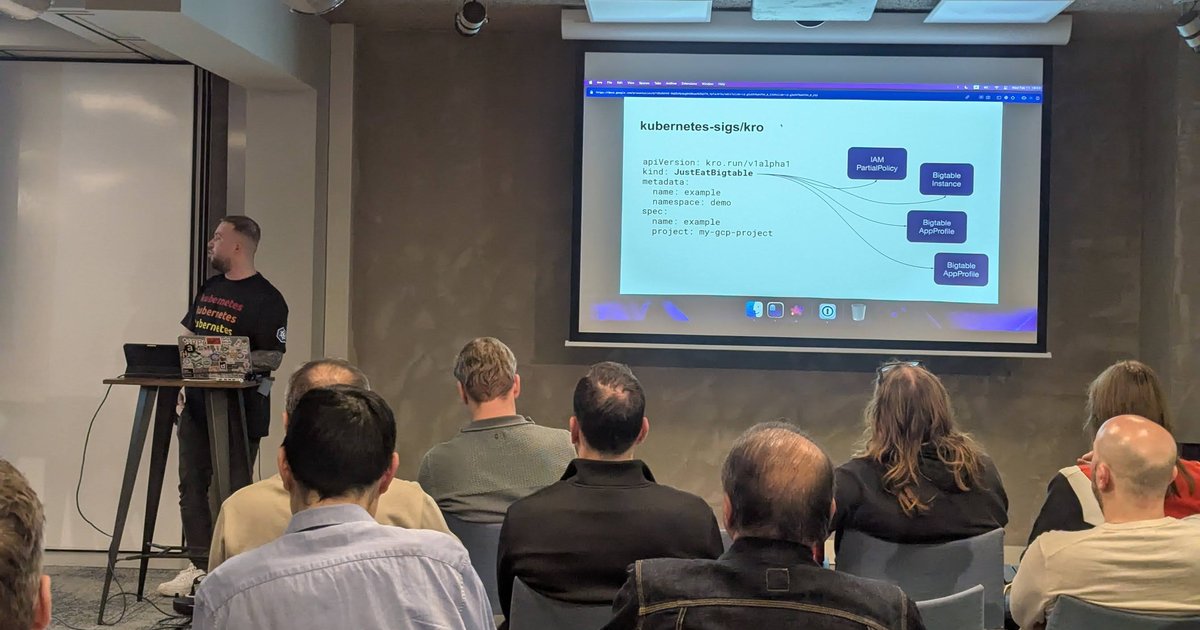
On Wednesday 11 February 2026 I spent the evening at a meetup hosted by Xebia in Amsterdam. The Xebia roll-up banner by the screens read “Shaping Tomorrow with AI Today”, and the lounge area had an “AI Lab Amsterdam” neon sign. Two talks were on the agenda: the first on kro (Kube Resource Orchestrator) together with Google Cloud’s Kubernetes Config Connector (KCC), the second on building an infrastructure self-service agent. Here is what was on the slides.
kro: one custom API for a set of cloud resources
The first talk opened with a slide titled ResourceGraphDefinition: a small graph where three resources marked “1” (two BigTable AppProfiles and an IAMPartialPolicy) feed into a BigTable Instance marked “2”.
The ResourceGraphDefinition slide: three resources marked 1, the Bigtable instance marked 2.
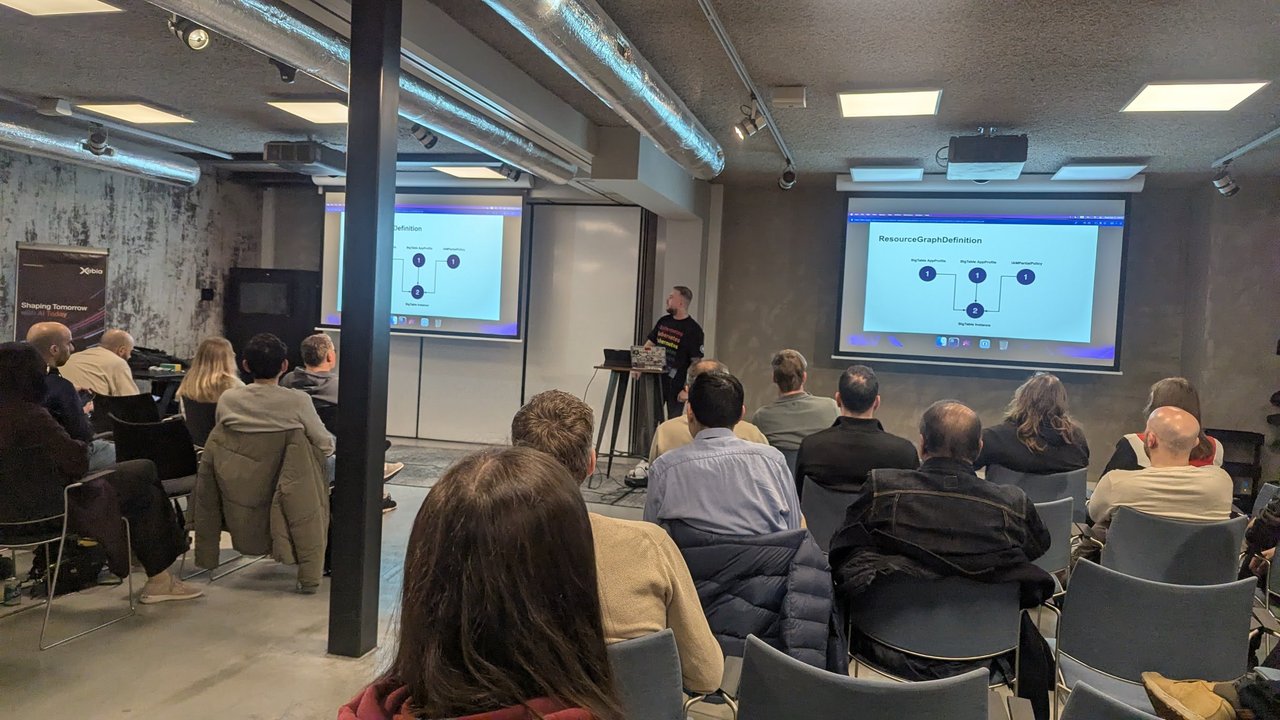
The next slide, headed kubernetes-sigs/kro, showed what a user of that definition actually writes:
apiVersion: kro.run/v1alpha1
kind: JustEatBigtable
metadata:
  name: example
  namespace: demo
spec:
  name: example
  project: my-gcp-project
Arrows went from that one JustEatBigtable object to four resources: an IAM PartialPolicy, a Bigtable Instance and two Bigtable AppProfiles. The user only fills in a name and a project, and the definition takes care of the rest.
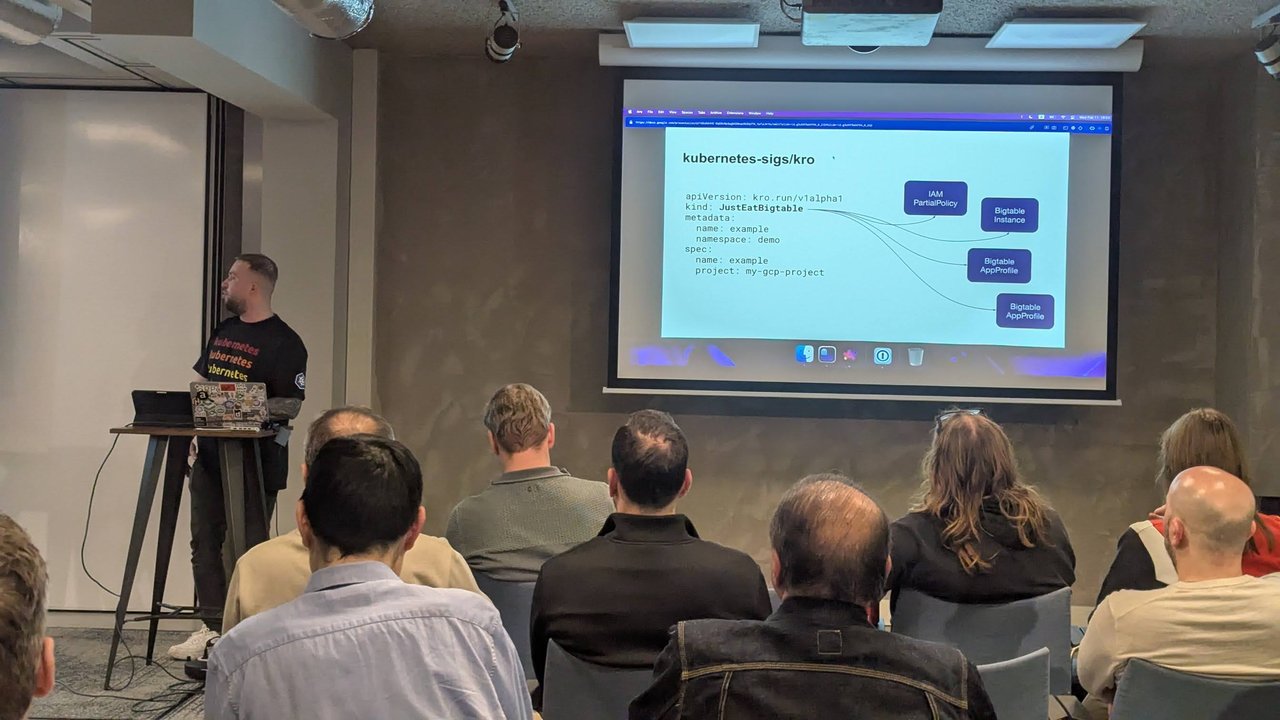
One small custom resource on the left, four Google Cloud resources on the right.
To make sense of this: according to the kro documentation, a ResourceGraphDefinition is the blueprint for a custom API. From it, kro generates a CRD and runs a controller that reconciles each instance. kro works out the order of the resources from the CEL expressions that reference other resources, so you never declare the order by hand. My reading is that the 1 and 2 in the first diagram are those dependency levels.
Config Connector does the provisioning
kro arranges Kubernetes objects. To turn them into real Google Cloud resources, the talk used (kcc) Kubernetes Config Connector. The slide showed the GoogleCloudPlatform/k8s-config-connector repository, described as “GCP Config Connector, a Kubernetes add-on for managing GCP resources”. The GitHub card on the slide showed 83 contributors and about 1k stars.
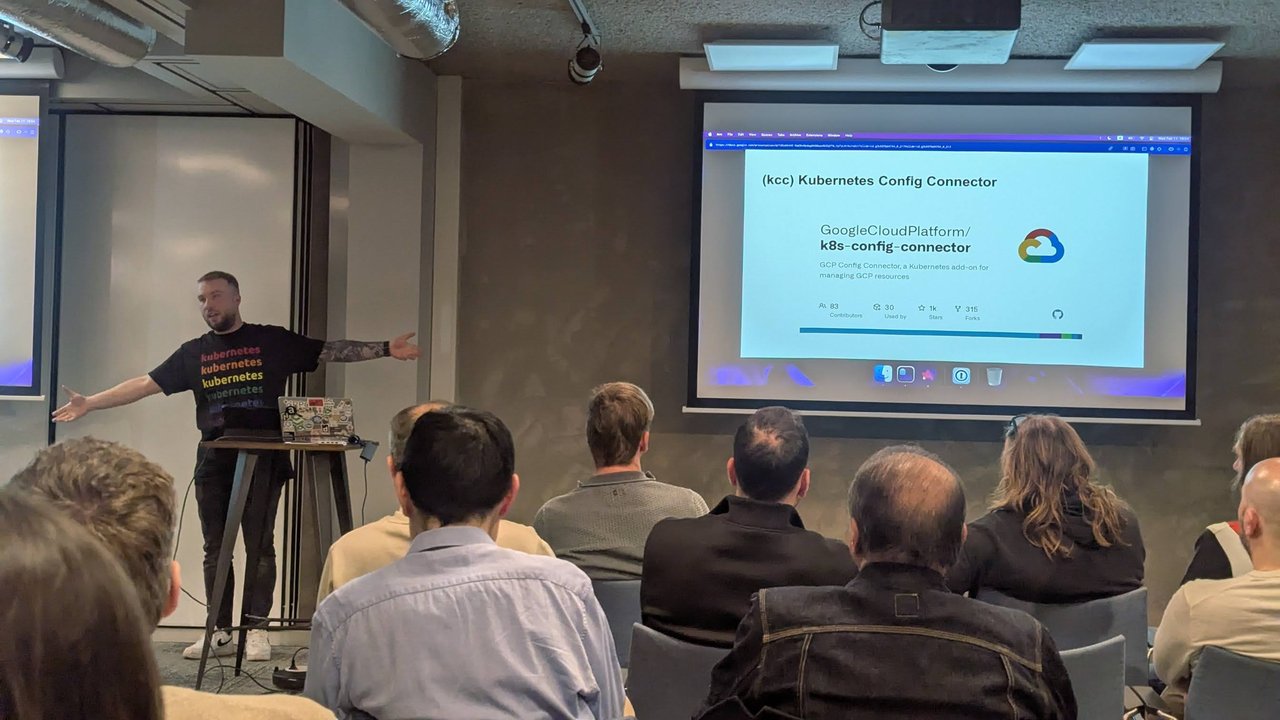
Config Connector: Google Cloud resources managed as Kubernetes objects.
The speaker then switched to the Config Connector resource reference in the Google Cloud docs. On screen was a sample StorageBucket manifest with a lifecycleRule (delete after 7 days), versioning, CORS, uniformBucketLevelAccess: true and a softDeletePolicy with retentionDurationSeconds: 604800. It is a good example of how much configuration sits behind “just give me a bucket”.
Offer a service instead of a DIY kit
The slide I liked most was titled Offer a service instead of a DIY-kit. The diagram had a single “Kro/KCC Cluster” on Kubernetes Engine inside a Google Cloud boundary, with users at the bottom sending requests to it. For each team, KCC impersonates that team’s service account (Team A SA, Team B SA) and provisions that team’s Cloud Bigtable.
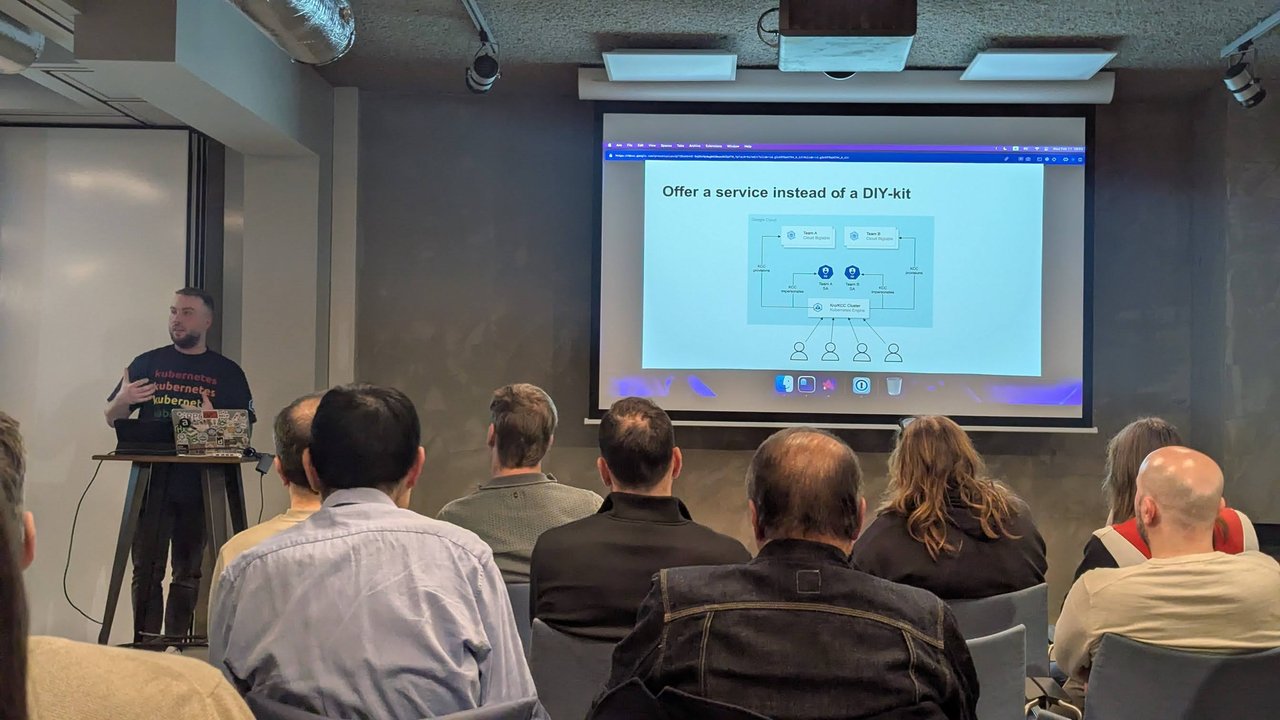
One kro/KCC cluster, one service account per team, one Bigtable per team.
My take: this is the right way to frame it for platform teams. A DIY kit hands every team the full StorageBucket or Bigtable spec and wishes them luck. A service hands them a five-line custom resource and keeps the IAM wiring and the defaults in one reviewed definition. Impersonating a service account per team also means the blast radius stays at team level, not cluster level.
How others use kro and KCC
A short section, How others use Kro & KCC, showed three outside references:
- A Spotify R&D talk from KubeCon Atlanta 2025, “Managing 1M Resources: Designing the platform to manage change at scale”
- An Amazon EKS page listing the capabilities available at launch: Argo CD, AWS Controllers for Kubernetes (ACK) and Kube Resource Orchestrator (kro). The kro entry was highlighted and described it as a way for platform teams to create reusable resource bundles that abstract away complexity.
- A Google Cloud blog post, “Waze’s journey to Infrastructure as Code with Google Cloud’s KCC”
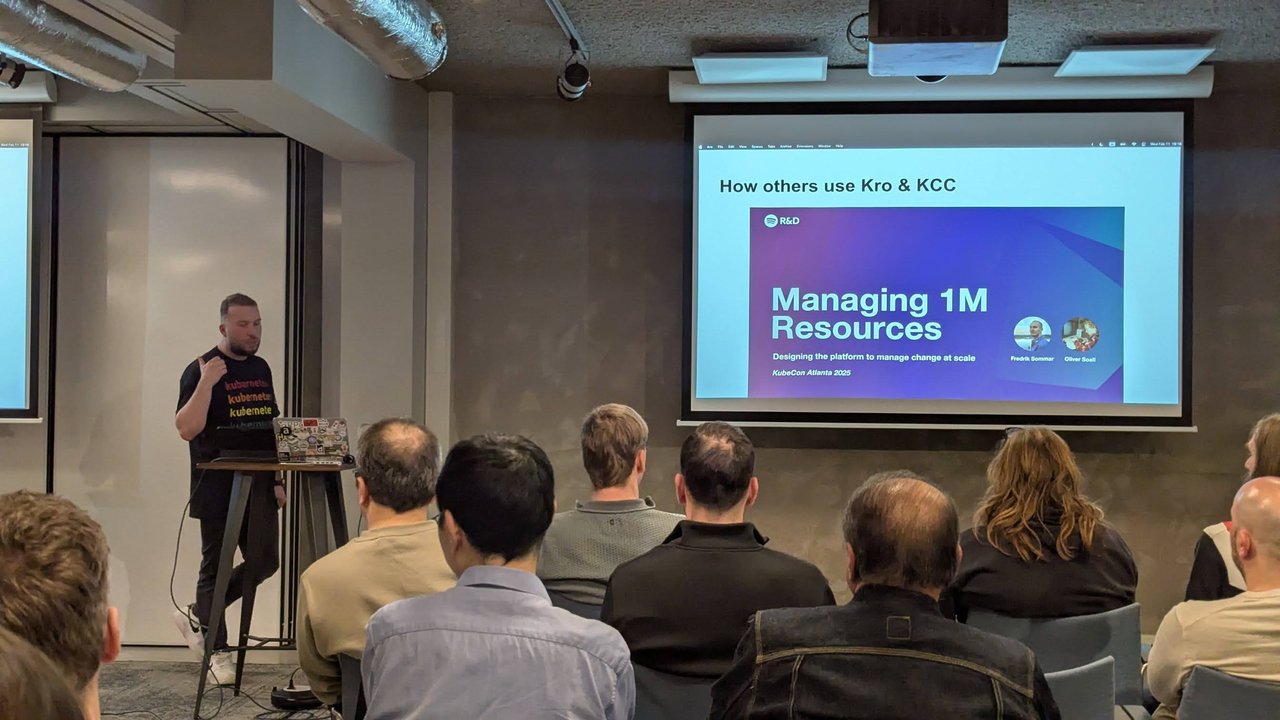
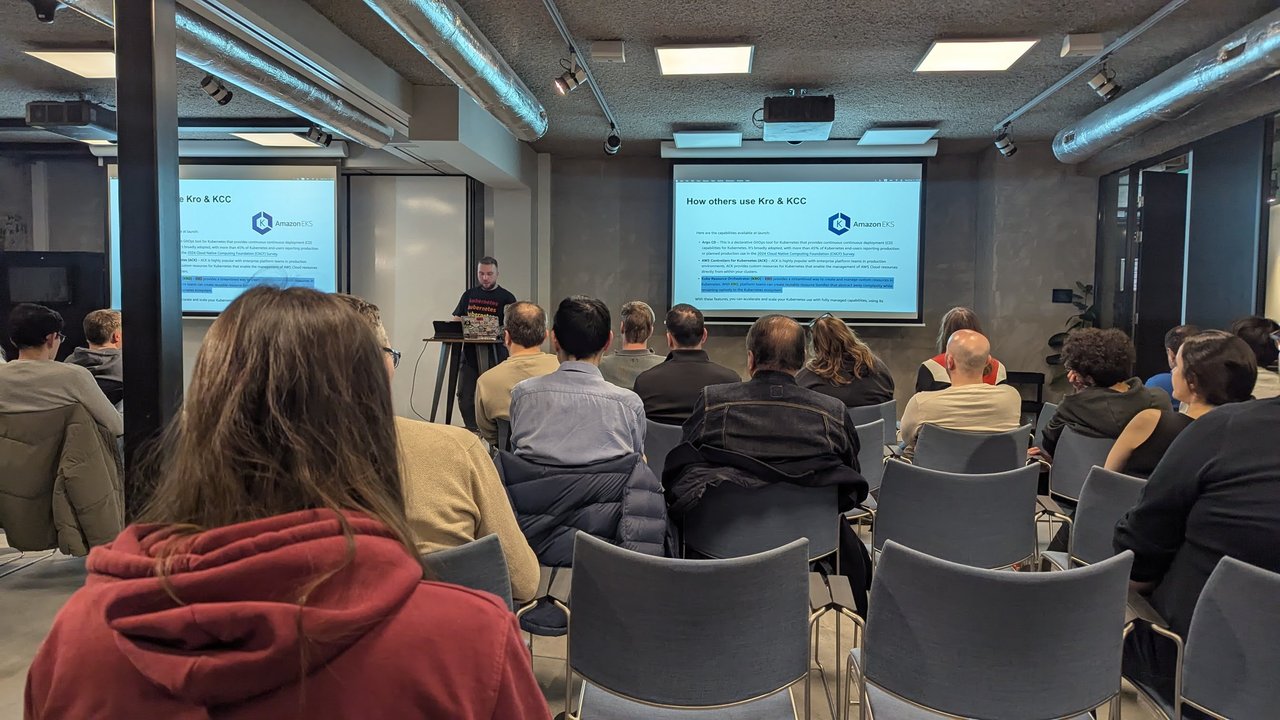
Spotify at KubeCon Atlanta 2025 on the left, the Amazon EKS capabilities page on the right.
What stood out to me: the slides put kro next to KCC on Google Cloud, and the EKS page put it next to ACK. The resource graph layer is the same in both cases. Only the cloud controller underneath is different.
The talk closed with We’re looking for contributors! and a list of open kro pull requests, including “KREP-005: Level-based Topological Sorting for ResourceGraphDefinitions”, a pull request for level-based topological sorting and execution, and one that would let RGD resources reference instance status fields.
Second talk: an infrastructure self-service agent
The second speaker started with ChatOps history. A slide titled “Hubot was a great start but…very 2011” showed a terminal session of hubot search ticket, hubot create user and hubot oncall commands, including an “Error: unknown date format” reply to hubot oncall now. The next slide, “Welcome to the team, Bob Bram!”, came with a cartoon character, the new “team member” of the title.
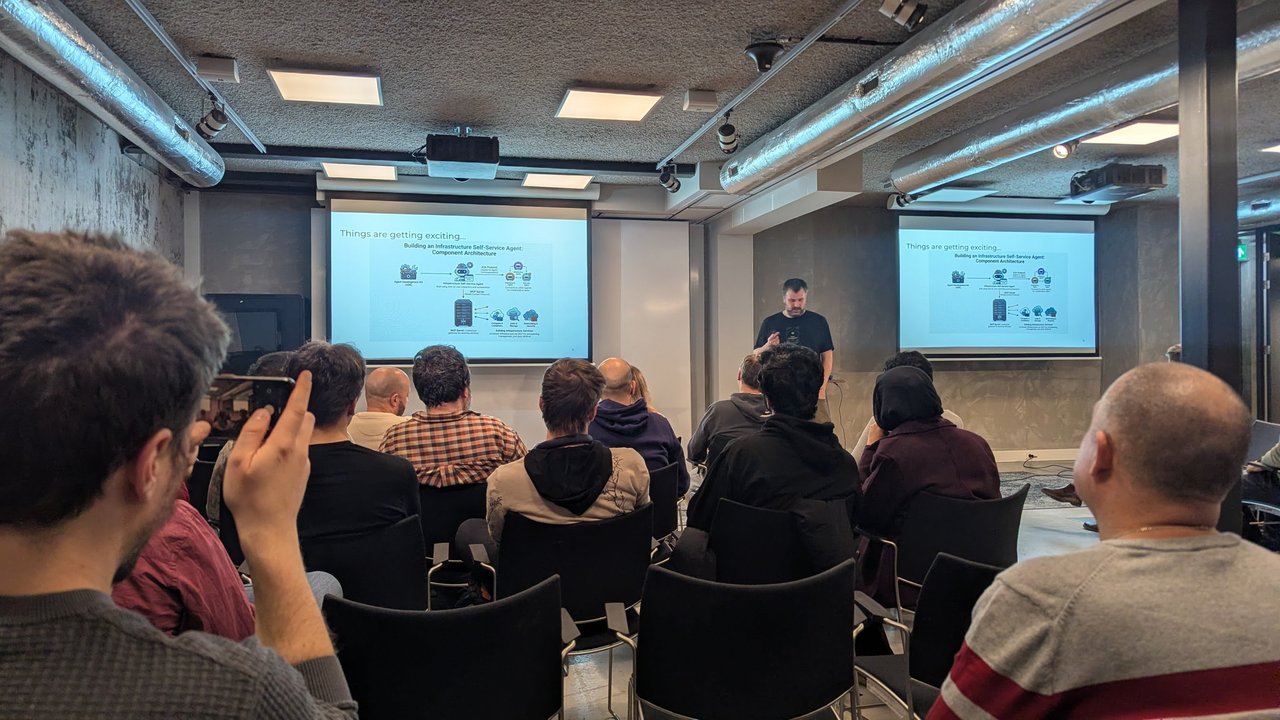
Building an Infrastructure Self-Service Agent: Component Architecture.
The architecture slide, Building an Infrastructure Self-Service Agent: Component Architecture, had four parts:
- The Agent Development Kit (ADK) used to build the agent
- The infrastructure self-service agent itself, which talks to other agents over the A2A protocol (agent-to-agent communication)
- An MCP server acting as a gateway to the existing services
- The existing infrastructure services behind it: compute and containers, data and storage, networking and security
Then came the code. The slide “Let’s build an ourselves a little helper agent” showed a minimal ADK agent in Python:
from google.adk.agents.llm_agent import Agent

# Mock tool implementation
def create_sre_things(service: str) -> dict:
    return {"status": "success", "service": service}

root_agent = Agent(
    model='gemini-3-flash-preview',
    name='sre_agent',
    instruction="You are a helpful assistant that creates Service Mesh Permissions",
    tools=[create_sre_things],
)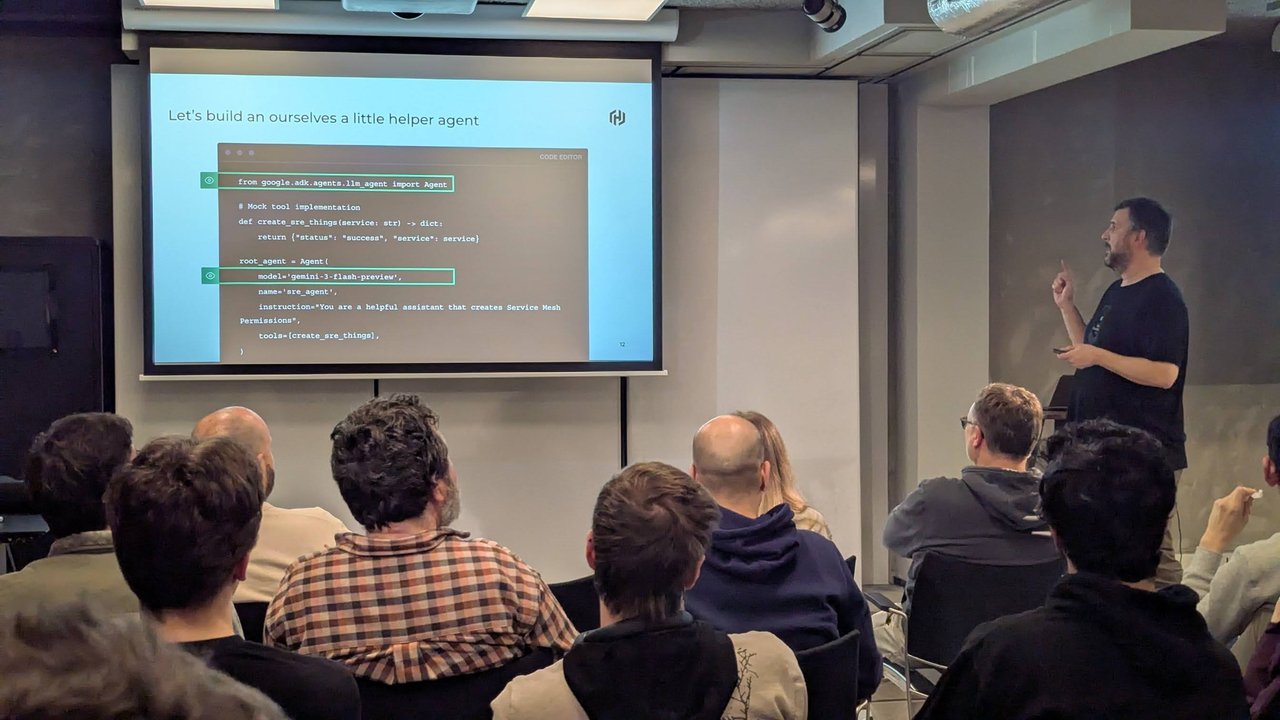
The import line and the model are highlighted. The tool is a mock.
Later in the talk, a slide titled “ADK Agent Secure Architecture: VPC, Firewalls, Cloud Armor, & Private Access” moved on to how to lock such an agent down, with a service perimeter, firewalls and private access around the agent.
What I took from the evening
The two talks fit together well. The first showed how to package infrastructure as a small, reviewed custom API with kro and KCC. The second showed an agent that offers infrastructure through tools. My take: the agent is only as safe as the tools it calls. A tool that creates a five-field kro instance, with the IAM and defaults already decided in a ResourceGraphDefinition, is much easier to trust than one that writes raw cloud resources. I’d build the kro layer first and put the agent on top of it.