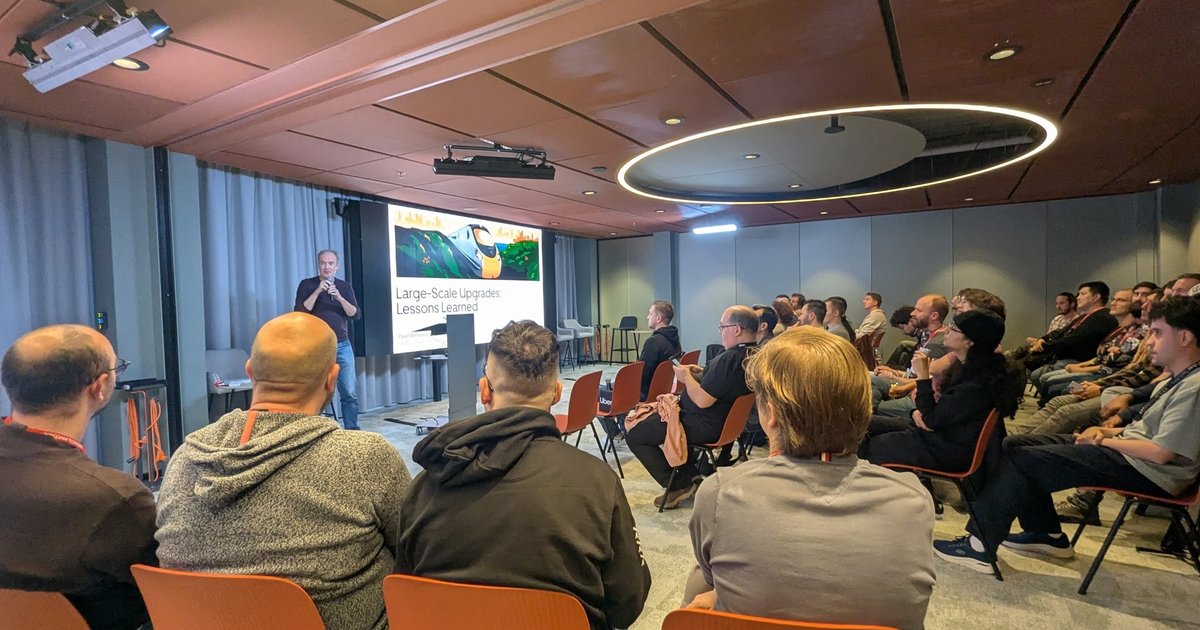
On Tuesday 1 July 2025 I spent the evening at a workshop called Kubernetes for Developers: Security!, organised by the CodeLab community and hosted in the ING building in Amsterdam. It was a proper hands-on session: laptops open, a shared Kubernetes cluster, and a set of assignments in which you first break an application and then fix it.
The speakers, as listed on the meetup page, were Maarten-Jan van Gool and Leon Akkermans (software engineers at Craftsmen) and Wernard Verwey (cloud engineer at Myst). The target audience was Java backend developers with some Kubernetes experience, and that was the right level: nothing here needs a security background, but you should know what a Deployment is.
The lobby of the host building, a few hours before the workshop started.
The setup: one namespace per participant
The organisers opened with a quick recap of what Kubernetes does and what a cluster looks like: a control plane with an API server, a kubelet and a container runtime on every node, and the usual vocabulary of pods, replica sets, deployments and namespaces.
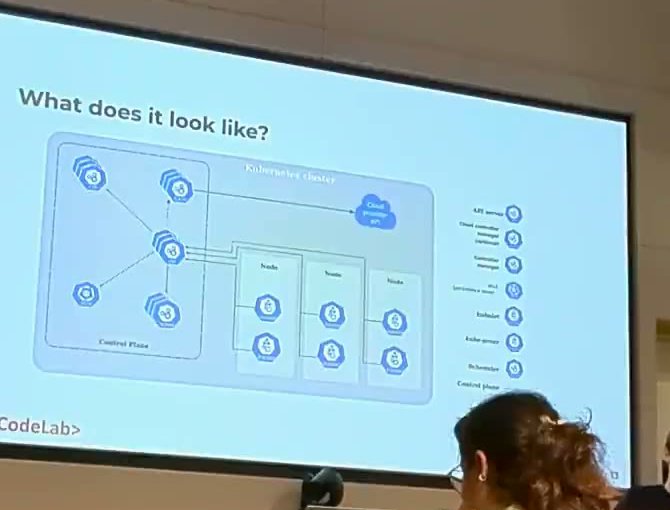
The recap slide: control plane on one side, worker nodes with pods on the other.
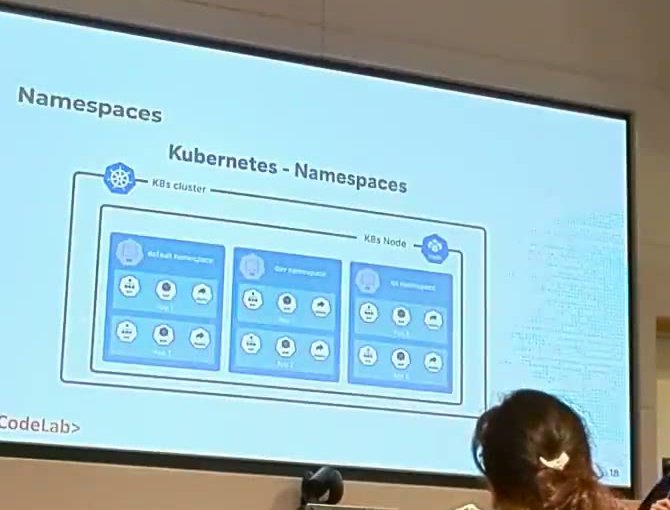
Namespaces: every participant got their own, so nobody could trample on a neighbour’s work.
The environment they prepared was neat. According to the speakers it was a managed Kubernetes cluster on Google Cloud, plus a small web service where each attendee typed a username and received a personal namespace and a kubeconfig. There was also a container registry to push images to. Traffic reached the apps through a Gateway API gateway with one HTTP route per participant, not through classic Ingress objects. The reason they gave: a managed certificate per ingress takes a long time to come up, which does not scale to a room of people deploying at the same time. If you want the background, the Kubernetes docs have a Gateway API overview.
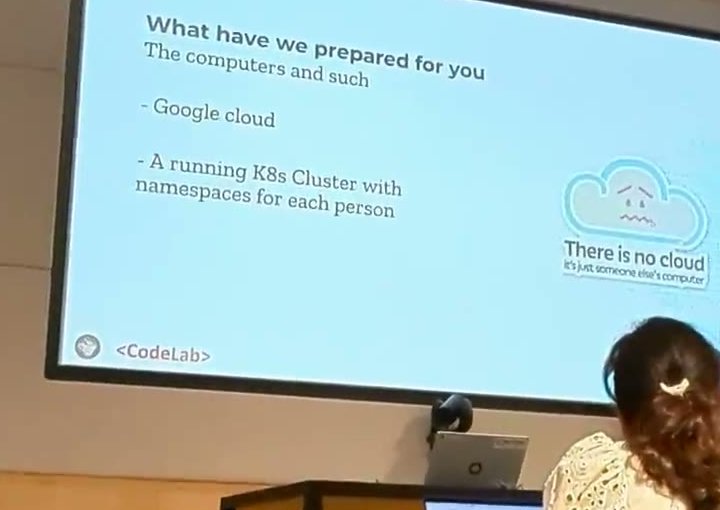
“There is no cloud, it’s just someone else’s computer”: the slide describing the shared cluster.
The workshop repository held two small Spring Boot applications, a customer app and an employee app, with Dockerfiles, helper scripts, and Kubernetes manifests tied together with Kustomize. Two practical tips from the speakers are worth repeating because they cost everyone time in every workshop:
- Docker images built on an Apple Silicon Mac need the
linux/amd64platform flag, or they will not run on an amd64 cluster. The scripts handled it. - After you push a new image you must restart the pod to pull it, and after you change a manifest you must apply it again.
Assignment 1: break the container, then fix the image
The first demo was the most memorable. The customer app came with a deliberately bad Dockerfile: it started from a Maven image with a full JDK, copied in the source code, built the jar, and ran it all in one image. The speaker then played the “evil hacker”. Having got a shell inside the running container, he copied a modified repository class into the source folder, rebuilt the application with the Maven that was still sitting in the image, and killed the Java process. The container restarted, started the tampered jar, and the endpoint now threw an exception that said, in so many words, that a hacker had destroyed the app.
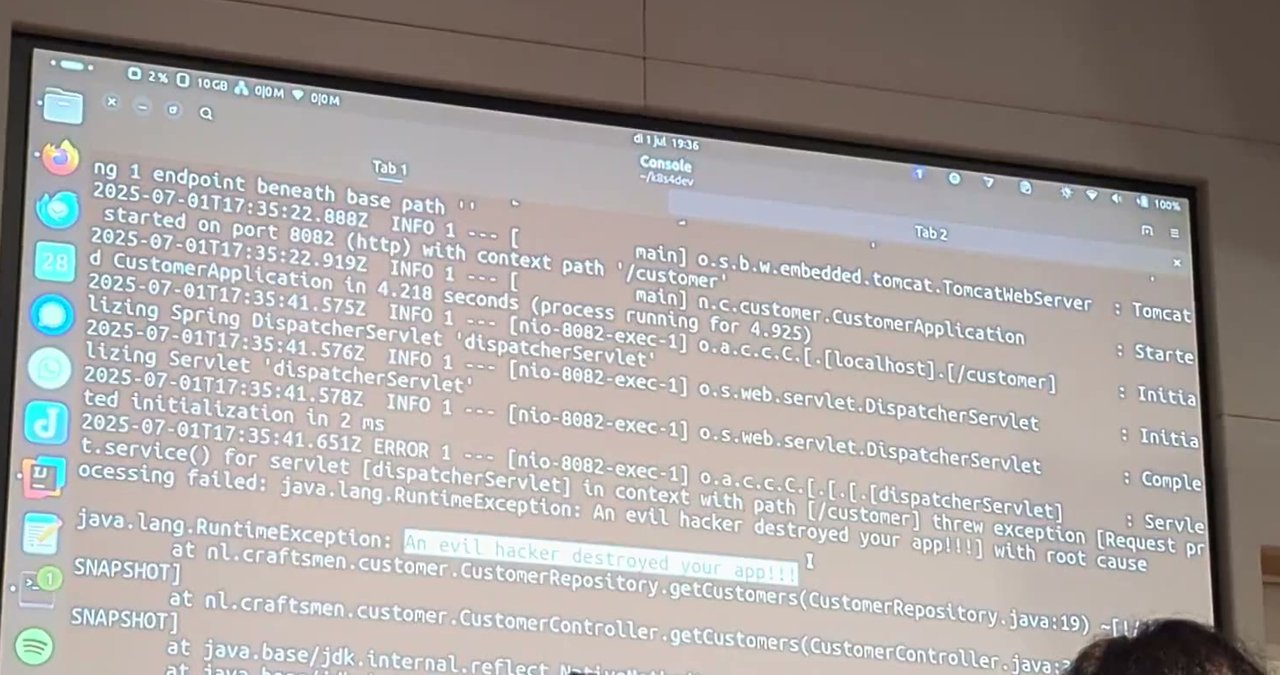
The result of the tampered build, as projected during the demo (a deliberately sabotaged workshop app).
The fix is a multi-stage build. One stage builds the jar with Maven and the JDK. The final stage is a plain JRE-only runtime image from the Eclipse Foundation, which receives only the built jar and runs as a specific non-admin user. The result: no compiler, no Maven, no source tree, so the same trick no longer works. This is standard container hygiene, but seeing the attack succeed first makes the point far better than a checklist does. For scanning images, see my Trivy tutorial.
Assignment 2: satisfy the cluster’s security policy
Next, the customer deployment was applied to the cluster and came back with several policy violations. The workshop said up front that this was by design: the cluster operator enforces a baseline, and a developer has to understand it.
The first fix was setting allowPrivilegeEscalation: false in the container’s security context, so a process cannot gain more privileges during its life. The next was dropping Linux capabilities (capabilities: drop: ["ALL"]), because a container is just a process with a set of kernel capabilities such as the ability to change file ownership. One practical remark from the speakers: the admission errors arrive as one long message that actually lists several separate problems, so work through them one at a time.
An attendee asked how the baseline was enforced, and the answer was refreshingly simple: it is built into Kubernetes itself, a label on the namespace, not a separate policy engine. For reference, Pod Security Admission is stable since Kubernetes v1.25 and uses namespace labels of the form pod-security.kubernetes.io/enforce: restricted. The speaker remembered it arriving around v1.23, which matches its beta release. The violations seen in the room (privilege escalation, capabilities) are the kind that the restricted Pod Security Standard checks, so my reading is that the namespaces used that level, but the speaker did not confirm the exact label value on stage. The security context documentation lists every field.
The speakers added a point I fully agree with: in real life you do not hand developers a cluster and say good luck. The platform team, cloud engineers or cluster admins should document what the policy expects and why. For the policy side of this, see my posts on Pod Security Standards and admission, fixing Pod Security Admission violations and Kyverno.
Assignment 3: read-only root filesystem, and the Spring Boot surprise
The third step directly answers the tampering demo: set readOnlyRootFilesystem: true, so a process cannot write files inside the container at all. The speaker applied it, and the Spring Boot app crashed, as many Java apps do, because it needs a writable temporary directory. The fix is an emptyDir volume mounted on the temp path. The configuration shown was a volume with a size limit of 500 MB, mounted only at that one location, so the container can write there and nowhere else. The Kubernetes docs describe emptyDir volumes if you have not used them. Pods also started slowly on the shared cluster, which the speakers joked about.
Assignment 4: service accounts
The service account exercise showed something many developers never think about: by default a pod gets an API token mounted under /var/run/secrets/kubernetes.io/serviceaccount, so code inside the pod can talk to the Kubernetes API. The Kubernetes docs say the same: the credentials are mounted automatically unless you opt out with automountServiceAccountToken: false.
In the demo the speaker opened a shell in the customer pod, read the token, and used curl to send a DELETE request for the pod’s own Deployment. With the default service account the API answered 403 Forbidden. Then he attached a service account with broader permissions, repeated the call, and the Deployment deleted itself and its pod, which also dropped his shell. The lesson he stated: do not give pods more privileges than they need. A simple Spring Boot service rarely needs any API access, and an attacker who gets in can use curl even without kubectl. I wrote more about this in my post on Kubernetes RBAC at least privilege.
Bonus: secrets do not belong in images
The bonus assignment returned to the employee app. Its application properties file, baked into the Docker image, contained a data source password. Anyone with access to the registry could read it, with no cluster access at all. The speakers’ recommendations:
- Move the value into a Kubernetes
Secretand mount it, or inject it as an environment variable. - Remember that base64 is an encoding, not encryption. And never paste a real password into a public website to encode it; use the command line.
- If a secret ever lived in an image, rebuild and push a clean image, delete the old one from the registry, and change the password.
- Spring Boot reads the file at startup, so after changing a Secret you must restart the pods.
kubectl rollout restartdoes that without downtime. A changed Secret alone does not trigger a restart.
For production, they pointed to an external secret store plus an operator such as External Secrets, so that even ordinary engineers cannot read the values with kubectl get secrets. The Kubernetes docs add that Secrets are stored unencrypted in etcd by default, so encryption at rest and least-privilege access matter.
My take
What I liked was the structure: attack first, defence second, and each fix tied to something the participants had just seen fail. The four lessons are the ones I keep repeating when I review clusters for clients: small runtime images, a security context on every workload, no unneeded API access, and secrets outside images. For a broader list, see my Kubernetes security hardening checklist.