Modern AI training, inference, and analytics pipelines don’t just need fast GPUs—they need a fast, predictable way to feed those GPUs with data. As datasets grow, the “time to first batch” and the steady-state throughput of reading training shards, feature stores, embeddings, or simulation outputs can become the real limiter. That’s the problem Dell Technologies and NVIDIA are addressing with the combination of Dell’s scale-out NAS and NVIDIA’s direct-to-GPU storage path.
The core idea: stop bouncing data through CPU memory
NVIDIA GPUDirect Storage (GDS) creates a direct DMA data path between storage and GPU memory, avoiding “bounce buffers” in CPU system memory. The practical impact is higher effective bandwidth, lower I/O latency, and less CPU utilization—especially valuable when your CPUs are already busy with networking, preprocessing, orchestration, or running multiple GPU jobs per node. (NVIDIA Docs)
What Dell PowerScale brings to the table
Dell PowerScale is a scale-out NAS platform designed to grow performance and capacity by adding nodes. In the performance report, Dell’s message is straightforward: as GPU-accelerated analytics and model training intensify I/O demands, storage must scale linearly and stay consistent under load. Dell positions PowerScale (with OneFS) as that elastic back-end—especially when paired with high-speed networking and RDMA-enabled access paths. (Dell Technologies Info Hub)
How GDS works (in the parts you actually feel)
GDS is delivered via NVIDIA’s Magnum IO stack and is typically used through cuFile APIs (or through frameworks/libraries that integrate them). The model is:
- You allocate GPU memory.
- You perform file I/O directly into GPU memory using cuFile-style operations.
- The data path aims to avoid extra copies and reduce CPU involvement.
NVIDIA emphasizes that this “explicit, proactive” approach avoids overhead from reactive paging/faulting patterns and can deliver the biggest benefit when your pipeline is GPU-first (GPU is the first/last to touch the data). (NVIDIA Docs)
A key detail: traditionally, direct transfers have relied on opening files with O_DIRECT (plus alignment requirements), though NVIDIA notes newer releases can still take the GDS-driven path in more cases when buffers/offsets are aligned. (NVIDIA Docs)
The integration pattern: PowerScale + NFS over RDMA + GDS
Dell’s report focuses on a concrete, common architecture for GPU clusters:
- PowerScale F600 performance nodes (scale-out NAS)
- High-speed Ethernet (100 GbE links in the test environment)
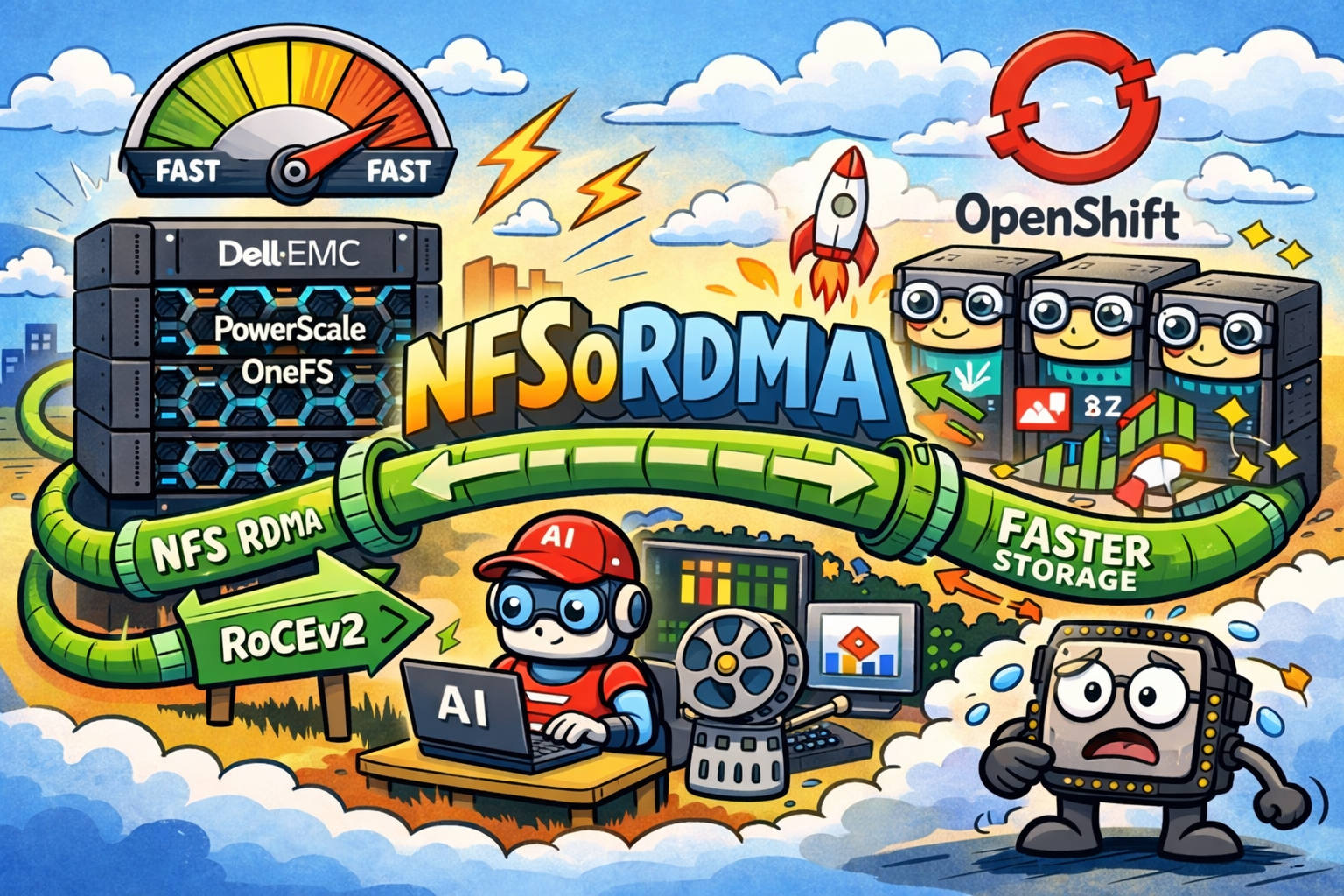
- NFS over RDMA (NFSoRDMA) so NFS traffic can use RDMA transport
- GDS on compute nodes, validated to work with this NFS/RDMA setup
Dell states that the testing demonstrates PowerScale OneFS with NFSoRDMA is compatible and supported by NVIDIA GDS, and that the platform scales to meet growth demands. (Dell Technologies Info Hub)
From NVIDIA’s side, the Release Notes explicitly list Dell’s platform in the ecosystem of third-party storage solutions where GDS is available, and the support matrix includes a PowerScale entry (e.g., PowerScale 9.2.0.0 paired with early GDS versions). (NVIDIA Docs)
What the Dell performance report actually found
Dell used NVIDIA’s gdsio utility (included in the GDS package) to drive the workload and measure performance. (Dell Technologies Info Hub)
Key results (high signal)
In the reported GDSIO sequential read tests (512 KiB I/O size, multiple threads per GPU, large file sizes), Dell highlights:
- ~36% performance improvement in the newer test configuration compared with earlier results, attributing gains to higher-performance components (for example, upgraded CPUs/memory) and performance improvements in newer OneFS. (Dell Technologies Info Hub)
- Throughput density and linear scaling: Dell describes >24 GB/s read throughput for a minimum 3-node cluster and notes scaling “linearly” up to large cluster sizes, with an upper bound claim of >2 TB/s read throughput for a fully populated F600 cluster serving a large GPU farm. (Dell Technologies Info Hub)
Configuration choices that matter (and why)
To keep results focused on raw I/O and reduce background effects, Dell disabled or tuned several storage features during testing:
- Compression disabled
- Inline deduplication disabled
- Endurant Cache disabled
- File pool policy set to “streaming”
- Jumbo frames enabled
- NFS over RDMA enabled at pool/global levels (Dell Technologies Info Hub)
On the compute side, Dell documents GDS installation/validation, plus the use of dual 100 Gbps NICs and explicit mapping of mount points to specific PowerScale front-end IPs—aimed at maximizing throughput and avoiding hot spots. (Dell Technologies Info Hub)
Don’t ignore topology: NUMA + PCIe “hops” can make or break GDS
A practical insight from the report is that GPUDirect-style benefits depend heavily on where your GPUs and NICs sit in the PCIe/NUMA topology.
Dell stresses limiting the number of “hops” between GPU and NIC, grouping GPUs and NICs by NUMA affinity, and using tools like nvidia-smi topo (and classic Linux tools like lspci) to understand the layout. (Dell Technologies Info Hub)
This is one of the easiest ways to lose performance “mysteriously”: the storage path might be fast, but traffic is bouncing across sockets/interconnects before it even reaches the NIC that talks to the storage.
A minimal “what this looks like” checklist
Below is a distilled version of the operational pattern implied by the Dell + NVIDIA docs:
Confirm GDS sees your filesystem path as supported
- Dell shows
gdscheckoutput where NFS is supported in their environment. (Dell Technologies Info Hub)
- Dell shows
Use NFSoRDMA and consistent mount mapping
- Dell mounts NFS with RDMA options (proto=rdma, NFSv3, tuned rsize/wsize) and maps mounts to specific front-end IPs. (Dell Technologies Info Hub)
Align data path with topology
- Match GPU ↔ NIC locality (NUMA/PCIe) and avoid cross-socket routing where possible. (Dell Technologies Info Hub)
Example (illustrative, based on Dell’s approach):
mount -o proto=rdma,port=20049,vers=3,rsize=524288,wsize=524288 \
<powerscale_frontend_ip>:/ifs/benchmark /mnt/f600_gdsio1Where this combo shines
Putting it together, PowerScale + GDS is most compelling when:
- You have many GPUs and need the storage system to scale bandwidth predictably.
- Your pipeline is GPU-centric (data lands in GPU memory and stays there for preprocessing/compute).
- CPU cycles are precious (multi-tenant clusters, heavy networking, preprocessing, or orchestration).
- You can deploy high-speed RDMA-capable networking and keep topology sane.
In that scenario, GDS reduces wasted copies and CPU overhead, while PowerScale provides the scale-out throughput and namespace that big GPU farms tend to demand. (NVIDIA Docs)