The Problem
You’re setting up Hermes Agent on a small, resource-constrained VPS — often a free-tier instance with 1 GB of RAM, like Oracle Cloud’s VM.Standard.E2.1.Micro shape — and hit one of a handful of recurring snags. None of these are exotic; they show up because a 1 GB box has very little headroom and because it’s easy to run the wrong command order under the assumption it’ll “just work.”
This covers the three most common ones, in the order you’re likely to hit them.
Issue 1: “hermes: command not found” Right After Install
Symptom: The installer finishes cleanly, prints ✓ hermes command ready, but running hermes — in the same shell, or a new one — returns:
Command 'hermes' not found, did you mean:
  command 'heroes' from deb heroes (0.21-18)
Cause: The install script puts the hermes launcher in ~/.local/bin and appends a PATH update to ~/.bashrc. A shell session that was already running before the install finished has no way to know about that change until it re-reads its startup files.
Fix:
source ~/.bashrc
export PATH="$HOME/.local/bin:$PATH"
which hermes
If which hermes still comes back empty, confirm the binary actually exists before troubleshooting PATH further:
ls ~/.local/bin/hermesIf that file is missing too, the install itself didn’t complete — re-run the installer rather than continuing to fight PATH.
Issue 2: Playwright/Chromium Install Fails During Setup
Symptom: Near the end of the installer (or when hermes doctor runs later), you see:
→ Installing browser engine (Playwright Chromium)...
⚠ Playwright browser installation failed — browser tools will not work.
⚠ Try running manually: cd ~/.hermes/hermes-agent && npx playwright install --with-deps chromium
Cause: Chromium’s install process needs more memory headroom than a 1 GB instance has free, and free-tier VPS images typically ship with zero swap configured. Everything else — the core agent, CLI, dependencies, config, and skills — installs and runs fine regardless; only the optional browser-automation tool is affected.
Fix: Add 2 GB of swap, then retry:
sudo fallocate -l 2G /swapfile
sudo chmod 600 /swapfile
sudo mkswap /swapfile
sudo swapon /swapfile
echo '/swapfile none swap sw 0 0' | sudo tee -a /etc/fstab
free -h   # confirm ~2.0Gi now shows on the Swap line

cd ~/.hermes/hermes-agent
npx playwright install --with-deps chromium
If you don’t need browser automation (scraping JS-heavy pages, visual checks), it’s fine to just leave this disabled and move on — it’s one tool out of Hermes’s full pool, not a dependency for the rest of the agent.
Issue 3: Wrong Gateway Subcommand Order
Symptom: Following instructions that say hermes setup gateway, you get a “command not found” or usage error, even though hermes itself works fine.
Cause: The documented subcommand order is hermes gateway setup, not hermes setup gateway. It’s an easy mistake to copy from a source that got the order backwards — including, in this case, another AI assistant’s generated instructions.
Fix: Use the order from the official README:
hermes gateway setup      # configure Telegram, Discord, Slack, WhatsApp, or Signal
hermes gateway start      # run the messaging gateway
hermes gateway restart    # restart it after a config change (e.g. new allowlist entry)
If you’ve seen references to hermes gateway install, hermes gateway status, or a built-in systemd --user service manager with loginctl enable-linger — none of that appears in the official GitHub README or the docs site as of this writing. Don’t build automation around subcommands you haven’t confirmed exist; check hermes gateway --help or the docs directly first.
A General Rule for This Kind of Setup
Every one of these gotchas is small on its own, but they share a root cause worth naming: copy-pasted instructions — from a blog post, a chat assistant, or a stale doc — can be confidently wrong about exact command names, flags, or mechanisms that were never actually shipped. Before running something on a production box (or even a throwaway free-tier VPS), a quick --help or a check against the project’s own README catches this class of error before it costs you a debugging session.
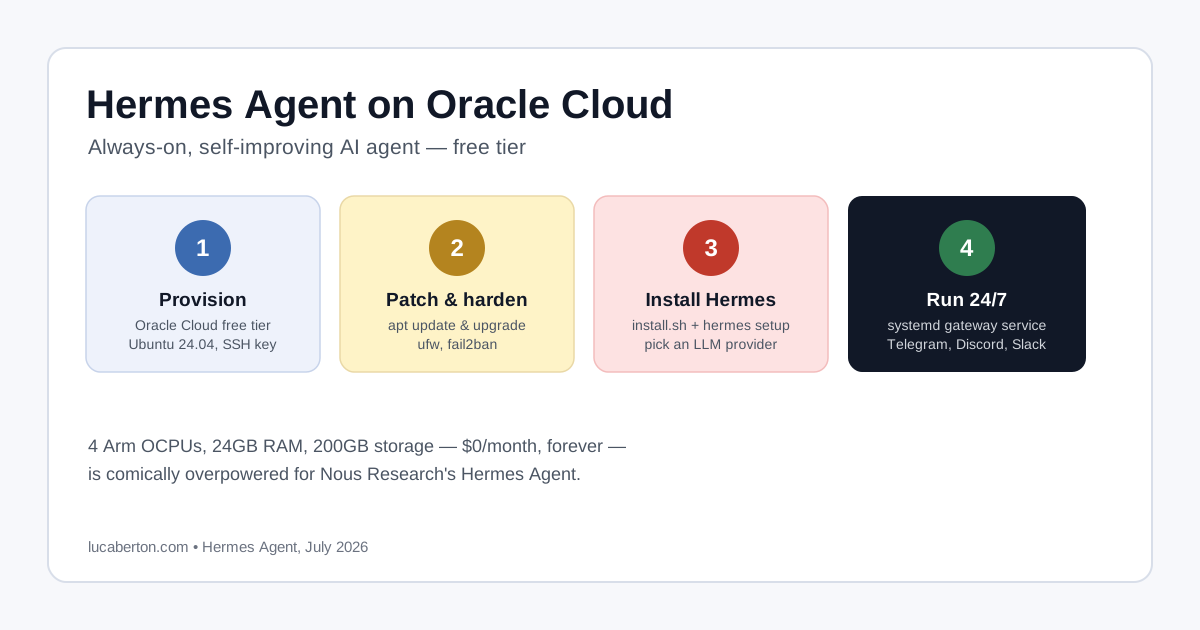
For the full setup this troubleshooting guide builds on, see How to Deploy Hermes Agent on Oracle Cloud’s Free Tier.
Related Articles
- Connecting Hermes Agent to GitHub: Auth Setup and Gotchas
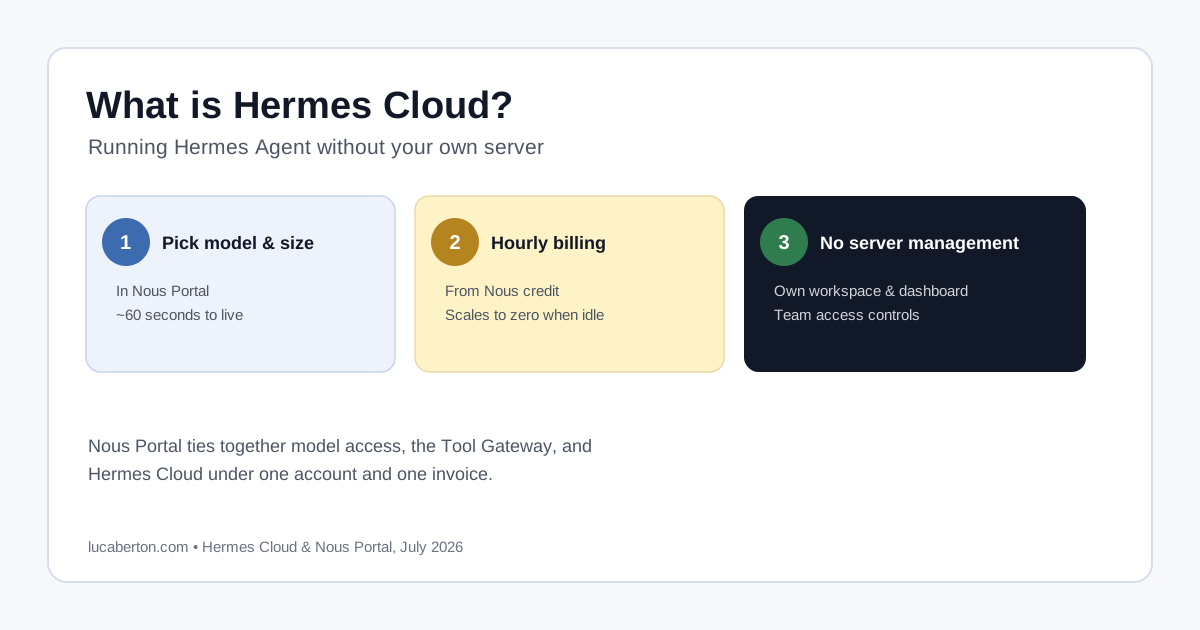
- What is Hermes Cloud? Running Hermes Agent Without a Server
- How to Deploy Hermes Agent on Oracle Cloud’s Free Tier
- What is Hermes Agent? Nous Research’s Self-Improving AI Agent
- Connecting Hermes Agent to Discord: Complete Setup Guide
- Hermes Agent Discord Bot Not Showing Up or Not Responding
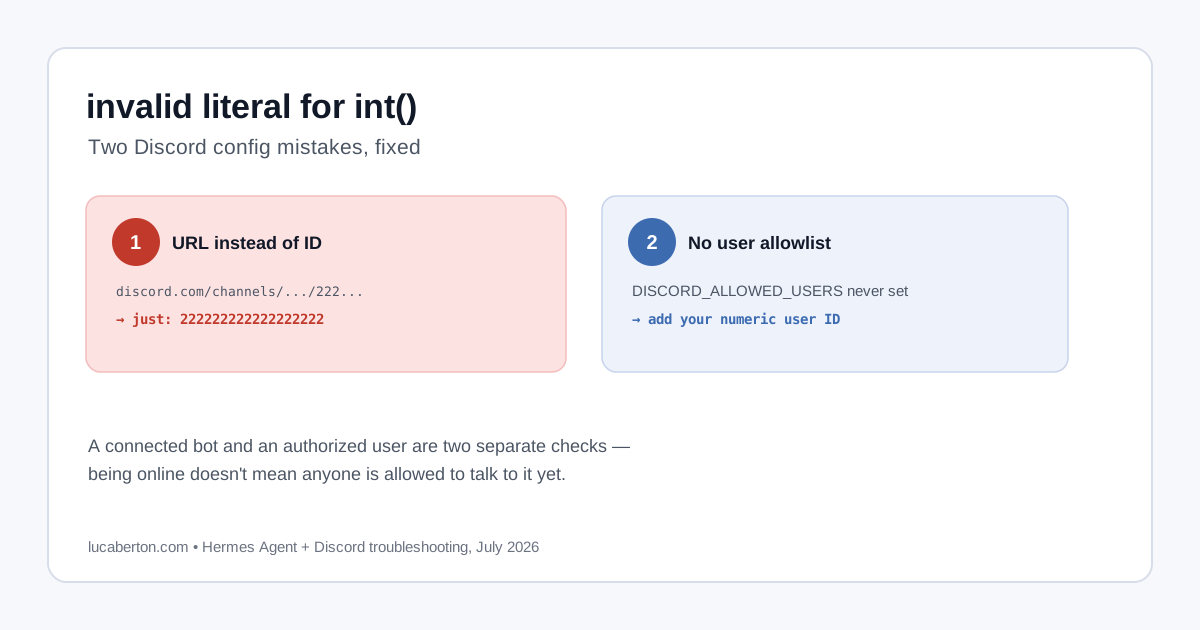
- Fix: Hermes Agent Discord “invalid literal for int()” Error
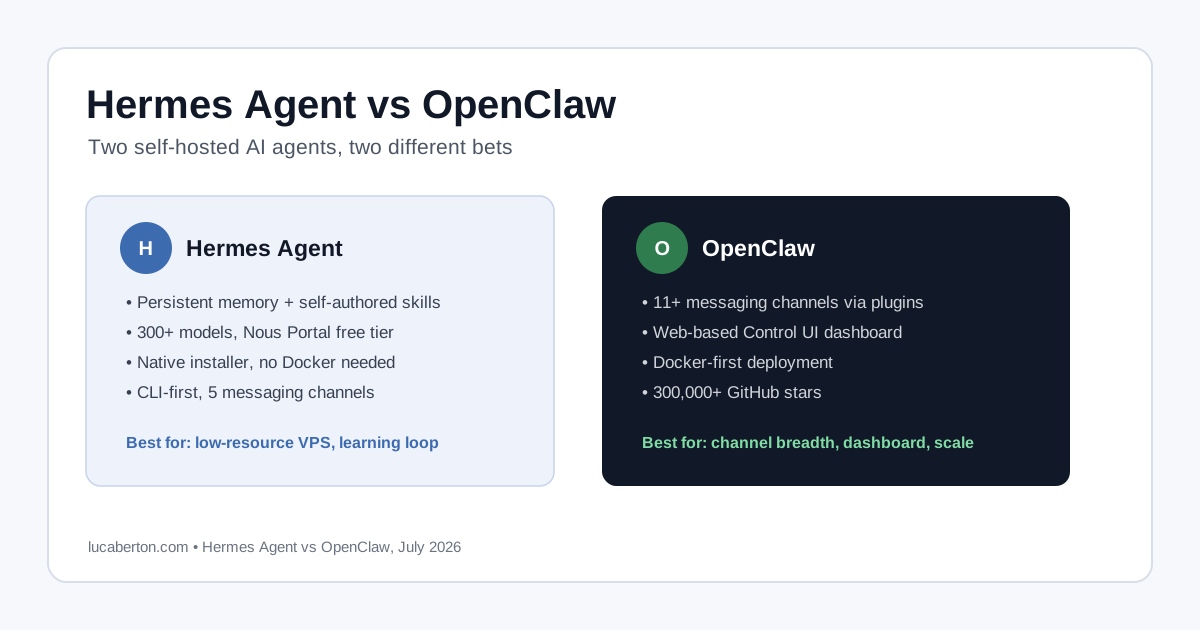
- Hermes Agent vs OpenClaw
- OpenClaw Docker: Connection Refused Fix