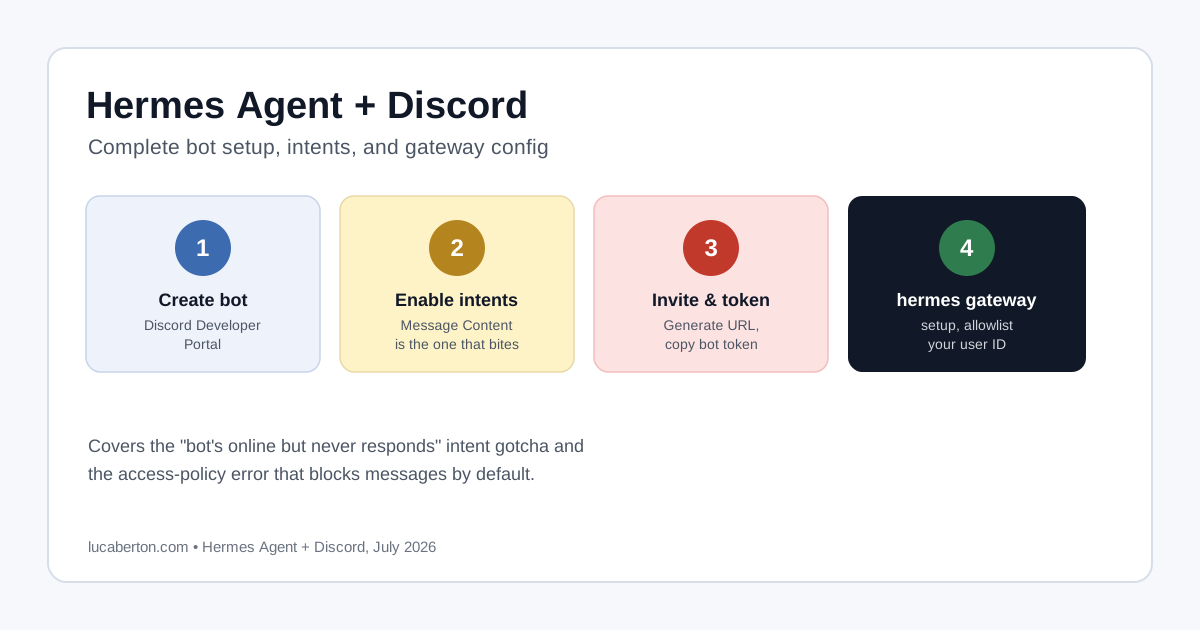
You’ve followed Connecting Hermes Agent to Discord, the gateway process is running, and… nothing. No bot in the server, or a bot that’s there but never replies. This almost always comes down to one of a few specific mismatches, not a broken Hermes install.
First: Confirm the Gateway Running ≠ Bot Invited
These are two entirely independent steps. A gateway process connecting successfully to Discord’s API with a valid token says nothing about whether that bot has actually been added to your server — invitation happens through Discord’s own OAuth flow, completely separate from Hermes.
Open your server’s member list and look for the bot:
- Not listed at all → it was never invited. Go to Issue 1.
- Listed but shows offline → wrong/expired token, or the gateway isn’t actually running. Go to Issue 2.
- Listed and online, but silent → check Privileged Gateway Intents (Issue 3) or channel permissions (Issue 4).
Issue 1: The Bot Was Never Invited to the Server
Fix: In the Discord Developer Portal, open the exact application whose token you configured in Hermes:
- Go to Installation, enable Guild Install.
- Under scopes, select
botandapplications.commands. - Assign at minimum: View Channels, Send Messages, Read Message History, Embed Links, Attach Files, Add Reactions.
- Copy the Install Link.
- Open it using a Discord account with Manage Server permission on the target server, and select your server from the dropdown.
An application must be authorized with the bot scope specifically to add its bot user to a server — this is Discord’s own requirement, not a Hermes limitation.
Issue 2: The Token Belongs to a Different App Than the One You Invited
This is the mismatch most likely to happen if the Discord application was created under a different account than the one used to send the invite, or if there’s more than one “Hermes”-style app floating around your Developer Portal.
Fix: In the Developer Portal, open the exact application you actually invited — not just one with a similar name — go to Bot, and copy (or regenerate) its token from there. Then reconfigure Hermes with that token:
hermes gateway setupSelect Discord and paste the token when prompted. A bot token authenticates one specific bot identity; pairing App A’s invited bot with App B’s token in Hermes’s config produces two unrelated bots, and neither behaves as expected. Never paste the token itself into a chat, ticket, or command output — including here.
Issue 3: Privileged Gateway Intents Aren’t Enabled
Fix: Developer Portal → your application → Bot → Privileged Gateway Intents → enable Server Members Intent and Message Content Intent, then save. Message Content Intent specifically is what lets the bot read what you actually typed — without it, message events arrive with empty text, which looks identical to “the bot is ignoring me.”
Issue 4: Bot Is Online but Can’t See a Specific Channel
Server-wide permissions can be overridden per channel. Fix: right-click the channel → Edit Channel → Permissions, add the bot (or its role), and grant View Channel, Send Messages, Read Message History, Embed Links, and Attach Files.
Checking Gateway Logs
However you’re running the gateway — in the foreground for testing, or under whatever process supervisor you’ve set up for persistence — the log output around a Discord connection attempt is where these issues surface most clearly. Since Discord’s API returns standard HTTP status codes, watch for:
- 401 / “invalid token” — the token is wrong or was regenerated since you configured it. Re-copy it from the same application and re-run
hermes gateway setup. - 403 / forbidden — the token itself is fine, but the bot lacks a permission it’s trying to use (usually a channel-level one — see Issue 4).
- A successful connection message confirms the gateway logged in correctly; from there, silence in a channel points back to Issues 3 or 4, not the connection itself.
A quick way to confirm the token is actually present, without echoing it to the terminal:
grep -Eq '^DISCORD_BOT_TOKEN=.+$' ~/.hermes/.env \
  && echo "Discord token present" \
  || echo "Discord token missing"
The Allowlist Is a Different System Entirely
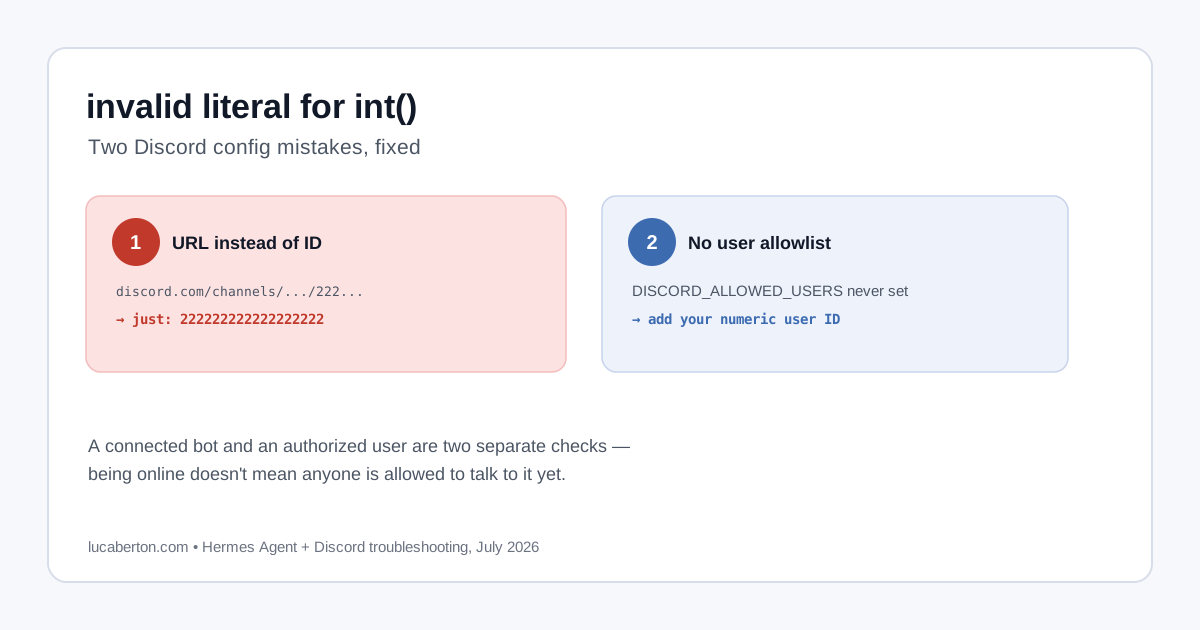
DISCORD_ALLOWED_USERS (and DISCORD_ALLOWED_ROLES) control who is authorized to command the bot once it’s already in your server — they have no bearing on whether the bot appears in the member list in the first place. If the bot is missing entirely, don’t spend time on allowlist config; that’s an Issue 1 problem, handled purely through Discord’s invite flow.
Related Articles
- Connecting Hermes Agent to GitHub: Auth Setup and Gotchas
- What is Hermes Cloud? Running Hermes Agent Without a Server
- Connecting Hermes Agent to Discord: Complete Setup Guide
- Fix: Hermes Agent Discord “invalid literal for int()” Error
- Hermes Agent on a 1GB VPS: Fixing the Common Gotchas
- What is Hermes Agent? Nous Research’s Self-Improving AI Agent
- How to Deploy Hermes Agent on Oracle Cloud’s Free Tier