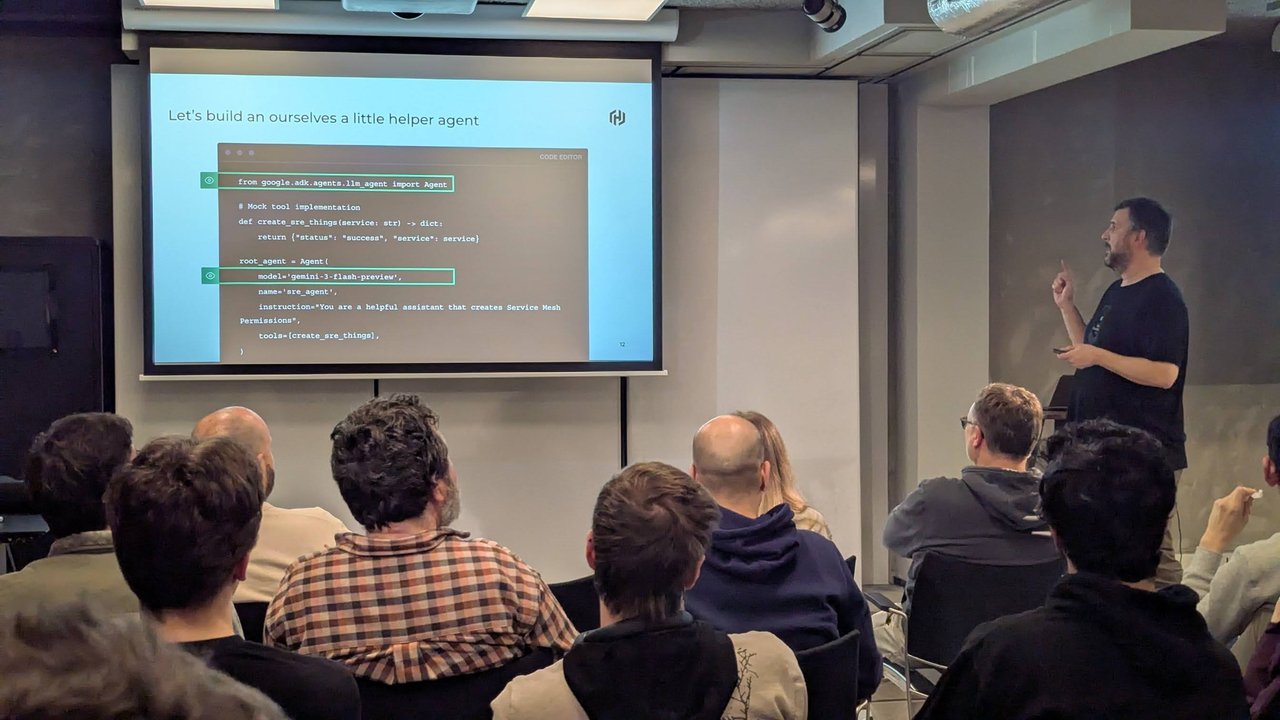
A Google ADK agent is a good fit for the boring half of on-call: “is checkout healthy?”, “what was deployed in the last hour?”, “open a sev2 with what you found”. In this tutorial I build that SRE helper with Google’s Agent Development Kit (ADK) in Python: two read-only Python function tools, a guarded create_ticket tool that needs human approval, an MCP server connected as a toolset, and an A2A endpoint so other agents can call it. Then I show how I would deploy it without giving a language model write access to production.
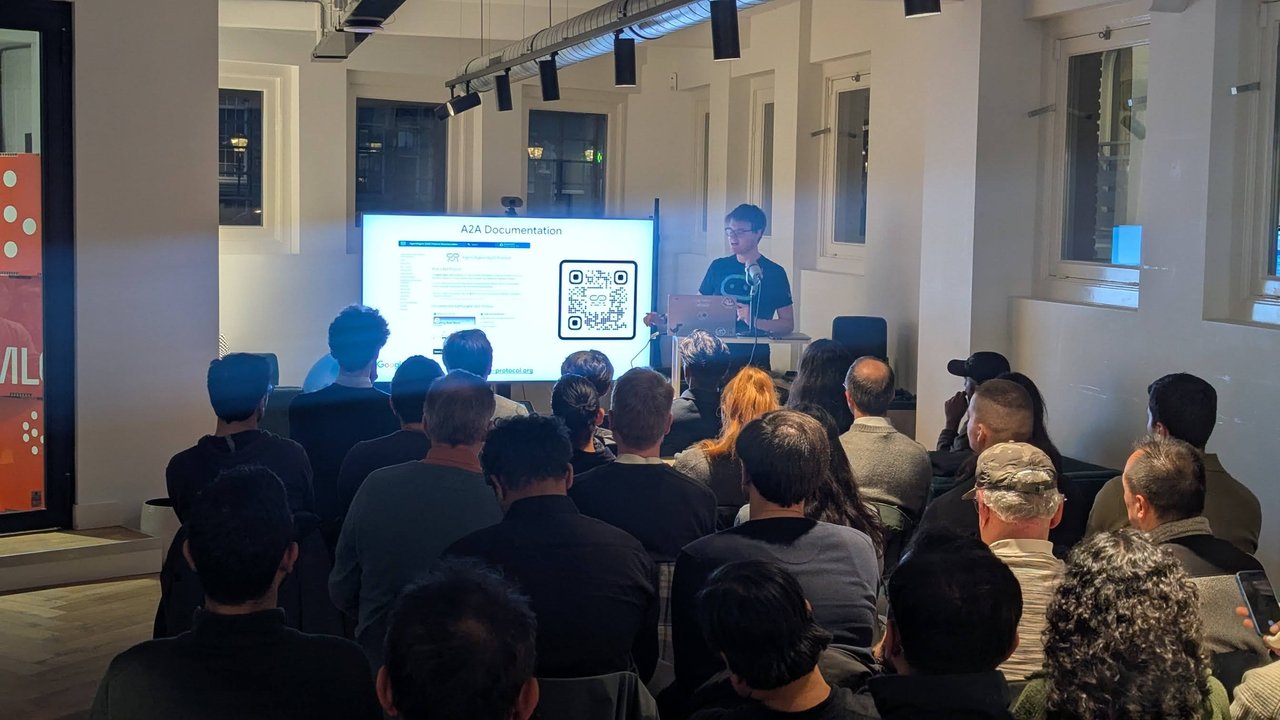
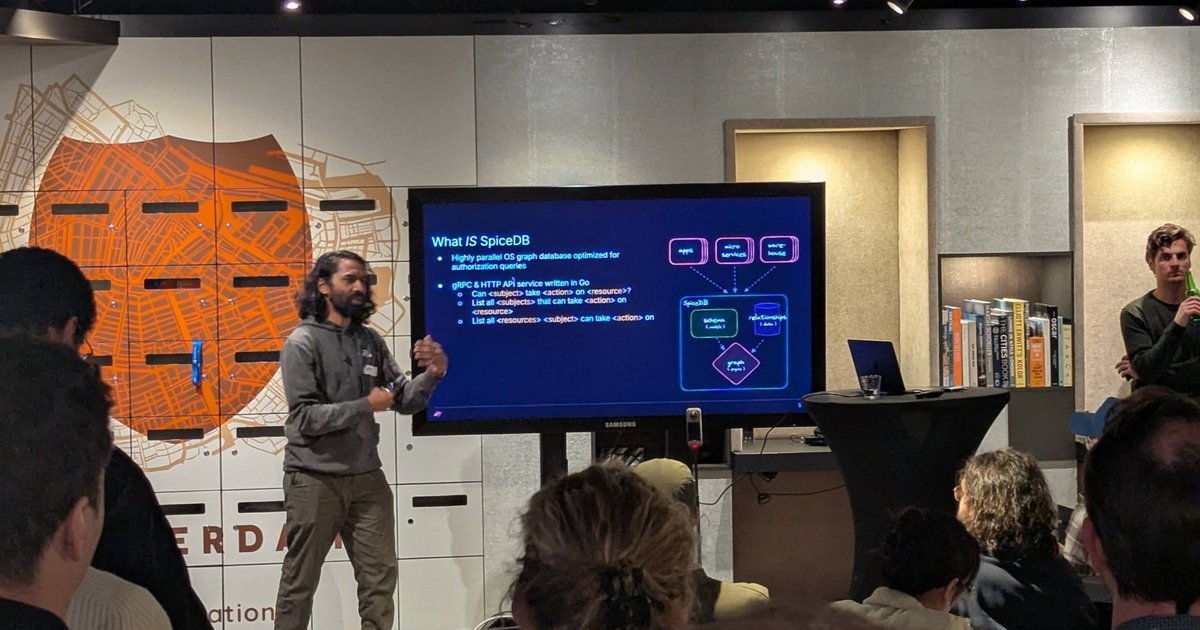
The second talk at a Xebia meetup in Amsterdam in February 2026 got me thinking about this. It went from Hubot ChatOps (“very 2011”) to “Welcome to the team, Bob Bram!”, an infrastructure self-service agent built with ADK, A2A and an MCP server, and ended on a secure architecture slide. I wrote up the slides in my kro and Config Connector meetup recap. This post is my own hands-on version of that idea.
Versions. Written against google-adk 2.11.0 (released on 2 October 2026, Python 3.10+), a2a-sdk 1.2.1, the A2A specification 1.0 and the MCP Python SDK (mcp) 2.2.0. The ADK docs moved: google.github.io/adk-docs now redirects to adk.dev. Two features used here are marked experimental in the docs: A2A support and tool confirmation.
What Google ADK is
ADK is Google’s open source framework for building agents (google/adk-python, Apache 2.0). You install the google-adk package, define an LlmAgent (the docs say it is “often aliased simply as Agent”; in 2.11 both names are the same class), give it instructions and tools, and run it with the adk CLI: adk run for a terminal chat, adk web for a local dev UI, adk api_server for a FastAPI server, adk deploy for Cloud Run, GKE or Agent Engine.
The agent in this post has four tools:
| Tool | Source | Effect |
|---|---|---|
check_service_health | Python function | read-only |
recent_deploys, error_rate | MCP server | read-only |
create_ticket | Python function | write, only after a human approves |
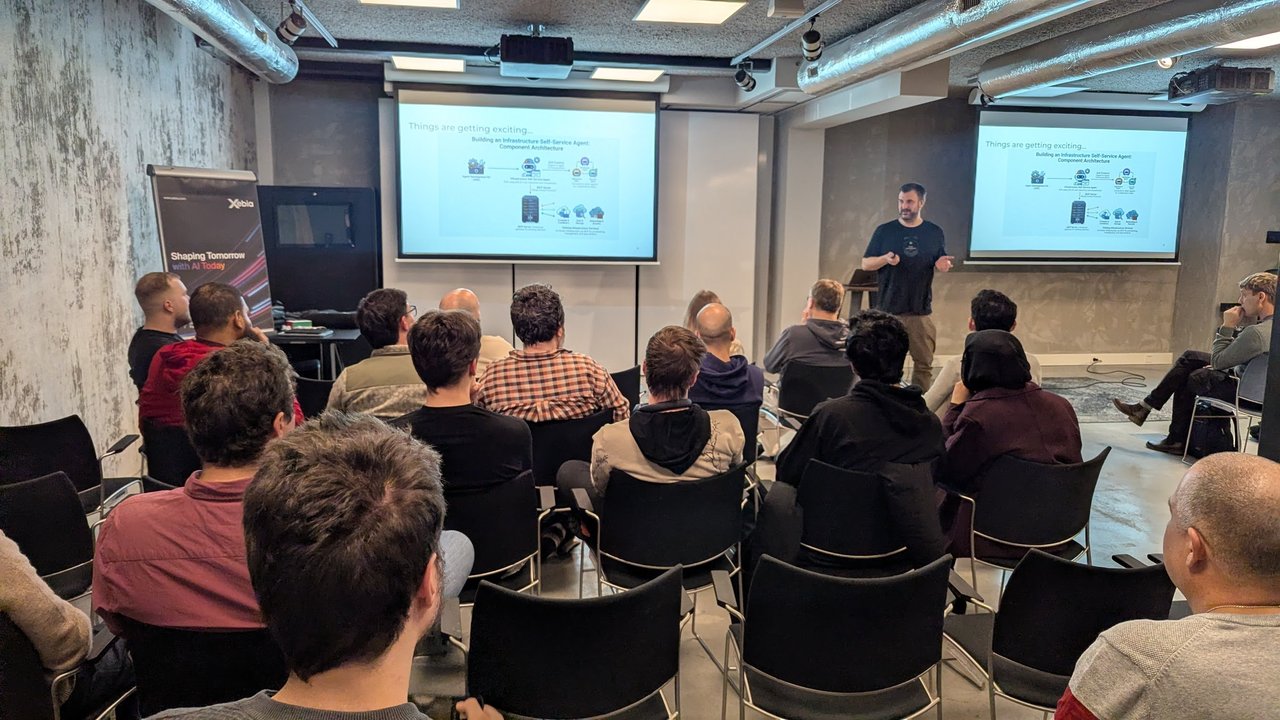
A slide from the self-service agent talk at the Xebia meetup in Amsterdam: ADK builds the agent, A2A connects it to other agents, and an MCP server sits in front of the existing infrastructure services.
Install ADK with the A2A and MCP extras
python3 -m venv .venv && source .venv/bin/activate
pip install "google-adk[a2a,mcp]==2.11.0"
adk --version   # adk, version 2.11.0
In 2.11 the mcp package is an optional extra. A plain pip install google-adk gave me no mcp module at all, so McpToolset could not start. The a2a extra pulls in a2a-sdk[http-server].
The project layout follows the ADK quickstart: a parent folder with one subfolder per agent.
agents/
  sre_helper/
    __init__.py        # from . import agent
    agent.py           # root_agent lives here
    ops_mcp_server.py  # demo MCP server
    .env               # GOOGLE_API_KEY=... (not committed)
a2a_server.py
Define the LlmAgent and its function tools
# agents/sre_helper/agent.py
import os
import sys
from pathlib import Path

from google.adk.agents import LlmAgent
from google.adk.tools import FunctionTool, ToolContext
from google.adk.tools.mcp_tool import McpToolset
from google.adk.tools.mcp_tool.mcp_session_manager import StdioConnectionParams
from mcp import StdioServerParameters

# Services this agent may look at. Anything else is refused in code, not in the prompt.
KNOWN_SERVICES = {"checkout", "payments", "search"}


def check_service_health(service: str) -> dict:
    """Read-only. Returns the current health of one service.

    Args:
        service: Service name, for example "checkout".

    Returns:
        A dict with "status" ("ok" or "error") and health details.
    """
    if service not in KNOWN_SERVICES:
        return {"status": "error", "error": f"unknown service: {service}"}
    # In real life: GET your status API or Prometheus with a read-only token.
    return {"status": "ok", "service": service, "healthy": True, "p95_latency_ms": 180}


def create_ticket(service: str, summary: str, severity: str, tool_context: ToolContext) -> dict:
    """Opens an incident ticket. Needs human approval before it runs.

    Args:
        service: Affected service.
        summary: One-line description of the problem.
        severity: One of "sev1", "sev2", "sev3".
    """
    if severity not in {"sev1", "sev2", "sev3"}:
        return {"status": "error", "error": "severity must be sev1, sev2 or sev3"}
    # In real life: POST to the ticketing API with a token that can only create tickets.
    user = tool_context.user_id
    return {"status": "success", "ticket_id": "OPS-1234", "service": service, "requested_by": user}


ops_mcp = McpToolset(
    connection_params=StdioConnectionParams(
        server_params=StdioServerParameters(
            command=sys.executable,
            args=[str(Path(__file__).parent / "ops_mcp_server.py")],
        ),
        timeout=10,
    ),
    tool_filter=["recent_deploys", "error_rate"],  # restart_service is never exposed
)

root_agent = LlmAgent(
    name="sre_helper",
    model=os.getenv("SRE_HELPER_MODEL", "gemini-flash-latest"),
    description="Checks service health, deploys and error rates, and opens incident tickets after human approval.",
    instruction=(
        "You are an SRE helper. Use check_service_health, recent_deploys and error_rate "
        "to answer questions about services. Only call create_ticket when the user asks "
        "for a ticket, and include the evidence you found in the summary. "
        "You cannot restart, scale or change anything."
    ),
    tools=[
        check_service_health,
        FunctionTool(create_ticket, require_confirmation=True),
        ops_mcp,
    ],
)
What matters here:
- Plain functions become tools. ADK uses the function name as the tool name, the docstring as its description and the type hints for the parameter schema. Return a
dict. The docstring is what the model reads, so write it for the model. tool_context: ToolContextis injected, not exposed. I checked the generated declaration:create_ticketonly advertisesservice,summaryandseverity. The context gives you the session’suser_id, state and the confirmation API.KNOWN_SERVICESis enforced in Python. The instruction says “you cannot restart anything”, but that is a hint to the model, not a control. Hard rules go in code.FunctionTool(create_ticket, require_confirmation=True)pauses the call until a human approves it.require_confirmationalso accepts a function, for example to only ask for approval for sev1.descriptionis used for routing when this agent is a sub-agent, and it ends up in the A2A agent card.
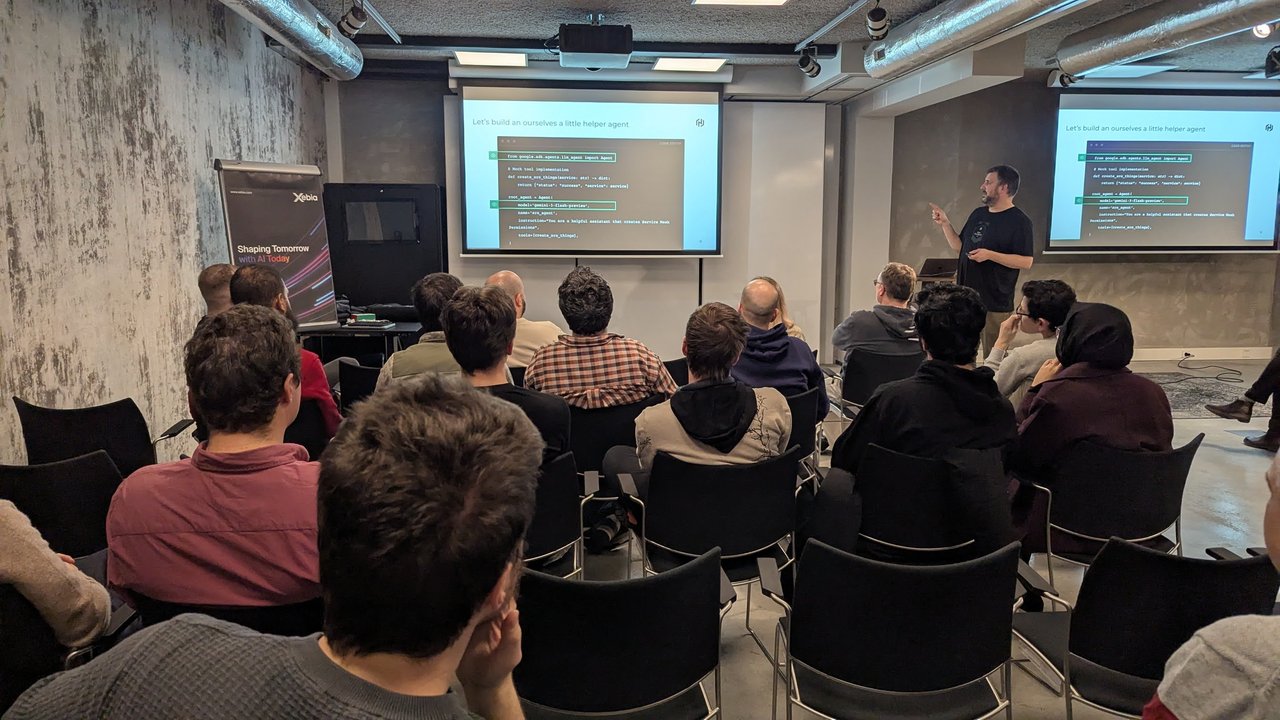
The helper agent slide from the talk at the Xebia meetup: an ADK Agent with a Gemini model, an instruction and one mock tool.
Connect an MCP server as tools
McpToolset connects to an MCP server and turns its tools into ADK tools. Here is the demo server it starts over stdio. It has a restart_service tool on purpose:
# agents/sre_helper/ops_mcp_server.py
from mcp.server.mcpserver import MCPServer  # mcp 2.x; on mcp 1.x: from mcp.server.fastmcp import FastMCP

mcp = MCPServer("ops-readonly")

@mcp.tool()
def recent_deploys(service: str) -> list[dict]:
    """List the last deploys of a service (demo data)."""
    return [{"service": service, "version": "1.42.0", "status": "succeeded"}]

@mcp.tool()
def error_rate(service: str, minutes: int = 15) -> dict:
    """Return the 5xx error rate of a service over the last N minutes (demo data)."""
    return {"service": service, "window_minutes": minutes, "error_rate": 0.002}

@mcp.tool()
def restart_service(service: str) -> dict:
    """Restart a service. The agent must never see this tool."""
    return {"restarted": service}

if __name__ == "__main__":
    mcp.run()  # stdio by default
When I listed the agent’s resolved tools, I got check_service_health, create_ticket, error_rate and recent_deploys. restart_service was filtered out. The ADK docs say to “always supply tool_filter=[...]”, and I agree.
For a remote MCP server, use StreamableHTTPConnectionParams(url=..., headers=..., timeout=...) instead. Two notes from the ADK MCP docs: agents deployed to production must define McpToolset synchronously in agent.py, and outside adk web you should call await toolset.close() so the subprocess shuts down.
Human approval for create_ticket
When the model calls create_ticket, ADK does not run the function. It emits a function call named adk_request_confirmation, and the tool returns an error to the model saying the call needs approval. Your client (a chat bot, a web UI, an approval service) shows the request to a person and sends the answer back as a function response:
from google.genai import types

approval = types.Content(
    role="user",
    parts=[types.Part(function_response=types.FunctionResponse(
        id=confirmation_call.id,          # id of the adk_request_confirmation call
        name="adk_request_confirmation",
        response={"confirmed": True},      # False rejects it
    ))],
)
# runner.run_async(user_id=..., session_id=..., new_message=approval)
I tested this flow offline with a scripted fake model (a BaseLlm subclass, no API calls). With confirmed: True, create_ticket ran and returned requested_by: oncall-alice from the session. With False, the tool returned “This tool call is rejected.” and nothing ran.
Two limits from the docs: tool confirmation needs ADK Python 1.14.0+, and it does not work with DatabaseSessionService or VertexAiSessionService. Check this before you pick a session store for production.
Run it locally with adk run and adk web
cd agents
adk run sre_helper                    # terminal chat
adk web --port 8000 --max_llm_calls 20  # dev UI on http://127.0.0.1:8000
Both read the model credentials from sre_helper/.env (GOOGLE_API_KEY="..." for the Gemini API). adk web binds to 127.0.0.1 by default, and its help text says its endpoints are unauthenticated and it is for local development only. --max_llm_calls caps the model calls per run, which is a cheap guard against tool loops.
Expose the agent over A2A
A2A is the agent-to-agent protocol: MCP connects an agent to its tools, A2A lets independent agents discover each other and delegate tasks. Google donated it to the Linux Foundation, and the spec is at 1.0. ADK can serve any agent as an A2A server:
# a2a_server.py
from google.adk.a2a.utils.agent_to_a2a import to_a2a

from agents.sre_helper.agent import root_agent

a2a_app = to_a2a(root_agent, host="127.0.0.1", port=8001)
uvicorn a2a_server:a2a_app --host 127.0.0.1 --port 8001
curl -s http://127.0.0.1:8001/.well-known/agent-card.jsonThe generated agent card (trimmed):
{
  "name": "sre_helper",
  "description": "Checks service health, deploys and error rates, and opens incident tickets after human approval.",
  "supportedInterfaces": [
    { "url": "http://127.0.0.1:8001", "protocolBinding": "JSONRPC", "protocolVersion": "1.0" }
  ],
  "capabilities": { "streaming": true },
  "skills": [
    { "id": "sre_helper-check_service_health", "name": "check_service_health" },
    { "id": "sre_helper-create_ticket", "name": "create_ticket" },
    { "id": "sre_helper-error_rate", "name": "error_rate" },
    { "id": "sre_helper-recent_deploys", "name": "recent_deploys" }
  ]
}
The port you pass to to_a2a goes into the card URL, and its default is 8000, so keep it the same as the uvicorn port. The alternative is adk api_server --a2a with your own agent.json card in the agent folder.
On the calling side, another ADK agent uses RemoteA2aAgent as a sub-agent:
from google.adk.agents import LlmAgent
from google.adk.agents.remote_a2a_agent import AGENT_CARD_WELL_KNOWN_PATH, RemoteA2aAgent

sre_helper = RemoteA2aAgent(
    name="sre_helper",
    description="Remote SRE helper: service health, deploys, error rates, tickets.",
    agent_card=f"http://127.0.0.1:8001{AGENT_CARD_WELL_KNOWN_PATH}",
)

root_agent = LlmAgent(
    name="platform_concierge",
    model="gemini-flash-latest",
    instruction="Answer platform questions. Delegate anything about service health or incidents to sre_helper.",
    sub_agents=[sre_helper],
)
I checked that this resolves the card from the running server. Set ADK_SUPPRESS_A2A_EXPERIMENTAL_FEATURE_WARNINGS=true if the experimental warnings get noisy.
A secure deployment architecture
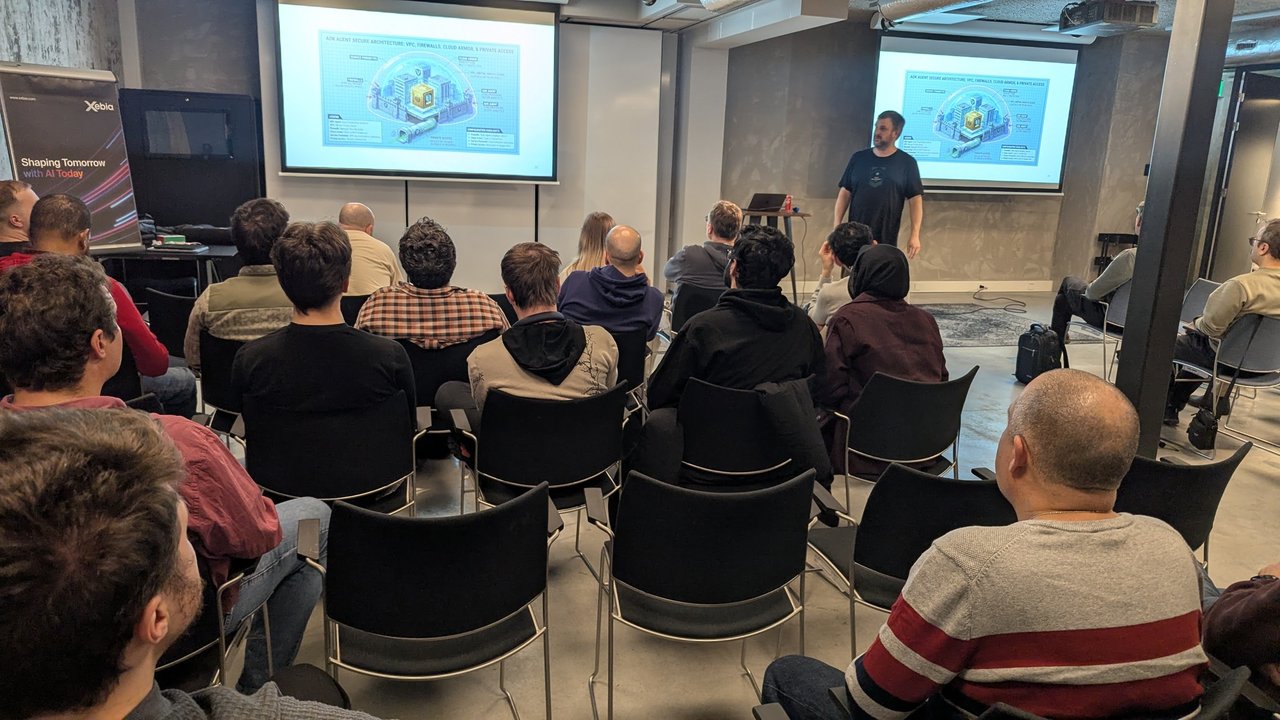
The “ADK Agent Secure Architecture: VPC, Firewalls, Cloud Armor, & Private Access” slide from the talk: a service perimeter, firewalls and private access around the agent.
This is how I would run the SRE helper on Cloud Run:
adk deploy cloud_run --project="$PROJECT" --region="$REGION" --a2a \
  --service_name=sre-helper agents/sre_helper \
  -- --no-allow-unauthenticated \
     --ingress=internal \
     --service-account="sre-helper-runtime@${PROJECT}.iam.gserviceaccount.com" \
     --network=ops-vpc --subnet=agents-subnet --vpc-egress=all-traffic \
     --set-secrets=TICKET_API_TOKEN=ticket-create-token:latest
Everything after -- goes to gcloud run deploy. Line by line:
--no-allow-unauthenticated: callers need an IAM identity token. ADK’s own servers have no authentication, so this is your front door. Agents that call it over A2A must send an identity token too.RemoteA2aAgentaccepts your ownhttpx_client, which is where that token goes.--ingress=internal: no public endpoint. Only traffic from your VPC (and other allowed internal sources) reaches it. Add a load balancer with Cloud Armor if people outside need access.--network,--subnet,--vpc-egress=all-traffic: Direct VPC egress, so all outbound traffic, including calls to the MCP gateway and the ticket API, goes through your VPC and your firewall rules.- A dedicated runtime service account with only what the agent needs: calling the model, reading the one ticket secret, writing logs. No project-wide roles.
- Secrets from Secret Manager with
--set-secrets, never in.envor the image.
The rules I care about more than any flag:
- No direct prod write access. The agent’s identity has no permission to change infrastructure. The credentials behind its tools are read-only (status API, metrics) or narrow (a token that can only create tickets).
- The MCP server is the gateway, and it enforces its own authorization.
tool_filteris a client-side filter in the agent. Run the MCP server as a separate private service with its own identity, and only expose the tools that should exist. - Human approval for every action.
require_confirmationon anything that writes, with the approval UI outside the model’s reach. - Publish a deliberate agent card. The generated card lists every tool name and docstring as a skill. Pass your own
AgentCardtoto_a2a(agent_card=...)with the skills you want to advertise and thesecuritySchemescallers must use. - Traces for every tool call.
--otel_to_cloudsends OpenTelemetry data to Cloud Trace and Cloud Logging, so you can see who asked what and which tools ran.
My take: as I wrote in the recap, an agent is only as safe as the tools it can call. If “create” means filling in a small reviewed custom API, like a kro instance, the approval click is easy to trust. If it means raw cloud writes, no prompt will make it safe.
Pitfalls
- Silent tool loss. When my MCP server crashed on start, ADK logged “will run without the tools from toolset McpToolset, which failed to load” and carried on. The agent still runs, without those tools. Alert on that log line, and test the tool list in CI.
- mcp 2.x renamed FastMCP.
from mcp.server.fastmcp import FastMCPraisesModuleNotFoundErroron mcp 2.x. Usefrom mcp.server.mcpserver import MCPServer, or pinmcp<2. mcpis an extra. Installgoogle-adk[mcp](or[a2a,mcp]).- Instructions are not guardrails. “You cannot restart anything” does nothing if a restart tool is reachable. Remove the tool.
- Confirmation and session stores. Tool confirmation does not support
DatabaseSessionServiceorVertexAiSessionService. - Card URL mismatch.
to_a2adefaults to port 8000. If you serve on another port, callers get a card that points to the wrong URL. - Older snippets. Many examples import
from google.adk.agents.llm_agent import Agent, like the slide in the talk. That still works in 2.11 and is the same class asLlmAgent.
What I could not run
I made no model calls: no API key, no Gemini or Vertex AI. So I did not test a real conversation in adk run or adk web, how well the model picks tools or writes ticket summaries, or a Cloud Run deployment.
What I did run with ADK 2.11.0: agent construction, the tool list (including the MCP tool_filter), the confirmation approve and reject flow with a scripted fake model, adk web loading the agent (/list-apps returned sre_helper), the A2A server and its agent card under uvicorn, and RemoteA2aAgent resolving that card. I checked the gcloud run deploy flags against the gcloud reference only.