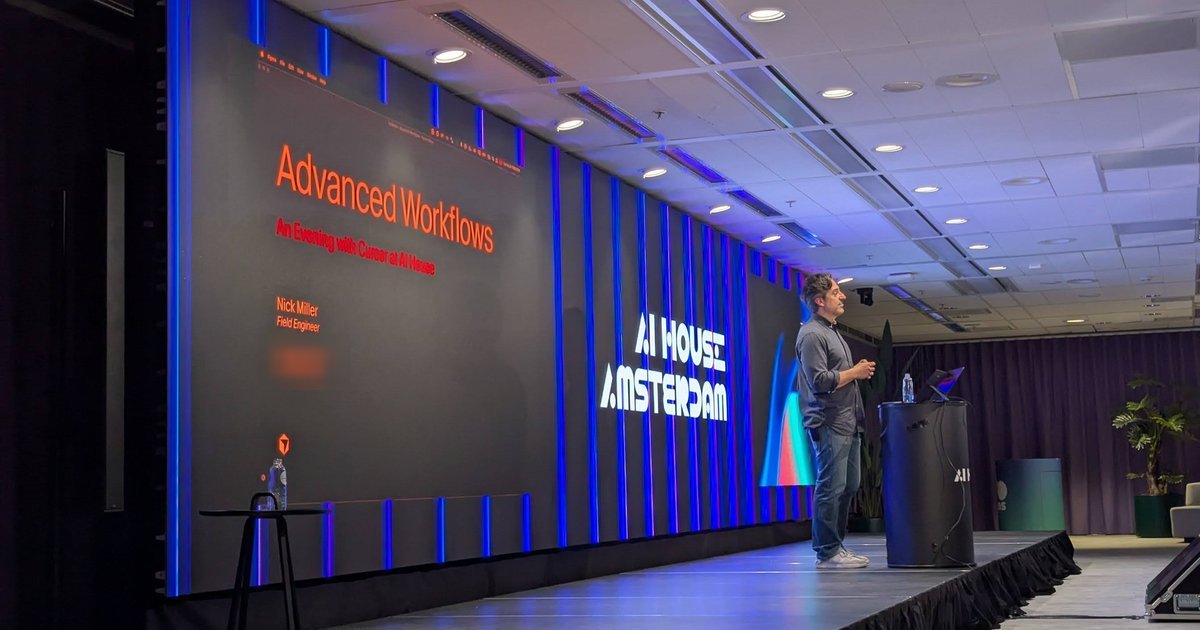
On Tuesday 24 February 2026 I went back to AI House Amsterdam for “An Evening with Cursor”, billed as a session for experienced users of AI coding tools. The title slide read “Advanced Workflows: An Evening with Cursor at AI House”, presented by Nick Miller, Field Engineer at Cursor. Almost all of the hour was live talk and demos in Cursor and on cursor.com, so this post is built from my recordings of the talk rather than from slides.
Nick’s agenda was dynamic context discovery, long-running cloud agents, hooks, debug mode (“my favorite feature”), commands, skills, subagents and the new marketplace. He also mentioned that Cursor was “going to be releasing something pretty significant in the next like 90 minutes” related to long-running agents.
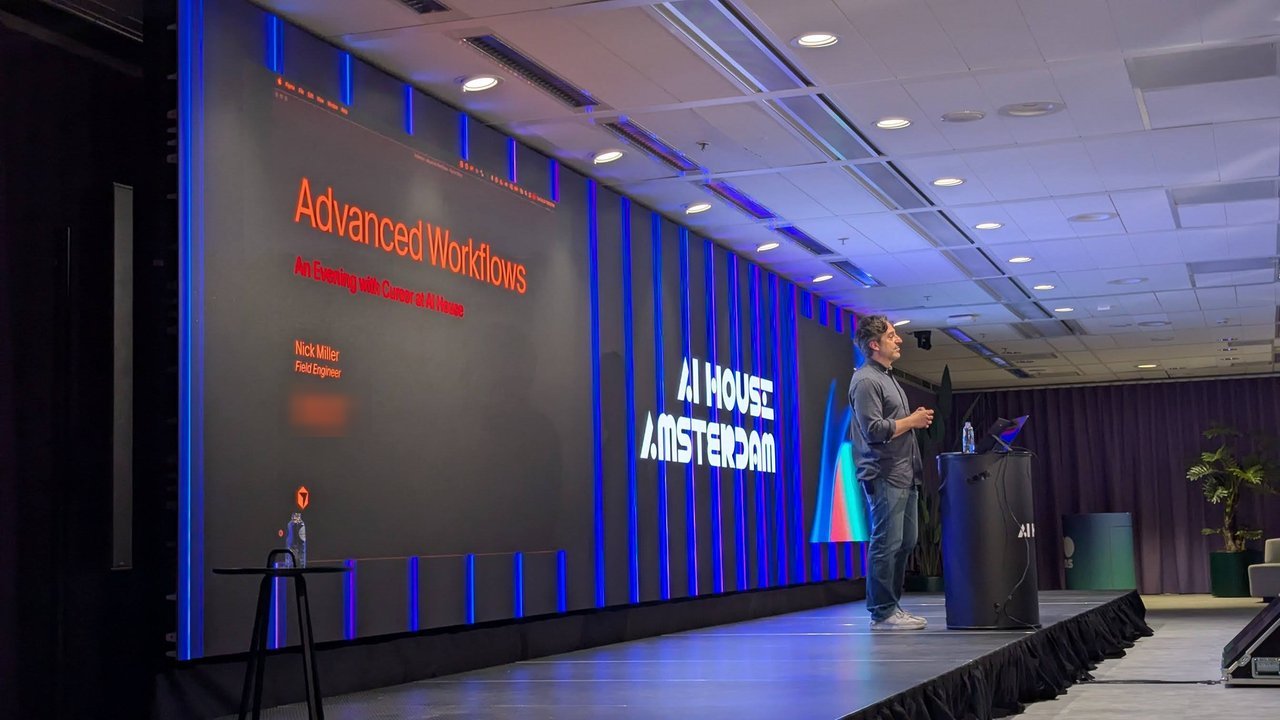
Nick Miller, Field Engineer at Cursor, with the only slide of the evening: the title card.
Dynamic context discovery
The first topic was what Cursor calls dynamic context discovery. According to Nick, up to Cursor 2.4 (2.5 was current at the time) the agent handled context statically: it read whole files, loaded every tool output into the context window, and read terminal sessions end to end. With Cursor now charging for tokens, that got expensive, and model accuracy drops as the window grows.
From 2.4 on, Cursor moved to what he described as a file-system approach. The agent has access to everything, but only reads what it needs, when it needs it:
- Tool definitions become retrievable assets, instead of filling a new session with every available tool.
- Large outputs, such as an MCP server response, are written to a file that the agent reads selectively.
- Terminal sessions become structured artifacts the agent can read as files.
- Past chats are searchable: in the chat pane, the
@menu now has a past chat option, and the agent reads only the relevant parts. - Subagents write their findings to files that the parent agent reads.
He said the idea was inspired by the codebase index Cursor has always built. In Cursor’s own test, he said, MCP tool token consumption fell by “almost 47%”. The Cursor blog post on dynamic context discovery gives the A/B test figure as 46.9% of total agent tokens for runs that called MCP tools.
Cloud agents and long-running agents
Only a few hands went up when Nick asked who had used a cloud agent. His explanation: in the IDE or the CLI, the agent reads files on your machine; a cloud agent runs your prompt in Cursor’s infrastructure, in a virtual machine that clones your repository. When it’s done, you bring the code back into the IDE or open a pull request. His example was a dozen tickets left at the end of the day: submit each one as a prompt, shut the laptop, and review the results the next morning. Each agent works on its own clone, so parallel agents no longer trip over each other.
You can start cloud agents from the IDE, the CLI, cursor.com (including on mobile) or Slack. Inside Cursor, he said, people discuss a bug in a Slack thread, tag Cursor with “Fix it”, and a cloud agent picks up the thread and posts a PR back to the channel. That also lets non-engineers, such as someone fixing a typo in a marketing email, put up a PR.
He said cloud agents run in a different harness that lets the agent take more turns, so the code tends to be more complete. Long-running agents, code-named “Grind Mode” during a month-long research preview, push that further. You start with a plan, iterate on it with the agent like in plan mode, approve it, and the agent works on its own for hours or days. Multiple agents build and validate the work against a test suite.
Nick’s own example was a learning platform he built as a personal project: according to him, the run took 44 hours non-stop and close to 300 commits. He also listed Cursor’s research preview results: a browser built from scratch over a full week, a web app converted to a mobile app in 30 hours, and a complex auth system refactored in 25 hours. He showed the 44-hour run on the agents page of cursor.com, where you can watch the agent work and see its regular commits.
The release he hinted at landed the same evening: Cursor announced cloud agents that use their own computer to test changes and send back video of the result, which matches what Nick described (“the cloud agent will actually send you videos back”).
Two audience questions were about control. On prompting, his answer was “The output of these models is only good as the input, right?” and “The agents are not magic”. A long run on a weak plan burns hours and tokens, so he recommended plan mode to build a solid spec first. On checkpoints, he said you can set a time limit, watch the agent and send it prompts while it runs, but once it starts it won’t stop to ask questions.
Hooks
Hooks came out of enterprise customers with bespoke security and process requirements that were too niche to become features. Nick said Cursor has about a dozen hook points, such as submitting a prompt, reading or writing a file, a terminal call and an MCP call, and each can run your own deterministic script. His examples were a beforeSubmitPrompt hook that logs every prompt, and one that scans prompts for API keys, secrets or PII and blocks the prompt with an error before it reaches the model. The Cursor hooks docs list the full set.
Debug mode
Nick’s favourite feature is debug mode, which sits in the mode drop-down next to agent, plan and ask. In his words, “debug mode is what you should reach for for those really difficult bugs”. You describe the bug, and the agent reads the code base, forms one or more hypotheses about the root cause and ranks them. It then adds diagnostics, such as logging or labels in the front end, and asks you to reproduce the bug and press a button. If the evidence confirms a hypothesis, the agent fixes the bug and you test again. When you confirm the fix, it removes the temporary logging. If not, it moves on to the next hypothesis.
He said he had only used it four or five times, always when nothing else worked, and that it fixed the bug every time. His other story was a customer’s year-and-a-half-old bug, worked around for so long that the team had given up on it. Debug mode went through some 40 hypotheses before it found the root cause.
Commands, skills and subagents
Commands are slash commands for repeatable multi-step tasks: running test suites, fixing compile errors, creating pull requests or starting local servers. Nick’s example was a React front end and a FastAPI back end that take five or six commands to clear ports and start. A command is a text file with natural-language instructions. He also showed a command written by a Cursor engineer: it gathers keywords and an architecture overview for an area of interest, then spawns up to ten subagents (or as many as you pass) to dig deeper, for questions like “How does authentication work?” Cursor’s current docs fold commands into skills, which you still invoke with /.
He described skills as an open format that many tools now support, and as “smarter rules”. They’re a better version of the Apply Intelligently rule type: each skill has a name and a description, and the agent invokes it when it’s relevant.
Subagents let the parent agent start agents that run in parallel, each with its own context window, writing results to files. Cursor ships three built-in subagents: Explore for the code base, Bash for terminal commands and Browser for the built-in browser. You can also define your own and choose a model for each, for example a faster, cheaper model such as Composer for a code audit while Opus runs the parent agent.
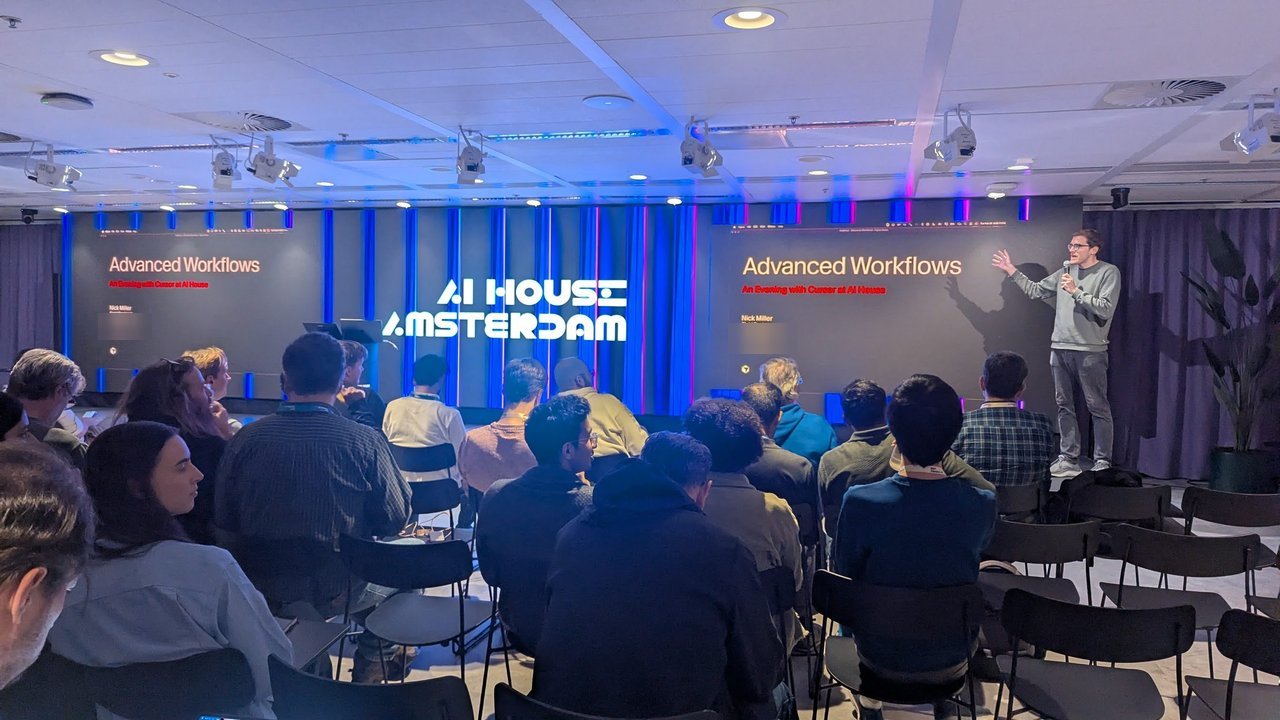
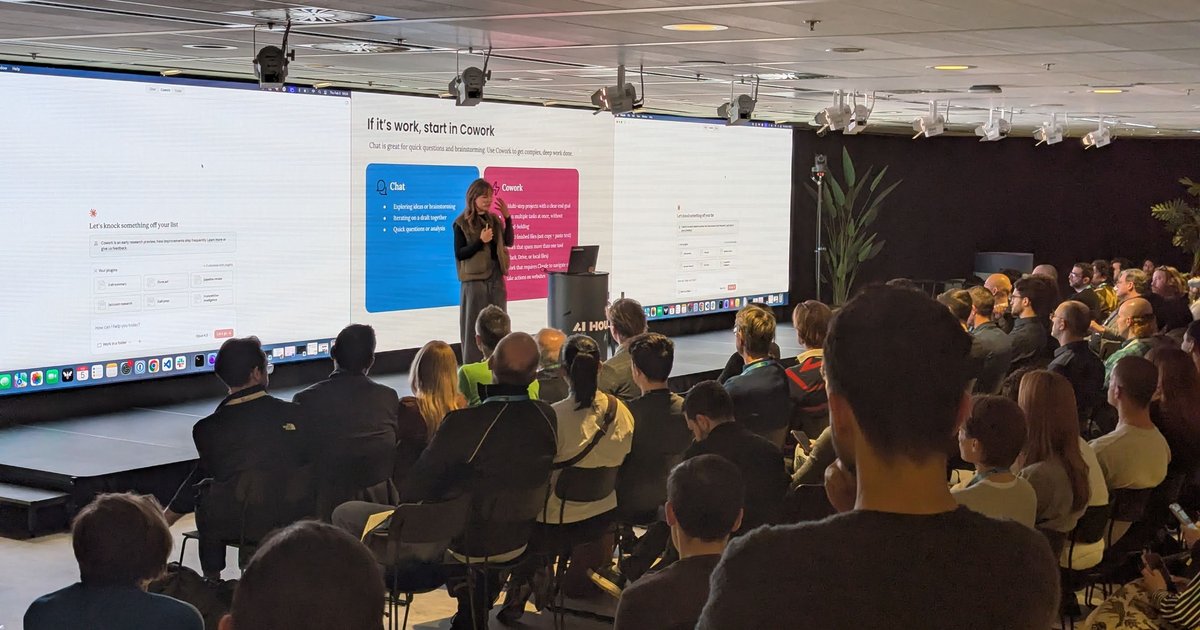
The room at AI House Amsterdam during the introduction.
Plugins and the Cursor Marketplace
The last feature was the Cursor Marketplace, launched a couple of weeks earlier. Plugins bundle rules, commands, subagents and MCP servers, and install with one click from the website or with “add plugin” in the agent input. His demo was Context7, which he called one of the most popular MCP servers. Its plugin brings a docs researcher subagent, a documentation lookup skill, a docs command and the Context7 MCP server, all working together.
He also showed continual learning, a plugin Cursor uses internally. It combines a skill with the stop hook, which runs when an agent run completes. After each prompt, the skill reviews the run, picks out what the agent will need again (the things you keep correcting) and stores it in an AGENTS.md memory file. Nick said the marketplace will become something like an app store for Cursor, open to anyone’s submissions.
Q&A: harnesses, MCP and the competition
Asked how Cursor builds the context, Nick explained the plumbing behind every prompt. Cursor attaches a system prompt, rules and context, sends the package to the model provider (Anthropic, for Sonnet), then processes the response: is the task complete, does it need more steps, does code need merging into files? He said Cursor runs some of its own custom models under the hood for those mechanics.
On MCP, he said the protocol is still young and changing, Cursor keeps adding support as features land, and support for the new MCP Apps UI is on the way. He also repeated the joke that there are “more MCP servers than people using MCPs, which I think is probably true”, while saying there are still good use cases.
The last question was about Windsurf, Claude Code and Codex. Nick welcomed the competition, then argued that “the harness, kind of the scaffolding that the product is building around these models is just as important as the model itself.” According to him, Cursor builds “a different harness for every single model that we support” and has a team dedicated to it, which is why the same model, such as Claude Sonnet 4.5, can give different results in different tools. He closed on search. He said Cursor combines grep with semantic search over its code base index, while tools like Claude Code use only grep. A semantic search can find code about a concept, not just the matching string.
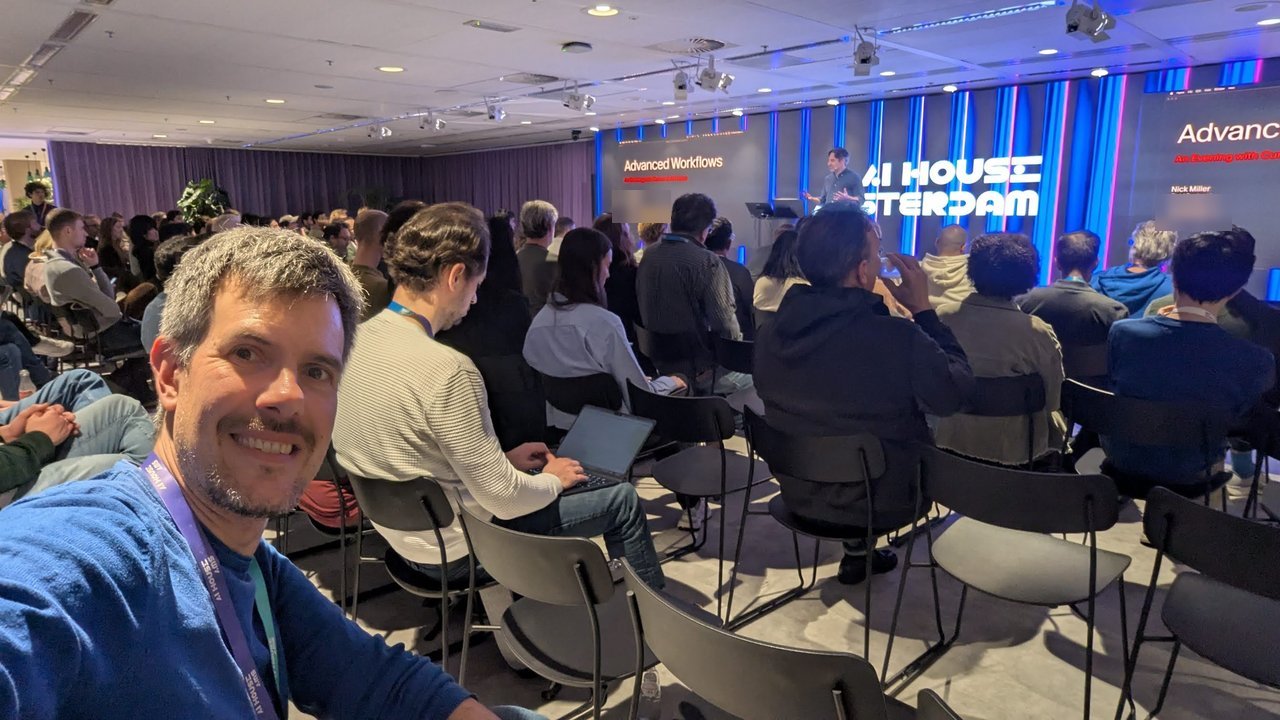
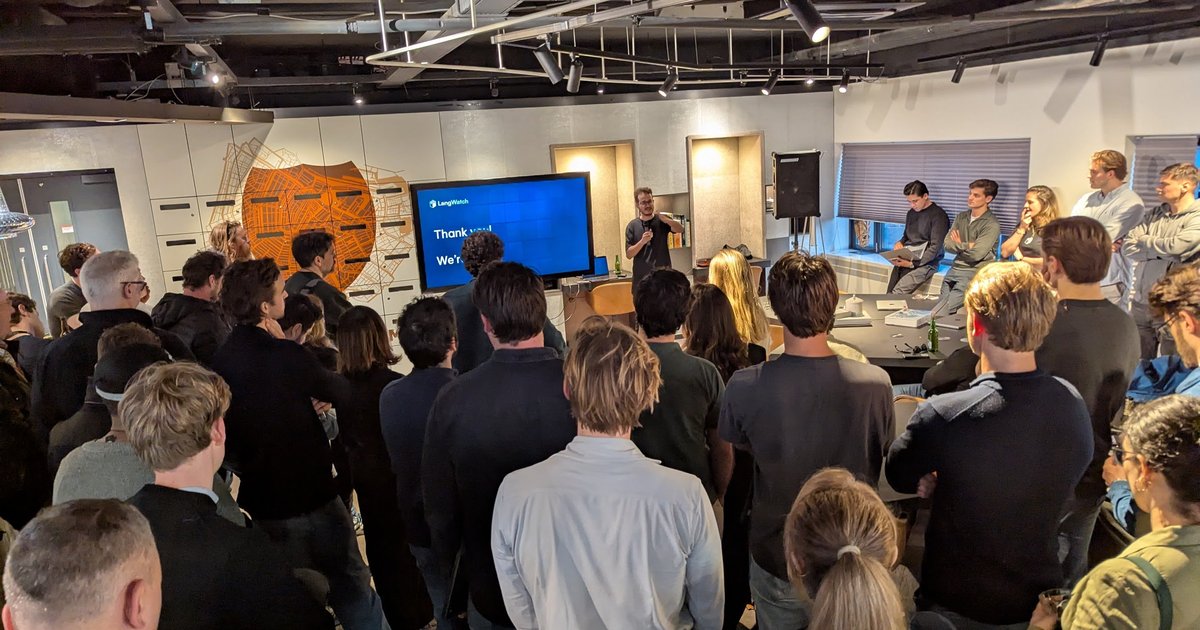
A full room for an hour of Cursor power-user features.
My take
The hooks section was the most useful part for me. Logging prompts and blocking secrets before they reach a model are exactly the controls platform teams ask for when they roll out coding agents, and a deterministic script is easier to audit than a policy written in a prompt. It’s the same pattern I use with Claude Code PreToolUse hooks.
On search, Claude Code’s agentic grep-and-glob approach is a deliberate design choice, not a gap. It needs no index to build or keep fresh, while an index helps with concept-level questions in very large repositories. The bigger point, that the harness matters as much as the model, matches what I see when I run the same model through different tools.