Why NFS over RDMA for AI Training?
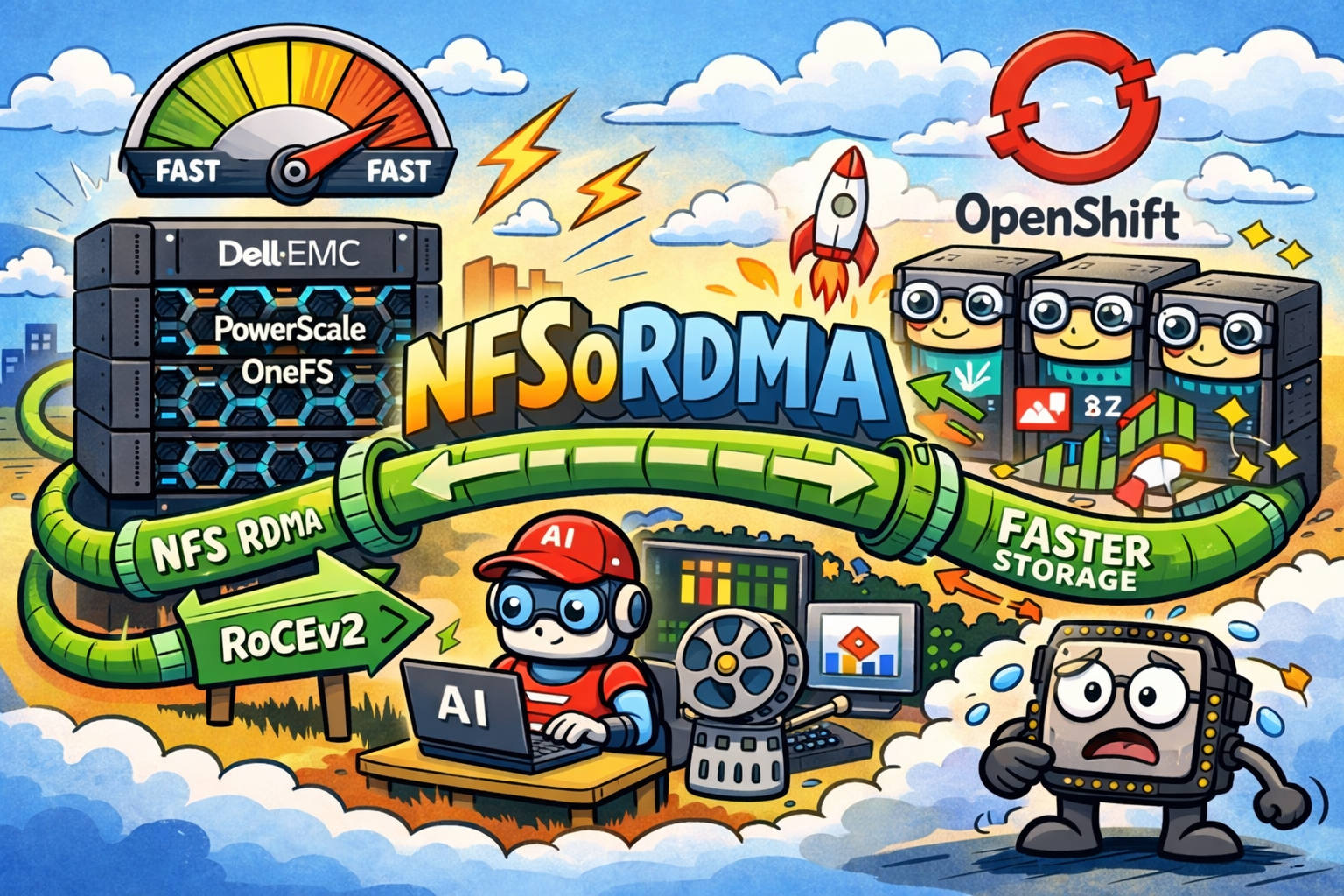
Traditional NFS over TCP introduces kernel copies, context switches, and TCP overhead that bottleneck GPU training at scale. NFS over RDMA (Remote Direct Memory Access) bypasses the kernel network stack entirely — data moves directly from storage to application memory via hardware.
| Protocol | Throughput (per client) | Latency | CPU Overhead |
|---|---|---|---|
| NFS over TCP (1GbE) | 100 MB/s | 500μs+ | High |
| NFS over TCP (25GbE) | 2.5 GB/s | 100μs | Medium |
| NFS over RDMA (40GbE) | 4+ GB/s | 10-20μs | Near zero |
| NFS over RDMA (100GbE) | 10+ GB/s | 5-10μs | Near zero |
For AI training with large datasets (ImageNet, Common Crawl, proprietary corpora), the difference between TCP and RDMA determines whether GPUs starve for data or stay saturated.
Dell PowerScale OneFS Architecture
Dell PowerScale (formerly Isilon) provides scale-out NAS with:
- OneFS — single distributed file system across all nodes
- Access zones — logical partitioning for multi-tenant storage
- SmartConnect — DNS-based client connection balancing
- NFS over RDMA — kernel bypass for AI/HPC workloads
Cluster Sizing for AI Workloads
| Workload | Nodes | Network | Capacity | Throughput |
|---|---|---|---|---|
| Small AI team (2-4 GPUs) | 3 nodes | 25GbE | 100TB | 7.5 GB/s |
| Medium (8-16 GPUs) | 6 nodes | 40GbE | 500TB | 24 GB/s |
| Large (32-64 GPUs) | 12+ nodes | 100GbE | 1PB+ | 50+ GB/s |
Step 1: Create an Access Zone for AI
Access zones provide logical isolation — separate NFS exports, authentication, and network pools per workload type.
OneFS Administration → Access → Access Zones → Create ZoneConfiguration:
- Zone name:
PLATEFORME-IA - Base directory:
/ifs/data/Production/plateforme-ia - Authentication providers: Local + LDAP (for user mapping)
- Groupnet association: Dedicated AI network groupnet
Step 2: Configure External Network with RDMA Pools
The key to NFS over RDMA performance is proper network pool configuration with RDMA-capable interfaces.
Network Hierarchy
Groupnet (DNS + routing)
└── Subnet (IP range + VLAN)
    └── Pool (interface assignment + SmartConnect)
        └── Access zone binding
Create a Dedicated Network Pool
Cluster Management → Networking → External → Add PoolPool configuration:
- Name:
PoolNFSoRDMA-PLATEFORME-IA - Description: Pool NFS et NFSoRDMA for AI Platform
- Access zone:
PLATEFORME-IA - IP range: Dedicated range (e.g.,
172.27.5.227 - 172.27.5.234) - Firewall policy:
default_pools_policy
RDMA Interface Requirements
Critical setting: Check “Pool requires RDMA capable interfaces”
This ensures:
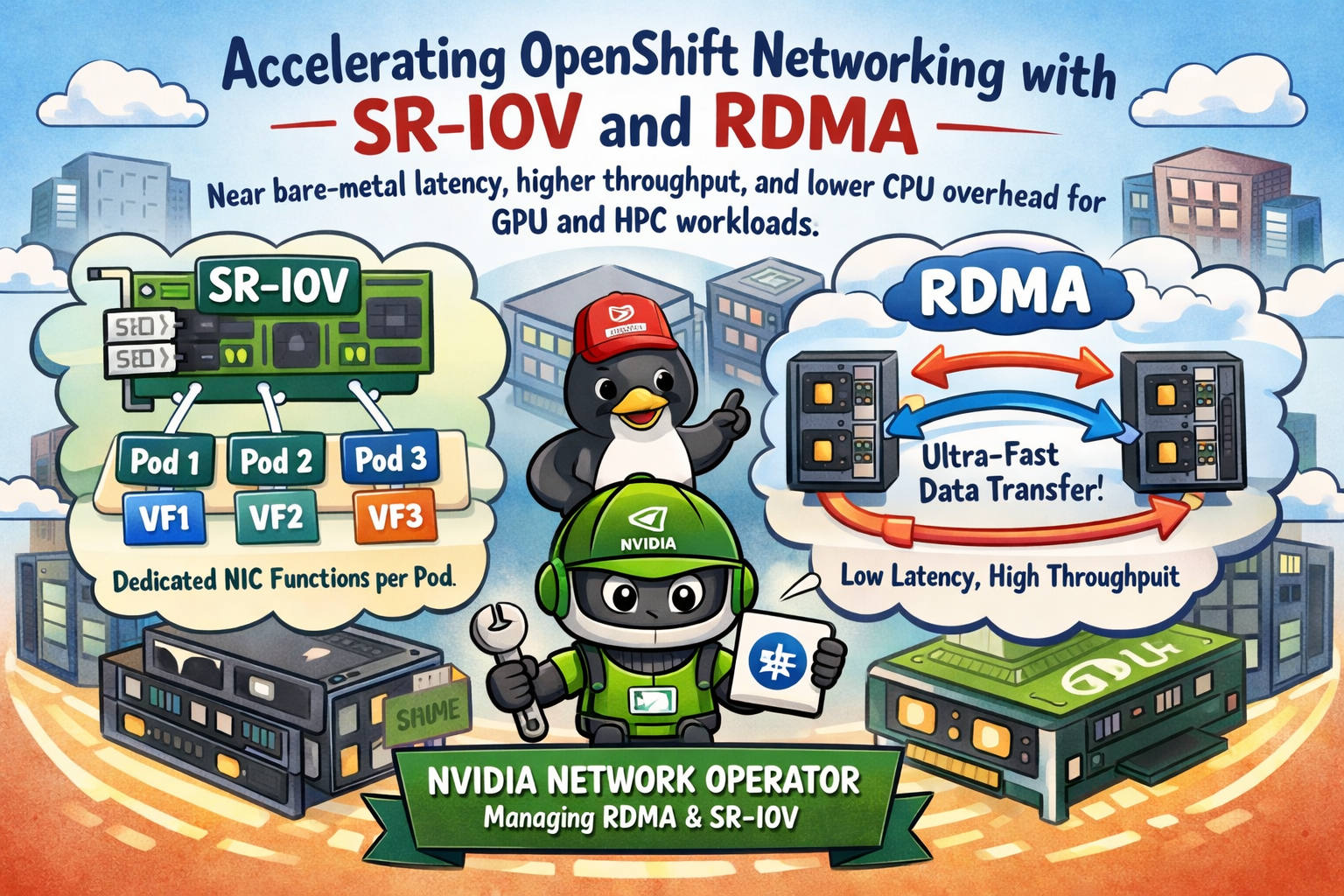
- Only RDMA-capable NICs (40GigE, 100GigE with RoCE/iWARP) are assigned to the pool
- NFS over RDMA is enabled for all clients connecting through this pool
- The NFSoRDMA option must also be enabled in NFS global settings
Pool Interface Members
Assign RDMA-capable interfaces across multiple nodes for redundancy:
| LNN (Node) | Interface | IP Addresses |
|---|---|---|
| Node 1 | 40gige-1 | 172.27.5.225, 172.27.5.228, 172.27.5.233, … |
| Node 2 | 40gige-1 | 172.27.5.226, 172.27.5.229, 172.27.5.231, … |
Best practice: Distribute IPs across multiple nodes so client connections are balanced and survive node failures.
SmartConnect Configuration
- Zone name:
nfsordma-plateforme-ia.<cluster>.dell(DNS FQDN) - SmartConnect service subnet: System subnet
- Client connection balancing: Round-robin
- IP failover policy: Round-robin
- Rebalance policy: Automatic
SmartConnect provides a single DNS name that load-balances clients across all pool members. AI training nodes mount the SmartConnect FQDN, not individual IPs.
Step 3: Configure NFS Exports
Create CSI-Integrated Exports
For Kubernetes CSI (Container Storage Interface) integration with PowerScale:
Protocols → NFS → NFS exports → Create exportExport settings:
- Directory path:
/ifs/data/Production/plateforme-ia/csivol-<id> - Description:
CSI_QUOTA_ID:<volume-id>(auto-generated by CSI driver) - Clients:
localhost(CSI driver handles per-pod access) - Permissions: Allow read/write access
- Root user mapping: Do not map root users (CSI needs root for mount operations)
- Non-root user mapping: Do not map non-root users
Project-Specific Exports
For dedicated training pipelines:
| Export | Path | Purpose |
|---|---|---|
| Input | /ifs/data/Production/plateforme-ia/s3/project-001-input | Training datasets |
| Output | /ifs/data/Production/plateforme-ia/s3/project-001-output | Checkpoints + results |
| Scratch | /ifs/data/Production/plateforme-ia/scratch | Temporary training files |
Enable Mount Access to Subdirectories
Check “Enable mount access to subdirectories” for exports that serve multiple training jobs under a single parent path.
Step 4: Enable NFS over RDMA Globally
Protocols → NFS → Global settingsEnable:
- NFSoRDMA: Enabled
- NFSv4: Enabled (required for modern clients)
- Maximum NFS version: NFSv4.2 (supports server-side copy)
Step 5: Client-Side Mount (AI Training Nodes)
# Mount with RDMA transport
mount -t nfs -o rdma,port=20049,vers=4.2 \
  nfsordma-plateforme-ia.cluster.dell:/ifs/data/Production/plateforme-ia/project-001-input \
  /mnt/training-data

# Verify RDMA is active
nfsstat -m | grep proto
# Should show: proto=rdma
Kubernetes CSI Driver Mount
apiVersion: storage.k8s.io/v1
kind: StorageClass
metadata:
  name: powerscale-rdma
provisioner: csi-isilon.dellemc.com
parameters:
  AccessZone: "PLATEFORME-IA"
  IsiPath: "/ifs/data/Production/plateforme-ia"
  NfsVersion: "4"
  RootClientEnabled: "true"
  MountOptions: "rdma,port=20049"
Step 6: Validate RDMA Performance
# Test raw RDMA bandwidth (ib_write_bw)
ib_write_bw -d mlx5_0 --report_gbits

# Test NFS throughput with fio
fio --name=seq-read --directory=/mnt/training-data \
  --rw=read --bs=1M --numjobs=8 --size=10G \
  --ioengine=libaio --direct=1 --group_reporting

# Expected: 3.5-4.0 GB/s per 40GbE client
Network Architecture Summary
┌─────────────────────────────────────────────────────────┐
│                    PowerScale Cluster                     │
│                    (OneFS 9.10.x)                        │
│                                                          │
│  ┌─────────┐  ┌─────────┐  ┌─────────┐  ┌─────────┐  │
│  │ Node 1  │  │ Node 2  │  │ Node 3  │  │ Node N  │  │
│  │ 40gige-1│  │ 40gige-1│  │ 40gige-1│  │ 40gige-1│  │
│  └────┬────┘  └────┬────┘  └────┬────┘  └────┬────┘  │
│       │             │            │             │        │
└───────┼─────────────┼────────────┼─────────────┼────────┘
        │             │            │             │
   ┌────┴─────────────┴────────────┴─────────────┴───┐
   │          40GbE RDMA Fabric (RoCEv2)              │
   └────┬─────────────┬────────────┬─────────────┬───┘
        │             │            │             │
   ┌────▼────┐  ┌────▼────┐  ┌────▼────┐  ┌────▼────┐
   │ GPU Node│  │ GPU Node│  │ GPU Node│  │ GPU Node│
   │ 8× A100 │  │ 8× A100 │  │ 8× H100 │  │ 8× H100 │
   └─────────┘  └─────────┘  └─────────┘  └─────────┘
Performance Tuning Tips
OneFS Side
# Increase NFS read-ahead (OneFS CLI)
isi nfs settings global modify --nfsv4-read-delegation true
isi nfs settings global modify --nfs-rdma-enabled true
isi nfs settings global modify --nfsv4-write-delegation true
Client Side
# Tune NFS mount options for large sequential I/O
mount -t nfs -o rdma,port=20049,vers=4.2,rsize=1048576,wsize=1048576,hard,intr \
  nfsordma-ai.cluster.dell:/data /mnt/training

# Increase RDMA queue depth
echo 128 > /sys/module/xprtrdma/parameters/xprt_rdma_max_inline_read
Training Framework Integration
# PyTorch DataLoader with NFS-optimized settings
train_loader = DataLoader(
    dataset,
    batch_size=256,
    num_workers=16,        # Match NFS parallelism
    prefetch_factor=4,     # Keep ahead of GPU consumption
    pin_memory=True,       # DMA-friendly memory
    persistent_workers=True  # Avoid NFS reconnection overhead
)
Troubleshooting
| Symptom | Cause | Fix |
|---|---|---|
| Mount fails with “Protocol not supported” | RDMA not enabled globally | Enable in NFS Global Settings |
| Low throughput (under 1 GB/s) | TCP fallback | Verify proto=rdma in nfsstat |
| Connection refused | Firewall blocking port 20049 | Open RDMA NFS port |
| Intermittent disconnects | MTU mismatch | Set 9000 (jumbo frames) end-to-end |
| Permission denied on CSI volumes | Root squash enabled | Disable root mapping for CSI exports |
Security Considerations
- Access zones isolate AI platform storage from other workloads
- IP-based client restrictions on NFS exports limit which nodes can mount
- Dedicated network pools prevent AI traffic from impacting other protocols
- Quota enforcement via CSI_QUOTA_ID prevents runaway training jobs from filling the cluster