If you build websites with an AI coding agent, you have seen the pattern. The first draft looks suspiciously like every other AI-generated page: a system font, a predictable purple gradient, a row of rounded cards, and a hero section that could belong to any SaaS startup on earth. It technically works. It also looks like it was made by a template in 2023.
The good news is that Claude Code has grown a plugin marketplace, and a handful of those plugins exist specifically to fix this. They do not just give Claude more tools. They change the quality bar of what Claude produces before a single line of CSS is written. In this article I go deep on six plugins that, used together, take a website from “obviously generated” to “shipped by a designer who cares.”
What Claude Code plugins actually are
A plugin is a packaged bundle of skills, commands, sub-agents, hooks, and MCP server connections that you install once and then Claude can use on every session. The official marketplace is maintained by Anthropic, and the community has added hundreds more through third-party marketplaces.
The fastest way to browse is inside Claude Code itself:
/pluginThat opens the Discover tab with the official Anthropic marketplace already loaded. For community marketplaces you add the source repository first, then install from it. Everything below uses that flow.
1. Frontend Design — the one to install first
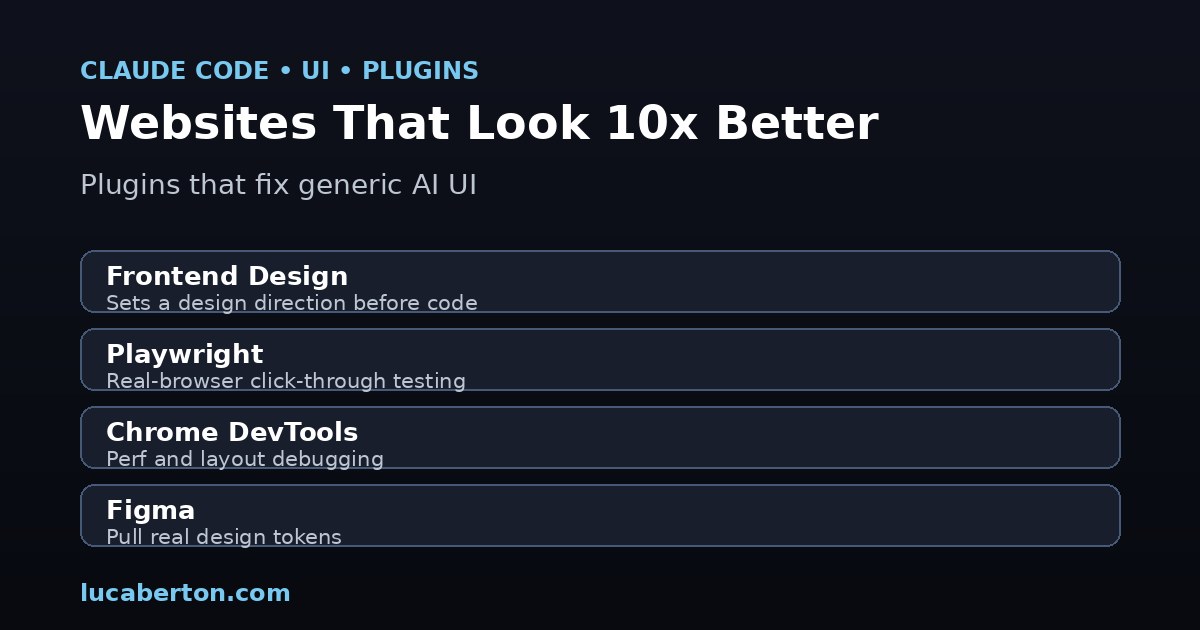
What it does: This is the official, Anthropic-verified plugin (over a million installs) and the single highest-leverage change you can make to your website output. Instead of jumping straight to code, it establishes a design direction first: the purpose of the page, the audience, and a specific aesthetic. The documented directions include brutalist, maximalist, retro-futuristic, luxury, and playful. It then generates polished code with distinctive typography, intentional color palettes, high-impact animation, and asymmetric spatial composition. Just as importantly, it actively avoids the generic patterns: system fonts, purple gradients, and cookie-cutter components.
Why it moves the needle: The “AI look” is a failure of intent, not of execution. Claude is perfectly capable of writing good CSS. What it lacks by default is a point of view. Frontend Design supplies that point of view, so the output has a recognizable style instead of a default one.
Install:
/plugin marketplace add anthropics/claude-plugins-official
/plugin install frontend-design@claude-plugins-official
How to use it: You do not call it explicitly. It activates automatically when you ask Claude to build UI. The better your prompt, the better the result. Try:
“Build a landing page for an AI security startup with a dark luxury aesthetic and a subtle gold accent.”
“Create a dashboard for a music streaming app with a maximalist, high-contrast look.”
If Claude starts writing components without first stating a design direction, the plugin is not active. Re-run the install and restart the session.
2. Frontend Design Pro — the community upgrade
What it does: Built by the community and featured on the Build with Claude marketplace, this plugin extends the official one with an interactive wizard. Rather than relying entirely on the agent’s judgment, it walks you through decisions about spacing, button radii, motion intensity, and typography pairings before generating the page. The result is finer control over the visual details that separate “good” from “great.”
Why it matters: Frontend Design sets the overall direction; Frontend Design Pro lets you tune the execution. If you have brand guidelines or strong opinions about how a button should feel, this is where they get enforced consistently.
Install:
/plugin marketplace add davepoon/buildwithclaude
/plugin install frontend-design-pro
3. Playwright MCP — make the browser the testbed
What it does: Playwright MCP gives Claude a real, running browser. It can navigate to your local dev server, click through the interface, fill forms, read the console output, and capture screenshots of what actually rendered. This turns “I think the page works” into “the browser confirmed it works.”
Why it matters for website quality: Visual bugs are invisible to a code review. A button that is off-screen on mobile, a modal that never closes, a layout that collapses at 375px width — these are the things that make a site feel broken even when the build passes. Playwright catches them by actually using the site.
Install:
/plugin install playwrightPractical workflow: After Claude writes a page, ask it to verify the result:
“Run the dev server and use Playwright to click through the signup flow. Report any console errors and screenshot the confirmation screen.”
4. Chrome DevTools MCP — debug like a senior frontend engineer
What it does: Where Playwright confirms behavior, Chrome DevTools MCP exposes the browser’s internals: performance traces, network requests, layout and paint metrics, and DOM inspection. It is the tool you reach for when something is slow, when a request fails quietly, or when a layout does not add up.
Why it matters: “Looks fine” and “performs fine” are different standards. A page can render correctly and still ship a 4MB blocking script, a layout thrash on scroll, or a failed font request that falls back to a worse face. DevTools MCP surfaces those issues while the agent is still in the loop, so it can fix them rather than hand you a report.
Install:
/plugin install chrome-devtools5. Figma MCP — design tokens, not guesses
What it does: The Figma MCP server connects Claude to your Figma files. It can pull real design tokens — colors, type scales, spacing, component specs — straight from the source of truth, so the code it generates matches the mockup instead of approximating it.
Why it matters: Most “the design does not match the mockup” problems come from translation drift. A hex value gets rounded, a spacing unit gets guessed, a font weight gets swapped. Pulling tokens directly from Figma removes that drift. If you work from a brand kit, this plugin is what keeps generated UI consistent with it.
Install:
/plugin install figma6. Vercel MCP — see the real thing
What it does: The Vercel MCP server lets Claude deploy your site and hand back a live preview URL. Instead of reasoning about how a page will look, you get a link to the deployed result and can open it on a real device.
Why it matters: A local preview on your laptop is not the same as the production environment. Deploying to a real URL surfaces environment-specific issues — asset paths, environment variables, edge behavior — and gives you something you can actually click on a phone. It closes the loop between “generated” and “live.”
Install:
/plugin install vercel7. Context7 — keep the code correct
What it does: Context7 is an MCP server that pulls version-specific documentation and code examples from source repositories directly into Claude’s context. When you build with a library, it fetches the docs for the exact version you are using.
Why it matters: A beautiful UI built on the wrong API still fails. Context7 prevents Claude from coding against a version of a framework it half-remembers from training data. For frontend work, where libraries move fast and breaking changes are common, this is the difference between code that runs and code that needs a rewrite.
Install:
/plugin install context7How they compound: the production pipeline
Individually, each plugin removes one class of failure. Together, they form a loop:
- Frontend Design (plus Frontend Design Pro) sets the aesthetic and the components before code exists.
- Figma keeps the tokens aligned with your brand if you have a design system.
- Context7 keeps every library call correct against the live docs.
- Playwright and Chrome DevTools verify the result renders, runs, and performs in a real browser.
- Vercel ships a preview so you can look at the deployed page on a real device.
The output of that loop is not “AI-generated UI.” It is a designed, tested, deployed website.
Get started
Open Claude Code and run the installs. You do not need all six on day one — start with Frontend Design and Context7, then add the browser and deploy tools as your workflow matures.
/plugin marketplace add anthropics/claude-plugins-official
/plugin install frontend-design@claude-plugins-official
/plugin install context7
/plugin install playwright
/plugin install chrome-devtools
/plugin install vercel
/plugin marketplace add davepoon/buildwithclaude
/plugin install frontend-design-pro
Then open a fresh session and give it a real task:
“Build a landing page for an AI security startup with a dark luxury aesthetic. Use Context7 for the framework docs, then verify it in the browser with Playwright and deploy a preview with Vercel.”
The difference between this and a bare prompt is exactly the difference between a website that looks generated and one that looks 10x better.