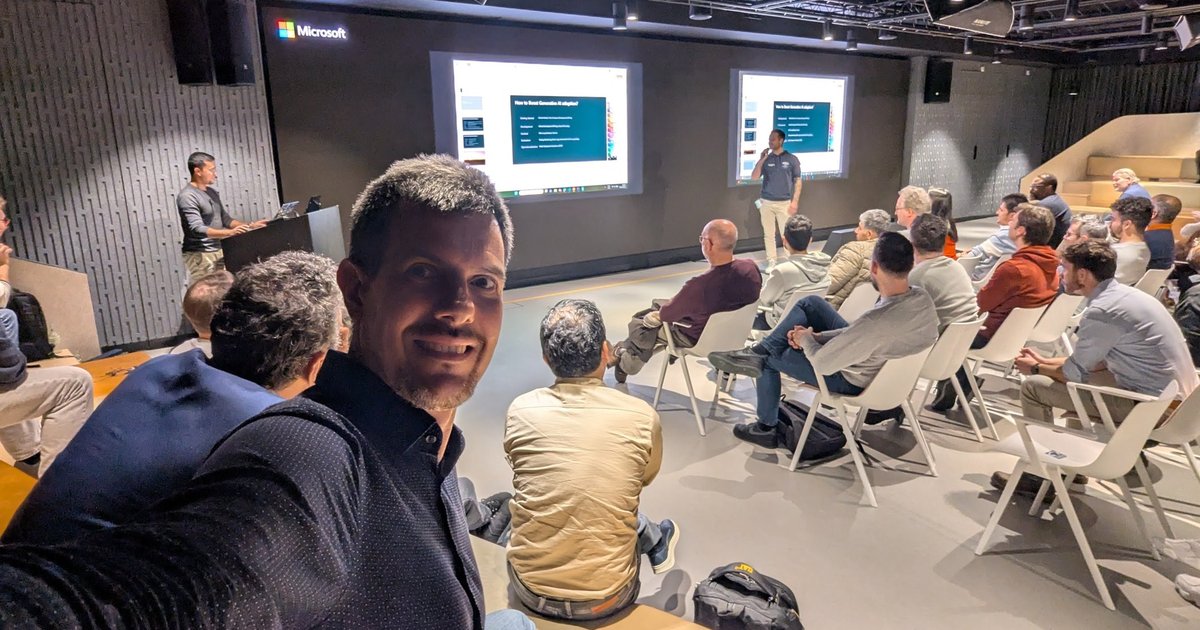
On Tuesday 18 November 2025 I spent the evening at an Azure Heroes community meetup in Amsterdam, during Microsoft Ignite week. Two stage talks filled the programme. The first was a tour of every kind of testing you can do around an Azure solution, from browsers to infrastructure code to chaos. The second covered the life cycle of an application built on language models: picking a model, deploying it, putting a gateway in front of it, and testing it for safety.
I recorded the talks on my phone, so these notes follow what was said and shown, with the Microsoft documentation linked next to each tool. I haven’t named the speakers: I couldn’t confirm their names against a slide or an official event page, so I describe them by role.
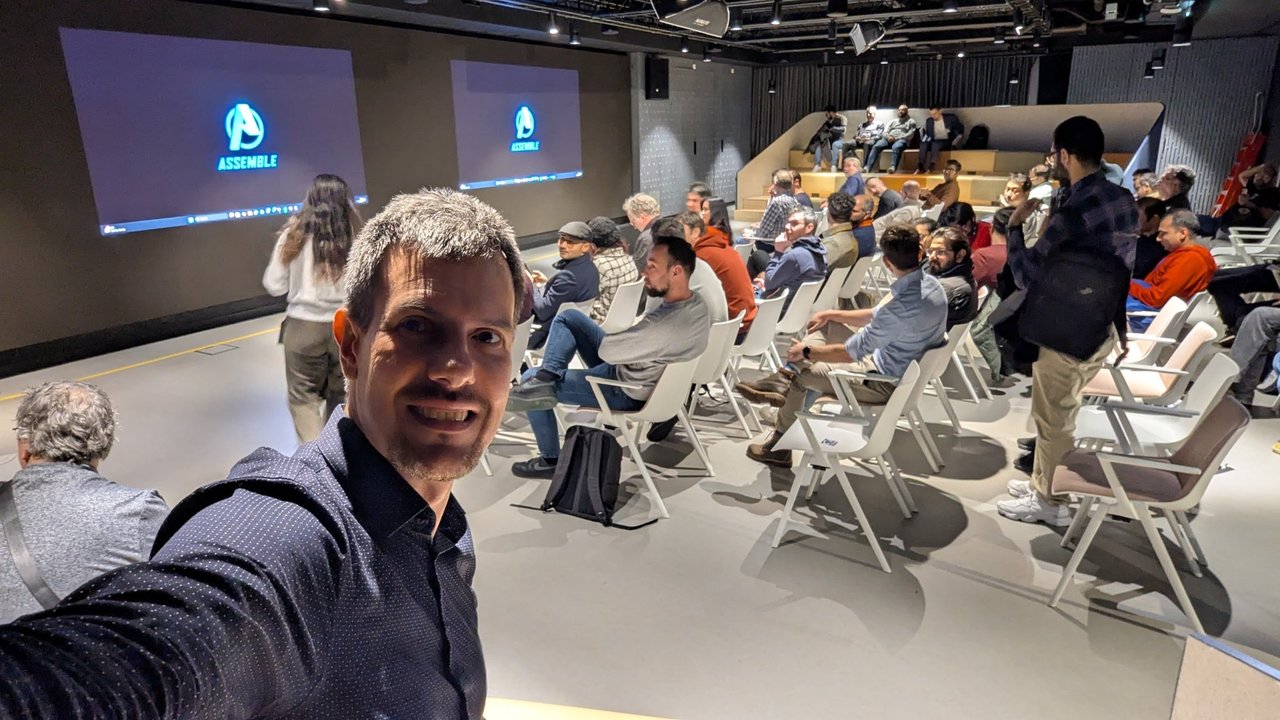
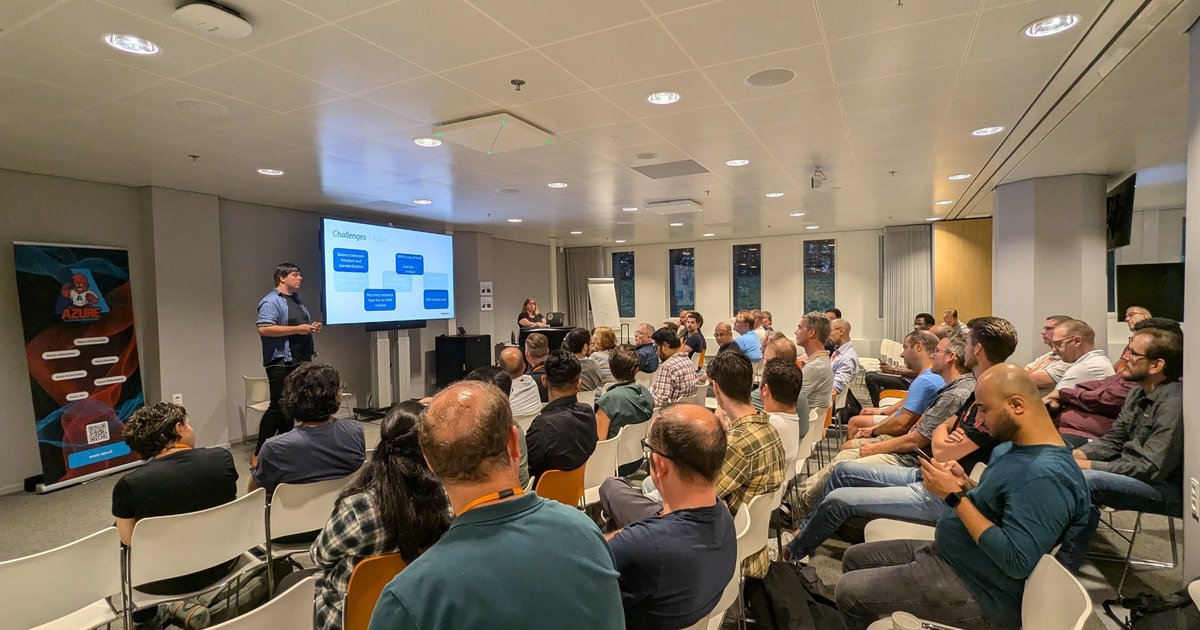
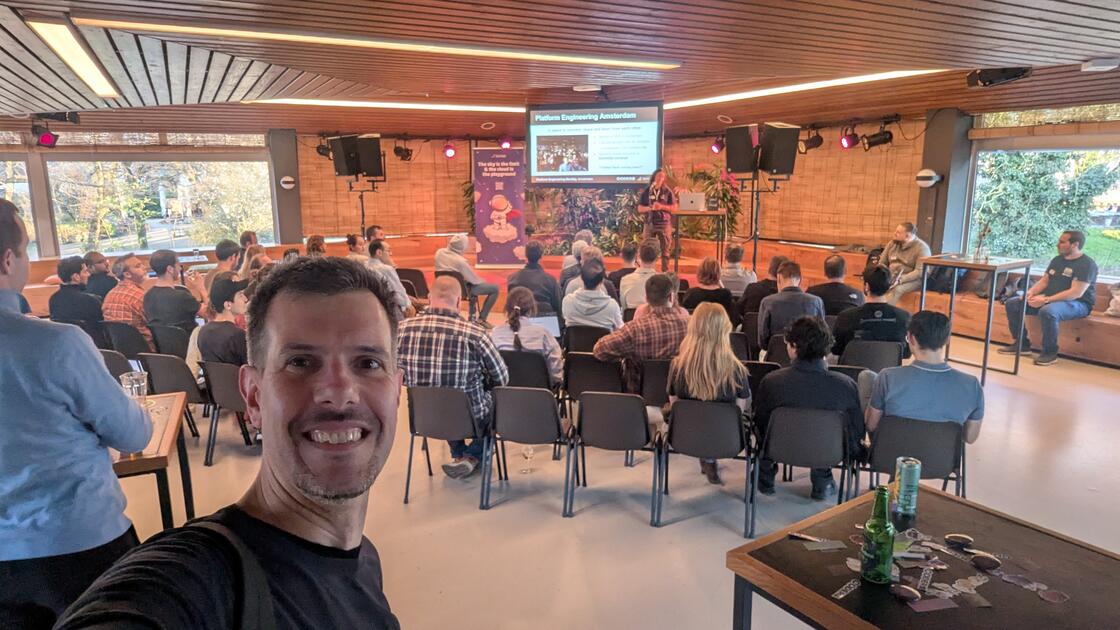
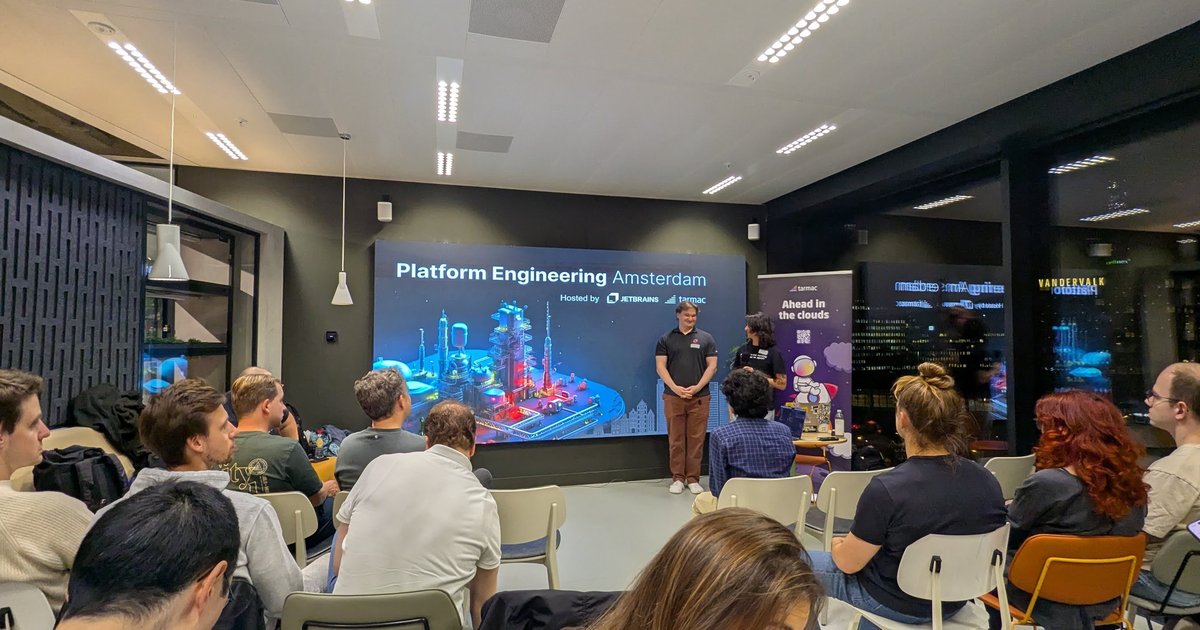
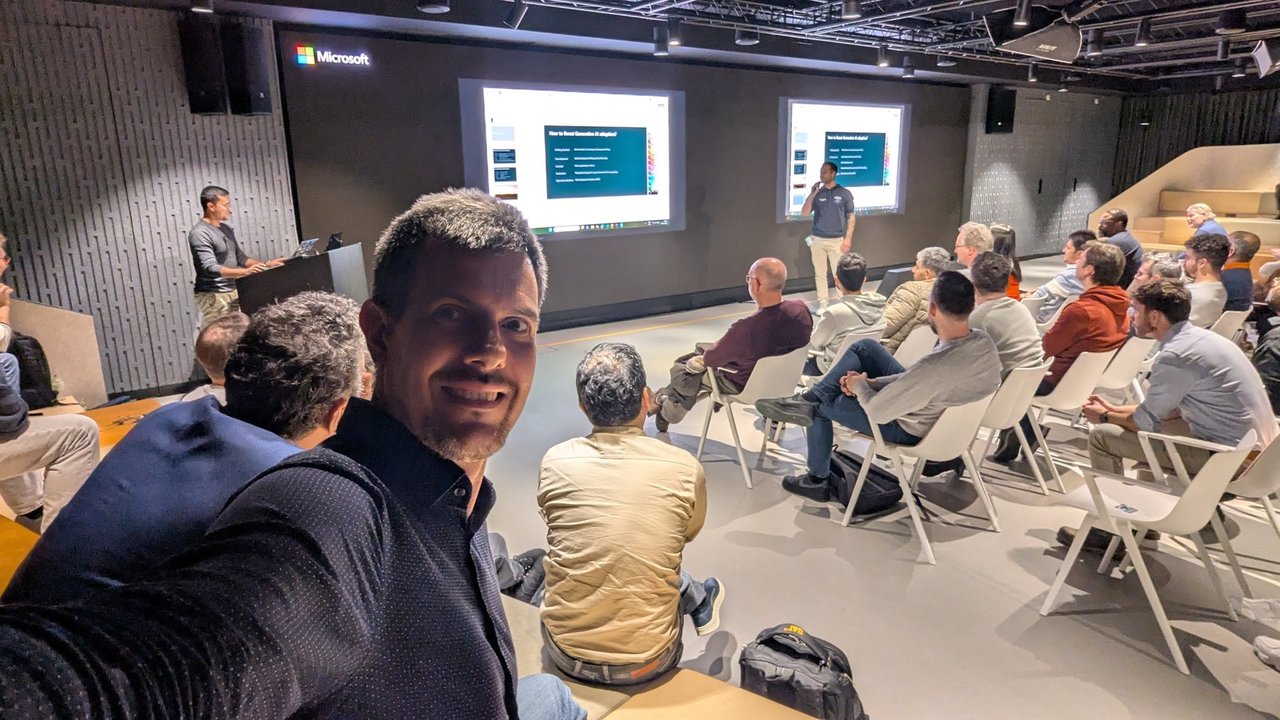
The room before the first talk, with the community’s title slide on the screens.
Community news before the talks
The organisers opened with community news. The community’s website had been redesigned and had gone live about an hour earlier, and every new event is posted there. They also announced a new Global Azure Heroes event for April 2026: a free, one-day event with two slots and about 12 speakers, with tickets and a call for papers already open. The Dutch Cloud Meetup page lists it as a Community Day on 16 April 2026. Speakers were also invited to submit for the regular meetups.
Talk 1: testing the whole solution, told as a theatre play
The first speaker is a former Microsoft employee and a hobbyist in an amateur theatre group, and the deck used that as a running thread: the stage, the actors, the audience taking their seats. The opening point was that “testing” here means the whole solution, not only the application: infrastructure as code, endpoints, DNS, resiliency and failure. Failure is always present, so the goal is resilience. The speaker skipped unit testing, assuming everyone does it, and pointed at the new testing capability in the .NET CLI and at Pester for PowerShell.
Playwright and Azure App Testing
The first demo was Playwright, the open-source browser automation library. The speaker stressed that it needs no agents or plugins, drives Chromium, Firefox and WebKit through one API, and is easiest to start with from the Visual Studio Code extension. In the demo:
- The recorder captured a click-through of a deliberately vulnerable demo shop and generated test code, with TypeScript as the default and other languages available.
- A suite of 54 tests ran against eight workers, and the HTML report showed failed and flaky tests, a step-by-step trace with network calls, and a video replay of the run. The speaker pitched that as proof of execution for QA.
- For CI, the report can go to GitHub Pages after each build. At scale, Playwright tests can run on Azure: the speaker showed the Playwright Workspaces resource in the portal, where you choose how many parallel workers to use, and noted the product’s naming history, from Azure Playwright service to Playwright Workspaces inside Azure App Testing.
Microsoft’s documentation describes Azure App Testing as covering end-to-end Playwright tests and load tests, and has a page on Playwright Workspaces.
The speaker also mentioned a small community repository that uses Playwright inside a function to run availability tests against Application Insights on a schedule, with the point that “a ping is not an availability test”. A ping only proves that an IP answers, not that the site works. Playwright also ships an MCP server, so GitHub Copilot can draft a test plan that you then validate.
Load testing
Azure Load Testing was the second half of App Testing. The speaker explained that it runs JMeter scripts at scale without you provisioning load generators. In the portal demo, a test run showed client-side statistics together with server-side metrics from the resources behind the app, such as a database or storage account, so you can see whether the front end, the back end or something in between struggles. Tests can be edited in the portal or uploaded as JMeter files, and there is a Visual Studio Code extension. The run view also had an AI-generated insights section, which the documentation describes under analyzing results using AI insights.
Infrastructure as code: ARM TTK, PSRule and AZQR
For the “set the stage” section, the speaker tested the infrastructure code itself:
- The ARM template test toolkit (ARM TTK), described as forgotten but still valid. The demo ran its test command against a template and flagged an outdated API version, plus rules such as deriving values from resource IDs. The Bicep linter covers similar ground.
- PSRule for Azure, which checks IaC before or after deployment against the Well-Architected Framework with 500-plus built-in rules, and lets you add your own. In a GitHub Actions run on a repository of Bicep files, the rules that fired included Key Vault using Azure RBAC for the data plane and having a firewall configured. The results can also feed an Azure workbook through Log Analytics, with drill-downs into the security baseline and links to documentation. The speaker suggested using it as a gate in GitHub Actions or Azure DevOps.
- Azure Quick Review (AZQR), a complementary CLI tool that reviews a deployed environment and exports reports. The speaker found it harder to run inside CI/CD than PSRule.
Chaos testing
The chaos section started from the idea of removing one Lego block to see whether the structure stands. Azure Chaos Studio injects faults into your Azure resources. Per Microsoft’s documentation there are service-direct faults (no agent) and agent-based faults inside VMs, and experiments can be defined as JSON. The speaker said the tool grew out of internal use at Microsoft before being released.
The live demo was intentionally simple and visible: an experiment that failed a Cosmos DB account over to its second region. In the portal’s global replication view, the read/write and failover regions swapped colour after the run. The speaker’s advice was to combine chaos experiments with load testing and to never rely on a single region.
Security and AI safety testing
The speaker briefly covered the security side: code scanning with CodeQL in GitHub Advanced Security, and the code-to-cloud path through Microsoft Defender for Cloud. He also described a CLI that bundles several scanners (Trivy and a Bicep scanner among them) and was originally built inside Microsoft.
On AI, the speaker highlighted the red teaming agent in the Foundry portal, built on Microsoft’s open-source PyRIT. Microsoft’s AI Red Teaming Agent documentation says it runs automated adversarial scans against models and applications and reports an Attack Success Rate. The speaker’s motivation was a familiar one: every time you swap the model under an application or agent, you want to revalidate it for jailbreaks and prompt injection. He cited the car dealership chatbot that agreed to sell a car for one dollar.
Accessibility, API mocking and UX analytics
The last tools in the deck were smaller, and all three were demoed:
- Accessibility Insights, whose browser extension was used to show a keyboard tab-stop visualisation on a demo site: the focus path jumped around the page in a way a keyboard user would struggle with. The speaker tied this to the European accessibility requirements and said the checks can be automated together with Playwright.
- Dev Proxy, formerly Graph proxy, pointed at a public API to mock error responses and see how a client reacts. It can run in a container or from Aspire, and the speaker also suggested it for testing AI endpoints and token usage before calling a real model.
- Microsoft Clarity, which records user sessions and shows click heatmaps and rage clicks. The speaker noted that you need explicit cookie consent for it under GDPR.
The closing slide of the first talk.
Talk 2: building on language models, and what to do next
The second talk came from a solution architect who works on application innovation and AI, with more than 20 years in the industry. The theme: the software life cycle has not changed, only the tools have. You ideate, build or augment (for example with retrieval from a vector database), deploy and monitor. Evaluation is test-driven development under another name. The talk opened with a comic slide: you love cooking, someone invents the microwave, and now you only see microwave recipes. It was a joke about AI taking over every topic.
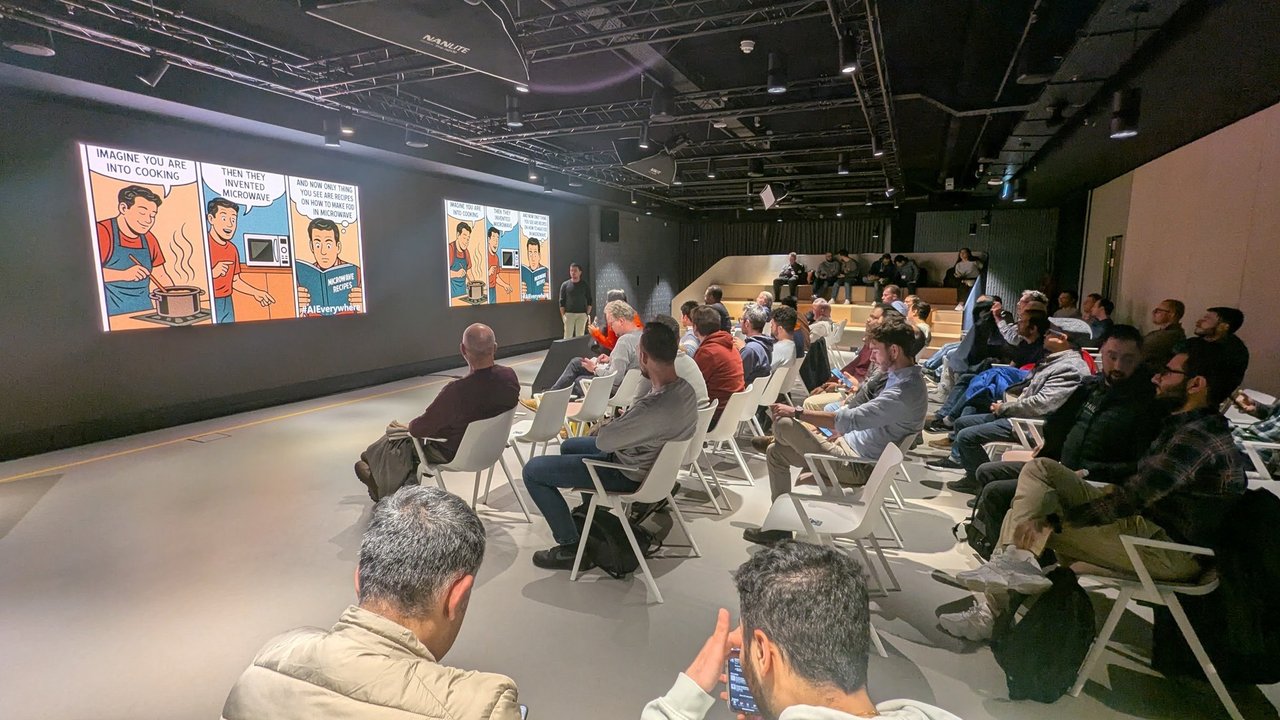
The opening comic of the second talk: all you see now are microwave recipes.
Choosing a model
The speaker’s starting point was GitHub Models. He said the models available in Azure are also available there, to try with a GitHub account and without an Azure subscription. The playground includes a compare view for running two models side by side on the same prompt, to check output format, throughput and latency, and whether the prompt must change when you swap models. A personal access token then lets you write code against it, subject to rate limits. His example task was turning unstructured customer-service logs into structured backlog items.
With around 12,000 models in Foundry, as he put it, he gave four selection pillars: latency, tokens per minute, tokens per request and cost. Tokens per minute is roughly your concurrency; tokens per request is how much context you can send. Larger context windows cost latency and can reduce answer quality. His warning on cost: a startup he worked with ran up a very large bill within three months, even though per-token prices look small.
Deployment options
The speaker compared three ways to run a model:
- Model as a service, the easy path: an endpoint with usage-based or reserved billing, and a few lines of Bicep or Terraform. Deployment types differ in data handling: regional keeps data residency and processing in one region, data zone (US, EU, Australia) keeps data in a zone, global routes to wherever load is lowest, and there are batch variants. He gave a finance startup that needed processing to stay in Switzerland as the example of when residency matters.
- A container in Kubernetes, for models that ship as container images (he asked who had used the Ollama CLI). The trade-off is that you maintain the registry and deployment scripts, but you control tokens per minute.
- A VM, which he skipped as the dry option.
For the Kubernetes route he introduced KAITO, the Kubernetes AI toolchain operator, which started on Azure and is open source. A custom resource names the GPU VM size and the model image, and the operator does the rest. He said that a model such as Falcon takes about 10 minutes to deploy and a small language model about five.
Onboarding new models behind a gateway
Models appear faster than teams can adopt them, and the speaker listed the platform problems that follow: token usage per team, cross-team charging, and distributing API keys safely. His answer was an old pattern, API management. Put Azure API Management in front of the models, with policies and monitoring, so that moving to a new model is a configuration change rather than a change in every application.
He then showed the AI Gateway sample repository, which has labs for patterns such as an MCP server on API Management, dashboards, per-user token limits and log analytics. Each lab comes with a policy file and a notebook. In his FinOps demo, three subscriptions each have a token quota and one gets blocked once it reaches its limit. For the Kubernetes side of the same idea, see my post on AI gateway routing and load balancing.
He also pointed at the Azure Developer CLI template gallery, about 60 application templates by his count, which you can clone with azd init. Some ask whether to apply the Well-Architected Framework or deploy in a trimmed developer mode.
Evaluation and content safety
The last demo was a jailbreak. The speaker used a prompt that tricks a model into answering in JSON and got it to return step-by-step harmful instructions, which he used to make the point that these systems are non-deterministic and you cannot write an if/else block for every response. Evaluations help you find this before production, he said, but production needs a filter.
For that he showed Azure AI Content Safety from a Java application, with an interceptor on every call in and out. He tested a custom block list on both input and output, then covered the Prompt Shield for jailbreak and “sell the car for one dollar” attempts, and the text analysis endpoint that returns severity scores for categories such as hate. Microsoft describes Prompt Shields as detecting both user prompt attacks and document attacks. An audience member asked why the platform’s content filtering is mandatory. The speaker said that, in his experience with pharmaceutical customers, whether it can be turned off depends on the contract, and that he had no better answer.
The closing slide: getting started, development, context, evaluation and operationalization.
His recap went in that order. Start with GitHub Models to test, compare and get a free key. Develop in your favourite framework, in Foundry, or locally with Ollama. Think about how to feed context to the application. Test and monitor, including a content check before production. Then operationalise with a VM, model as a service or KAITO.
My take
Three things stayed with me. First, the evening treated resilience and safety as testing problems that fit into the pipelines we already have: PSRule as a gate, a chaos experiment next to a load test, a red-team scan whenever the model changes. Second, the gateway pattern for models is the same abstraction platform teams already know from API management, and it solves the key-distribution and chargeback questions before they hurt. Third, the AI safety demos showed why evaluation before release and filtering at runtime are two separate jobs. If you want more on that last point, I wrote about end-to-end testing for LLM apps with Playwright and about infrastructure resiliency patterns and chaos engineering.
The organisers closed by saying the next meetups were planned for early 2026, with locations still being confirmed.