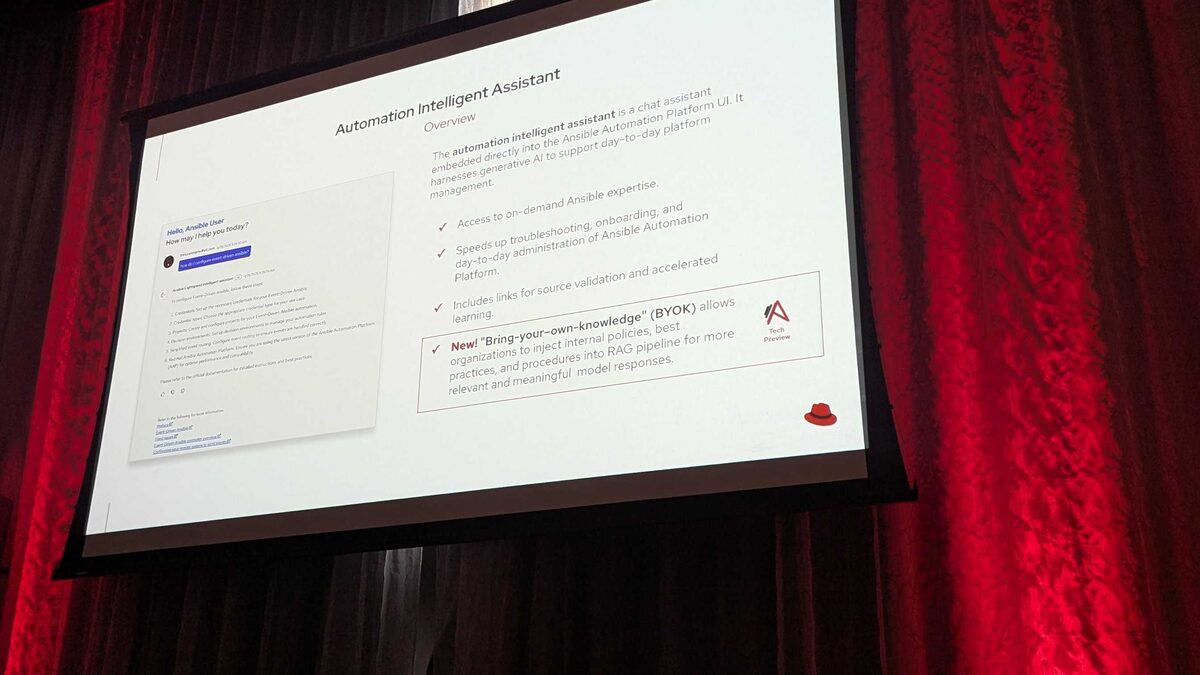
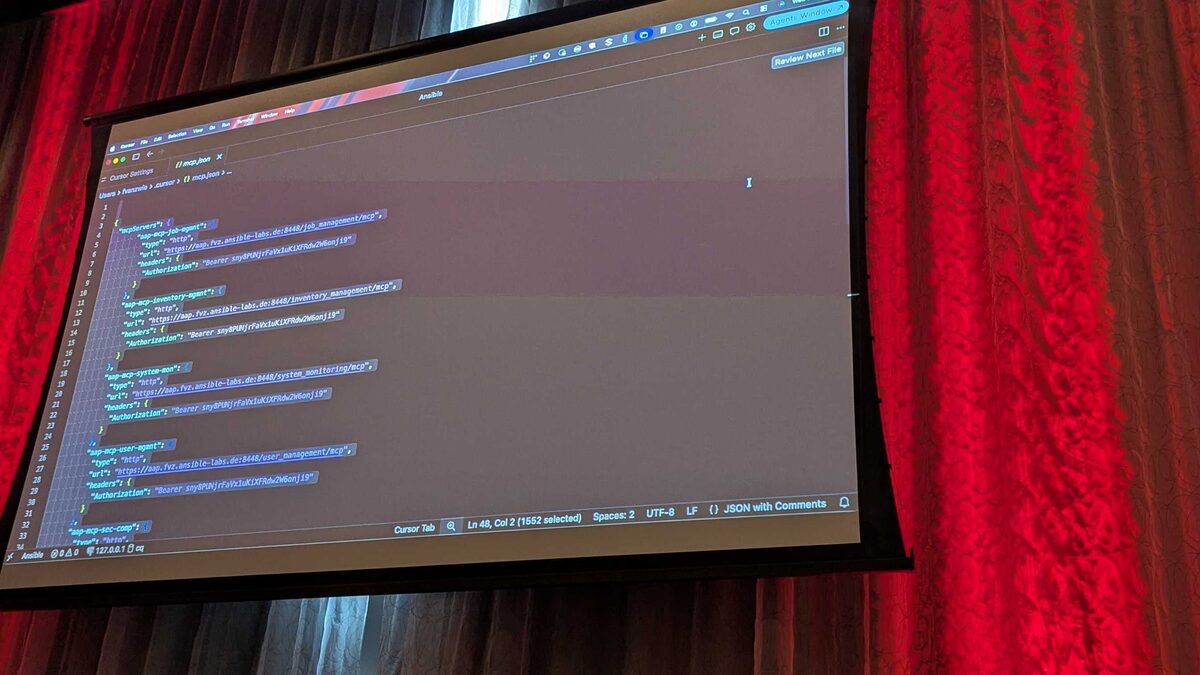
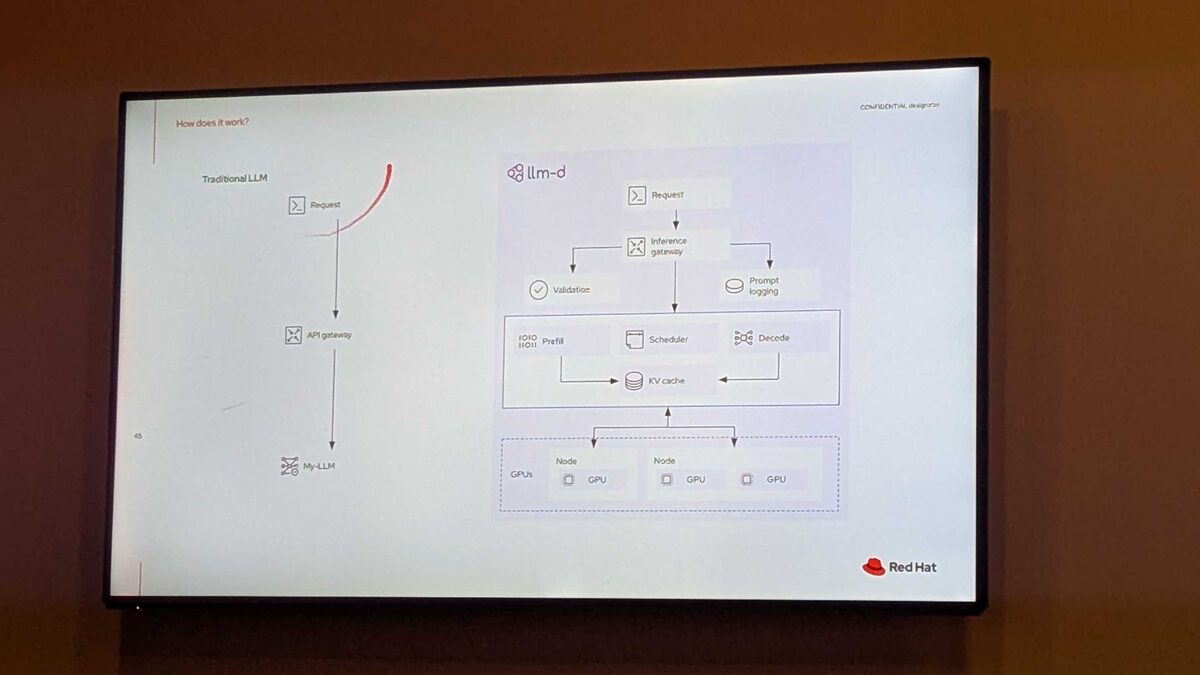
At Red Hat Tech Day Netherlands (June 2026), Fred van Zwieten and Ismail Dhaoui revealed how the Ansible VS Code extension now embeds an MCP (Model Context Protocol) server — turning your IDE into an AI-powered automation development environment.
This is not just syntax highlighting. This is an AI agent that understands Ansible, your inventory, your policies, and your organization’s compliance requirements — all running locally in VS Code.
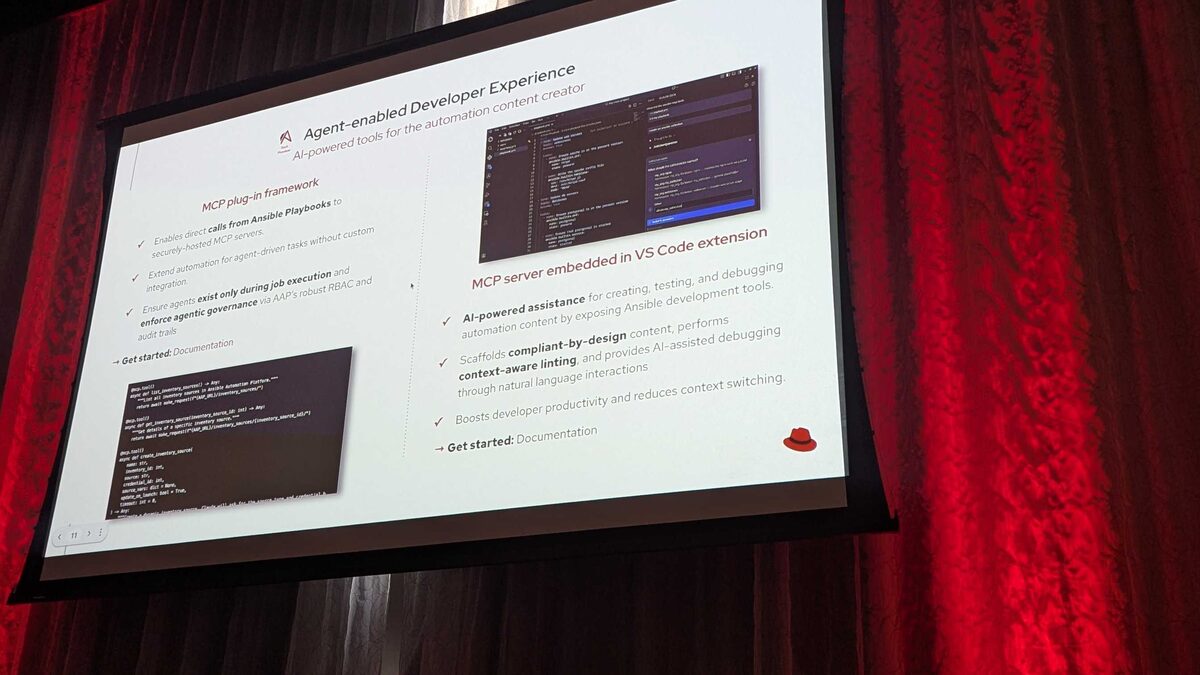
Two Sides of the MCP Coin
Red Hat’s agentic automation strategy has two complementary MCP implementations:
1. MCP Plug-in Framework (Runtime)
The MCP plug-in framework enables direct calls from Ansible Playbooks to securely-hosted MCP servers during execution:
- Extend automation for agent-driven tasks without custom integration
- Agents exist only during job execution — no persistent background processes
- Enforce agentic governance via AAP’s robust RBAC and audit trails
- Security boundary: MCP servers are securely hosted, not arbitrary endpoints
Key architectural decision: MCP servers are sandboxed inside the Execution Environment. The EE container IS the security boundary — no breakout, no persistent access, complete isolation.
A new Ansible Collection to call MCP services ships in AAP 2.7+ as a Tech Preview. This means you can invoke MCP tools directly from playbook tasks using standard collection modules.
2. MCP Server Embedded in VS Code Extension (Development)
The VS Code extension embeds an MCP server that provides:
- AI-powered assistance for creating, testing, and debugging automation content by exposing Ansible development tools
- Compliant-by-design scaffolding — generates playbooks that already meet your organization’s policies
- Context-aware linting — goes beyond ansible-lint to understand your actual environment
- AI-assisted debugging through natural language interactions
- Boosts developer productivity and reduces context switching
How It Works
The embedded MCP server in VS Code exposes Ansible-specific tools to AI models:
- Inventory awareness — The AI understands your hosts, groups, and variables
- Collection knowledge — Knows available modules, roles, and their parameters
- Policy compliance — Scaffolds content that passes your governance checks before you even commit
- Contextual debugging — “Why did this task fail on prod-db-01?” answered in natural language
The USB-C Analogy
The presenters used a brilliant analogy:
- USB-C connects deterministic hardware (keyboard → laptop)
- MCP connects non-deterministic AI models (Claude, GPT, Gemini) to deterministic infrastructure
AAP acts as the bridge:
- North bound MCP server — faces the non-deterministic AI models
- South bound MCP Servers — Collections that execute deterministic automation on infrastructure
The VS Code extension is the developer-facing equivalent: AI models (non-deterministic) connect via MCP to Ansible tools (deterministic) to produce correct automation content.
Why This Matters for Automation Engineers
Before: Manual Context Switching
- Read documentation
- Write playbook
- Run ansible-lint
- Fix issues
- Test in staging
- Discover it violates policy
- Rewrite
- Submit for approval
After: AI-Assisted Flow
- Describe what you need in natural language
- Extension scaffolds compliant playbook
- Context-aware linting catches issues immediately
- AI explains any failures in plain English
- Submit for approval — already compliant
Security Model
The key security insight from the talk:
“Agents exist only during job execution and enforce agentic governance via AAP’s robust RBAC and audit trails”
This means:
- No persistent AI agents running with elevated privileges
- Every AI action is scoped to a specific job with specific permissions
- Full audit trail of what the AI decided and why
- Existing RBAC policies apply to AI agents the same as humans
Ansible Development Workspaces (Tech Preview)
For teams running OpenShift, Red Hat also announced Ansible Development Workspaces — a cloud-hosted VS Code environment built on OpenShift Dev Spaces:
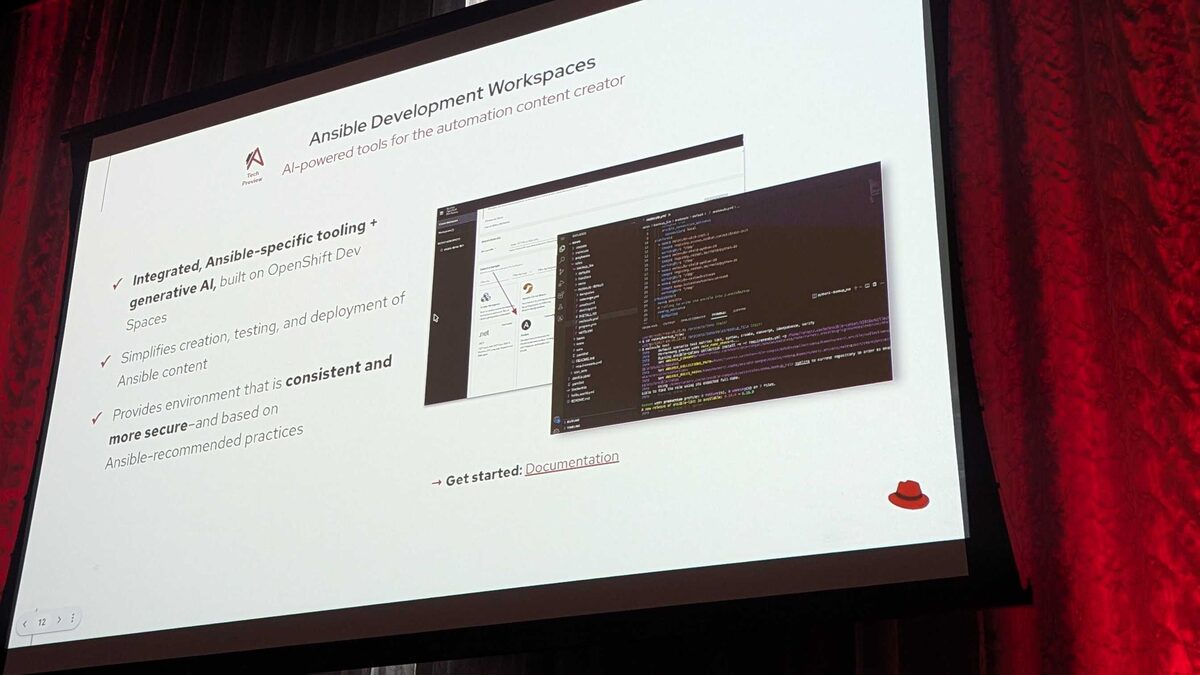
- Integrated, Ansible-specific tooling + generative AI, built on OpenShift Dev Spaces
- Simplifies creation, testing, and deployment of Ansible content
- Provides environment that is consistent and more secure — based on Ansible-recommended practices
This means: no local setup, no “it works on my machine” — every automation developer gets an identical, pre-configured, AI-enabled workspace with MCP server ready to go.
Getting Started
Red Hat pointed to official documentation for both:
- MCP plug-in framework → AAP 2.7 documentation
- VS Code extension → Ansible extension marketplace
The VS Code extension is available today and integrates with:
- GitHub Copilot
- Any MCP-compatible AI model
- Red Hat’s own AI service (Granite models)
- IBM watsonx — SaaS LLM backend (Granite models hosted on watsonx)
The MCP server implementation lives inside the extension itself — no separate server process to manage. Install the Ansible extension, and the MCP server is available immediately to any AI agent in your IDE.