Using SOPS with Ansible means your group_vars and host_vars secrets live in Git as encrypted YAML, each person or CI runner decrypts with their own key, and Ansible loads the values transparently through the community.sops collection. This tutorial sets that up from scratch: age keys, a .sops.yaml with creation rules, encrypted inventory variables, the vars plugin, the lookup and load_vars, key rotation and CI. At the end I compare it honestly with Ansible Vault.
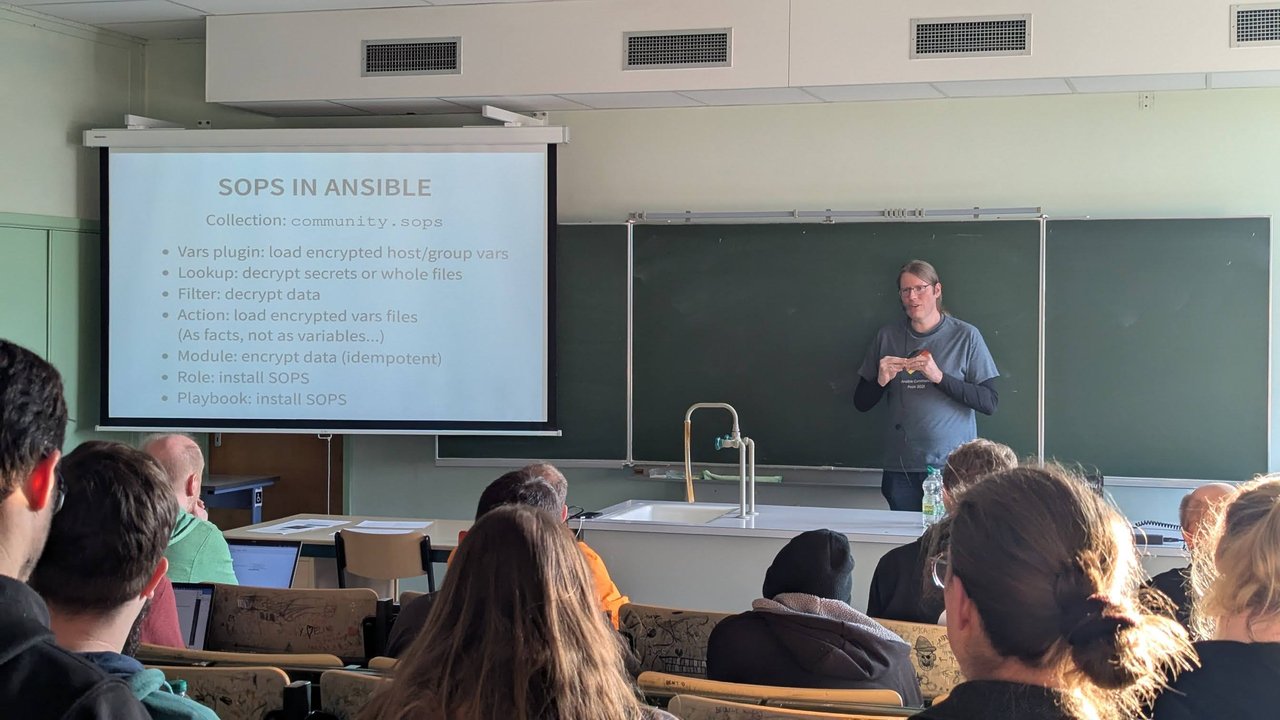
The “Secrets in Ansible” talk at CfgMgmtCamp 2025 in Ghent got me thinking about this again. The talk walked from plain vars files and Ansible Vault to SOPS and the community.sops collection, and I wrote it up in my CfgMgmtCamp 2025 talks recap. This post is the hands-on version.
Versions: written against the SOPS 3.13 documentation (getsops.io) and community.sops 2.4.0, with ansible-core 2.21. If you want the Kubernetes and Flux angle on SOPS instead, see GitOps secrets: Sealed Secrets vs SOPS vs External Secrets.
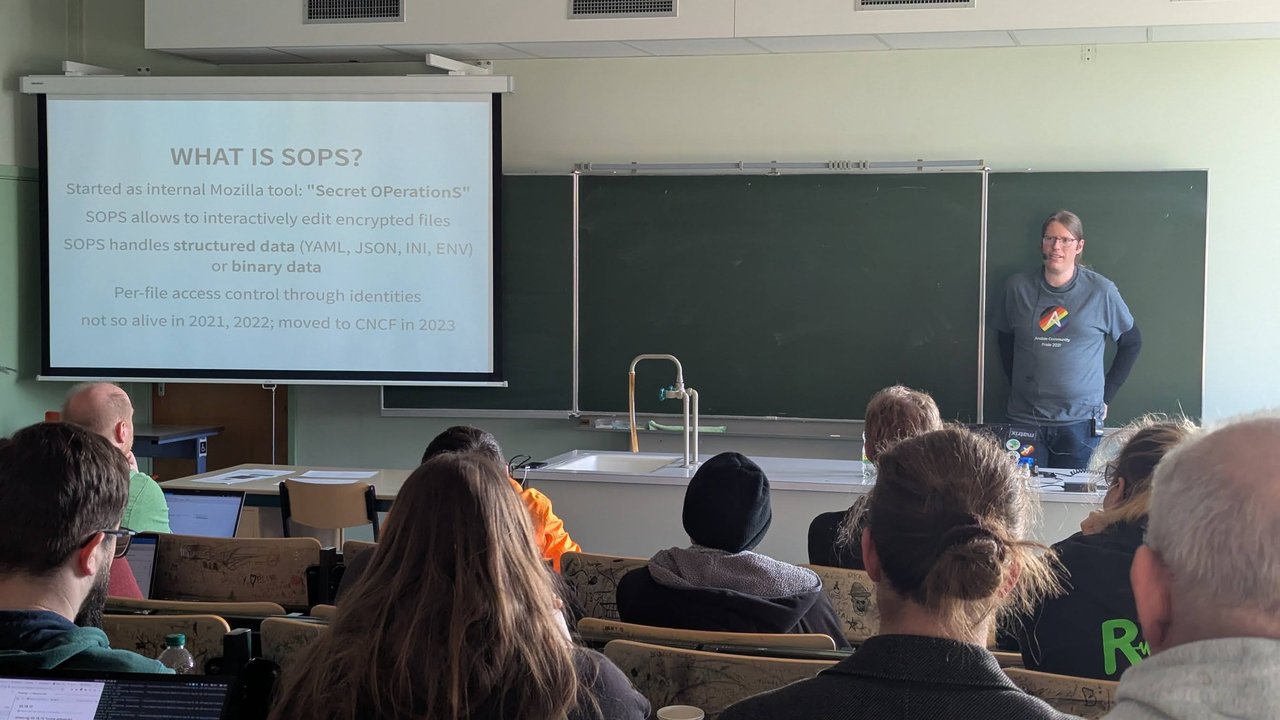
A slide from the “Secrets in Ansible” talk at CfgMgmtCamp 2025: SOPS started as Mozilla’s “Secret OPerationS” tool, edits encrypted YAML, JSON, INI, ENV or binary files, and moved to the CNCF in 2023.
Install sops, age and the community.sops collection
You need three things on the Ansible controller (the machine running ansible-playbook), not on the managed hosts:
# sops and age: release binaries from GitHub, or your package manager
brew install sops age            # macOS example
sops --version

# the collection
ansible-galaxy collection install community.sops
The collection can also install SOPS for you. It ships a community.sops.install role and a convenience playbook, which is handy for CI runners and execution environments:
ansible-playbook community.sops.install_localhostThe role uses become by default (sops_become_on_install: true) and installs from system packages when available, otherwise from GitHub releases (sops_source: auto).
Create age keys
age is the identity type the SOPS docs recommend over PGP. Generate one key per person and one per CI environment:
mkdir -p ~/.config/sops/age
age-keygen -o ~/.config/sops/age/keys.txt
age-keygen -y ~/.config/sops/age/keys.txt   # prints the public key, age1...
Watch the default location. On Linux, SOPS looks in $XDG_CONFIG_HOME/sops/age/keys.txt, falling back to ~/.config/sops/age/keys.txt. On macOS the fallback is ~/Library/Application Support/sops/age/keys.txt. I set the path explicitly so the same instructions work everywhere:
export SOPS_AGE_KEY_FILE="$HOME/.config/sops/age/keys.txt"Only the public keys (age1...) go into the repository. The private key file never does.
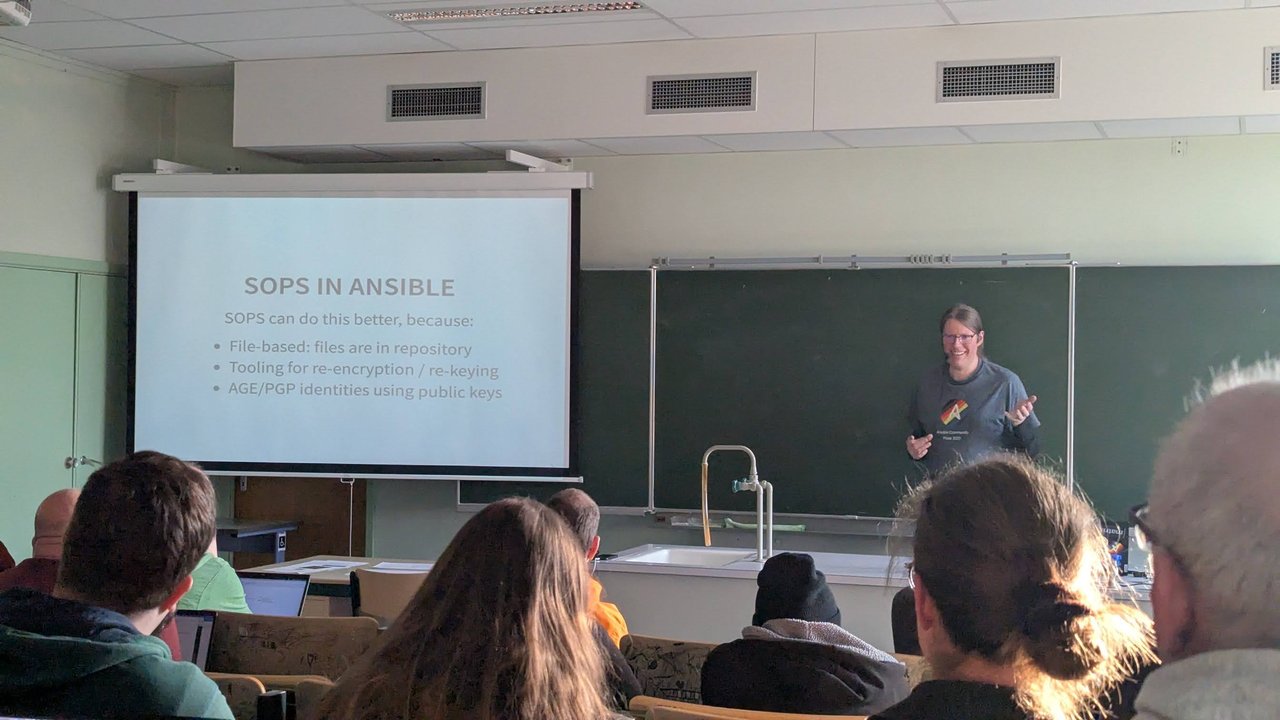
A slide from the “Secrets in Ansible” talk at CfgMgmtCamp 2025: files live in the repository, re-keying has tooling, and identities are AGE or PGP public keys.
Write .sops.yaml with creation rules
Put .sops.yaml at the repository root. The name matters: SOPS only discovers .sops.yaml, not .sops.yml.
# .sops.yaml
creation_rules:
  # Production: ops team + the production CI key only
  - path_regex: group_vars/prod/.*\.sops\.ya?ml$
    encrypted_regex: '^(.*_password|.*_token|.*_secret|.*_private_key)$'
    age: >-
      age1<alice-public-key>,
      age1<bob-public-key>,
      age1<ci-prod-public-key>

  # Everything else under group_vars/ and host_vars/
  - path_regex: (group_vars|host_vars)/.*\.sops\.ya?ml$
    encrypted_regex: '^(.*_password|.*_token|.*_secret|.*_private_key)$'
    age: >-
      age1<alice-public-key>,
      age1<bob-public-key>,
      age1<ci-staging-public-key>
Line by line:
creation_rulesare evaluated in order and the first match wins, so put the most specific rule first.path_regexis matched against the file’s path relative to.sops.yaml. A rule withoutpath_regexmatches everything, which is useful as a last catch-all.agetakes a comma-separated list of recipients. The>-block scalar keeps it readable.pgp(fingerprints) andkms(AWS KMS ARNs) work the same way and can be combined in one rule, so you could addkms: 'arn:aws:kms:...'as a break-glass recipient that doesn’t depend on any one laptop.encrypted_regexcontrols which values get encrypted. SOPS never encrypts mapping keys, only values. Withencrypted_regex, only values whose key matches the regex are encrypted and the rest stay readable. Without it, every value is encrypted. You can set only one ofencrypted_regex,unencrypted_regex,encrypted_suffixandunencrypted_suffix(and their comment-based variants) per rule.
Two caveats from the SOPS reference: comments in YAML are always encrypted, and cleartext values still count towards the file’s MAC. If you hand-edit a cleartext value outside sops, decryption fails the integrity check, unless you set mac_only_encrypted: true in the rule.
My take: a regex on naming conventions like _password and _token keeps reviews readable, but it’s also a trap if someone adds db_pass. If your team doesn’t have strict naming, skip encrypted_regex and encrypt everything in *.sops.yaml files.
Encrypt group_vars and host_vars files
The vars plugin only picks up files ending in .sops.yaml, .sops.yml or .sops.json, so name them that way. Keep secrets and plain variables in separate files inside a group directory:
inventory/
  hosts.ini
  group_vars/
    prod/
      main.yml            # plain variables
      secrets.sops.yaml   # encrypted with SOPS
  host_vars/
    db01/
      secrets.sops.yaml
Write the cleartext file, then encrypt it in place. Run this from the repo root: for new files SOPS looks for .sops.yaml starting from the current working directory.
cat > inventory/group_vars/prod/secrets.sops.yaml <<'EOF'
db_user: app
db_password: change-me
api_token: change-me-too
EOF

sops encrypt -i inventory/group_vars/prod/secrets.sops.yaml
The result keeps the keys readable and wraps each matching value:
db_user: app
db_password: ENC[AES256_GCM,data:...,iv:...,tag:...,type:str]
api_token: ENC[AES256_GCM,data:...,iv:...,tag:...,type:str]
sops:
    age:
        - recipient: age1...
          enc: |
            -----BEGIN AGE ENCRYPTED FILE-----
            ...
From then on, edit with sops edit inventory/group_vars/prod/secrets.sops.yaml and check with sops decrypt. For readable Git diffs, add *.sops.yaml diff=sopsdiffer to .gitattributes and run git config diff.sopsdiffer.textconv "sops decrypt".
Enable the community.sops vars plugin in ansible.cfg
[defaults]
inventory = inventory/hosts.ini
vars_plugins_enabled = host_group_vars,community.sops.sops

[community.sops]
# optional: point at the key file instead of relying on SOPS defaults
age_keyfile = ~/.config/sops/age/keys.txt
Collection vars plugins must be listed explicitly. Keep host_group_vars in the list, or your plain main.yml files stop loading.
Order matters. The built-in host_group_vars plugin also reads secrets.sops.yaml, because the name ends in .yaml. It loads the ciphertext. Plugins later in the list override earlier ones, so with community.sops.sops last, the decrypted values win. I tested the reverse order and got the ENC[...] strings back. A side effect you’ll notice: a top-level variable called sops holding the file’s metadata, so don’t name any of your own variables sops.
Useful plugin options (all in the [community.sops] section): vars_cache (default true; turning it off makes SOPS decrypt for almost every task), vars_stage (inventory, task or all) and handle_unencrypted_files (default error, so a forgotten cleartext *.sops.yaml fails loudly).
Verify it worked without printing secrets to your terminal:
# 0 means every value was decrypted
ansible-inventory --host db01 | grep -c 'ENC\['
The community.sops.sops lookup and load_vars
Not every secret belongs to an inventory group. For a single value from a shared file, use the lookup with extract:
- name: Configure SMTP relay
  ansible.builtin.template:
    src: postfix-sasl.j2
    dest: /etc/postfix/sasl_passwd
    mode: "0600"
  vars:
    smtp_password: "{{ lookup('community.sops.sops', 'secrets/shared.sops.yaml', extract='[\"smtp_password\"]') }}"
  no_log: true
The lookup runs on the controller and returns the decrypted file as a string. Without extract, pipe it through from_yaml. It strips trailing whitespace by default, so pass rstrip=false for content like SSH keys.
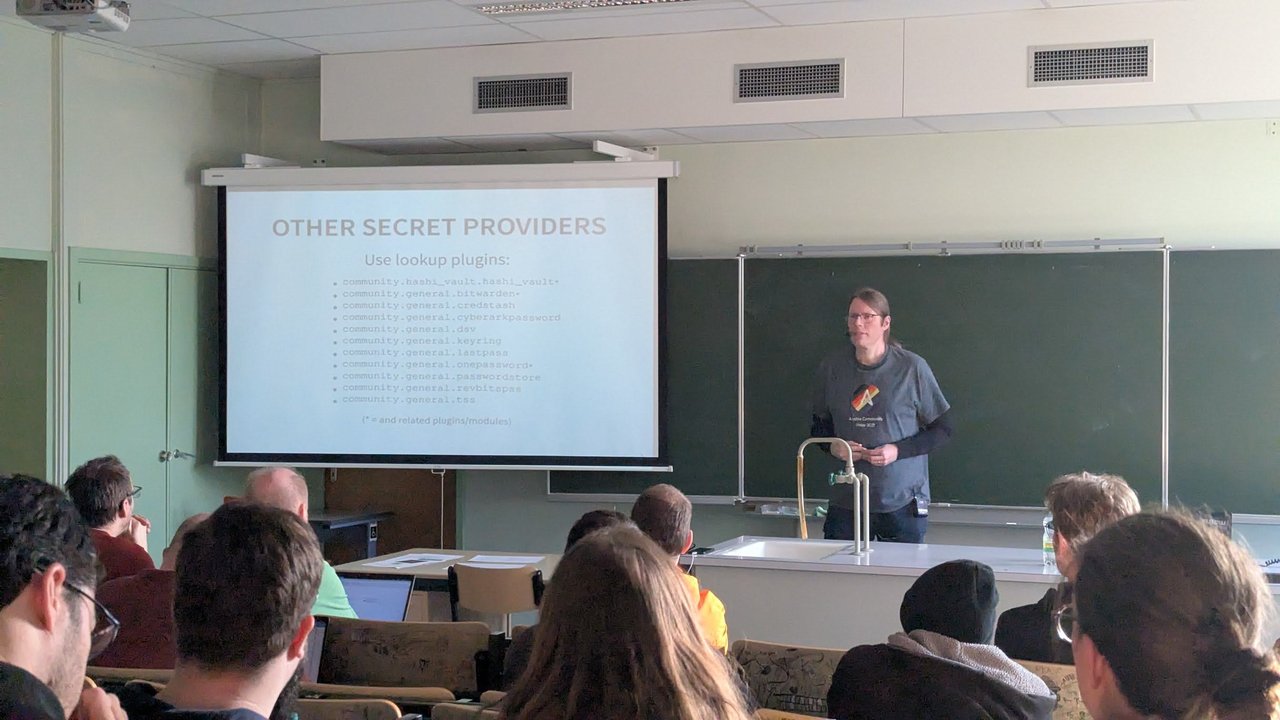
A slide from the “Secrets in Ansible” talk at CfgMgmtCamp 2025: client-server secret stores plug into Ansible through lookup plugins, from HashiCorp Vault to Bitwarden and 1Password.
To load a whole encrypted file at task time, the way you’d use include_vars, use community.sops.load_vars:
- name: Load app secrets
  community.sops.load_vars:
    file: app.sops.yaml        # looked up in the role's vars/ or next to the playbook
    name: app_secrets
    expressions: ignore        # default: Jinja2 in the file is not evaluated
Two things to know. expressions defaults to ignore, so a value like "{{ inventory_hostname }}" stays a literal string unless you set evaluate-on-load (or lazy-evaluation on ansible-core 2.19+). On ansible-core older than 2.21, load_vars returns facts rather than variables. That’s the “as facts, not as variables” point from the talk. Since 2.21 the default return_method: auto sets real variables. vars_files and ansible.builtin.include_vars don’t understand SOPS at all, which is why the talk’s wish list asked for SOPS-aware versions of them.
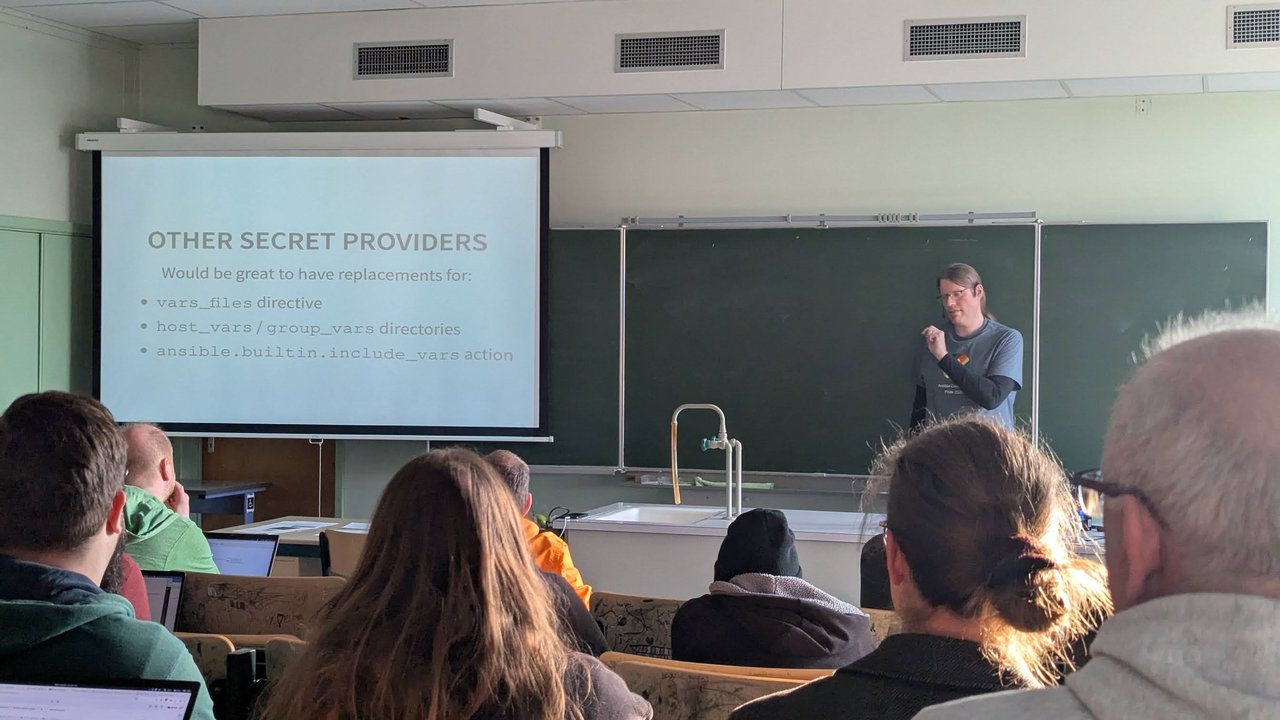
A slide from the “Secrets in Ansible” talk at CfgMgmtCamp 2025: the wish list of secret-aware replacements for vars_files, host_vars/group_vars and include_vars.
Key rotation: sops updatekeys and sops rotate
There are two separate keys to think about. Each recipient (age, PGP, KMS) wraps a per-file data key, and the data key encrypts the values.
Adding someone: add their public key to .sops.yaml, then re-wrap the data key for every file. -y skips the confirmation prompt:
find inventory secrets -name '*.sops.yaml' -exec sops updatekeys -y {} \;Removing someone or a leaked key: remove it from .sops.yaml, then run updatekeys first and rotate second on each file, as the SOPS docs recommend:
sops updatekeys -y inventory/group_vars/prod/secrets.sops.yaml
sops rotate -i inventory/group_vars/prod/secrets.sops.yaml
sops rotate generates a new data key and re-encrypts every value. It also accepts --add-age/--rm-age (and the PGP/KMS equivalents), but I prefer to keep .sops.yaml as the single source of truth. Then change the actual passwords and tokens: the old key holder may still have the old values from Git history. Running sops rotate -i on a schedule is a good habit anyway.
SOPS in CI: the age key as a secret
Give each CI environment its own age key and list its public key only in the matching creation rule. Store the private key as a CI secret and expose it as SOPS_AGE_KEY, which SOPS reads directly. No key file on disk is needed. A GitHub Actions example:
jobs:
  deploy-prod:
    runs-on: ubuntu-latest
    environment: production
    env:
      SOPS_AGE_KEY: ${{ secrets.SOPS_AGE_KEY_PROD }}
    steps:
      - uses: actions/checkout@v4
      - run: pip install ansible-core
      - run: ansible-galaxy collection install community.sops
      - run: ansible-playbook community.sops.install_localhost
      - run: ansible-playbook -i inventory/hosts.ini site.yml --limit prod
The staging runner can’t decrypt group_vars/prod/ because its key was never a recipient. With a single vault password that separation is much harder.
For execution environments, the collection docs suggest running ansible-playbook -v community.sops.install_localhost as an additional_build_steps step, since SOPS isn’t installed automatically. On AWX, the environment variable SOPS_ANSIBLE_AWX_DISABLE_VARS_PLUGIN_TEMPORARILY lets inventory syncs run without decrypting.
SOPS vs Ansible Vault: an honest comparison
| Ansible Vault | SOPS + community.sops | |
|---|---|---|
| Extra software | None, ships with Ansible | sops binary and the collection on the controller |
| Who can decrypt | Anyone with the password for that vault ID | Each listed age/PGP/KMS recipient |
| Adding or removing a person | Share or ansible-vault rekey the password | sops updatekeys, then sops rotate on removal |
| What Git shows | Whole-file vault hides everything | Keys visible, values encrypted (or only matching values) |
vars_files, include_vars | Native | Not supported; use load_vars or the vars plugin |
| Use outside Ansible | Ansible only | Any tool that can call sops |
Vault is still the simpler choice when one small team runs one environment, everyone already shares a password manager, and you don’t want another binary on every controller and execution environment. It “just works”, as the talk’s comparison slide put it.

A slide from the “Secrets in Ansible” talk at CfgMgmtCamp 2025: Ansible Vault “just works”, SOPS has broad support, client-server solutions go through a lookup plugin.
My take: once you have more than one environment, a CI runner per environment, or people joining and leaving, per-recipient keys and updatekeys beat redistributing a vault password. For the basics on the Vault side, see my Ansible Vault tutorial.
Common pitfalls
- File not decrypted: the name must end in
.sops.yaml,.sops.ymlor.sops.json(or adjustvalid_extensions), andcommunity.sops.sopsmust be listed afterhost_group_vars. - “no matching creation rules found”: you ran
sops encryptfrom a directory where.sops.yamlisn’t found, orpath_regexdoesn’t match the relative path. - “MAC mismatch”: you edited a cleartext value by hand. Use
sops edit. - Decryption fails on macOS: the key is in
~/.config/sops/age/but SOPS looked under~/Library/Application Support/. SetSOPS_AGE_KEY_FILE. - Secrets in logs: add
no_log: trueto tasks that handle looked-up secrets.