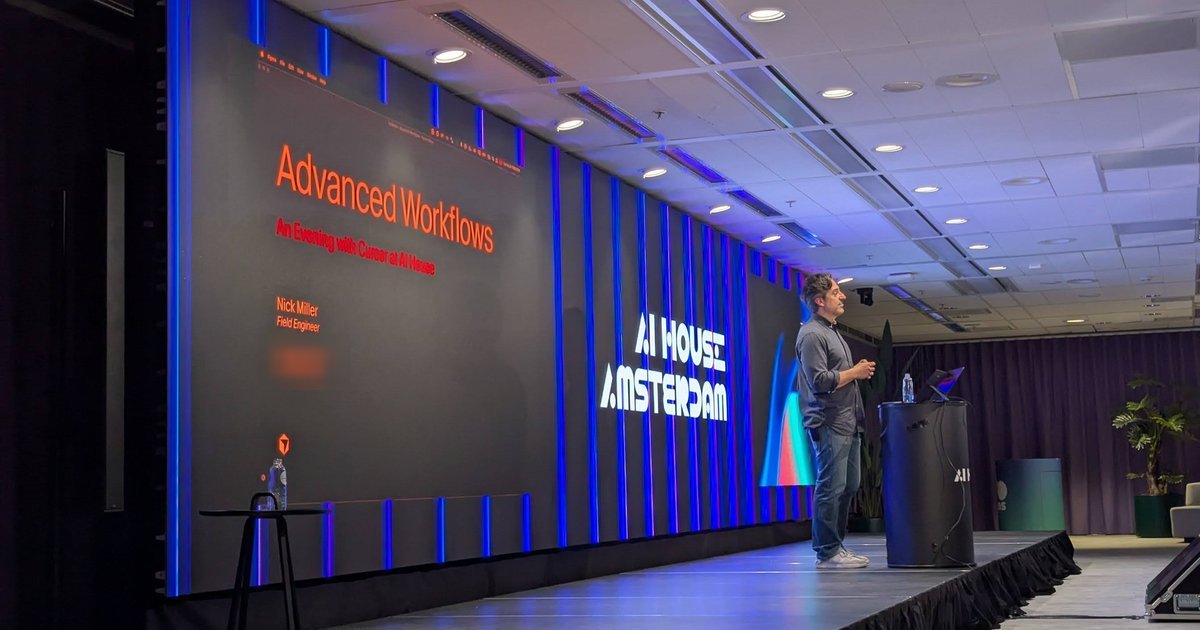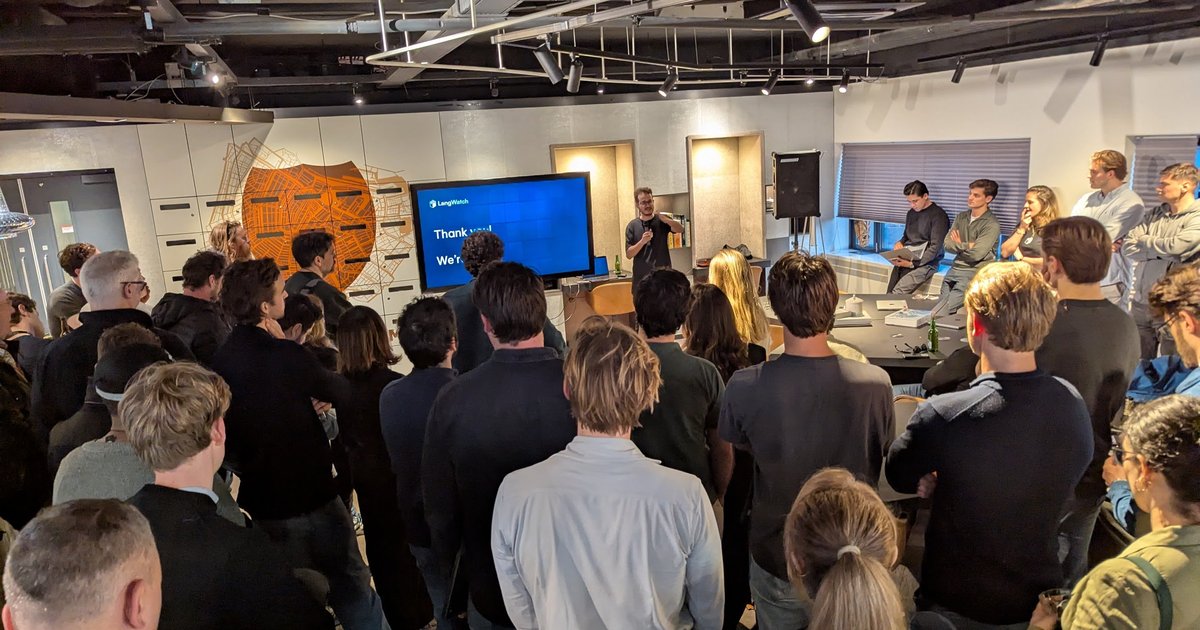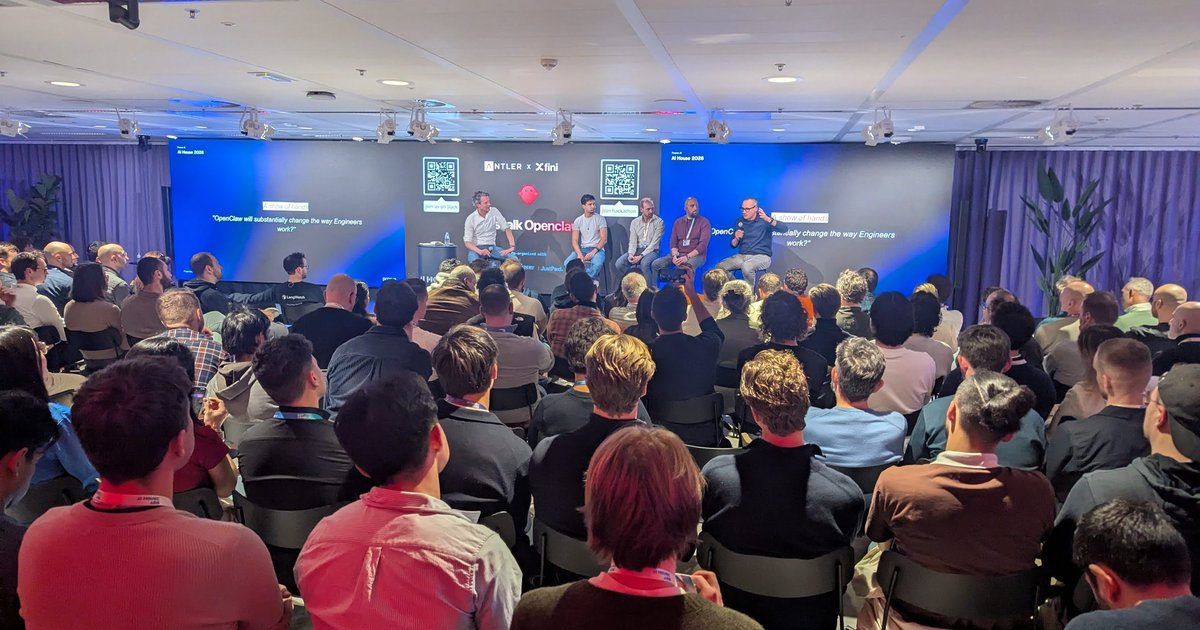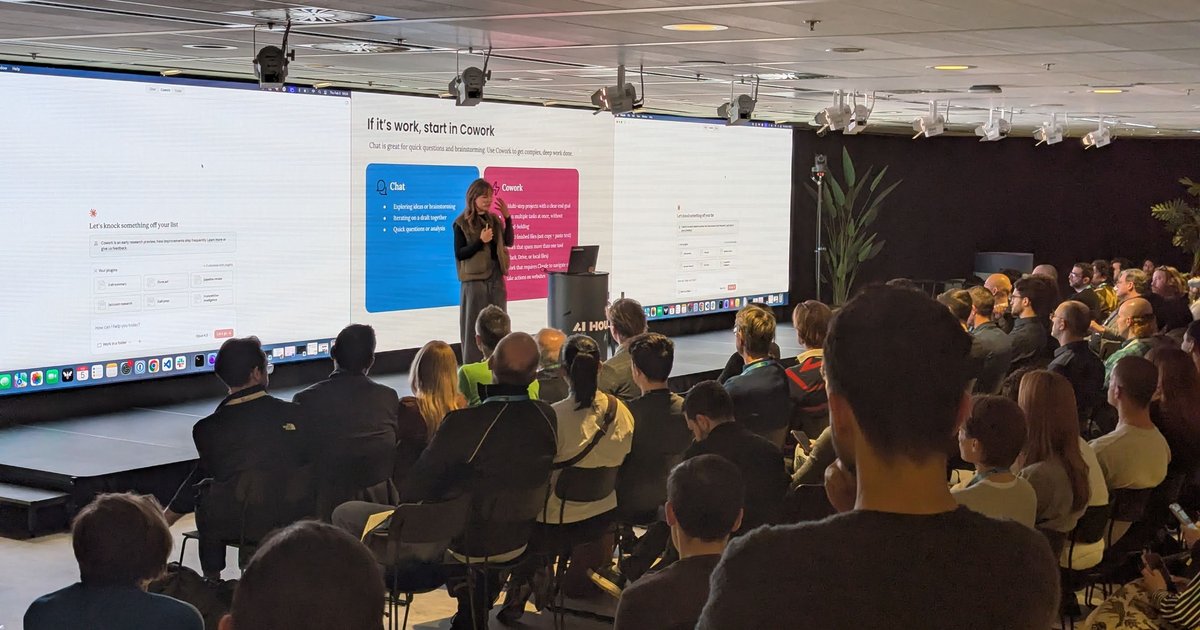
On Thursday 5 February 2026 I was back at AI House Amsterdam on Gustav Mahlerplein for “Agentic AI: From Code to Commerce”. The invitation promised builders from Anthropic, Cursor, ElevenLabs, Just Eat Takeaway, Stripe and Prosus, talking about how agentic systems are changing work, software development and commerce. The evening followed that order: first agents for knowledge work, then agents that write code, then voice agents, and finally agents that buy things.
Cowork: agents for everyday work
The first session was about Claude Cowork, with slides on one side of the screen and the Claude desktop app running live on the other. The welcome screen read “Let’s knock something off your list”, with a note that “Cowork is an early research preview” and that new improvements ship frequently.
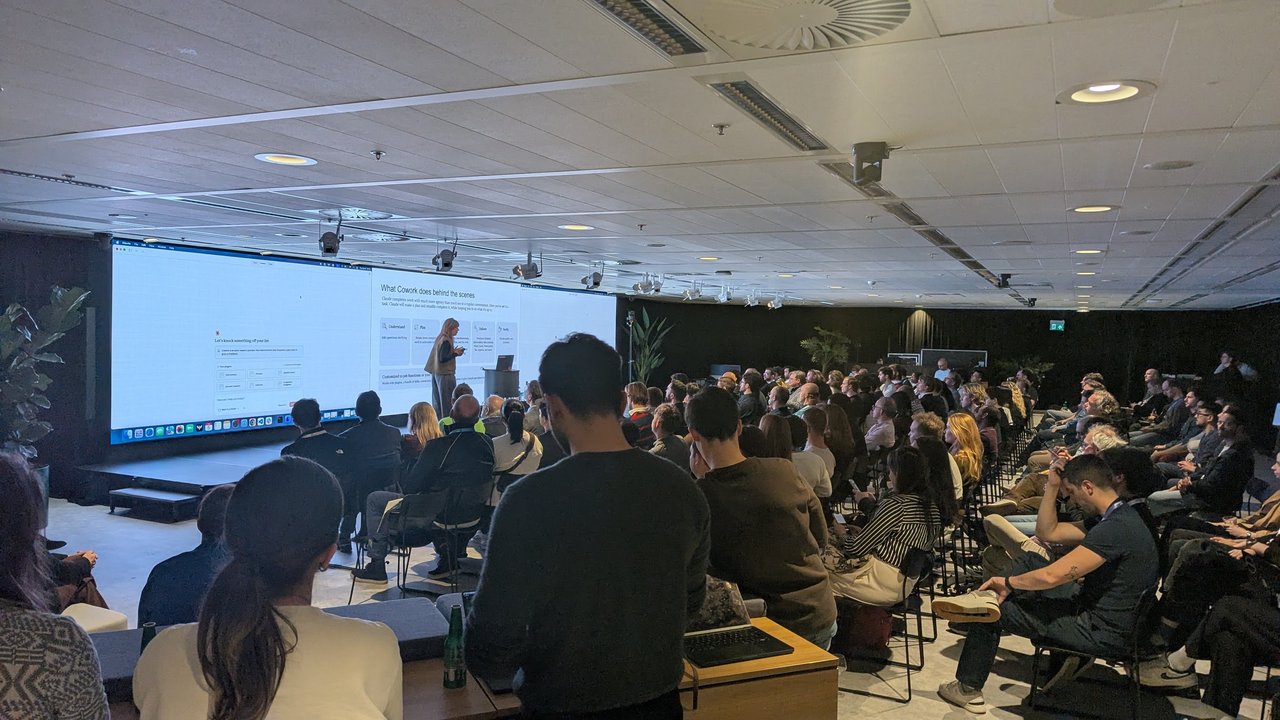
“What Cowork does behind the scenes”, with the Cowork home screen on the left.
The “What Cowork does behind the scenes” slide said Claude works “with much more agency than you’d see in a regular conversation”: once you set it a task, it makes a plan and steadily completes it, while keeping you informed about what it’s doing. The slide broke this into five cards. The middle one was hidden behind the speaker in my photo; the other four read:
- Understand: asks clarifying questions
- Plan: breaks complex work down into actionable steps
- Deliver: produces finished deliverables, such as data analysis, Word, Excel and PowerPoint files, and reports
- Verify: checks quality and accuracy
A bar underneath said it can be customised to job functions or your company, using plugins: bundles of skills and connectors.
The next slide, “If it’s work, start in Cowork”, was the clearest way I’ve seen of explaining when to use which mode. Chat is for exploring ideas or brainstorming, iterating on a draft together, and quick questions or analysis. Cowork is for multi-step projects with a clear end goal, running multiple tasks at once without hand-holding, getting finished files rather than copy-and-paste text, work that spans more than one tool (Slack, Drive or local files), and work that needs Claude to navigate and take actions on websites.
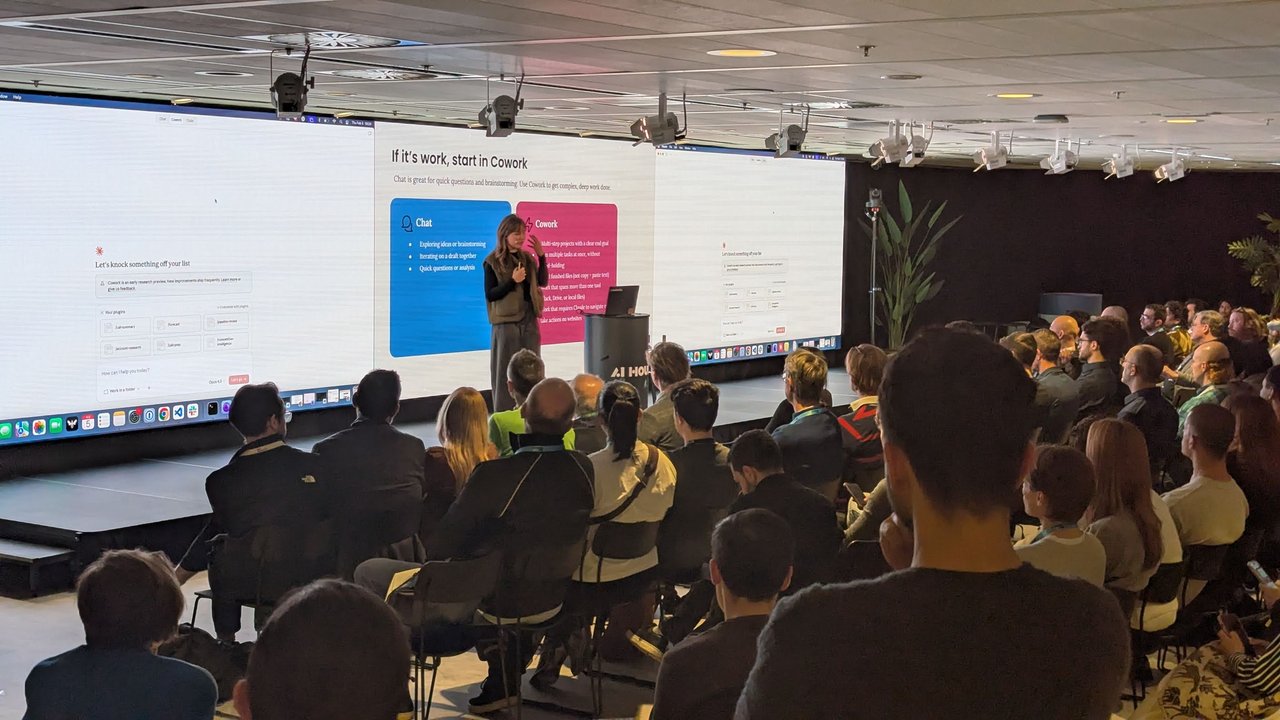
Chat in blue, Cowork in pink: the slide that made the use case clear.
Plugins: turning Claude into a specialist
Then came “Turn Claude into a specialist”. The headline example: “Add a sales plugin and Claude knows your CRM, your process, and your team’s language.” A plugin combines three things:
- Connectors: access to relevant tools, such as the CRM, docs and external services
- Skills: best practices and domain expertise for the work
- Commands: quick shortcuts for common, repeatable tasks
The plugin browser on screen listed Productivity, Product Management, Marketing, Legal, Finance, Enterprise Search, Data, Customer Support and Bio Research, each marked “Anthropic verified”. On the Cowork home screen, the “Your plugins” panel of the demo account showed sales shortcuts: /call-summary, /forecast, /pipeline-review, /account-research, /call-prep and /competitive-intelligence.
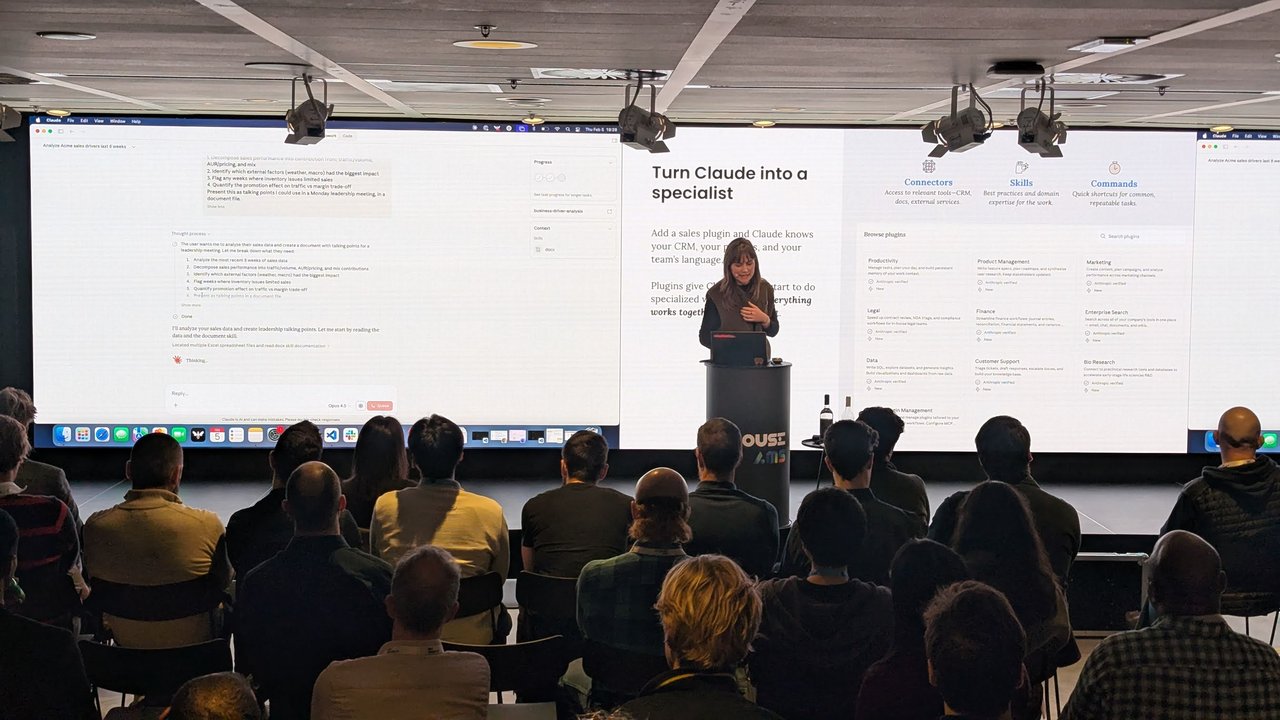
Plugins on the right, a live Cowork task on the left.
The live task on the left screen was an analysis of sales drivers for a sample company called Acme. The prompt asked Claude to break sales performance down into traffic/volume, pricing and mix; find which external factors (weather, macro) had the biggest impact; flag weeks where inventory issues limited sales; and quantify the promotion effect on traffic against the margin trade-off. The result had to be talking points for a Monday leadership meeting, in a document file. Claude restated that as a numbered plan, then started by finding the Excel spreadsheets and reading its docx skill. A progress tracker and a business-driver-analysis entry sat in the side panel.
My take: the skill, connector and command split is the right one. It’s the same split we use in platform engineering: shared knowledge, access, and repeatable actions. Teams that want this to work in an enterprise will have to own the plugins like any other internal product, with versioning, review and an owner.
Cursor: from local edits to background agents
The Cursor session moved to code. The screen showed a small game called “Where in Amsterdam”: you guess a location on a Google Map and get a score. The demo round ended with “Great job!”, 3,734 out of 5,000 points and a distance of 2.53 km. The changes were committed straight from the terminal (“made map bigger”).
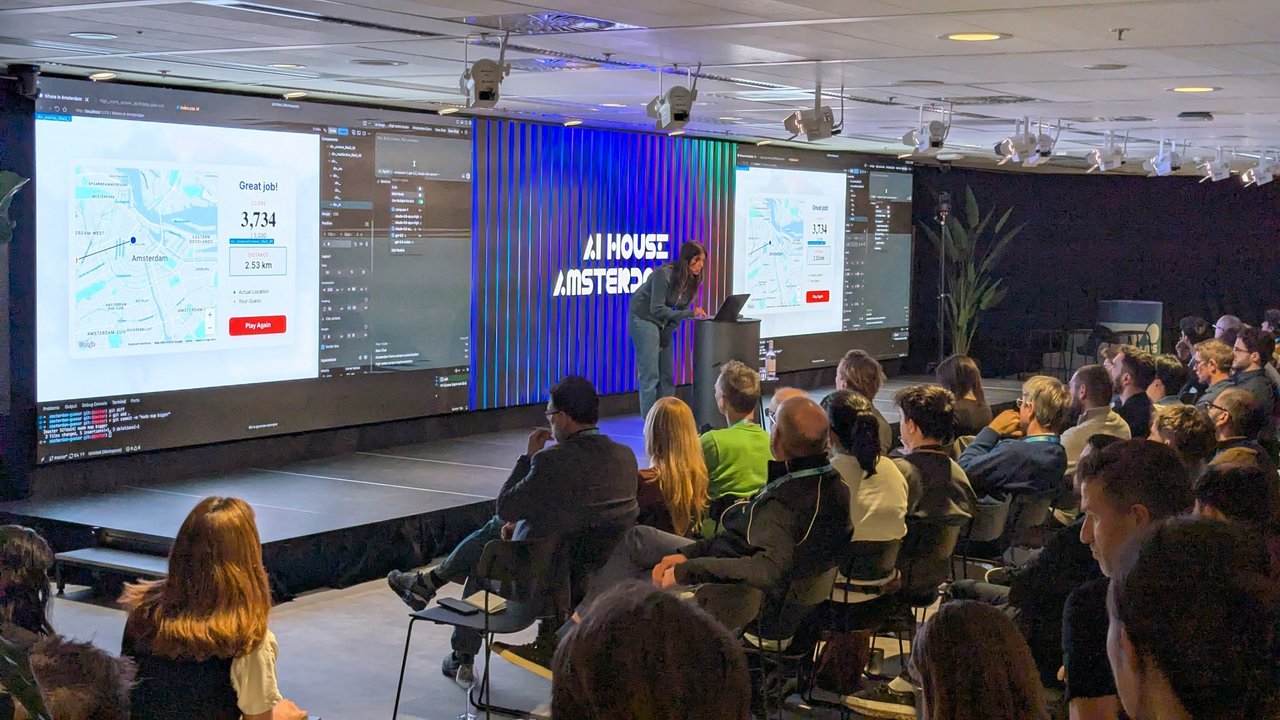
Building a map game live, with the agent panel next to the preview.
A few minutes later the demo moved to Cursor’s web agents view. The prompt was “Can you fix an issue where if I minimize the final scorecard too much, the map disappears?” The agent, running on Opus 4.5, added a minimum height to the map container and a window resize listener that triggers a Google Maps resize. It then committed “Add resize handling for Google Maps in scorecard” to its own cursor/... branch. That’s the workflow I find most interesting: you hand off a bug, then review a branch instead of watching every keystroke.
Voice: JET and ElevenLabs
The next slot had two speakers. The intro slide named Courtney Langmeyer (Software Engineer at JET) and Max Lemmens (GTM at ElevenLabs). Courtney opened with “The Future of Food Ordering: Exploring our Voice Assistant”, about voice ordering at Just Eat Takeaway.
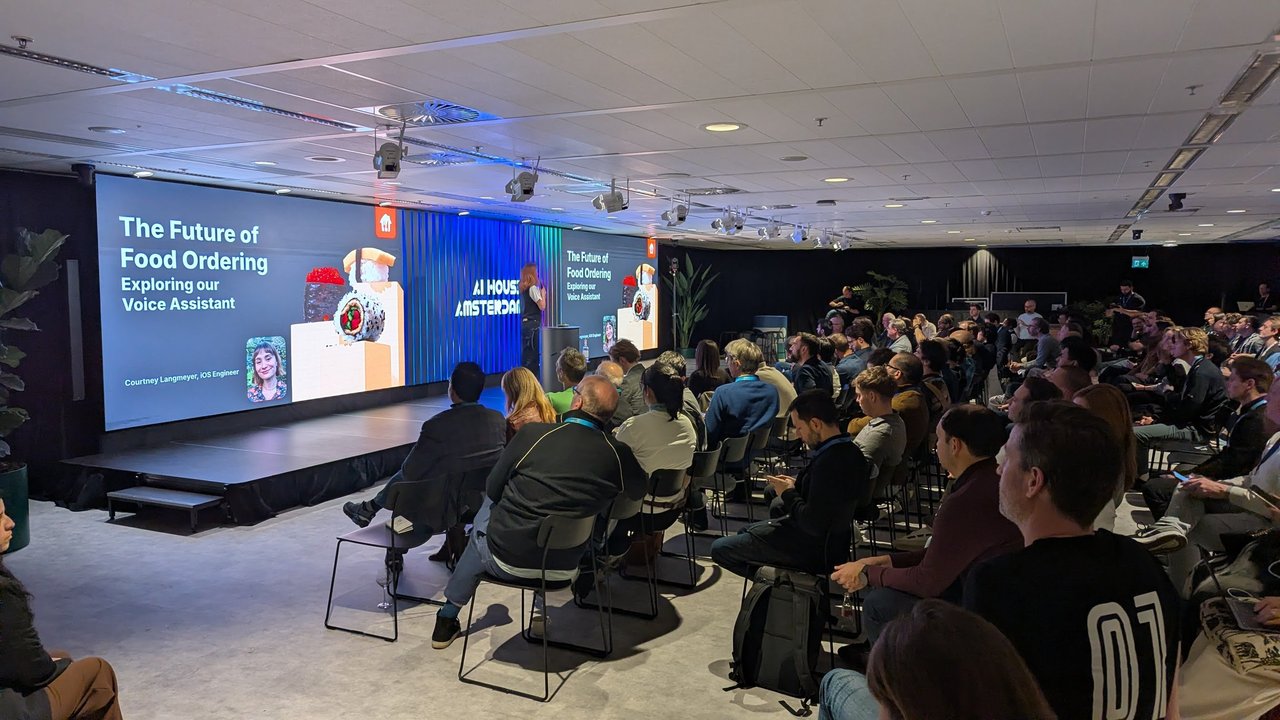
JET’s voice assistant talk.
Max followed with ElevenLabs slides, co-branded with Prosus, that opened on “Voice is technology’s new interface”. One slide described ElevenLabs as “the full-stack agent platform converting its own frontier models into scalable enterprise impact”, with three numbers: 5M+ active users, an $11bn valuation and 75% of the Fortune 500. Customer logos included Duolingo, DoorDash, Just Eat, Revolut, Deliveroo, MasterClass, Deutsche Telekom, Klarna and KPN. The slide also had a quote from Revolut: “We tested every major provider… ElevenLabs delivered the best voices and lowest latency, kept us in control of orchestration, and met our security bar with PCI compliance and zero retention options.”
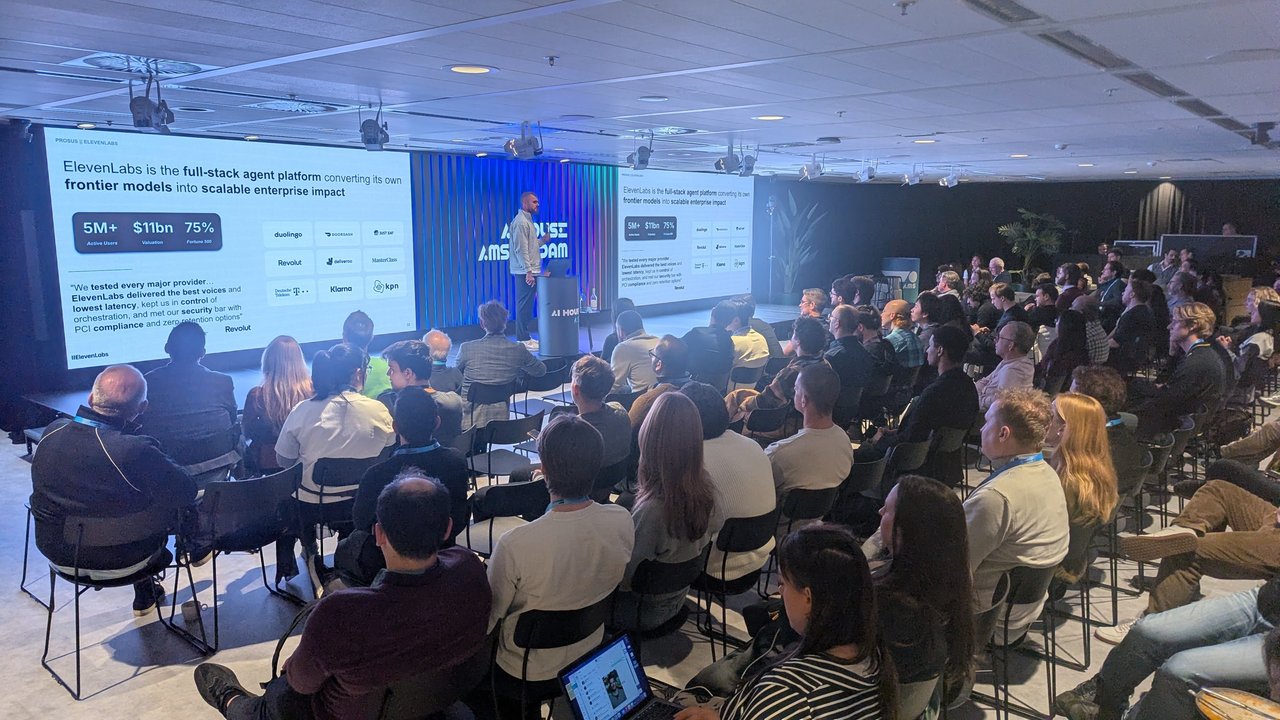
ElevenLabs on voice agents at enterprise scale.
That Revolut quote names the criteria regulated companies actually use: latency, control over orchestration, compliance and data retention. Model quality alone isn’t enough.
OpenClaw, ClawHub and agentic commerce
The final block put several people on stage, with OpenClaw on the screens. Then came ClawHub, billed as “the skill dock for sharp agents”: upload AgentSkills bundles, version them like npm, and make them searchable with vectors. The install line on screen was npx clawhub@latest install sonoscli.
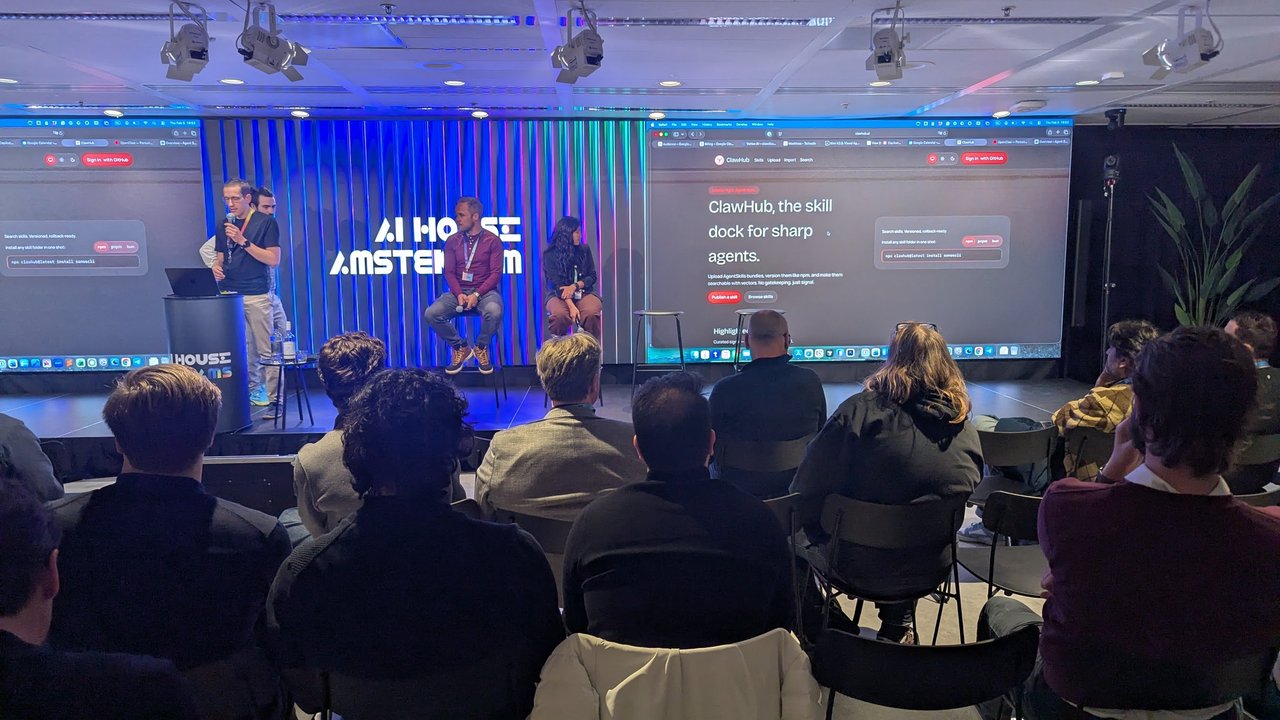
ClawHub: an npm-style registry for agent skills.
The evening closed with “Panel: Solving hard problems to unlock Agentic Commerce”, with Liam O’Neill (EMEA Agentic Commerce Tech Lead at Stripe), Nidhi Sharma (JET), Paul van der Boor (VP AI at iFood, Prosus) and Demetrios Brinkmann (Founder, MLOps Community). It led neatly into the question AI House came back to six weeks later at When AI Agents Hold Wallets.
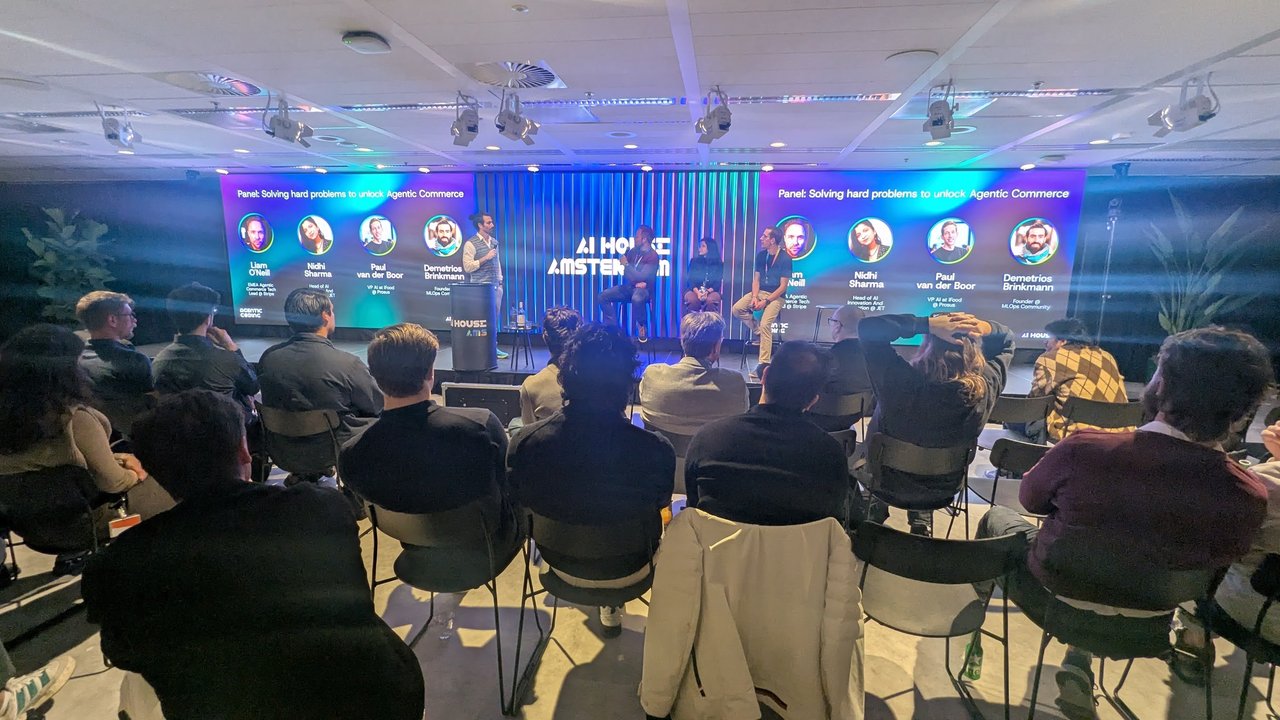
The agentic commerce panel wrapped up the evening.
My take
Seen together, the sessions showed the same pattern three times. Cowork plugins, ClawHub skills and Cursor background agents all package know-how as versioned, installable units and then let an agent run with them. That moves the hard problems to familiar ground: distribution, permissions, review and audit. Those are platform engineering problems, and they’re the ones to solve before an agent gets a wallet.